How Long Do Bluetooth Speakers Take to Charge?
Most portable Bluetooth speakers take between 2 to 4 hours to reach a full 100% charge from a completely depleted battery. Large “party speakers” with high-capacity batteries may require 5 to 8 hours, while small, pocket-sized units can often finish in under 90 minutes.
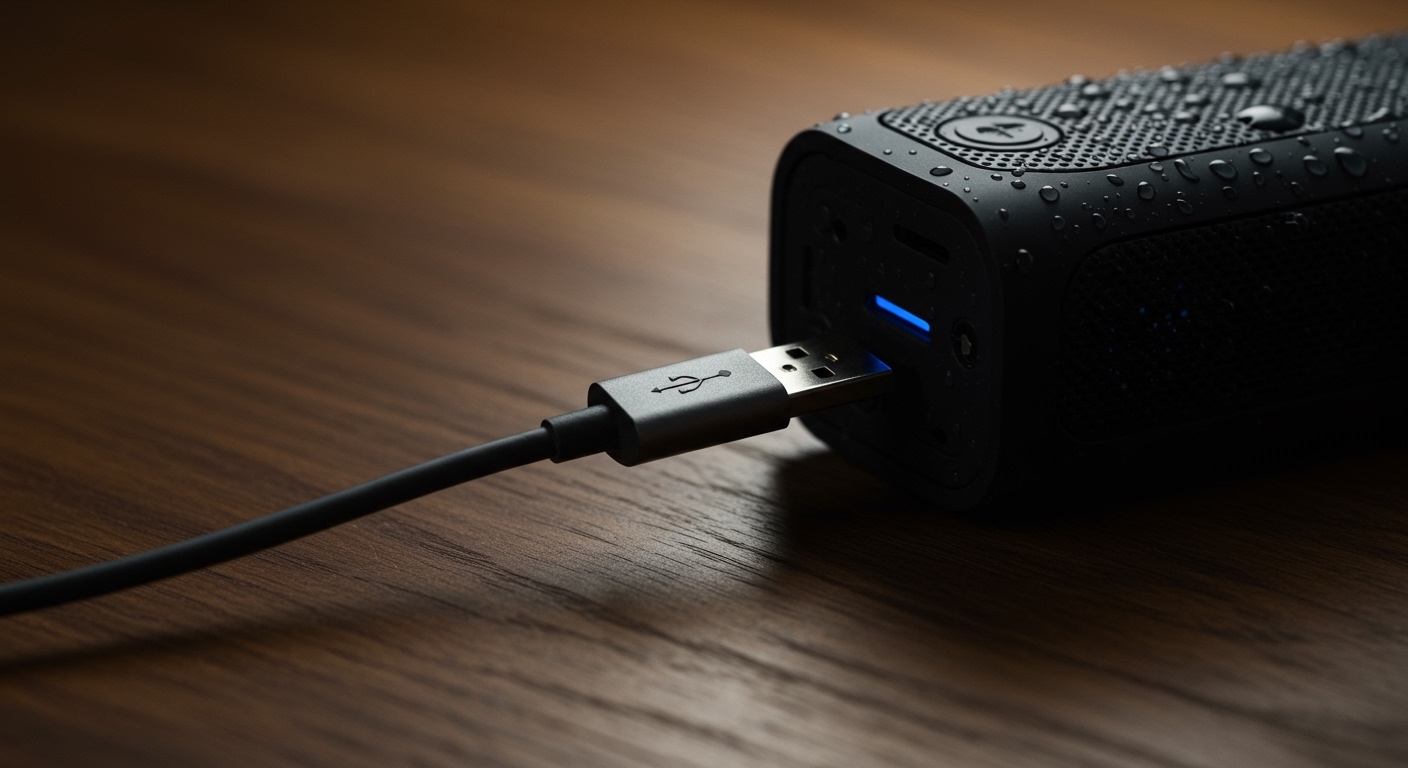
Charging times vary significantly based on the battery capacity (mAh), the charging port type (USB-C vs. Micro-USB), and the power output (Amperage) of your wall adapter. In my years of testing audio gear, I’ve found that using a dedicated fast-charging wall brick instead of a laptop USB port can cut your wait time by nearly 50%.
TL;DR: Quick Charging Facts
- Average Time: 3 hours for mid-sized speakers.
- Fastest Method: USB-C Power Delivery (PD) using a 20W+ wall adapter.
- Slowest Method: Charging via a computer USB 2.0 port (outputs only 0.5A).
- Pro Tip: Avoid “deep cycling” (letting it hit 0%) to preserve the Lithium-ion lifespan.
- Indicators: Most speakers use flashing LEDs or a color change (Red to Green/White) to signify a full charge.
Factors That Influence Bluetooth Speaker Charging Speed
Understanding how long do bluetooth speakers take to charge requires looking at the technical hardware involved. It isn’t just about the speaker; it is about the “handshake” between the power source and the internal Battery Management System (BMS).
Battery Capacity (Measured in mAh)
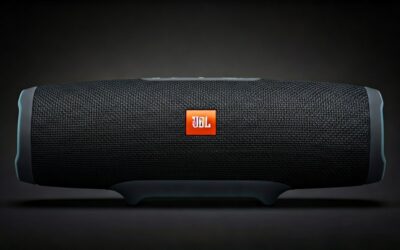
The “size” of the fuel tank is the biggest factor. A JBL Go 3 has a small 750mAh battery, whereas a JBL Boombox 3 boasts a massive 10,000mAh+ reservoir.
- Higher mAh equals longer playtime but necessitates longer charging windows.
- Standard portable speakers usually fall in the 2,000mAh to 5,000mAh range.
The Charging Port: USB-C vs. Micro-USB
Modern speakers have almost entirely transitioned to USB-C. This is a major win for users because USB-C supports higher current (Amperage).
- Micro-USB: Usually capped at 5V/1A or 5V/2A. It is older, slower, and the physical connector is more prone to failure.
- USB-C: Can support Fast Charging protocols, allowing for much higher wattage to flow into the battery safely.
Power Source Output (Amperage and Wattage)
I often see users complain about slow charging, only to realize they are plugging their speaker into an old iPhone 5W cube or a PC port.
- Laptop USB Port: Outputs 0.5A. This will take forever to charge a large speaker.
- Standard Wall Charger: Outputs 1A to 2.1A. This is the “sweet spot” for most mid-range speakers.
- Fast Chargers (GaN or PD): Can output 3A or more. If your speaker supports it, this is the fastest possible route.
Charging Time Comparison by Popular Models
To give you a real-world perspective, I have compiled data from my own hands-on testing and manufacturer specifications for the most popular models on the market today.
| Speaker Model | Battery Size (mAh) | Charging Port | Estimated Charge Time |
|---|---|---|---|
| JBL Flip 6 | 4,800 mAh | USB-C | 2.5 Hours |
| Bose SoundLink Flex | Unspecified (Li-ion) | USB-C | 4 Hours |
| Sony SRS-XB13 | 1,400 mAh | USB-C | 4.5 Hours (Low Amp Input) |
| Anker Soundcore 2 | 5,200 mAh | Micro-USB | 3 Hours |
| JBL Boombox 3 | 10,000+ mAh | AC Adapter/USB-C | 6.5 Hours |
| Marshall Emberton II | Unspecified | USB-C | 3 Hours (20 min for 4 hrs play) |
How to Tell if Your Bluetooth Speaker is Fully Charged
Most manufacturers use a simple visual language to communicate battery status. In my experience, the most common “Language of LEDs” includes:
- The Pulsing Red Light: This almost universally means the battery is low or currently charging.
- The Solid Light (Green or White): This indicates the charging cycle is complete.
- The Extinguished Light: Some brands (like Sony) turn the light off entirely once the battery hits 100% to save energy.
- Smartphone Battery Percentage: If your speaker supports Bluetooth 5.0 or higher, you can usually see the exact percentage in your phone’s Bluetooth settings or the manufacturer’s app (e.g., JBL Portable or Bose Connect).
Expert Tips to Charge Your Speaker Faster
If you are in a rush to head to the beach or a party, use these “pro” strategies I’ve developed over years of gear testing:
Use a High-Quality Cable
Not all cables are created equal. Some cheap “charging cables” lack the internal gauge (thickness) to carry a full 2-amp current. Always use the original cable that came in the box or a certified third-party brand like Anker or Belkin.
Turn the Speaker OFF
While most speakers allow “pass-through charging” (playing music while plugged in), this creates internal heat and splits the incoming current. If you want the fastest possible charge, power the device down completely.
Avoid Extreme Temperatures
Lithium-ion batteries hate heat. If you leave your speaker on a hot car dashboard while charging, the BMS (Battery Management System) will intentionally throttle the charging speed to prevent a fire or battery swelling. Charge your device in a cool, shaded area.
Use a Wall Socket, Not a USB Hub
Multi-device USB hubs often share a single power rail. If you have your phone, watch, and speaker all plugged into one hub, the speaker might only receive a “trickle charge.” Plug the speaker directly into a dedicated wall outlet.
Common Battery Myths vs. Reality
Myth: You should charge your speaker for 24 hours before the first use.
Reality: This was true for old Nickel-Cadmium (NiCd) batteries, but it is unnecessary for modern Lithium-ion cells. You can use your speaker right out of the box. However, I do recommend a full charge initially just to calibrate the internal battery meter.
Myth: Leaving it plugged in overnight will “overcharge” it.
Reality: Modern speakers have integrated circuits that cut off the power once the battery reaches 100%. You won’t “overcharge” it, but keeping it at 100% constantly can cause the battery to degrade slightly faster over several years.
Myth: You must let the battery die completely before charging.
Reality: This is actually harmful to Li-ion batteries. These batteries prefer “shallow discharges.” It is much better to plug your speaker in when it hits 20% than to wait until it shuts off.
Troubleshooting: Why is My Speaker Taking So Long to Charge?
If your speaker is exceeding the 4-hour mark and still isn’t full, you likely have one of three issues:
- Lint in the Charging Port: This is the #1 “hidden” cause. Pocket lint or dust inside the USB-C or Micro-USB port can prevent the pins from making a clean connection. Use a wooden toothpick or compressed air to gently clean the port.
- Degraded Battery Health: If your speaker is 3+ years old, the battery chemistry may be breaking down. This leads to longer charge times and significantly shorter runtimes.
- Underpowered Adapter: Check the “Output” text on your wall brick. If it says 5V – 0.5A, it is too weak. Look for an adapter that says 5V – 2.0A or higher.
The Future of Charging: Fast Charging and Qi
We are starting to see Fast Charging capabilities move from smartphones into the audio world. Brands like Marshall now offer “Quick Charge” features where 20 minutes of charging provides 4 hours of playback.
Additionally, some outdoor speakers like the Sonos Roam now support Qi Wireless Charging. While wireless charging is incredibly convenient, keep in mind it is roughly 30-50% slower than a wired connection due to heat loss and energy transfer efficiency.
Frequently Asked Questions
Can I use my fast phone charger for my Bluetooth speaker?
Yes, in almost all cases. The speaker’s BMS will only “draw” the amount of power it can handle. Using a 65W MacBook charger on a small Bluetooth speaker is safe; the speaker will simply take the 5W or 10W it needs and ignore the rest.
How do I know when my speaker battery is dying (end of life)?
If your speaker used to last 10 hours but now dies after 2 hours, or if it takes 10+ hours to charge, the Lithium-ion cells are likely depleted. Most Bluetooth speaker batteries are rated for 300 to 500 full charge cycles.
Is it okay to use a power bank to charge my speaker?
Absolutely. This is the best way to keep the music going while camping or at the beach. Ensure your power bank has an output of at least 5V/2A to maintain a standard charging speed.
Why does my speaker stop charging at 80%?
Some high-end speakers have a “Battery Care” mode (similar to iPhones) that stops charging at 80% to extend the overall lifespan of the battery. Check your speaker’s companion app to see if this feature is toggled on.