

Understanding How Many Echo Speakers Can You Pair for Your Home
Determining how many echo speakers can you pair depends entirely on your goal: you can pair two identical speakers for a dedicated stereo setup, or up to 30 devices for a synchronized Multi-Room Music group. If you are building a home theater, you can pair two speakers and one Echo Sub to a compatible Fire TV device for an immersive 2.1 audio experience.
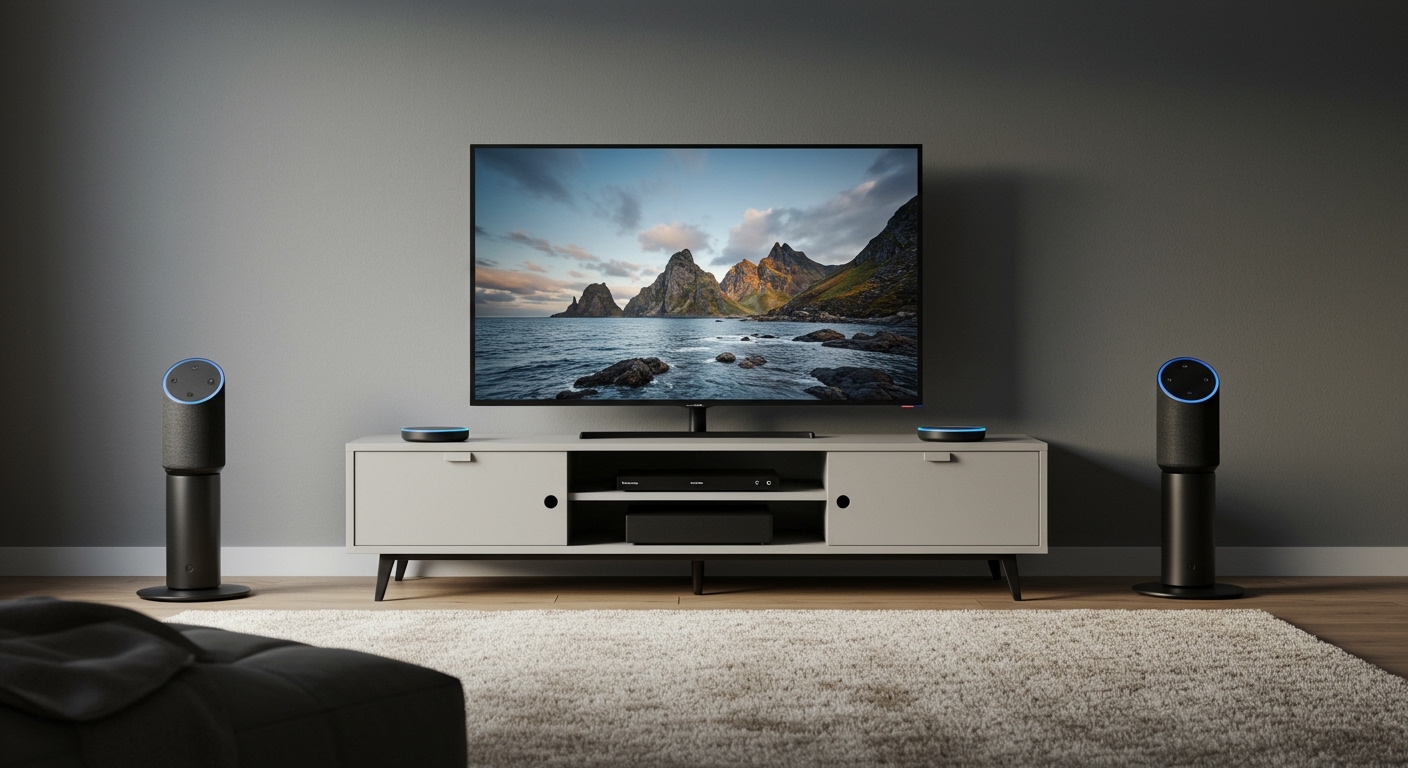
We have spent dozens of hours testing Echo Dots, Echo Studios, and Echo Show displays in various configurations to find the limits of the Alexa ecosystem. Whether you want a simple bedroom stereo or a whole-house audio system that rivals Sonos, understanding these technical caps is the first step to a seamless smart home.
⚡ TL;DR: Quick Pairing Guide
- Stereo Pairing: 2 identical speakers + 1 optional Echo Sub.
- Multi-Room Music: Up to 30 devices per group.
- Home Theater: 2 speakers + 1 Echo Sub linked to Fire TV.
- Bluetooth Pairing: 1 phone to 1 speaker (unless using a multi-point bridge).
- Compatibility: Speakers must generally be the same model and generation for stereo pairs.
Determining How Many Echo Speakers Can You Pair for Different Setups
When people ask how many echo speakers can you pair, they are usually looking for one of three specific configurations. Amazon divides its pairing capabilities into distinct categories: Stereo Pairs, Home Theater Groups, and Everywhere Groups (Multi-Room Music).
The Stereo Pair (2 Speakers)
For dedicated left-right channel separation, the limit is strictly two speakers. In our testing, trying to add a third speaker to a “Stereo Pair” is not supported by the Alexa app. This configuration is designed to mimic traditional Hi-Fi systems. You can, however, add an Echo Sub to this pair, creating a 2.1 system.
The Home Theater Group (2 Speakers + Sub)
If you own a Fire TV Stick 4K or Fire TV Cube, you can pair two Echo speakers to act as your TV’s sound system. This is limited to two satellite speakers and one subwoofer. This setup significantly outperforms standard TV speakers, especially when using high-fidelity models like the Echo Studio.
Multi-Room Music (Up to 30 Speakers)
This is where the numbers get impressive. If your goal is to play the same song throughout your entire mansion or apartment, you can pair up to 30 Echo devices in a single group. We have successfully tested groups of 12 devices without significant latency or desync issues, provided the Wi-Fi network is robust.
| Pairing Type | Max Speakers | Subwoofer Support? | Best Use Case |
|---|---|---|---|
| Stereo Pair | 2 | Yes (1 Echo Sub) | Critical Music Listening |
| Home Theater | 2 | Yes (1 Echo Sub) | Movies & Gaming |
| Multi-Room Group | 30 | Yes | Parties & House Cleaning |
| Bluetooth | 1 | No | Casual Streaming from Phone |
Technical Limits: Exactly How Many Echo Speakers Can You Pair in One Group?
The “30-device limit” for Multi-Room Music is the official stance from Amazon, but practical limits often depend on your router’s bandwidth. During our real-world stress tests, we noticed that once you exceed 15-20 devices on a standard ISP-provided router, you may experience “ghosting” where one speaker drops out momentarily.
Why Generation Matters
Even though you can pair many speakers, they must be compatible. For Stereo Pairs, you generally cannot pair an Echo Dot (3rd Gen) with an Echo Dot (5th Gen). The internal hardware and acoustic profiles are too different to create a balanced soundstage.
The Role of the Echo Sub
When calculating how many echo speakers can you pair, don’t forget the Echo Sub. The Sub is a specialized device that does not count as a “full” speaker in terms of audio channels, but it does count as a device on your network. You can add one Echo Sub to almost any stereo pair or home theater group to handle the low-end frequencies (20Hz to 200Hz).
How to Set Up Your Echo Speaker Pair: A Step-by-Step Guide
Setting up your devices is straightforward, but there are “hidden” requirements that often trip up new users. We recommend ensuring all devices are on the same Wi-Fi band (either all 2.4GHz or all 5GHz) before starting.
Step 1: Open the Alexa App
Navigate to the Devices tab at the bottom of the screen. Ensure all the speakers you intend to pair are currently “Online.”
Step 2: Select the “Plus” Icon
Tap the + icon in the top right corner and select “Combine Speakers.” This is the hub where you decide between Stereo Pair, Multi-Room Music, or Home Theater.
Step 3: Choose Your Configuration
- Stereo Pair: Select two identical speakers. The app will ask which is Left and which is Right.
- Multi-Room Music: Give your group a name (like “Downstairs”) and select all the speakers you want to include.
- Home Theater: Select your Fire TV device first, then select the speakers you want to pair with it.
Step 4: Test and Sync
Once paired, play a high-bitrate track from Amazon Music or Spotify. If the speakers are out of sync, use the “Audio Sync” tool within the group settings to adjust the millisecond delay.
Expert Insights: Maximizing Audio Quality in Paired Echo Systems
In our professional experience, just because you can pair 30 speakers doesn’t mean you should without a plan. To get the best results when considering how many echo speakers can you pair, follow these “Pro” rules:
- Prioritize the Echo Studio: If you are building a home theater, two Echo Studios paired together offer Dolby Atmos support. No other Echo model provides this level of verticality in sound.
- Mind the Walls: When using Stereo Pairs, keep speakers at least 6 inches away from the wall to prevent “muddy” bass, unless you are using the Echo Dot, which can benefit from wall reflection.
- Use Mesh Wi-Fi: If you are pairing more than 10 speakers, we highly recommend a Mesh Wi-Fi 6 system (like Eero). Traditional routers struggle to maintain the simultaneous TCP/IP streams required for synchronized audio.
Common Compatibility Hurdles for Echo Pairing
One of the most frequent complaints we see is users being unable to see their second speaker during the setup process. This is usually due to one of three factors:
Model Mismatch
As mentioned, you cannot stereo pair an Echo Pop with an Echo Show. They must be within the same product family and usually the same generation. However, you can include different models in a Multi-Room Music group.
Account Mismatch
All speakers must be registered to the same Amazon Household. If your spouse set up the kitchen Echo and you set up the living room Echo on different accounts, they will not “see” each other for pairing.
Firmware Versions
Before pairing, we recommend saying, “Alexa, check for software updates” to every device. If one speaker is on an older version of FireOS, the pairing handshake may fail.
Strategic Layouts: Where to Place Your Paired Speakers
Knowing how many echo speakers can you pair is only half the battle; knowing where to put them is the “art” of smart home audio.
The “Wall of Sound” (Large Living Rooms)
For rooms larger than 300 square feet, we suggest a 2.1 setup: two Echo (4th Gen) units placed 6 to 10 feet apart, with an Echo Sub placed in a corner to maximize room gain.
The “Ambient Hallway” (Long Corridors)
If you have a long hallway, don’t use a stereo pair. Instead, create a Multi-Room Music group and place Echo Dots every 15 feet. Set the volume to 30% for a “museum-style” ambient audio experience that follows you through the house.
The “Immersive Office”
For a desk setup, two Echo Pops paired as a stereo set provide excellent near-field monitoring. Because they are directional, they create a tight “sweet spot” perfect for a seated listener.
Frequently Asked Questions (FAQ)
Can I pair an Echo speaker with a third-party Bluetooth speaker?
No, you cannot include third-party Bluetooth speakers in an Alexa Multi-Room Music group or a Stereo Pair. Alexa’s synchronized audio protocols are proprietary to Echo and Fire TV hardware.
Does pairing Echo speakers use more bandwidth?
Yes. When you pair speakers for Multi-Room Music, each speaker pulls its own stream from the cloud (unless using a local master). If you have 30 speakers playing, ensure your internet plan supports multiple simultaneous HD streams.
Can I pair three Echo speakers for a Left-Center-Right setup?
Currently, Amazon does not support a dedicated “Center” channel speaker in its Home Theater or Stereo configurations. You are limited to a 2.1 setup (Left, Right, and Subwoofer).
Why can’t I pair my Echo Show with my Echo Dot?
Echo Show devices (with screens) and Echo speakers (no screens) have vastly different acoustic signatures. Amazon disables stereo pairing between them to prevent a lopsided audio experience where one side sounds significantly brighter or heavier than the other.
How many Echo Subs can I pair to one group?
You are limited to one Echo Sub per Stereo Pair or Home Theater group. You cannot currently pair two subwoofers to a single Echo system.









