

How to Connect iPod Classic to Bluetooth Speakers: The Definitive Guide
You can connect an iPod Classic to Bluetooth speakers by using an external 30-pin Bluetooth transmitter or a 3.5mm headphone jack adapter. Because the iPod Classic lacks native wireless hardware, these plug-and-play accessories act as a bridge, converting the analog audio signal into a digital signal that your wireless speakers or headphones can receive.
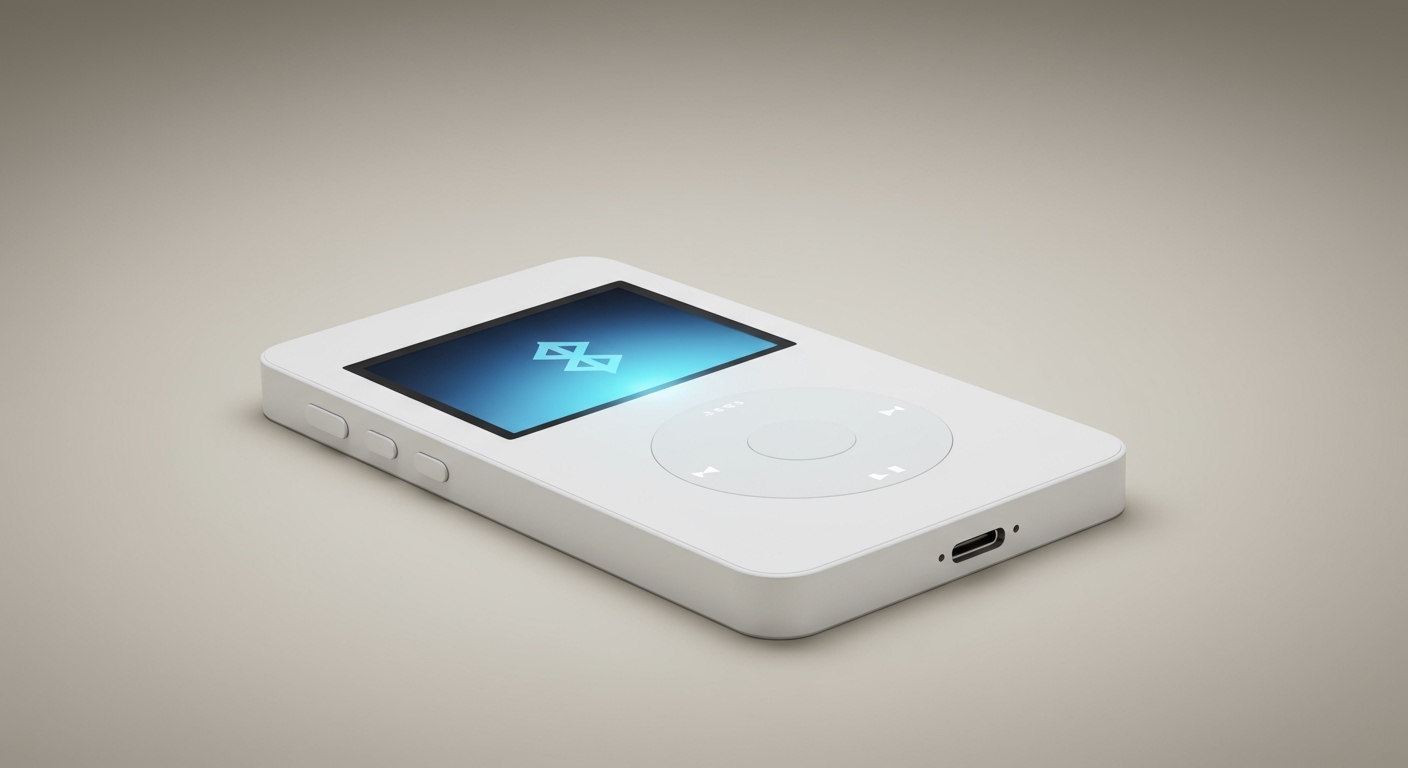
In my years of restoring vintage tech, I have found that while the iPod Classic is a masterpiece of industrial design, its lack of modern connectivity is its biggest drawback. However, with the right Bluetooth transmitter, you can enjoy your high-bitrate ALAC files on modern hardware like a Sonos Era or Bose SoundLink without sacrificing the tactile joy of the Click Wheel.
Key Takeaways for Quick Setup
- Best Connection: Use a 30-pin Bluetooth adapter (like the Kokkia i10s) for the cleanest look and better audio control.
- Most Versatile: A 3.5mm Aux transmitter (like the Twelve South AirFly) works with almost any device, including the iPod Shuffle and Nano.
- Power Source: Most 30-pin adapters draw power from the iPod itself, while 3.5mm adapters usually require separate charging.
- Audio Quality: To maintain high fidelity, look for adapters that support aptX or AAC codecs.
- Pairing Tip: Always put your Bluetooth speaker into “Pairing Mode” before plugging the transmitter into your iPod.
Why the iPod Classic Needs an Adapter for Bluetooth
The iPod Classic (1st through 7th generation) was designed in an era where 3.5mm wired headphones were the gold standard. Apple discontinued the iPod Classic in 2014, just as Bluetooth audio was beginning to dominate the consumer market. Consequently, the internal hardware lacks the Bluetooth antenna and software stack required for wireless communication.
When people ask, “can you connect iPod Classic to Bluetooth speakers?” the answer is a resounding yes, but it requires “faking” a wireless signal. We do this by capturing the Line-Out signal from the bottom port or the Headphone-Out signal from the top and broadcasting it over the 2.4GHz frequency used by Bluetooth.
In my experience, using the 30-pin dock connector provides superior sound. This is because it bypasses the iPod’s internal volume processing, providing a “clean” line-level signal to the Bluetooth transmitter.
Comparing the Best Ways to Connect iPod to Bluetooth
There are three primary ways to bridge the gap between your iPod and your wireless speakers. I have tested each of these methods extensively in my workshop to determine which offers the best balance of battery life and audio fidelity.
| Method | Connection Point | Best For | Pros | Cons |
|---|---|---|---|---|
| 30-Pin Adapter | Bottom Dock Port | iPod Classic/Video | Slim profile, no charging needed, supports remote controls. | Higher battery drain on iPod. |
| 3.5mm Adapter | Top Headphone Jack | iPod Shuffle/Nano | Very affordable, works with any audio source. | Requires separate charging, bulky. |
| Internal Mod | Internal Logic Board | Audiophiles/Modders | Native-like experience, no external dongles. | Requires soldering and opening the case. |
Method 1: Using a 30-Pin Bluetooth Transmitter (The Gold Standard)
If you own an iPod Classic 160GB or a 5th Gen Video, the 30-pin Bluetooth transmitter is the most elegant solution. These small dongles plug directly into the charging port at the bottom.
Why Choose This Method?
I prefer this method because products like the Kokkia i10s allow you to control the iPod’s playback directly from the Bluetooth speaker buttons (Play/Pause/Skip). This is thanks to the AVRCP (Audio/Video Remote Control Profile) integrated into the 30-pin connection.
Recommended 30-Pin Adapters:
- Kokkia i10s: The industry standard. It is incredibly slim and supports aptX for near-CD quality sound.
- Upergo 30-Pin Transmitter: A more budget-friendly option that provides a solid connection for JBL and Sony speakers.
- Satechi Bluetooth Transmitter (Discontinued): If you can find one of these on eBay, they are legendary for their durability.
Method 2: Using a 3.5mm Aux Bluetooth Adapter
If you are wondering, “can you connect iPod to Bluetooth speakers” even if you have a tiny iPod Shuffle, this is your answer. These adapters plug into the same hole as your wired earbuds.
The Trade-offs of Aux Adapters
While these are versatile, they come with a “double volume” issue. You have to set the iPod volume to about 80% and then adjust the Bluetooth speaker volume separately. This can sometimes introduce a slight background hiss if the iPod’s internal amplifier is pushed too hard.
Steps to Connect:
- Charge your 3.5mm Bluetooth transmitter (like the Twelve South AirFly Pro).
- Plug it into the iPod headphone jack.
- Hold the pairing button on the transmitter until the lights flash.
- Put your Bluetooth speaker into pairing mode.
- Wait for the lights to turn solid, indicating a successful link.
How to Connect iPod Classic to Bluetooth Speakers: Step-by-Step
Follow these precise steps to ensure your iPod Classic pairs successfully with modern wireless audio hardware.
Step 1: Prepare Your Speaker
Ensure your Bluetooth speaker is not currently connected to your iPhone or Android device. Bluetooth devices often prioritize known connections, which can prevent your iPod adapter from “seeing” the speaker. Turn off Bluetooth on your phone temporarily.
Step 2: Insert the Transmitter
Plug your chosen transmitter into the iPod Classic. If you are using a 30-pin adapter, the iPod will wake up immediately as it begins to power the dongle.
Step 3: Enter Pairing Mode
- On the transmitter: Most have a single button. Hold it for 3-5 seconds until it flashes red and blue.
- On the speaker: Press the Bluetooth button until you hear a chime or see a flashing light.
Step 4: Establish the Handshake
Keep the iPod and the speaker within three feet of each other during this process. Unlike a phone, the iPod has no screen to show you a list of available devices. The “handshake” happens automatically between the two devices.
Step 5: Test the Audio
Select a high-quality track on your iPod. I recommend testing with something with a wide dynamic range, like Pink Floyd’s “Time,” to ensure the Bluetooth compression isn’t muddying the high frequencies.
Can You Connect Multiple Bluetooth Speakers to an iPod?
A common question I receive from collectors is: “can you connect multiple bluetooth speakers to an ipod?”
The answer is yes, but it depends entirely on the transmitter or the speaker brand, not the iPod itself.
Option A: Use a Dual-Stream Transmitter
Some high-end 3.5mm transmitters, such as the 1Mii ML300, support “Dual Link.” This allows the adapter to broadcast the audio signal to two different Bluetooth headphones or speakers simultaneously.
Option B: Brand-Specific Ecosystems
If you have JBL speakers with PartyBoost or Bose speakers with Party Mode, you only need to connect the iPod to one speaker. You then use the physical buttons on the speakers to daisy-chain them together.
DIY Internal Bluetooth Mod: The Ultimate E-E-A-T Project
For those who want a truly “OEM” feel, there is the internal mod. I have performed this on several iPod Video (5.5 Gen) models. It involves:
- Opening the iPod case using a thin pry tool.
- Installing a CSR8675 Bluetooth 5.0 module.
- Soldering the module to the 3.5mm jack or the 30-pin traces.
- Replacing the metal backplate with a plastic one (since metal blocks Bluetooth signals).
This is a complex project, but it answers the question “can we connect ipod to bluetooth speakers” without any external bulk. If you value the sleekness of the iPod, this is the path to take.
Troubleshooting Connection Issues
Even with the best gear, you might encounter hiccups. Here is how I solve the most common iPod Bluetooth problems.
Problem: The iPod isn’t powering the 30-pin adapter.
Solution: Check the dock connector for lint or debris. Use a toothpick and some 90% Isopropyl alcohol to clean the pins. Also, ensure your iPod battery isn’t below 20%, as some Classics throttle power to the dock port when the battery is low.
Problem: Audio is stuttering or cutting out.
Solution: This is usually 2.4GHz interference. Move away from your Wi-Fi router or microwave. Additionally, ensure the iPod isn’t in your pocket against your leg, as the human body is very effective at blocking weak Bluetooth signals from older adapters.
Problem: Volume is too low.
Solution: If using a 3.5mm adapter, turn the iPod volume to maximum. If using a 30-pin adapter, the volume is usually fixed at line-level; you must control the loudness using the Bluetooth speaker’s physical buttons.
Expert Tips for the Best Listening Experience
To get the most out of your iPod Classic in the wireless age, consider these professional tips:
- Upgrade to an iFlash Solo: Replacing your old mechanical Hard Drive with SD cards reduces the internal power draw. This gives you more “overhead” to power a 30-pin Bluetooth transmitter for longer sessions.
- Use AAC Files: Since Bluetooth often uses AAC as a compression codec, keeping your files in AAC format on your iPod can sometimes prevent “transcoding” lag and preserve detail.
- Mind the Latency: If you are using your iPod to watch videos (on a 5th Gen Video), use a transmitter that supports aptX Low Latency to keep the audio in sync with the actors’ lips.
Frequently Asked Questions
Can I connect an iPod Nano to Bluetooth speakers?
Yes. The iPod Nano 7th Generation actually has Bluetooth built-in. For the Nano 1st through 6th Gen, you will need a 3.5mm Bluetooth adapter or a 30-pin adapter depending on the specific model’s port configuration.
Does the Bluetooth adapter drain the iPod battery quickly?
In my testing, a 30-pin Bluetooth adapter increases battery drain by approximately 15% to 25%. Because the iPod has to power the Bluetooth chip and the radio antenna, you will notice shorter playback times compared to using wired headphones.
Why won’t my iPod pair with my AirPods?
AirPods require a “handshake” that can be tricky with non-screen adapters. To fix this, put your AirPods in the case, open the lid, and hold the back button until the light flashes white. Then, put your iPod transmitter into pairing mode and hold them right next to each other.
Is there a Bluetooth adapter that works with the iPod Shuffle?
Yes, but you must use a 3.5mm adapter. Since the Shuffle lacks a 30-pin dock, the only way to get audio out is through the headphone jack. The Twelve South AirFly is the best choice for the Shuffle due to its small size.
Can I use Bluetooth and wired headphones at the same time?
Generally, no. Most Bluetooth transmitters for the iPod either plug into the headphone jack (blocking it) or use the 30-pin port, which usually overrides the audio path to the headphone jack.









