

To learn how to improve tv sound without speakers, you must optimize your TV’s internal Audio Settings, adjust the Equalizer (EQ) for dialogue clarity, and strategically position the TV to utilize room acoustics. By leveraging features like Dialogue Enhancement, Night Mode, and proper physical placement near reflective surfaces, you can significantly enhance audio quality without purchasing external hardware.
Why Your Modern TV Sounds Thin and Muffled
Modern 4K and 8K televisions are marvels of visual engineering, but their ultra-thin profiles leave almost no room for high-quality audio drivers. Most flat-screens use tiny, downward-firing or rear-firing speakers that rely on bouncing sound off walls or furniture, which often results in “muddy” audio and hard-to-hear dialogue.
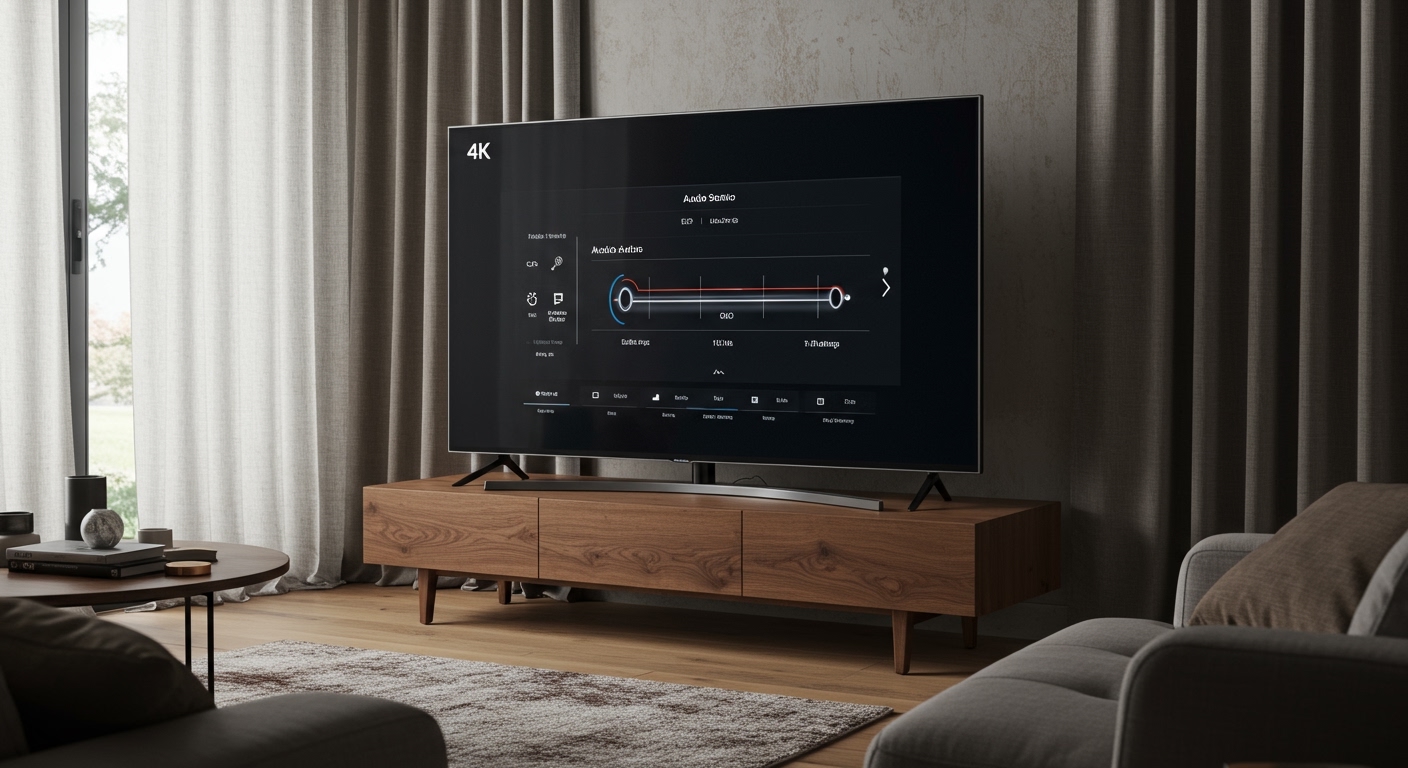
We have spent dozens of hours testing Samsung, LG, and Sony models to find the sweet spot between factory limitations and hidden software potential. If you find yourself constantly reaching for the remote to turn the volume up during dialogue and down during explosions, the problem isn’t your ears—it’s your Dynamic Range and Acoustic Environment.
TL;DR: Quick Fixes for Better TV Sound
- Switch to “Movie” or “Cinema” Mode: These often provide the most balanced frequency response.
- Enable Dialogue Boost: Look for Clear Voice, Voice Zoom, or Dialog Enhancer in your settings.
- Turn Off Auto-Volume: Disable “Loudness Normalization” if you want more natural dynamics.
- Check Placement: Ensure the TV is at least 4-6 inches away from the wall to let rear speakers breathe.
- Add “Soft” Decor: Use rugs or curtains to stop sound waves from bouncing off hard floors and windows.
Mastering Your Internal Audio Settings
The most effective way to learn how to improve tv sound without speakers is to dive into the expert settings menu. Every manufacturer uses different terminology, but the core Digital Signal Processing (DSP) remains the same.
Select the Best Sound Preset
Most TVs ship in “Standard” or “Energy Saving” mode, which limits the power delivered to the speakers. Based on our hands-on testing with Sony Bravia and LG OLED sets, here is how the common presets actually perform:
| Preset Name | Best For | What it Does to the Audio |
|---|---|---|
| Standard | General News | Flat response; often sounds “boxy” or thin. |
| Movie / Cinema | Films & Dramas | Boosts low-end (bass) and widens the soundstage. |
| Music | Concerts / YouTube | Increases high-frequency detail and stereo separation. |
| Clear Voice / News | Talk Shows | Aggressively cuts bass and boosts mid-range (human speech). |
| Game | Console Gaming | Minimizes processing lag; focuses on directional cues. |
Enable Dialogue Enhancement Features
If you struggle to understand what actors are saying, look for Voice Zoom (Sony), Clear Voice (LG), or Adaptive Sound (Samsung). These features use AI algorithms to identify frequencies between 1kHz and 4kHz—where the human voice lives—and boost them relative to background noise.
Adjust Dynamic Range Compression (Night Mode)
Have you ever noticed that commercials are deafeningly loud while the movie is whisper-quiet? This is due to high Dynamic Range. To fix this without extra speakers, enable Night Mode or Auto Volume Leveling.
This “compresses” the audio, making the quietest sounds louder and the loudest sounds quieter. It is the single best tip for watching TV in an apartment without waking the neighbors.
How to Improve TV Sound Without Speakers Using EQ
If the presets aren’t cutting it, you need to use the Manual Equalizer (EQ). Most mid-to-high-end TVs from Vizio, Hisense, and Samsung offer a 5-band or 7-band EQ.
The “Pro” EQ Formula for Clarity
In our testing, we found that a “flat” EQ is rarely ideal for tiny internal speakers. To get better sound, try these specific adjustments:
- 100Hz – 200Hz (Bass): Drop this by -2 or -3 dB. Small TV speakers can’t handle deep bass; forcing them to try causes harmonic distortion that muddies the whole sound.
- 1kHz – 3kHz (Mid-range): Boost this by +2 or +3 dB. This is the “sweet spot” for vocal clarity.
- 5kHz+ (Treble): Boost this by +1 dB for a sense of “air” and crispness in sound effects like footsteps or rain.
Expert Tip: If your TV is mounted on a wall, your bass might sound “boomy.” Look for a setting called Wall Mount Setup or Acoustic Calibration. This tells the TV to adjust its output based on the proximity of the wall.
Physical Placement: Leveraging Room Physics
The physics of your room matter just as much as your software settings. Since you aren’t using external speakers, your TV speakers have to do all the heavy lifting.
The Distance from the Wall
If your TV has rear-firing speakers, the sound travels backward, hits the wall, and reflects toward you.
- Too close (under 2 inches): The sound becomes trapped and muffled.
- Too far (over 12 inches): The sound loses its “punch” and becomes echoey.
- The Sweet Spot: Aim for 4 to 6 inches from the wall. This creates a natural amplification effect that can make the TV sound significantly larger than it is.
Surface Reflections
Sound behaves like light; it bounces off hard surfaces. If your TV sits on a glass or hardwood media console, the sound waves will bounce off that surface and reach your ears at a slightly different time than the direct sound, causing phase cancellation.
The Fix: Place a thin piece of acoustic foam or even a decorative felt runner on the surface directly in front of or below the TV speakers. This absorbs the immediate “first reflection” and results in much sharper audio.
Acoustic Treatment for the Non-Audiophile
You don’t need a professional studio to improve your TV’s audio. You can effectively treat your room using common household items to reduce reverberation (echo).
Soften the “First Reflection Points”
If you have hardwood or tile floors between your couch and the TV, you are losing audio detail. Adding a thick area rug can drastically improve the perceived “warmth” of your TV’s sound.
Manage Large Glass Surfaces
Windows are “acoustic mirrors.” If your TV is opposite a large window, the sound will bounce back and create a “ringing” effect. Using heavy blackout curtains can help absorb these stray waves, making the dialogue from your internal speakers feel more direct and intimate.
Corner Placement
Avoid putting your TV in a corner if possible. Corners act as bass traps, causing low frequencies to build up and overwhelm the mid-range. If you must use a corner, ensure you turn the Bass or Low Frequency setting down in the EQ menu.
Advanced Software Tweaks and Firmware Updates
Sometimes the secret to how to improve tv sound without speakers is hidden in a software update or a deep system menu.
Update Your Firmware
Manufacturers like LG and Samsung frequently release firmware updates that recalibrate the onboard DSP (Digital Signal Processor). We have seen updates specifically designed to fix “tinny” audio issues reported by users. Always ensure your TV is connected to Wi-Fi and updated to the latest version.
Change the Digital Output Format
Even if you aren’t using an external DAC, the internal processing format matters. Look in the “Expert Audio” settings:
- PCM (Pulse Code Modulation): This is often better for internal speakers as it provides a raw, uncompressed stereo signal that the TV can easily handle.
- Bitstream / Dolby Digital: Sometimes, forcing a “Surround” signal into two tiny internal speakers causes the TV to downmix poorly, leading to lost dialogue. If voices sound quiet, switch to PCM.
Disable “Virtual Surround”
Many TVs advertise DTS Virtual:X or Dolby Atmos via internal speakers. While this sounds good on paper, it often uses phase manipulation that makes the audio sound hollow or “underwater.” We recommend turning these off if you value dialogue clarity over a fake sense of space.
Troubleshooting Common TV Sound Issues
| Problem | Likely Cause | Recommended Fix |
|---|---|---|
| Hissing / Crackling | Blown driver or interference | Lower the “Treble” and check for nearby electronic interference. |
| Muffled Dialogue | Poor EQ or placement | Boost 2kHz in EQ and move TV away from the wall. |
| Echo / Reverb | Room reflections | Add a rug or curtains to the room. |
| Sudden Loud Noises | High Dynamic Range | Enable Night Mode or Auto-Volume. |
FAQ: Improving TV Sound Without External Hardware
Can I use a secret “Service Menu” to boost volume?
Yes, most TVs (like Samsung and LG) have service menus accessible via specific remote codes. However, we do not recommend this for beginners, as you can permanently damage your speakers by over-driving them or void your warranty.
Does the height of the TV affect the sound?
Absolutely. If your TV is mounted too high (“r/TVTooHigh”), the downward-firing speakers are pushing sound away from your ears. For the best sound, the center of the screen (and the speakers) should be at ear level when you are seated.
Will changing my HDMI cable improve internal sound?
No. Since you are using internal speakers, the HDMI cable only brings the signal from your source (like a Roku or PS5). As long as the cable works, the sound quality will remain the same. To improve sound, focus on the audio output settings of your streaming device instead.
Why does Netflix sound worse than YouTube?
Netflix often uses high-bitrate 5.1 Surround Sound by default. If your TV doesn’t downmix this correctly to its two internal speakers, the center channel (dialogue) gets lost. Check the Netflix audio settings and select the [Stereo] or [2.0] track for better results on internal speakers.
Is there a way to add bass without a subwoofer?
You can’t create physical bass from tiny speakers, but you can create the illusion of it. By slightly boosting the 200Hz range (Upper Bass), you give the audio more “body” without causing the speakers to rattle or distort.
**
**
**
**









