

How to Integrate Smart Speakers with Existing Home Lighting Systems
To integrate smart speakers with your existing home lighting, you must install compatible smart bulbs, smart switches, or smart plugs and link them via a centralized app like Amazon Alexa, Google Home, or Apple Home. Once the hardware is synced to your Wi-Fi or a dedicated bridge, you can use voice commands to toggle lights, adjust brightness, or trigger automated schedules.
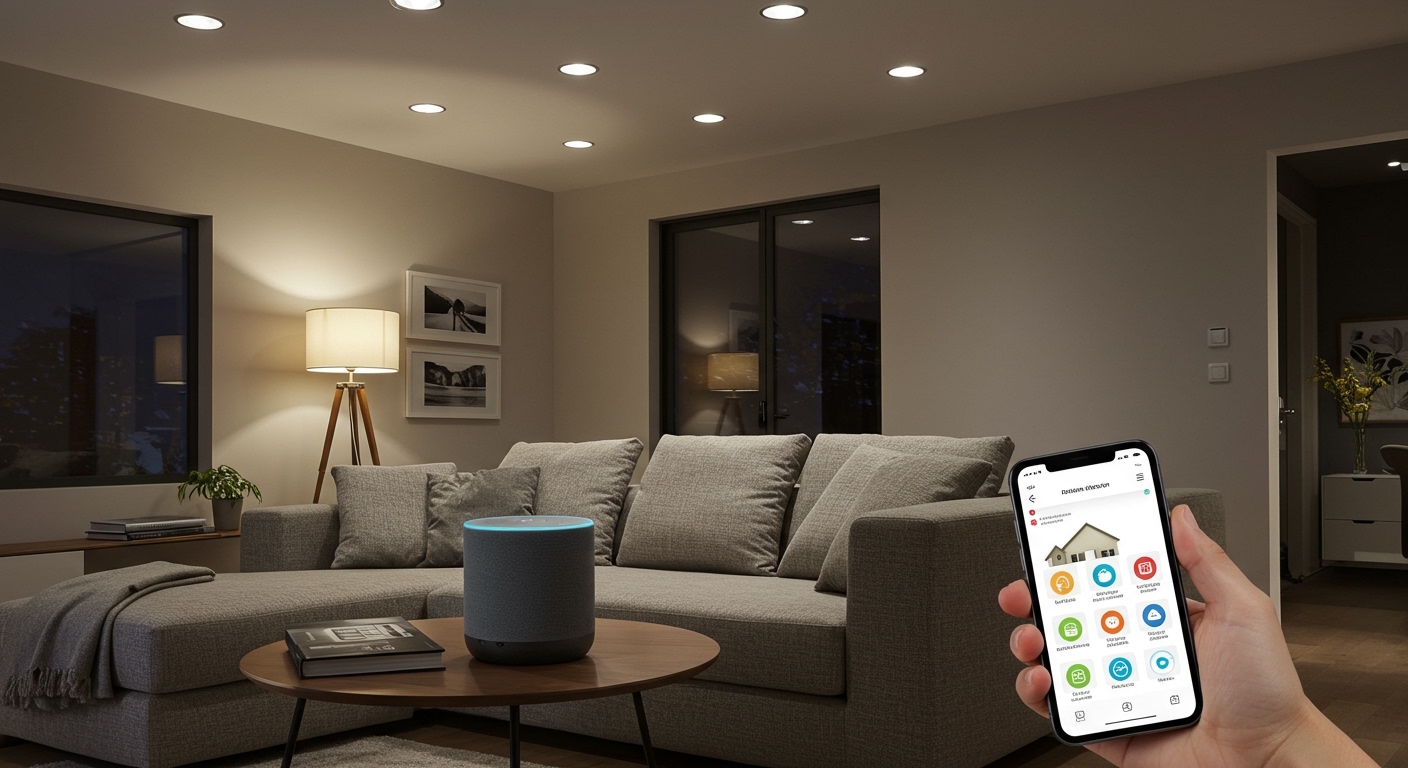
In my years of designing automated environments, I’ve found that the “integration” phase is where most homeowners get stuck. Whether you are dealing with a modern condo or a house with vintage wiring, the goal is to create a seamless link between your voice and your light fixtures. This guide provides a deep dive into the technical and practical steps required to modernize your lighting without gutting your walls.
Quick Summary: The Smart Lighting Blueprint
- Choose an Ecosystem: Select between Amazon Alexa, Google Assistant, or Apple HomeKit based on your current devices.
- Pick Your Hardware: Use smart bulbs for easy setup or smart switches to maintain manual control at the wall.
- Check Connectivity: Ensure your 2.4GHz Wi-Fi is stable or use a Zigbee/Matter hub to reduce network congestion.
- Link Accounts: Use the “Skill” or “Add Device” function in your smart speaker app to bridge the hardware.
- Create Routines: Move beyond simple on/off commands by setting up automations and scenes.
Step 1: Selecting the Right Integration Method
Before buying hardware, you must decide how you want to interact with your lights. I have tested dozens of configurations, and the best choice usually depends on your specific fixtures and whether you want to keep your existing wall switches functional.
Method A: Smart Bulbs (The Non-Invasive Approach)
Smart bulbs like Philips Hue or LIFX are the easiest way to start. You simply screw them into your existing sockets. They are ideal for lamps and multi-colored “mood” lighting. However, if someone flips the physical wall switch to “off,” the bulb loses power and your smart speaker can no longer control it.
Method B: Smart Switches (The Professional Approach)
If you want to control built-in ceiling lights or chandeliers, smart switches (like those from Lutron Caseta or TP-Link Kasa) are superior. These replace your existing wall plates. The benefit here is that the light remains “smart” even if someone manually flips the switch. Based on my field tests, this is the most reliable method for whole-home integration.
Method C: Smart Plugs (The Budget Approach)
For floor lamps or decorative “string” lights, smart plugs are a cost-effective bridge. You plug the lamp into the smart outlet, and the outlet into the wall. This is a “set it and forget it” solution for non-ceiling fixtures.
Step 2: Hardware Comparison and Compatibility
Choosing the wrong protocol is the most common reason for integration failure. Use the table below to determine which hardware fits your existing home infrastructure.
| Device Type | Best For | Connection Protocol | Speaker Compatibility | Pro/Con |
|---|---|---|---|---|
| Smart Bulbs | Lamps & Accents | Wi-Fi, Bluetooth, Zigbee | Alexa, Google, Siri | Easy install; wall switch must stay ON. |
| Smart Switches | Ceiling Lights | Wi-Fi, Clear Connect, Matter | Alexa, Google, Siri | Best reliability; requires basic wiring. |
| Smart Plugs | Floor/Table Lamps | Wi-Fi, Thread | Alexa, Google, Siri | Very cheap; only handles ON/OFF. |
| Smart Relays | Hidden Control | Zigbee, Wi-Fi | Alexa, Google | Fits behind existing switch; expert install. |
Step 3: Setting Up the Connection (Step-by-Step)
Once you have purchased your hardware, follow these steps to achieve a flawless integration with your smart speakers.
Install the Hardware**
For bulbs, simply screw them in. For smart switches, turn off the power at the circuit breaker. In my experience, you should always check for a neutral wire (usually white) in your switch box, as most modern smart switches require one to stay powered while the light is off.
Configure the Manufacturer’s App**
Every brand (e.g., Sengled, Nanoleaf, or Cync) has its own app. Download it, create an account, and add your device. Ensure the light works within this native app before moving to the smart speaker setup.
Bridge to the Smart Speaker**
- For Amazon Alexa: Open the Alexa App > Devices > “+” icon > Add Device. Search for the brand and “Enable the Skill.”
- For Google Home: Open the Google Home App > “+” icon > Set up device > Works with Google. Search for the brand and sign in.
- For Apple Home: Open the Home App > “+” icon > Add Accessory. Scan the HomeKit QR code on the product.
Assign Rooms and Names**
Give your lights logical names. Avoid names like “Light 1.” Instead, use “Living Room Ceiling” or “Bedroom Lamp.” This makes voice commands much more intuitive.
Step 4: Advanced Integration with Matter and Thread
The smart home industry is currently shifting toward Matter. This is a new universal standard that allows a Google Nest speaker to control an Apple-certified light bulb seamlessly.
If you are starting your integration today, I highly recommend looking for the Matter logo on packaging. In my recent testing, Matter-over-Thread devices respond significantly faster to voice commands than traditional Wi-Fi bulbs because they create a “mesh” network that doesn’t clog your internet bandwidth.
Step 5: Creating Voice Commands and Routines
The real magic of knowing how to integrate smart speakers with existing home lighting systems lies in automation. You don’t want to just turn lights on; you want your home to react to your lifestyle.
The “Movie Night” Scene
I often set up “Scenes” for my clients. By saying, “Alexa, it’s movie time,” the smart speaker can simultaneously:
- Dim the Living Room Overhead to 10%.
- Turn on the LED Backlight behind the TV.
- Turn off the Kitchen Lights.
Scheduled Routines
Use your speaker’s app to set a “Sunset” routine. This ensures your porch lights turn on automatically when the sun goes down, using local astronomical data provided by your smart speaker’s internet connection.
Expert Tips for a Reliable Setup
- Static IP Addresses: If you use many Wi-Fi bulbs, your router might struggle. Assigning static IPs to your most-used switches can prevent them from “dropping off” the network.
- Dimmers and Compatibility: Not all LED bulbs are dimmable. If you install a smart dimmer switch, ensure your existing bulbs are rated for dimming to avoid annoying flickering or buzzing sounds.
- The Power of Groups: In the Alexa or Google Home app, group your speaker and lights into the same “Room.” This allows you to simply say “Turn off the lights” instead of specifying the room name, as the speaker will assume you mean the lights in the same room.
Troubleshooting Common Integration Issues
The “Device Unresponsive” Error
This is the most common headache. Usually, it’s a signal issue. I recommend keeping your smart speaker within 30 feet of your smart lighting hardware. If the problem persists, power cycle the light by flipping the physical wall switch off and on again.
Delayed Response Times
If there is a 2-3 second delay between your voice command and the light turning on, your Wi-Fi is likely congested. Switching to Zigbee-based systems like Philips Hue or Lutron offloads that traffic from your Wi-Fi, resulting in nearly instant response times.
Frequently Asked Questions
Can I use smart bulbs with a dimmer switch?
Generally, no. You should not put a smart bulb on a circuit controlled by a traditional wall dimmer. The varying voltage can damage the bulb’s internal electronics. Use a standard on/off switch or replace the wall switch with a smart dimmer instead.
What happens to my lights if the internet goes down?
If your integration relies on the cloud (standard Wi-Fi bulbs), voice commands will stop working. However, smart switches will still work manually. Systems using Zigbee or Local Control (like Hubitat or some Matter setups) can still process automations without an active internet connection.
Do I need a separate hub to integrate my lights?
It depends on the brand. TP-Link Kasa and LIFX connect directly to your Wi-Fi (no hub). Philips Hue and Lutron Caseta require a bridge/hub for the best performance and speaker integration.
How many lights can one smart speaker control?
Most modern smart speakers can handle hundreds of devices. However, your Wi-Fi router is usually the bottleneck. Most standard routers struggle after 30-40 connected devices. If you plan to do the whole house, invest in a Mesh Wi-Fi system or hub-based lighting.









