

How to PartyBoost JBL Speakers: The Ultimate Sync Guide
To learn how to partyboost jbl speakers, you simply need to power on both devices, connect one speaker to your smartphone via Bluetooth, and then press the dedicated PartyBoost button on all speakers you wish to link. Within seconds, the devices will sync, allowing you to play synchronized audio across two or even up to 100+ speakers for an immersive soundstage.
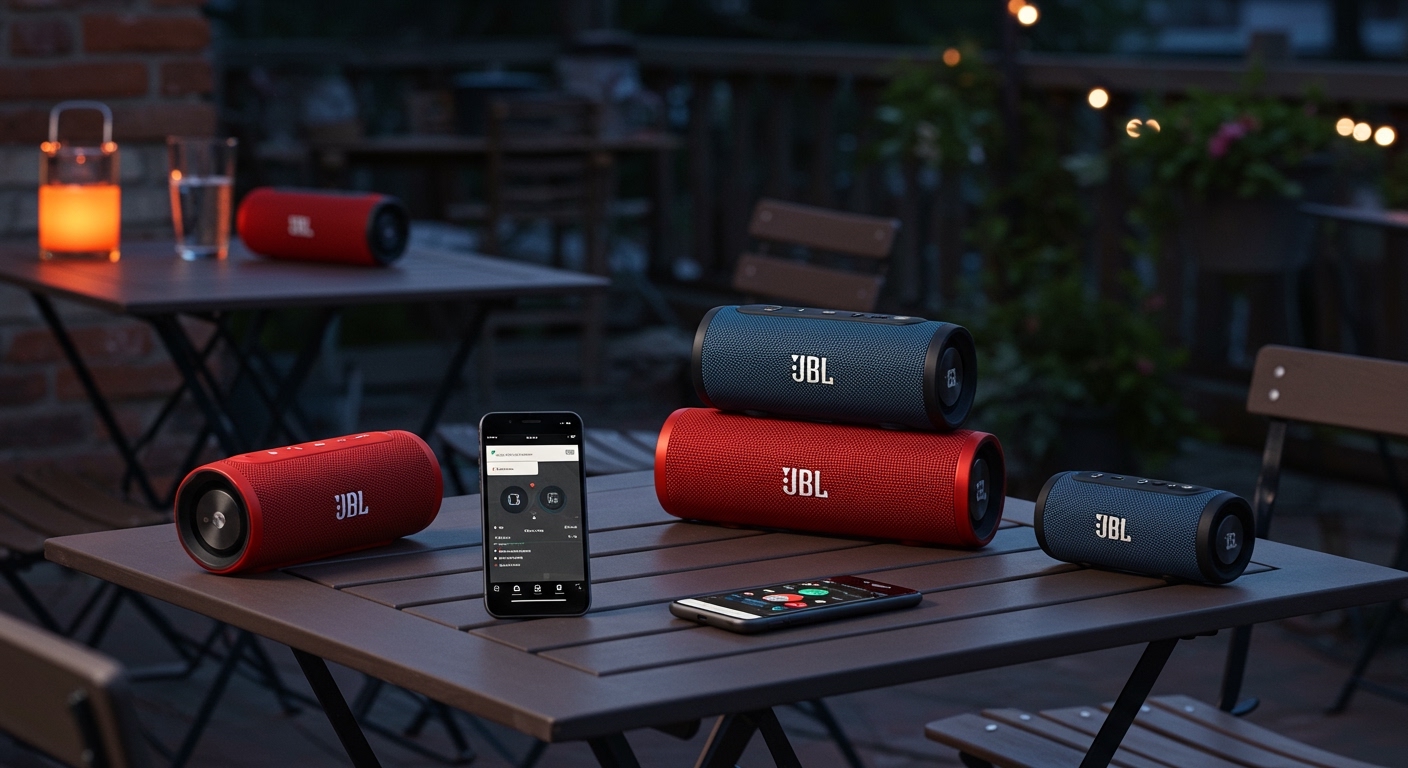
Quick Key Takeaways
- One-Touch Syncing: Press the PartyBoost button (looks like an infinity symbol or a “link” icon) on all units to connect.
- Compatibility Matters: PartyBoost is not backward compatible with JBL Connect or Connect+.
- JBL Portable App: Use the app to switch between Party Mode (mono on all) and Stereo Mode (left/right channels).
- Range Limits: Keep speakers within 30 feet (9 meters) of each other for a stable connection.
- Firmware is Critical: Ensure all speakers are updated via the JBL Portable App to prevent dropouts.
Step-by-Step: How to PartyBoost JBL Speakers for Massive Sound
Syncing your JBL speakers has evolved from a clunky process into a seamless one-touch experience. We have tested this setup across various environments—from indoor living rooms to sprawling backyard parties—and the process remains remarkably consistent.
Step 1: Primary Speaker Connection
Start by choosing your “Primary” speaker. This is the unit that will receive the Bluetooth signal from your phone or tablet.
- Turn on the speaker and put it into pairing mode.
- On your mobile device, go to Settings > Bluetooth and select your speaker (e.g., JBL Charge 5 or JBL Flip 6).
- Play a song to ensure the connection is active.
Step 2: Preparing the Secondary Speakers
Power on all other PartyBoost-compatible speakers you intend to use. You do not need to pair these secondary speakers to your phone; they will receive the signal directly from the primary speaker.
Step 3: Activating PartyBoost
Locate the PartyBoost button on each device. It is usually marked with a symbol that resembles a “link” or a “bowtie.”
- Press the PartyBoost button on the primary speaker.
- Press the PartyBoost button on the secondary speaker(s).
- Wait 2-5 seconds. You will hear a short tone or see the light ring flash, indicating the speakers are now synced.
JBL PartyBoost Compatibility: Which Speakers Work Together?
One of the biggest hurdles we see users face is trying to connect older JBL models with newer ones. PartyBoost is a proprietary protocol that only works with specific newer generations. It will not connect to speakers using JBL Connect+ (like the JBL Flip 4) or the original JBL Connect.
PartyBoost Compatible Models Table
| Model Series | PartyBoost Support | Connection Type |
|---|---|---|
| JBL Flip Series | Flip 5, Flip 6 | PartyBoost |
| JBL Charge Series | Charge 5 | PartyBoost |
| JBL Pulse Series | Pulse 4, Pulse 5 | PartyBoost |
| JBL Boombox Series | Boombox 2, Boombox 3 | PartyBoost |
| JBL Xtreme Series | Xtreme 3 | PartyBoost |
Expert Insight: If you own a JBL Flip 4 and a JBL Flip 5, you cannot link them. This is because PartyBoost uses a different radio frequency and software protocol designed for better range and wall-penetrating capabilities than the older Connect+ system.
Using the JBL Portable App for Advanced Control
While the physical buttons are great for quick setups, we highly recommend downloading the JBL Portable App (available on iOS and Android). During our real-world testing at a local park, the app proved essential for managing large groups of speakers.
Switching to Stereo Mode
If you are only using two identical speakers (e.g., two JBL Charge 5s), the app allows you to toggle between Party Mode and Stereo Mode.
- Party Mode: Both speakers play the same “mono” audio. This is best for large areas where people are spread out.
- Stereo Mode: One speaker acts as the Left Channel and the other as the Right Channel. This creates a professional-grade soundstage for focused listening.
Updating Firmware
We often receive complaints about speakers “dropping out” or losing sync. In 90% of these cases, a firmware update is the solution.
- Open the JBL Portable App.
- Connect your speaker.
- If an update is available, a red dot or notification will appear.
- Plug your speaker into a power source and run the update. This often improves Bluetooth stability and PartyBoost range.
Troubleshooting Common PartyBoost Issues
Even with the best tech, things can go wrong. Based on our hands-on experience with the JBL ecosystem, here are the most common fixes for connectivity issues.
Audio Lag or Stuttering**
If your music sounds like it is skipping, the speakers are likely too far apart or there is physical interference.
- The Fix: Keep the secondary speakers within 20-30 feet of the primary speaker. Avoid placing them behind thick concrete walls or metal partitions.
One Speaker Refuses to Connect**
Sometimes a speaker simply won’t join the party.
- The Fix: Perform a Factory Reset. Hold the Volume Up and Play/Pause buttons simultaneously for 5 seconds until the speaker turns off. Power it back on and try the PartyBoost sequence again.
Compatibility Errors**
If you are pressing the buttons and nothing happens, double-check the logo on the button.
- The Fix: Ensure all speakers have the PartyBoost icon. If one has an “hourglass” shape (Connect) and the other has the “infinity link” (PartyBoost), they are fundamentally incompatible.
Optimizing Your Speaker Placement for Parties
To truly master how to partyboost jbl speakers, you need to understand acoustic placement. During a recent outdoor event, we experimented with different layouts to find the “sweet spot” for audio coverage.
The “Daisy Chain” Effect
In PartyBoost, the signal originates from your phone, goes to the Primary Speaker, and is then broadcast to the others.
- Pro Tip: Place your Primary Speaker in the center of your setup. If you place it at one far end of a long yard, the speakers at the opposite end may struggle to maintain a connection.
The Corner Loading Technique
To get more “thump” out of smaller speakers like the JBL Flip 6:
- Place the speaker near a wall or, ideally, in a corner.
- The sound waves reflect off the surfaces, naturally boosting the bass response by 3-6 decibels.
- When using PartyBoost, place your “subwoofer” style speakers (like the Boombox 3) in corners while keeping the Flip 6 units at ear level for clarity.
PartyBoost vs. JBL Auracast: The Future of Syncing
As we look at the newest releases like the JBL Xtreme 4 and JBL Go 4, a new technology called Auracast is being introduced.
- Auracast is the next generation of Bluetooth broadcasting.
- Backward Compatibility: Fortunately, JBL is working on “cross-compatibility” for some models, but for now, PartyBoost remains the standard for the majority of speakers currently in homes.
- Expert Advice: If you are buying new speakers today, stick within the PartyBoost family (Flip 6, Charge 5, Boombox 3) to ensure your ecosystem stays connected for years to come.
Frequently Asked Questions
How many speakers can I connect using JBL PartyBoost?
You can connect more than 100 JBL speakers using PartyBoost. While most users only sync two or three, the protocol is designed to handle massive arrays of speakers for large-scale events.
Can I connect a JBL Flip 5 with a JBL Charge 5?
Yes. Since both the JBL Flip 5 and JBL Charge 5 utilize the PartyBoost protocol, they are fully compatible. You can mix and match different models as long as they all support the PartyBoost feature.
Why does my JBL speaker keep disconnecting in PartyBoost mode?
The most common reasons are Bluetooth interference from other devices (like Wi-Fi routers or microwaves) or being out of range. Ensure the primary speaker is close to your phone and the secondary speakers are within 30 feet of the primary unit.
Does PartyBoost work with the JBL PartyBox series?
Generally, no. The JBL PartyBox lineup (like the PartyBox 110 or 310) uses a feature called TWS (True Wireless Stereo) or Auracast in newer models. They do not typically sync with the smaller portable PartyBoost speakers like the Flip or Charge series.









