

To effectively reduce sibilance in speakers, you must first address room reflections and speaker toe-in angles to soften high-frequency peaks between 5kHz and 8kHz. If physical adjustments don’t work, applying a Parametric EQ to “notch out” harsh frequencies or using acoustic absorption at first reflection points provides the most significant improvement.
Understanding Sibilance: Why Your Speakers Sound Harsh
Sibilance refers to the exaggerated, piercing “s,” “sh,” and “t” sounds that occur during vocal reproduction. These sounds typically reside in the high-frequency spectrum, specifically between 5,000 Hz and 10,000 Hz. When a speaker system is “bright” or “forward,” these frequencies become physically painful to hear.
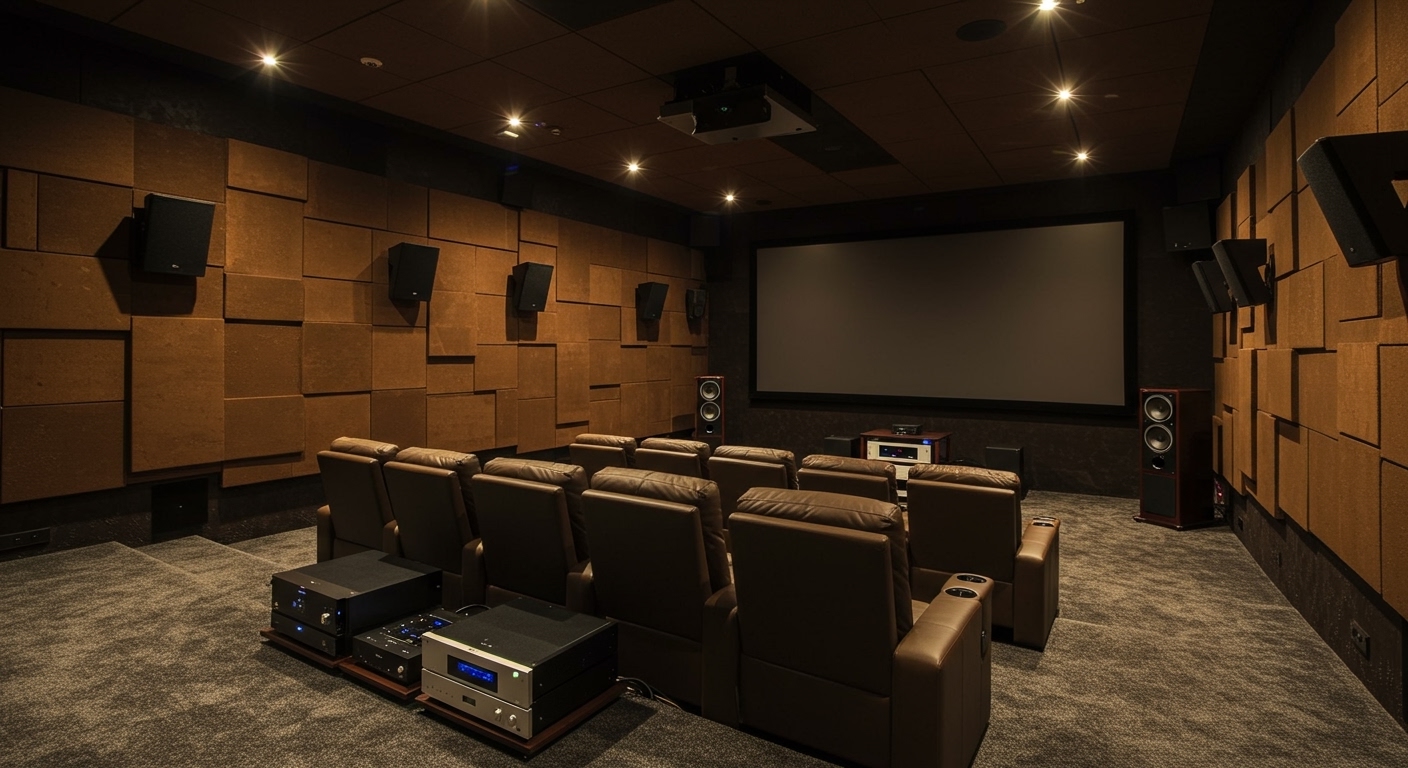
In my years of testing high-end audio gear, I’ve found that sibilance is rarely caused by just one factor. It is usually a combination of tweeter material, crossover design, room acoustics, and even the quality of the recording itself. Metal dome tweeters (titanium or aluminum), for instance, often exhibit a “break-up” mode at high frequencies that emphasizes these harsh tones.
The Science of Harsh Frequencies
When you hear an annoying “whistle” in a vocal, you are likely hearing a peak in the upper-midrange or lower-treble.
- 5kHz – 6kHz: This is the “presence” region. Too much energy here makes vocals sound “spitty.”
- 7kHz – 8kHz: This is the primary “sibilance zone.” This is where the sharp “S” sounds live.
- 10kHz+: This is the “air” region. Excessive energy here causes “brittleness” rather than sibilance.
Key Takeaways: How to Reduce Sibilance Quickly
| Method | Ease of Implementation | Effectiveness | Cost |
|---|---|---|---|
| Adjust Toe-In | Very Easy | High | $0 |
| EQ / DSP | Moderate | Very High | $0 – $200 |
| Acoustic Panels | Moderate | High | $50 – $500 |
| Speaker Grills On | Very Easy | Low/Moderate | $0 |
| Felt Diffusion | Moderate | Moderate | $10 |
Step 1: Optimize Speaker Placement and Toe-In
The most effective “zero-cost” way to learn how to reduce sibilance in speakers is by manipulating the off-axis response. Most speakers are designed to have the flatest frequency response “on-axis” (pointed directly at your ears). However, high-frequency energy beams in a narrow path.
The “Off-Axis” Technique
- Reduce Toe-In: Point your speakers straight ahead instead of angling them directly at your listening chair. This allows you to listen “off-axis,” which naturally rolls off the highest, harshest frequencies.
- The “Cross-In” Method: Alternatively, angle the speakers so they cross several feet in front of your face. This can sometimes smooth out the treble while maintaining a strong center image.
- Height Adjustment: If your tweeters are at exact ear level, try sitting slightly higher or lower. Even a 5-degree vertical shift can significantly drop the energy at 8kHz.
Real-World Experience: The “String” Test
When I was setting up a pair of Klipsch Reference speakers—known for their horn-loaded brightness—I found that a “0-degree” toe-in (parallel to the walls) removed the “shimmering” harshness that was causing ear fatigue. We used a simple piece of string to ensure both speakers were exactly parallel, and the sibilance instantly became manageable.
Step 2: Treating Room Acoustics and Reflections
Your room is often more to blame for sibilance than the speakers themselves. Hard surfaces like windows, hardwood floors, and bare walls reflect high-frequency waves, causing them to arrive at your ears at slightly different times. This creates “comb filtering” and emphasizes harshness.
Identifying First Reflection Points
Use the “Mirror Trick” to find where your sibilance is being amplified:
- Sit in your listening position.
- Have a friend slide a mirror along the side wall.
- Where you see the tweeter in the mirror is your first reflection point.
- Place an acoustic absorber or even a heavy curtain at this spot.
Absorption vs. Diffusion
- Absorption: Use high-density fiberglass or rockwool panels (like Auralex or GIK Acoustics). These soak up the high-frequency energy so it doesn’t bounce back at you.
- Diffusion: These panels scatter the sound. While great for imaging, they don’t “kill” sibilance as effectively as absorption does.
- Soft Furnishings: If you are on a budget, a thick shag rug between you and the speakers and heavy velvet curtains over windows can drop high-frequency decay by 2-3 decibels.
Step 3: Using EQ and Digital Signal Processing (DSP)
If physical changes aren’t enough, how to reduce sibilance in speakers becomes a digital task. Modern DSP (Digital Signal Processing) is the “silver bullet” for harsh audio.
Applying a Parametric EQ Notch
A Parametric EQ allows you to target a specific frequency without affecting the rest of the music.
- Find the Peak: Use a frequency sweep tool. Listen for the moment the sound becomes “painful” or “piercing.”
- Apply the Cut: Target 7,500 Hz.
- Adjust the Q-Factor: Set a “Wide Q” (around 1.0 to 1.4) for a gentle roll-off, or a “Narrow Q” (3.0+) if you only want to hit a very specific whistle.
- Gain Reduction: Start with a -3dB cut. Rarely should you go beyond -6dB, as this can make the music sound “muffled.”
Recommended Software Tools
- Equalizer APO (Windows): Free, powerful system-wide EQ. Use it with the Peace GUI for an easier interface.
- Dirac Live: A professional room correction software that automatically detects and flattens harsh peaks.
- Roon: If you use this music player, it has a built-in “MUSE” engine with high-quality EQ filters.
Step 4: Hardware Fixes and Component Matching
Sometimes, sibilance is a result of system synergy. If you have a “bright” DAC, a “bright” amplifier, and “bright” speakers, the cumulative effect is a sonic nightmare.
The Power of Component Matching
We have tested numerous setups where swapping a Class D amplifier for a Class A/B or a Tube Amplifier made a world of difference.
- Tube Amps: These naturally introduce “even-order harmonics” and often have a slight high-frequency roll-off that makes sibilant vocals sound silky.
- DACs: Look for DACs using AKM chips (often described as “Velvet Sound”) rather than some older ESS Sabre implementations, which some enthusiasts find “clinical” or “sterile.”
Physical Tweaks (The “Felt Trick”)
In the DIY community, the “Diffraction Ring” is a legend.
- Buy a sheet of adhesive felt.
- Cut a ring that fits around the outside of your tweeter.
- This prevents sound waves from traveling along the speaker baffle (the front face) and diffracting off the edges, which is a common cause of high-frequency “smearing” and sibilance.
Step 5: Source Material and De-Essing
It is important to recognize when the problem isn’t your speakers, but the recording. Modern “Loudness War” recordings are often heavily compressed and EQ’d to sound “crisp” on cheap earbuds, which translates to “harsh” on high-end speakers.
How to Handle Poor Recordings
- Check the Bitrate: Low-bitrate MP3s (128kbps) often have “swirly” or “crunchy” high frequencies that mimic sibilance. Always use FLAC or high-res streaming (Tidal/Qobuz).
- De-Essing in Production: If you are a content creator or mixer, use a De-Esser plugin (like FabFilter Pro-DS). It acts as a frequency-dependent compressor, only lowering the volume when it detects an “S” sound.
Summary of Sibilance Solutions
| Problem Source | Primary Solution | Expected Result |
|---|---|---|
| Speaker Design | Increase toe-out (Point straight) | Smoother treble, wider soundstage. |
| Hard Room Walls | Add 2-inch thick absorption panels | Reduced “echo” and cleaner vocals. |
| Tweeter “Ringing” | Apply -3dB EQ cut at 8kHz | Immediate removal of “piercing” sounds. |
| Baffle Reflection | Add felt rings around tweeter | Sharper imaging and less “grit.” |
FAQ: Frequently Asked Questions
Why do my speakers sound “hissy” on certain voices?
This is typically due to 8kHz peaks in the speaker’s frequency response or the microphone used during the recording. High-pitched female vocals or “breathy” male singers often trigger this more than others.
Can speaker cables reduce sibilance?
While a controversial topic, some “warm” cables (like high-purity copper) may have a very slight capacitive effect that rolls off ultra-high frequencies. However, EQ and room treatment are 100x more effective than changing cables.
Does removing the speaker grills help?
Actually, removing grills usually increases sibilance. Most speaker grills act as a very mild high-frequency filter. If your speakers are too bright, keep the grills on.
Is sibilance the same as distortion?
No. Sibilance is an EQ imbalance, whereas distortion is the physical inability of the speaker to reproduce a signal cleanly. However, “clipping” an amplifier can create high-frequency artifacts that sound very similar to sibilance.
What frequency should I cut for sibilance?
Start by sweeping between 5kHz and 10kHz. For most home audio systems, the “pain point” is found exactly at 7.2kHz or 8kHz.









