

Why Knowing How to Test Atmos Speakers Is Essential for Your Home Theater
You can learn how to test Atmos speakers by utilizing your AV receiver’s internal test tones, playing official Dolby Atmos Leaf or Amaze trailers, and verifying your hardware’s signal path to ensure the “Object-Based” metadata is active. To get the best results, you must calibrate the SPL (Sound Pressure Level) of your height channels to match your ear-level speakers, typically using a decibel meter or a calibration microphone like Audyssey or Dirac Live.
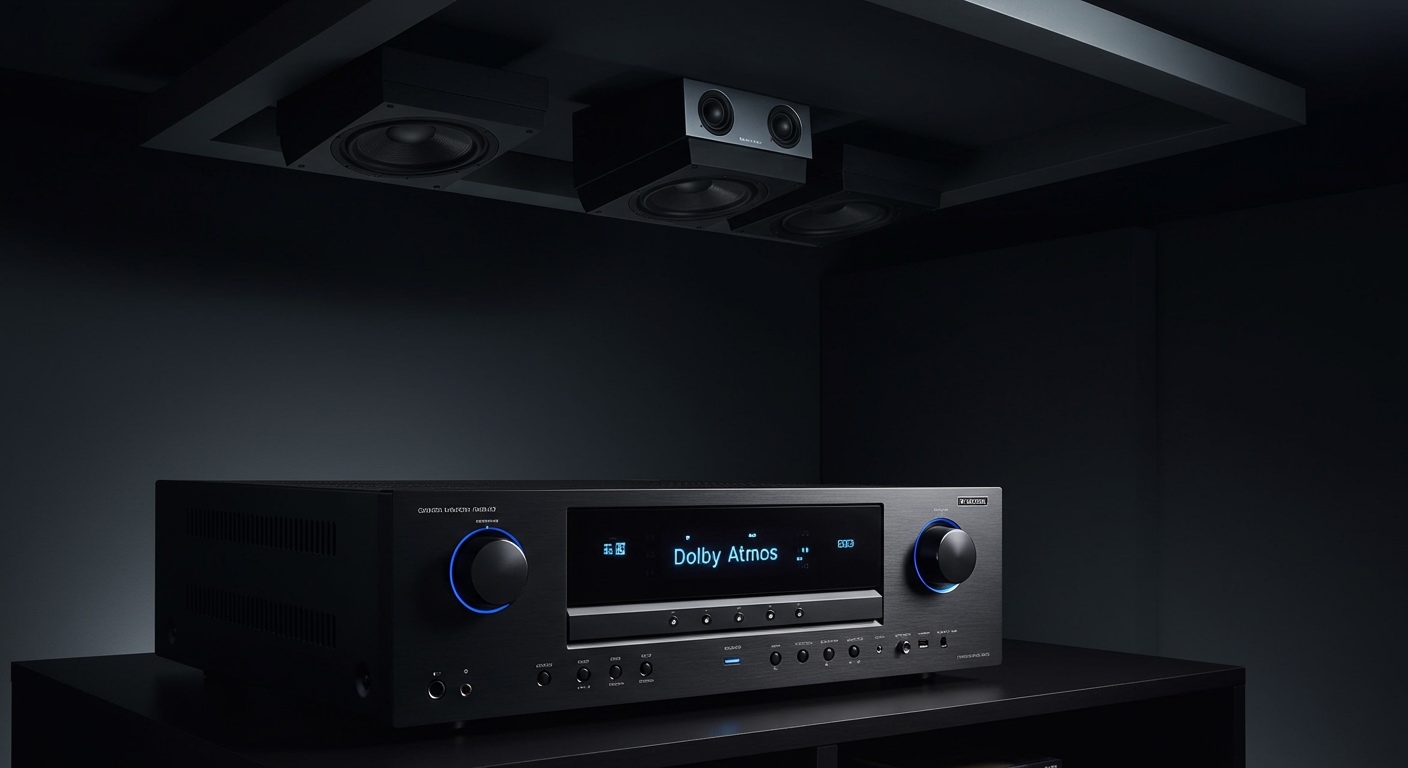
Most people set up their height channels and assume they are working, but without a rigorous test, you might be hearing a “folded-down” 5.1 mix instead of true spatial audio. I have visited dozens of home theaters where the owners were disappointed with their up-firing modules, only to find the speakers were out of phase or the crossover frequencies were set too high. Testing ensures that the “bubble of sound” is seamless and that overhead effects, like rain or low-flying aircraft, transition smoothly from front to back.
TL;DR: Quick Checklist for Atmos Testing
- Verify the Source: Ensure your Blu-ray player or Streaming box is set to Bitstream output.
- Internal Tones: Use the AVR Speaker Setup menu to play pink noise through each height channel.
- Calibration: Use an SPL Meter app to ensure height channels are +1 to +3 dB “hotter” if using up-firing speakers.
- Demo Content: Download the Dolby Atmos Demonstration Disc or use the Dolby Summit App.
- Visual Confirmation: Look for the “Dolby Atmos” text on your receiver’s front panel display.
Step 1: Verify Your Hardware Signal Chain
Before you play a single sound, you must ensure your hardware is actually capable of delivering an Atmos signal. The most common failure point is the HDMI cable or a setting buried in a menu.
Check Your HDMI Connections
To pass Dolby Atmos via eARC (Enhanced Audio Return Channel), you need a High-Speed HDMI 2.1 cable. If you are using an older 1.4 cable, you will likely be limited to standard Dolby Digital, which lacks the height metadata.
Set Source to Bitstream
I’ve seen many enthusiasts make the mistake of leaving their Xbox, PlayStation, or Apple TV 4K on “PCM” output. How to test Atmos speakers correctly starts with the source; set your device to Bitstream or “Pass-through.” This allows the AV Receiver (AVR) to do the decoding rather than the player, which is non-negotiable for object-based audio.
Confirm the Display Codec
Check your AVR display. It should explicitly say “Dolby Atmos” or “Atmos.” If it says “Dolby Surround” or “Neural:X,” your receiver is “upmixing” a standard signal, which is not a true test of your height drivers.
Step 2: Use Internal AVR Test Tones for Level Matching
Every modern receiver from brands like Denon, Marantz, Yamaha, and Sony has a built-in “Manual Setup” menu. This is the first practical step in how to test Atmos speakers for basic connectivity and volume.
How to Run the Manual Tone Test
- Navigate to Settings > Speakers > Manual Setup > Levels.
- Select Test Tone Start.
- Listen as the “Pink Noise” (a static-like sound) moves from the front left to the Top Front Right or Top Middle speakers.
- Actionable Tip: Use a physical SPL Meter or the NIOSH SLM app on your smartphone. Sit in your primary listening position and ensure every speaker hits 75 dB.
Adjusting Up-Firing vs. In-Ceiling
If you use Dolby Atmos Enabled (Up-firing) speakers, the sound has to travel to the ceiling and bounce back down. Because of this extra travel distance, I often recommend “bumping” the levels of these speakers by 2 or 3 decibels over your ear-level speakers to compensate for the “bounce loss.”
| Speaker Type | Recommended Height | Ideal Angle | Test Focus |
|---|---|---|---|
| In-Ceiling (Top) | Flush with ceiling | 45° – 55° | Localization & Clarity |
| On-Wall (Height) | Just below ceiling | 30° – 45° | Front-to-Back Panning |
| Up-Firing (Enabled) | On top of towers | Ceiling Bounce | Reflection Efficiency |
Step 3: Run Auto-Calibration (Audyssey, Dirac, or YPAO)
While manual testing is great for volume, it doesn’t account for Phase or Timing. Most Atmos setups fail because the sound from the ceiling arrives at your ears slightly before or after the sound from your towers.
The Importance of the “Chirp”
When you run a system like Audyssey MultEQ XT32, the receiver sends a “chirp” to each speaker. It measures the distance down to the fraction of an inch. When testing Atmos speakers, look at the results screen afterward. If the receiver says your ceiling speakers are 15 feet away but they are actually 8 feet away, you have an acoustic reflection issue that needs fixing.
Crossover Settings
During my years of calibrating rooms, I’ve found that Atmos speakers are often small. Ensure your Crossover is set to at least 80Hz or 100Hz. If you try to send deep bass to a 4-inch ceiling speaker during a test, it will distort, ruining the spatial effect.
Step 4: Play Reference Dolby Atmos Demo Clips
Once the technical levels are set, you need to test with “Real World” content. How to test Atmos speakers effectively requires tracks specifically designed to isolate the overhead channels.
The “Leaf” Trailer
The Dolby Leaf trailer is the gold standard. A seed pod circles your head in a 360-degree arc.
- What to listen for: As the leaf moves behind you and then “up,” the transition should be seamless. If you hear a “gap” where the sound disappears, your speakers are likely placed too far apart.
The “Amaze” Trailer
This clip features a powerful rainstorm.
What to listen for: The rain should sound like it is coming from above* you, not just from the front of the room. If the rain feels like it’s at eye level, you need to increase the Height Channel Gain.
Recommended Commercial Movies for Testing
- Blade Runner 2049 (Chapter 15): The “Sea Wall” scene features incredible overhead wave crashes and flying spinner sounds.
- Gravity (Diamond Luxe Edition): This is perhaps the best Atmos track ever made; voices literally float around the room in 3D space.
- 1917: The planes flying overhead during the bunker scenes provide a perfect test for object tracking.
Step 5: Advanced Phase and Polar Pattern Testing
If your system still feels “flat” after the steps above, you may have a Phase issue. If one Atmos speaker is wired with the positive and negative terminals swapped, it will cancel out the sound from the other speaker.
The “In-Phase” Test
Download a Phase Test file (available on YouTube via your smart TV, though YouTube doesn’t support Atmos, the stereo phase test still works for checking individual pairs). When the voice says “In Phase,” the sound should be centered. When it says “Out of Phase,” the sound should seem to disappear or come from the sides of your head.
Evaluating the “Sweet Spot”
How to test Atmos speakers for a wider audience involves sitting in the “off-center” seats. If you have in-ceiling speakers with a narrow dispersion, the person on the far end of the couch might not hear the overhead effects at all. I recommend using speakers with swivel tweeters so you can aim the high frequencies toward the middle of the seating area.
Troubleshooting Common Atmos Testing Issues
| Problem | Potential Cause | Fix |
|---|---|---|
| No sound from heights | AVR is in “Direct” or “Stereo” mode | Switch to “Movie” or “Auto” mode |
| Sound is muffled | Up-firing speakers have a blocked path | Ensure no shelves are above the speaker |
| Weak overhead effect | Ceiling is too high or vaulted | Increase dB levels by +3 in AVR settings |
| Atmos light won’t turn on | Source device set to “PCM” | Change output to “Bitstream” |
FAQ: Frequently Asked Questions About Atmos Testing
Can I test Dolby Atmos on YouTube?
No. As of now, YouTube does not support Dolby Atmos. It only supports Stereo (2.0) and 5.1 Surround in some instances. To truly test Atmos speakers, you must use a Blu-ray, a specialized demo file via USB, or streaming services like Netflix (Premium), Disney+, or Apple TV+ that explicitly display the Atmos logo.
What is the best app to test Atmos speakers?
The Dolby Summit App (available on some smart TVs and Xbox) is excellent. For mobile-based testing, the Apple Music app features a “Spatial Audio” section that is fantastic for testing how music translates to your Atmos setup.
Why do my up-firing Atmos speakers sound quiet?
Up-firing speakers rely on specular reflection. If you have popcorn ceilings, acoustic foam, or a ceiling higher than 12 feet, the sound waves will scatter rather than bounce. You may need to manually increase the distance setting in your AVR to “trick” the timing into being more aggressive.
How do I know if my Atmos speakers are “In Phase”?
During the AVR’s auto-calibration (like Audyssey), the system will usually flag a “Phase Error.” If you are doing it manually, listen to a mono vocal track; the voice should sound like it’s coming from a single point in the ceiling. If it sounds “hollow” or like it’s coming from everywhere at once, your wiring is likely reversed.
Should I set Atmos speakers to “Small” or “Large”?
Always set them to “Small.” Even high-end in-ceiling speakers struggle with deep bass. By setting them to Small and using a Crossover of 80Hz, you allow your Subwoofer to handle the heavy lifting, which clears up the Atmos drivers to produce much sharper, localized overhead effects.
**
**
**
**









