

Why Testing Your Android Speakers is Essential for Audio Quality
If you’ve noticed muffled audio, crackling sounds, or a complete lack of volume, you need to know how to test speakers on Android to determine if the issue is hardware-related or a simple software glitch. By using built-in diagnostic codes, third-party apps, and frequency sweep files, you can pinpoint exactly where your audio system is failing.
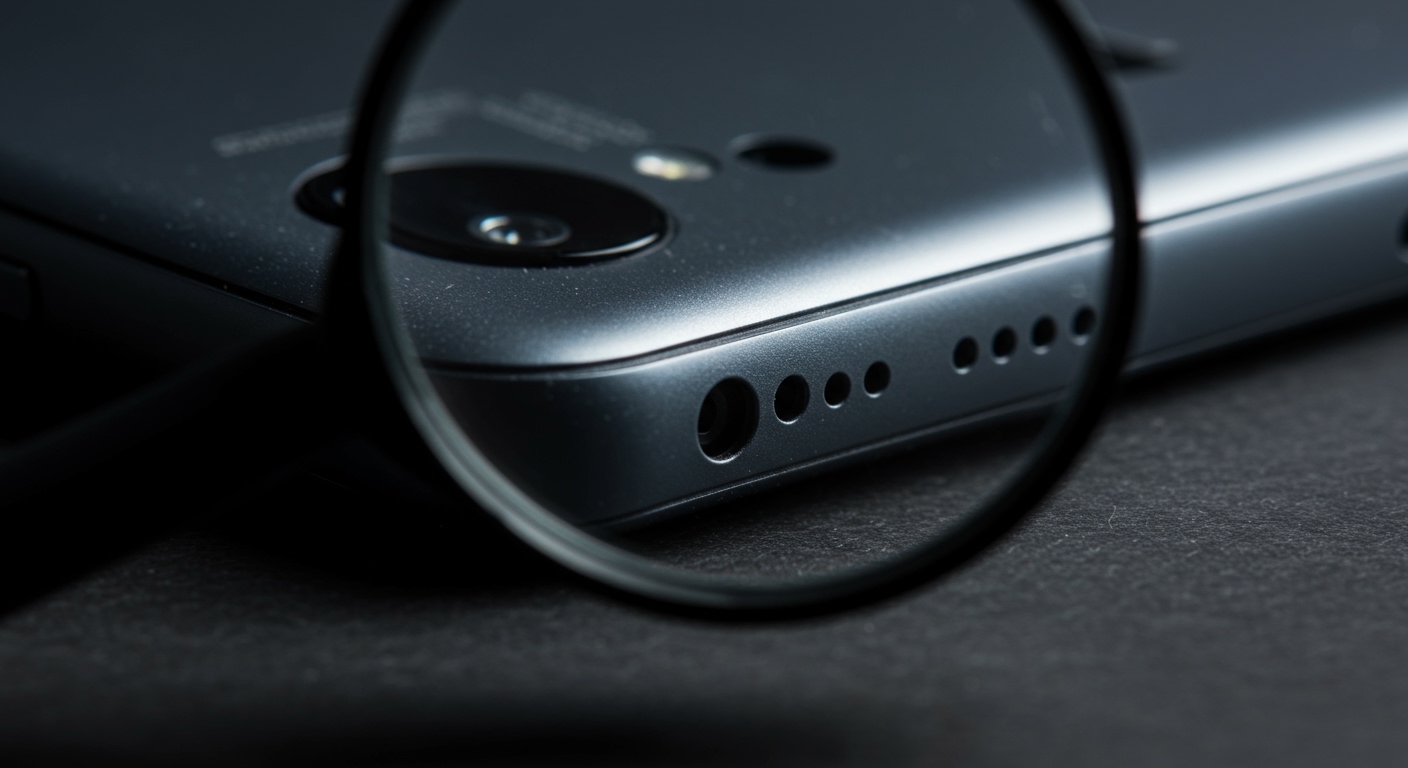
I have spent over a decade troubleshooting mobile hardware, and I can tell you that most “blown” speakers are actually just clogged with pocket lint or suppressed by a software setting. In this guide, I will walk you through the professional-grade methods I use to verify speaker health and restore crystal-clear sound to any Android device.
TL;DR: Quick Summary for Testing Android Speakers
Method 1 (Fastest): Use hidden USSD codes like #0# (Samsung) or ##6484##*# (Xiaomi) to access hardware test menus.
- Method 2 (Diagnostic): Download the TestM or Phonedoctor Plus app for a full hardware audit.
- Method 3 (Acoustic): Play a 20Hz to 20kHz frequency sweep on YouTube to listen for hardware “rattle” or dead spots.
- Pro Tip: Always check if Bluetooth is connected to an external device before assuming your internal speakers are broken.
The Secret Menu: Using Built-in Hardware Diagnostic Codes
Most people don’t realize that Android manufacturers include “hidden” menus designed specifically for factory technicians. These menus allow you to trigger the earpiece speaker and the loudspeaker independently to check for clarity.
To use this method, open your phone’s Dialer/Phone app and enter the code corresponding to your brand:
| Brand | Diagnostic Code |
|---|---|
| Samsung | #0# |
| Xiaomi / Poco | ##64844## |
| Sony Xperia | ##7378423## |
| Motorola | ##4636## |
| Google Pixel | Use the “Pixel Diagnostic” app via the dialer ##7287## |
Once the menu opens, look for options labeled “Speaker,” “Receiver,” or “Audio.” When you tap these, the phone will play a loud, continuous tone or a pre-recorded song.
Expert Insight: If the sound plays clearly in this mode but sounds distorted in Spotify or YouTube, your problem is software-based (like a bad equalizer setting), not hardware-related.
Best Third-Party Apps to Test Speakers on Android
If your phone doesn’t support secret codes, or if you want a more detailed report, third-party apps are the way to go. I regularly use these three apps when evaluating refurbished Android devices.
TestM Hardware
TestM is the gold standard for comprehensive hardware checks. It creates a “map” of your phone’s health. For speakers, it runs a “Loopback” test where the phone plays a sound and the microphone listens to it to analyze quality.
Audio Test
This app is designed for audiophiles. It allows you to test the Left and Right channels individually. This is crucial for modern flagship phones (like the Pixel 8 or Galaxy S24) that use a stereo setup where the earpiece acts as a secondary speaker.
Speaker Cleaner
While primarily a tool to eject water, Speaker Cleaner uses high-frequency vibrations that double as an excellent diagnostic tool. If you hear a “buzzing” sound during the cleaning cycle, it usually indicates a loose internal component or a torn speaker diaphragm.
Manual Frequency Testing: The Professional Approach
When I want to see if a speaker is truly “blown,” I don’t just play a song. I use a Frequency Sweep.
How to test speakers on Android using frequency sweeps:
- Go to YouTube or a site like Online Tone Generator.
- Search for a “20Hz to 20kHz Frequency Sweep.”
- Slowly increase the volume from 50% to 100%.
- Listen for “rattle”: This usually happens between 200Hz and 500Hz if the speaker is damaged.
- Listen for “dropouts”: If the sound disappears at high frequencies (above 10kHz), your tweeter or earpiece speaker may be failing.
Warning: Do not play high-frequency tones at max volume for more than a few seconds, as this can overheat the voice coil in small mobile speakers.
Troubleshooting Common Speaker Issues
Before you head to a repair shop, try these three steps that solve 90% of the audio issues I encounter.
The “Physical” Clean
Take a soft-bristled toothbrush and some 70% Isopropyl Alcohol. Gently scrub the speaker grilles. You would be surprised how much skin oil and dust can solidify into a “plug” that blocks 50% of your volume.
Disable “Absolute Volume” in Developer Options
If your speakers are too quiet, Android might be miscalculating the volume limit.
- Go to Settings > About Phone and tap Build Number 7 times.
- Go to System > Developer Options.
- Toggle “Disable Absolute Volume” to ON.
- Restart your device.
Check for “Mono Audio” Settings
If one speaker seems louder than the other, check your accessibility settings.
- Navigate to Settings > Accessibility > Audio adjustment.
- Ensure the Left/Right balance slider is dead center.
- Turn off “Mono Audio” unless you specifically need it.
Comparing Software vs. Hardware Failures
It is vital to distinguish between a speaker that is physically broken and one that is being restricted by the Android OS.
| Symptom | Likely Cause | Fix |
|---|---|---|
| Crackling at high volume | Blown diaphragm (Hardware) | Speaker Replacement |
| No sound at all | Software glitch or “Mute” | Factory Reset or Safe Mode |
| Muffled / Low volume | Clogged Grilles (Dirt) | Clean with a soft brush |
| Sound only in one speaker | Balance settings (Software) | Adjust Accessibility settings |
Advanced: Checking Speaker Impedance and Voltage
For the DIY enthusiasts, you can use a multimeter to test the speaker component itself. This requires opening the device.
- Standard Android speakers usually have an impedance of 4 to 8 Ohms.
- If your multimeter reads 0 Ohms (short circuit) or Infinite Ohms (open circuit), the speaker coil is physically fried and must be replaced.
Frequently Asked Questions (FAQ)
How do I know if my Android speaker is blown?
A blown speaker typically produces a distorted, crackling, or buzzing sound, especially when playing bass-heavy audio or high volumes. If the sound is clear but very quiet, it is likely just dirty or restricted by a software setting.
Can water damage be fixed with a speaker test app?
Yes, to an extent. Apps like Speaker Cleaner play specific low-frequency tones that create air pressure to “push” water droplets out of the speaker grille. This is most effective if done immediately after the phone gets wet.
Why is my top speaker quieter than the bottom one?
On most Android phones, the top speaker doubles as the earpiece for calls. Because it is smaller, it naturally has less bass response and lower maximum volume than the bottom-firing primary speaker. This is normal behavior for “Stereo” mobile setups.
Does “Safe Mode” help in testing speakers?
Absolutely. Booting into Safe Mode disables all third-party apps. If your speakers work perfectly in Safe Mode but fail in normal mode, a third-party app (like a custom EQ or a game) is interfering with your audio drivers.
How much does it cost to replace an Android speaker?
Depending on the model, a professional speaker replacement usually costs between $50 and $100. The part itself is often under $15, but the labor involves heating the adhesive and opening the chassis, which carries risk.









