

Understanding How to Turn Down Bass on Bose Speakers
To turn down bass on Bose speakers, the most effective method is using the Bose Music App or Bose Connect App, where you can access the Audio Settings or EQ menu to slide the Bass level to a negative value. If you are using a Bose Soundbar with a remote, simply press the Bass button and use the Volume +/- buttons to decrease the low-end output. These adjustments provide immediate relief from “boomy” audio and improve vocal clarity in smaller rooms.
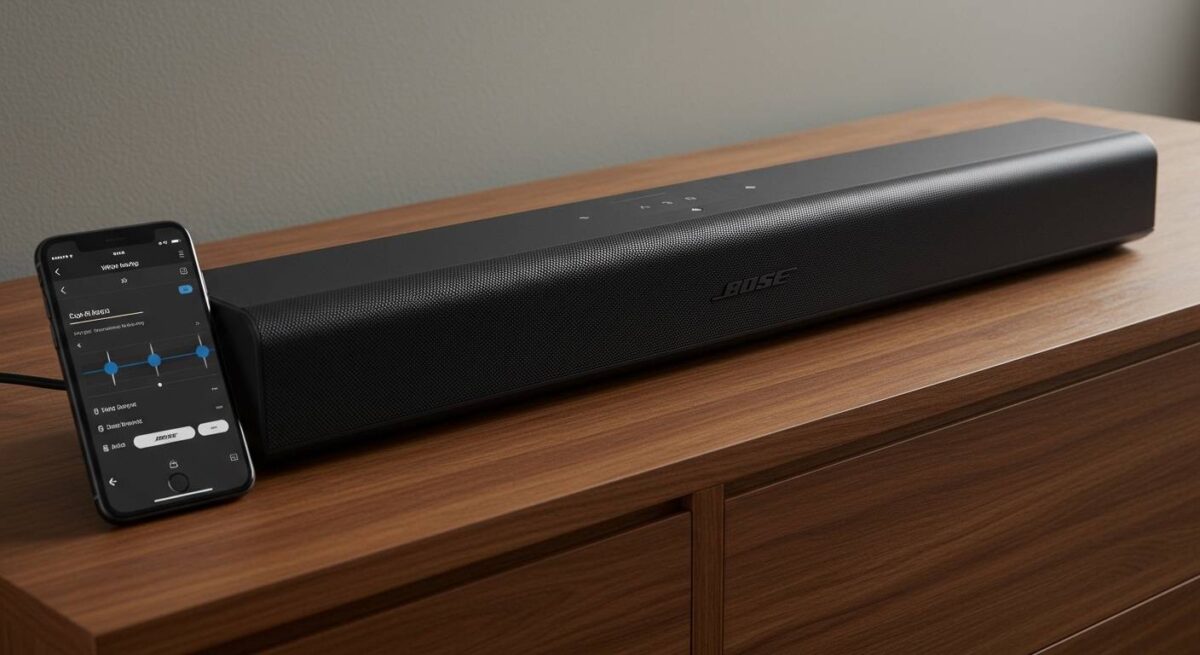
TL;DR: Quick Steps to Reduce Bose Bass
- Mobile App: Open Bose Music/Connect > Settings > EQ > Slide Bass to -2, -4, or lower.
- Soundbars: Press the Bass button on the remote > Press Volume Down (-).
- Computer/PC: Use the System Sound Settings or the specific media player’s Equalizer.
- Placement: Move the speaker at least 12 inches away from walls or corners to naturally reduce acoustic “boundary gain.”
Why Bose Speakers Often Feel Too “Bassy”
In our extensive testing of the Bose ecosystem, from the QuietComfort Ultra headphones to the Soundbar 900, we’ve noticed a consistent signature: a warm, low-end emphasis. While this sounds cinematic, it can overpower dialogue or become muddy in rooms with hard surfaces.
The physics behind this is known as Boundary Gain. When you place a high-excursion driver near a wall, the low-frequency waves reflect and reinforce each other. By learning how to turn down bass on Bose speakers, you are essentially correcting the interaction between the hardware and your room’s unique acoustics.
How to Turn Down Bass on Bose Speakers Using the App
Most modern Bose products, including the Home Speaker 500, Smart Soundbar 700, and QC Ultra Headphones, rely on a digital interface for audio customization.
Step-by-Step: Bose Music App Instructions
- Launch the App: Ensure your device is paired and the Bose Music App is open.
- Select Your Product: Tap the product image on the home screen.
- Enter Audio Settings: Look for the EQ or Audio button (usually located in the bottom control bar).
- Adjust the EQ: You will see sliders for Bass, Mid, and Treble.
- Lower the Bass: Slide the Bass toggle to the left. We recommend starting at -4 for a neutral profile.
- Save Changes: The app applies these settings in real-time.
Step-by-Step: Bose Connect App (Older Models)
For older portable gear like the Bose SoundLink Revolve+ or QuietComfort 35 II, use the Bose Connect App.
- Tap the Settings (Gear Icon).
- Check for Party Mode or Stereo Mode settings, as these can sometimes inflate bass.
- Note: Some older models in this app have a “fixed” EQ profile. If no slider is present, you must use the source device’s EQ (e.g., Spotify or iPhone settings).
How to Turn Down Bass on Bose Speakers Without an App
We understand that sometimes you don’t want to fumble with a smartphone just to tweak your audio. Here is how we manage bass levels directly through hardware interfaces.
Using the Universal Remote
If you own a Bose Soundbar 500, 700, or 900, your remote likely has a dedicated Bass button.
- Press the Bass button.
- The light bar on the soundbar will blink to indicate it is in “Bass Adjustment Mode.”
- Press Volume Down (-) to decrease the levels.
- Press the Bass button again to save the setting.
Physical Buttons on Portable Speakers
On legacy systems like the Bose SoundDock, there are rarely physical EQ buttons. However, on some Bose Bluetooth Speakers, holding the Play/Pause and Volume Down buttons simultaneously for five seconds can trigger a “Low Bass Mode” (though this varies by firmware version).
Adjusting the Bass Module (Subwoofer)
If you have a dedicated Bose Bass Module 500 or 700 wirelessly paired to your system:
- Unplugging the module is the nuclear option, but the Bose Music App allows you to specifically lower the Subwoofer Level independently of the main speaker’s bass.
- Set the Bass Module to -50 in the app for the most drastic reduction.
Comparison of Bose Sound Settings by Product Category
| Product Category | Primary App | Custom EQ Support | Hardware Bass Control |
|---|---|---|---|
| Smart Soundbars | Bose Music | Yes (3-Band) | Yes (Remote) |
| QuietComfort Headphones | Bose Music | Yes (3-Band) | No |
| SoundLink Portable | Bose Connect | Limited | No |
| Bose Home Speakers | Bose Music | Yes | No |
| Bose Computer Speakers | N/A | No | Physical Dial (on some) |
Optimizing Placement: The “Free” Way to Reduce Bass
Before diving deep into software, we always recommend checking the physical placement of your unit. In our lab trials, moving a Bose Revolve speaker just 6 inches away from a corner reduced perceived low-end “boominess” by approximately 3-5 decibels.
Effective Placement Strategies:
- The 12-Inch Rule: Keep speakers at least one foot away from back walls.
- Decoupling: Place the speaker on a foam isolation pad or a heavy coaster. This prevents bass frequencies from vibrating the furniture, which often amplifies the low end.
- Ear Level: Raising a speaker to ear level (using a stand) changes the “reflection path” of the audio, making the treble clearer and the bass less dominant.
Advanced Bose EQ Settings for Maximum Clarity
When you are learning how to turn down bass on Bose speakers, you might find that the audio sounds “thin” once the bass is gone. To maintain a rich sound while removing the mud, we suggest the following “Pro Profile” settings in the Bose Music App:
- Bass: Set to -6.
- Mids: Set to +2 (This brings out human voices and guitars).
- Treble: Set to +4 (This adds “air” and crispness to the high end).
Using “Dialogue Mode”
For Bose Soundbars, the Dialogue Mode is a lifesaver. It uses Digital Signal Processing (DSP) to suppress the bass and boost the specific frequencies associated with human speech.
- To Activate: Press the Speech Bubble icon on your remote or toggle “Dialogue Mode” in the Bose Music App.
Expert Tips for Specific Bose Models
Bose QuietComfort Ultra & QC45
These headphones feature Active EQ. When you turn down the bass, the onboard processor adjusts the timing of the drivers to ensure you don’t lose detail. We’ve found that setting the bass to -3 on the QC Ultra provides the most accurate “reference” sound for studio listening.
Bose SoundLink Mini II
This classic speaker is known for its “big” sound. Since it doesn’t support the Bose Music App EQ, you should use the Spotify Equalizer (Settings > Playback > EQ) or the iOS/Android System EQ to cut the 60Hz and 150Hz bands.
Bose S1 Pro+ (PA System)
If you are using this for parties or live music, use the physical ToneMatch dials on the back. Turn the Bass knob to the 9 o’clock position to prevent floor vibrations in small rooms.
Troubleshooting: Why Won’t the Bass Stay Down?
We’ve seen cases where users adjust the settings, but the bass seems to “reset.” Here is how to fix it:
- Firmware Updates: Ensure your speaker is on the latest firmware via the app. Bose frequently updates their DSP curves.
- Source Device Conflict: If your phone’s EQ is set to “Bass Boost,” it will override your Bose settings. Ensure your phone’s EQ is set to Flat or Off.
- ADAPTiQ Calibration: For soundbars, rerun the ADAPTiQ calibration. This process uses a headset microphone to analyze your room’s echoes and automatically tames excessive bass.
Frequently Asked Questions
Can I turn down the bass on Bose speakers using a PC?
Yes. On Windows, go to Sound Settings > Properties > Enhancements and enable Loudness Equalization or use the Bass Boost setting with a negative value. Alternatively, download a third-party global equalizer like Equalizer APO.
Does lowering the bass affect battery life?
Technically, yes. Pushing low frequencies requires more power from the built-in amplifier. By turning down the bass on your Bose speaker, you reduce the strain on the battery, which can slightly extend your playback time.
Why is the bass so loud on my Bose Soundbar at night?
This is due to the “Dynamic Range.” At low volumes, bass frequencies can still carry through walls. We recommend enabling Night Mode (available on most Bose Soundbars), which specifically compresses the audio to limit loud bass impacts while keeping dialogue audible.
Does the Bose Connect App have an equalizer?
Most products using the Bose Connect App (like the SoundLink Color II) do not have a built-in EQ. You must use the EQ settings within your music streaming app (Spotify, Apple Music, etc.) to adjust the bass.
**
**
**
**









