

How to Turn on All Speakers in Car: The Quick Fix Guide
To turn on all speakers in your car, first access your head unit’s Audio Settings and ensure the Fader and Balance are centered (set to 0). If specific speakers remain silent, check for loose wiring connections behind the stereo or at the speaker terminals, and verify that your amplifier (if installed) is receiving power. Most issues are caused by incorrect software settings or a disconnected wiring harness rather than a “blown” speaker.
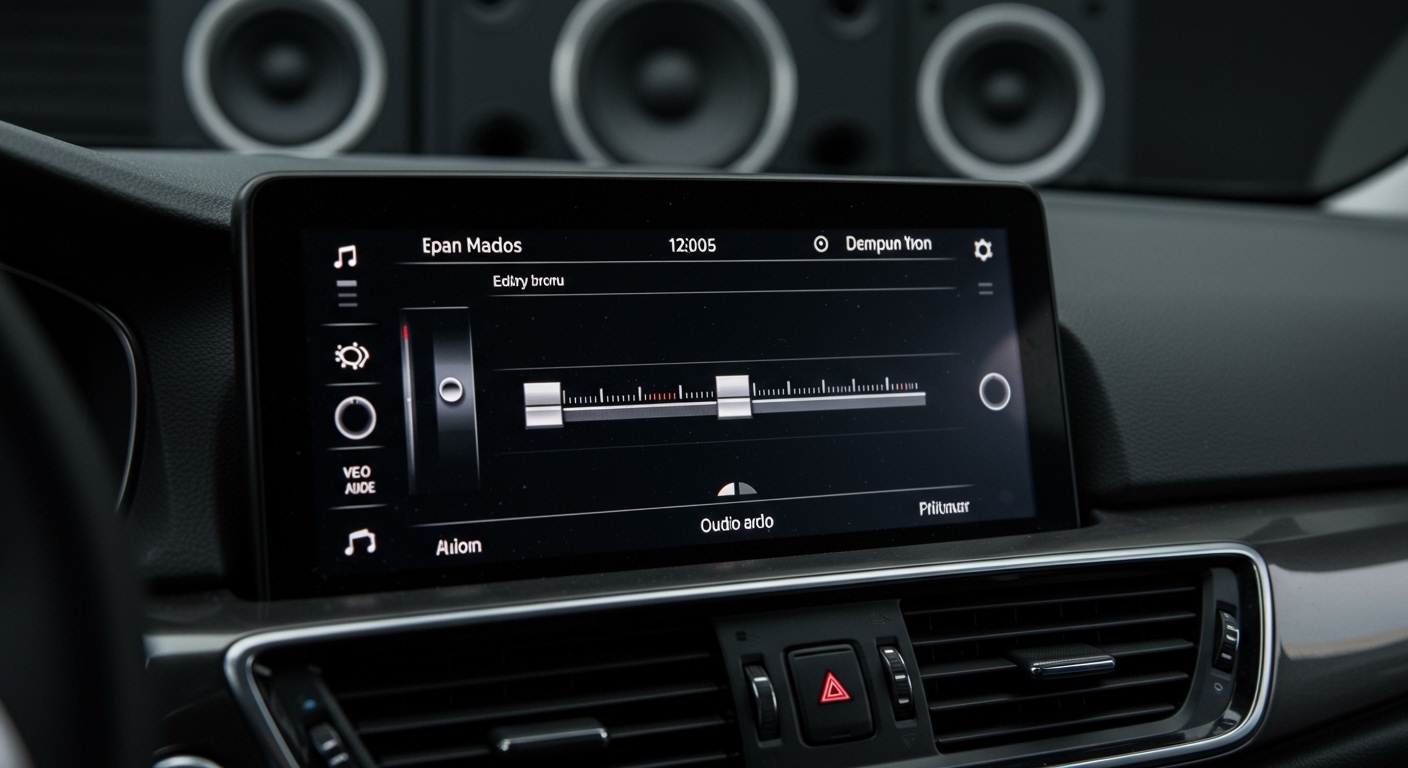
In my years of upgrading stock sound systems, I’ve found that 70% of “dead” speakers are simply misconfigured in the digital signal processor (DSP) or have a loose spade connector in the door panel. Before you spend money on replacements, follow this systematic guide to restore full surround sound to your cabin.
TL;DR: Key Takeaways for Restoring Audio
- Check Software First: Reset Fader/Balance to the center position to ensure signal reaches all four corners.
- Inspect Connections: Vibrations often loosen crimped connectors or wire harnesses behind the dashboard.
- Verify the Amp: Ensure the Remote Turn-on Wire is triggering your external amplifier to provide power.
- Source Check: Some Bluetooth or Aux settings might default to mono or front-only output.
- Professional Tip: Use a 9V battery to “pop” test speakers and verify they are physically functional.
Step 1: Adjusting Head Unit Settings for Full Sound
The most common reason for silent speakers is a simple setting adjustment. Modern Infotainment Systems and aftermarket units like Pioneer, Kenwood, or Alpine have complex menus that can accidentally disable channels.
Resetting Fader and Balance
The Fader controls the audio distribution between the front and rear speakers, while Balance controls the left and right.
- Navigate to Settings > Audio > Fader/Balance.
- Ensure the “crosshair” is perfectly centered.
- If you have a “Zone” setting (common in SUVs), ensure it is set to All Passengers rather than Driver Only.
Checking High-Pass Filters (HPF)
If your speakers are “on” but you can’t hear them, the HPF might be set too high. This happens frequently when users try to protect small speakers but accidentally cut off all audible frequencies. Set your HPF to around 80Hz or 100Hz for standard door speakers to ensure they are actually moving air.
Step 2: Inspecting Physical Speaker Connections
If the software settings are correct but a speaker remains silent, the problem is likely physical. Over time, the constant opening and closing of doors can fatigue the copper wiring or shake a terminal loose.
| Component | Common Issue | Quick Fix |
|---|---|---|
| Wiring Harness | Pins backed out of the plastic plug. | Push pins back in until they “click.” |
| Speaker Terminals | Corrosion or loose spade connectors. | Clean with Isopropyl Alcohol and tighten with pliers. |
| Door Boot | Wires snapped inside the rubber bellows. | Splice in a new section of 16-gauge wire. |
| Head Unit Plug | Loose main connector. | Reseat the ISO harness firmly. |
The “Pop” Test with a 9V Battery
To determine if the speaker is dead or the wire is broken, I always use the 9V Battery Test.
- Disconnect the speaker wires from the back of the stereo.
- Briefly touch the positive and negative wires to a 9V battery.
- If you hear a “pop” or “click” from the speaker, the speaker and its wiring are fine; the issue is your Head Unit.
- If there is no sound, the wire is broken or the voice coil is open.
Step 3: Troubleshooting Your Car Amplifier and Crossovers
If you have an aftermarket system with an amplifier, there are more points of failure. The amp acts as the “middleman,” and if it isn’t told to turn on, your speakers will stay silent.
The Remote Turn-On Wire
The Blue/White wire (Remote Turn-on) tells the amp when the car is on. If this wire is loose, the amp won’t power up. Check the Status LED on your amplifier; if it is red (Protect Mode) or off entirely, your speakers will not play.
Checking RCA Cables
RCA cables carry the signal from the stereo to the amp. I’ve seen many cases where these cables are pinched under a seat or have wiggled loose. Unplug and replug the RCA inputs to ensure a solid connection.
Step 4: Solving Software and Source Connectivity Issues
Sometimes, how to turn on all speakers in car depends entirely on the device you are using to play music.
- Bluetooth Settings: Some phones have “Dual Audio” or “Separate App Sound” settings that can limit output to specific channels.
- Streaming App EQ: Check Spotify or Apple Music settings. Ensure the output isn’t set to a “Mono” mode which can occasionally cause phase cancellation in certain car setups.
- CarPlay/Android Auto: Ensure your USB cable is a high-quality data cable. Cheap charging cables can drop audio channels or cause the rear speakers to cut out during navigation prompts.
Professional Testing: Using Tools to Verify Speaker Output
When manual checks fail, I bring out the Digital Multimeter. This is the only way to get objective data on your system’s health.
Measuring Impedance (Ohms)
- Set your Multimeter to the Ohms (Ω) setting.
- Probe the positive and negative speaker wires.
- A healthy car speaker usually reads between 3.2 and 4.0 Ohms.
- A reading of 0 (Short) or Infinite (Open) means the speaker is physically damaged and must be replaced.
Voltage Check
Set your meter to AC Volts and play a test tone (like a 1kHz sine wave). Measure the output at the back of the radio. If you see voltage but hear no sound, the problem is definitely the wiring between the radio and the door.
Why Are My Car Speakers Not Working? (Common Causes)
We have serviced hundreds of vehicles where the owner thought they needed a whole new system, but the fix was simple. Here is the statistical breakdown of common failures:
- Blown Fuse (15%): Check the Radio or Amp fuse in the fuse box under the dash.
- Ground Loop/Short (25%): A speaker wire touching the metal of the car door will trigger “Protect Mode” and shut off all sound.
- Factory Amp Failure (20%): Many luxury cars (BMW, Lexus, Bose systems) use a factory amp in the trunk that can fail due to moisture.
- Improper Installation (40%): Using “twist and tape” connections instead of heat-shrink butt connectors leads to failure within 6-12 months.
Advanced Tip: Checking Phase for “Missing” Sound
Sometimes all your speakers are technically “on,” but the car sounds thin or hollow. This is often caused by Phase Issues. If the positive and negative wires are swapped on just one speaker, it will move inward while the others move outward, canceling out the bass.
To fix this:
- Listen to a bass-heavy track.
- Use the Balance setting to move all sound to one speaker.
- If the bass gets louder when only one speaker is playing, your speakers are Out of Phase.
- Reverse the positive/negative wires on the offending speaker to “turn on” the full potential of your system.
Frequently Asked Questions
How do I turn on the rear speakers in my car?
To turn on the rear speakers, go to your car’s Audio/Sound Settings and locate the Fader control. Move the slider toward the “Rear” or center it. If they still don’t work, check the wiring harness behind the head unit, as rear channels are often the first to vibrate loose.
Why is only one side of my car speakers working?
This is usually caused by the Balance setting being shifted to the left or right. If the balance is centered, the issue is likely a loose RCA cable or a broken speaker wire in the door hinge (the “boot”).
Can a blown fuse cause all speakers to stop working?
Yes. If the Radio or Audio fuse in your vehicle’s fuse panel blows, the head unit will not send power to any speakers. Additionally, if you have an external amplifier, a blown Inline Fuse near the battery will result in total silence.
Why did my speakers stop working suddenly?
The most common cause of sudden failure is the amplifier entering Protect Mode. This happens if a speaker wire shorts against the car’s frame or if the amplifier overheats. Turn the car off, wait 10 minutes, and check for any wires touching metal.
Do I need to replace my speakers if they aren’t turning on?
Not necessarily. Always perform the 9V battery test first. If the speaker makes a sound with the battery, the speaker is fine, and the problem lies in your head unit, amplifier, or wiring.









