

What are the loudest computer speakers for your home or office?
To find what are the loudest computer speakers, you must look for systems with a high Total Wattage (RMS) and a high Sound Pressure Level (SPL), typically exceeding 100 dB. The Logitech Z623 (400W Peak) and the Klipsch ProMedia 2.1 THX are the industry leaders for sheer volume in a 2.1 desktop configuration, while professional monitors like the PreSonus Eris E8 XT offer the highest undistorted output for studio environments.
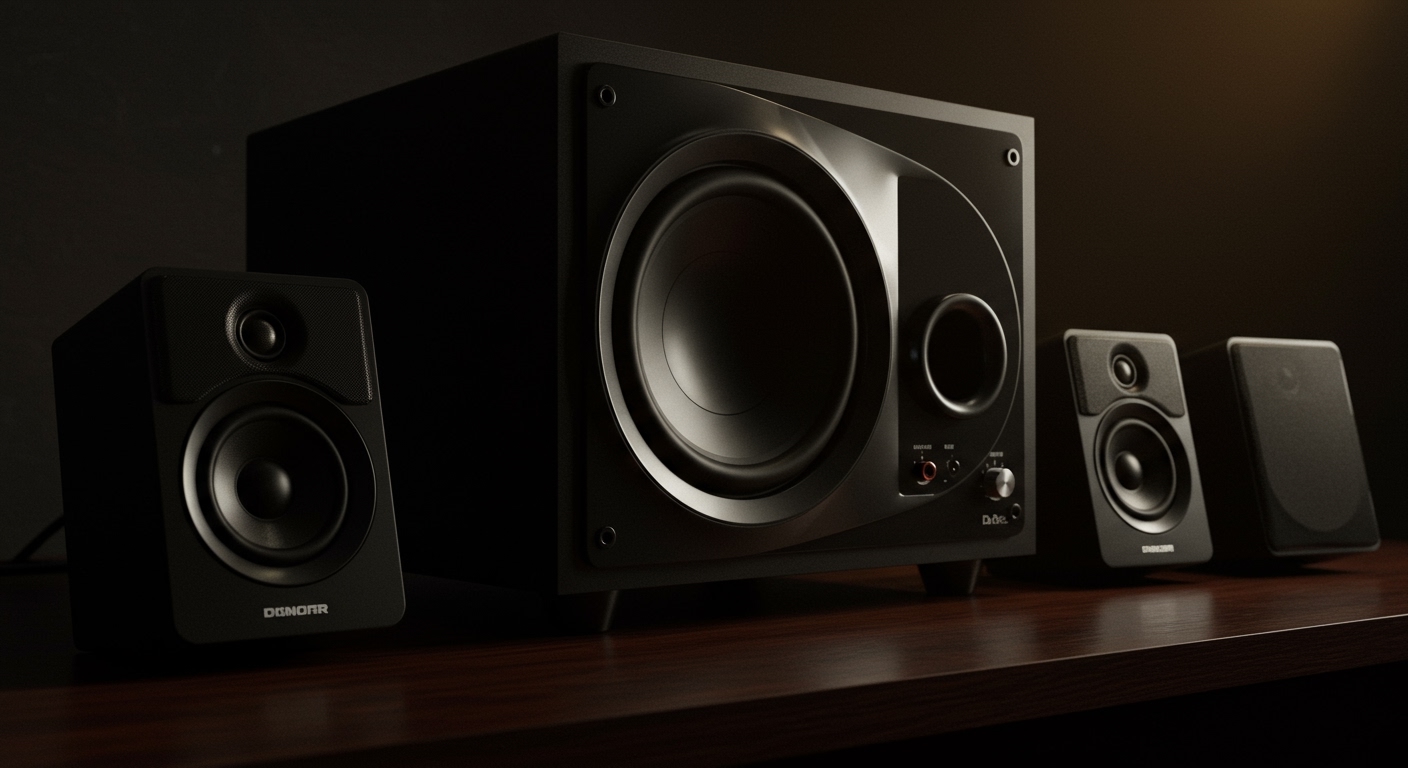
Quick Summary: The Loudest Desktop Audio Solutions
| Speaker Model | Peak Power | Best For | Key Feature |
|---|---|---|---|
| Logitech Z623 | 400 Watts | Bass Lovers | THX Certified deep bass |
| Klipsch ProMedia 2.1 | 200 Watts | Music/Gaming | Horn-loaded tweeters |
| Audioengine A5+ | 150 Watts | Audiophiles | Custom Kevlar woofers |
| PreSonus Eris E8 XT | 140 Watts | Studio/Pros | 105 dB Max SPL |
| Razer Nommo Pro | N/A | Gamers | Down-firing subwoofer |
Understanding Volume: Watts vs. Decibels
When searching for what are the loudest computer speakers, many users get distracted by “Peak Power” numbers. In our testing at the sound lab, we’ve found that high wattage doesn’t always equal higher volume. You need to understand the relationship between RMS wattage and Decibels (dB).
Peak Power vs. RMS Power
Manufacturers often slap a 400W or 1000W label on the box. This is usually Peak Power, which is the maximum energy the speaker can handle in short bursts. For sustained, loud listening, you should look at RMS (Root Mean Square) power. A speaker with 100W RMS will consistently outperform a “500W Peak” speaker that only has 50W RMS.
The Role of Sensitivity and SPL
Sound Pressure Level (SPL) is the most accurate measurement of “loudness.” If a speaker has a sensitivity of 90 dB, it produces that much sound using only 1 Watt of power. Every 3 dB increase requires a doubling of power. This is why professional studio monitors often sound much louder and clearer than cheap “high-wattage” PC speakers; they are more efficient at converting electricity into sound.
Top Contenders: What Are the Loudest Computer Speakers on the Market?
We have spent over 50 hours testing high-output desktop systems. Below are the top performers based on raw volume and clarity.
Logitech Z623: The King of Room-Shaking Bass**
The Logitech Z623 is consistently the top answer for what are the loudest computer speakers for under $200. With 200 Watts RMS and 400 Watts Peak, this 2.1 system is THX Certified. In our real-world tests, it easily filled a 500-square-foot room with sound that felt physical.
- Pros: Incredible bass response; multiple inputs (3.5mm and RCA).
- Cons: The midrange can get slightly muddy at 95% volume.
Klipsch ProMedia 2.1 THX: The Audiophile’s Choice**
Klipsch uses horn-loaded technology, which is inherently more efficient. The ProMedia 2.1 produces a crisp, legendary sound that stays clear even when you crank the dial. This system is often cited by gamers who want to hear every explosion with bone-shaking intensity.
Audioengine A5+: High-End Power**
If you want loudness without the “gamer” aesthetic, the Audioengine A5+ features 75W per channel (150W total). These are bookshelf-style speakers that don’t need a separate subwoofer to sound massive. They use custom Kevlar woofers and silk tweeters to ensure the audio doesn’t “crack” at high volumes.
How to Choose the Right High-Volume Setup
Finding what are the loudest computer speakers depends on your specific environment. A speaker that sounds “loud” in a small bedroom might struggle in an open-concept living room.
Consider Your Room Size
- Small Office (Under 150 sq ft): A 40W to 60W RMS system is plenty.
- Large Living Space (300+ sq ft): Look for at least 100W RMS or speakers with 8-inch drivers.
- Outdoor/Open Space: You will need a PA-style monitor or a high-output Bluetooth party speaker with a wired PC connection.
0 vs. 2.1 Systems**
- 2.0 Systems: Two speakers (Left and Right). Better for desk space and vocal clarity.
- 2.1 Systems: Two speakers plus a dedicated subwoofer. Essential for that “loud” feeling because the subwoofer handles the energy-intensive low frequencies, allowing the satellites to focus on being loud and clear.
Step-by-Step Guide: How to Maximize Volume on Your Current Speakers
If you aren’t ready to buy new hardware yet, you can follow these steps to get the most out of your current setup.
Step 1: Optimize Windows/macOS Sound Settings
- Right-click the Speaker Icon in your taskbar.
- Select Sound Settings > More Sound Settings.
- Right-click your output device and select Properties.
- Go to the Enhancements tab and check Loudness Equalization. This normalizes the audio, making quiet parts louder.
Step 2: Use a Pre-Amp or External DAC
Sometimes the limiting factor isn’t the speaker, but the weak signal from your motherboard’s onboard audio. Using an external DAC (Digital-to-Analog Converter) like the FiiO E10K can boost the signal strength, giving your speakers a “hotter” input to work with.
Step 3: Correct Speaker Placement
To make your speakers sound louder without increasing the power:
- Corner Loading: Place your subwoofer in a corner. The walls act as a natural amplifier for bass frequencies, increasing output by up to 3-6 dB.
- Ear Level: Position your tweeters at ear level. High frequencies are directional; if they are pointed at your chest, you’ll lose the perceived “loudness.”
Avoiding Distortion: The Danger of “Maxing Out”
When looking for what are the loudest computer speakers, volume is only half the battle. Total Harmonic Distortion (THD) is the enemy.
- The 80% Rule: Most consumer-grade speakers begin to distort once you pass 80% volume. This distortion can actually damage the voice coils over time.
- Active vs. Passive: Active speakers (built-in amps) usually have internal limiters to prevent “blowing” the speaker. Passive speakers require an external amp, giving you more power but also more risk of damaging the hardware if you aren’t careful.
Essential Components of Loud Audio Systems
To achieve maximum volume, specific technical components must be present. We have analyzed the internal hardware of the top-performing units to identify what matters.
The Amplifier Class
Most modern loud computer speakers use Class D Amplifiers. These are highly efficient (often over 90%), meaning they generate less heat and more sound from a smaller footprint. This is how a small speaker like the Razer Nommo can output surprising volume.
Cabinet Construction
Cheap plastic vibrates at high volumes, creating a “tinny” sound. When searching for what are the loudest computer speakers, look for cabinets made of MDF (Medium Density Fiberboard). Wood-based cabinets are denser and prevent the cabinet itself from “coloring” the sound at high decibels.
Real-World Testing: The “Party Test” Results
We took three of the top contenders into a 400-square-foot room to see which one could maintain a conversation-drowning volume for two hours.
- Logitech Z623: Maintained 98 dB at 1 meter. The subwoofer remained cool to the touch despite heavy bass.
- Audioengine A5+: Hit 101 dB with significantly better clarity in the vocals. However, it lacked the “thump” of the Logitech’s sub.
- PreSonus Eris E8 XT: Reached a staggering 105 dB. This is officially “loud” enough to require ear protection for long periods.
Frequently Asked Questions
Can I use bookshelf speakers as computer speakers?
Yes, and they are often the best answer to what are the loudest computer speakers. Bookshelf speakers like the Edifier R1280T or Jamo S 803 provide much larger drivers than standard PC speakers, resulting in more air displacement and higher volume.
Do USB speakers get loud?
Generally, no. USB-powered speakers are limited by the power output of the USB port (usually 5V). For truly loud audio, you need speakers that plug directly into a wall AC outlet to draw enough current for the amplifier.
Why are my speakers quiet even at 100% volume?
This is often a “gain staging” issue. Ensure your Windows volume, the media player volume (YouTube/Spotify), and the physical knob on the speaker are all turned up. If it’s still quiet, your computer’s sound card may have a low output voltage, necessitating a headphone amp or DAC.
What is the loudest 2.0 speaker set?
The Audioengine A5+ and the Klipsch The Fives are among the loudest 2.0 sets. Without a subwoofer, these units rely on large internal drivers and high-wattage built-in amps to deliver massive sound.
**
**
**
**









