

Understanding the Core Function: What is the Use of Amplifier in Speakers?
The primary use of an amplifier in speakers is to take a low-voltage electrical signal from a source—like a smartphone, turntable, or laptop—and boost it to a high-voltage signal capable of physically moving the speaker’s internal components to create sound. Without an amplifier, the electrical pulses from your music files would be far too weak to drive the woofers and tweeters that generate the air vibrations we perceive as audio.
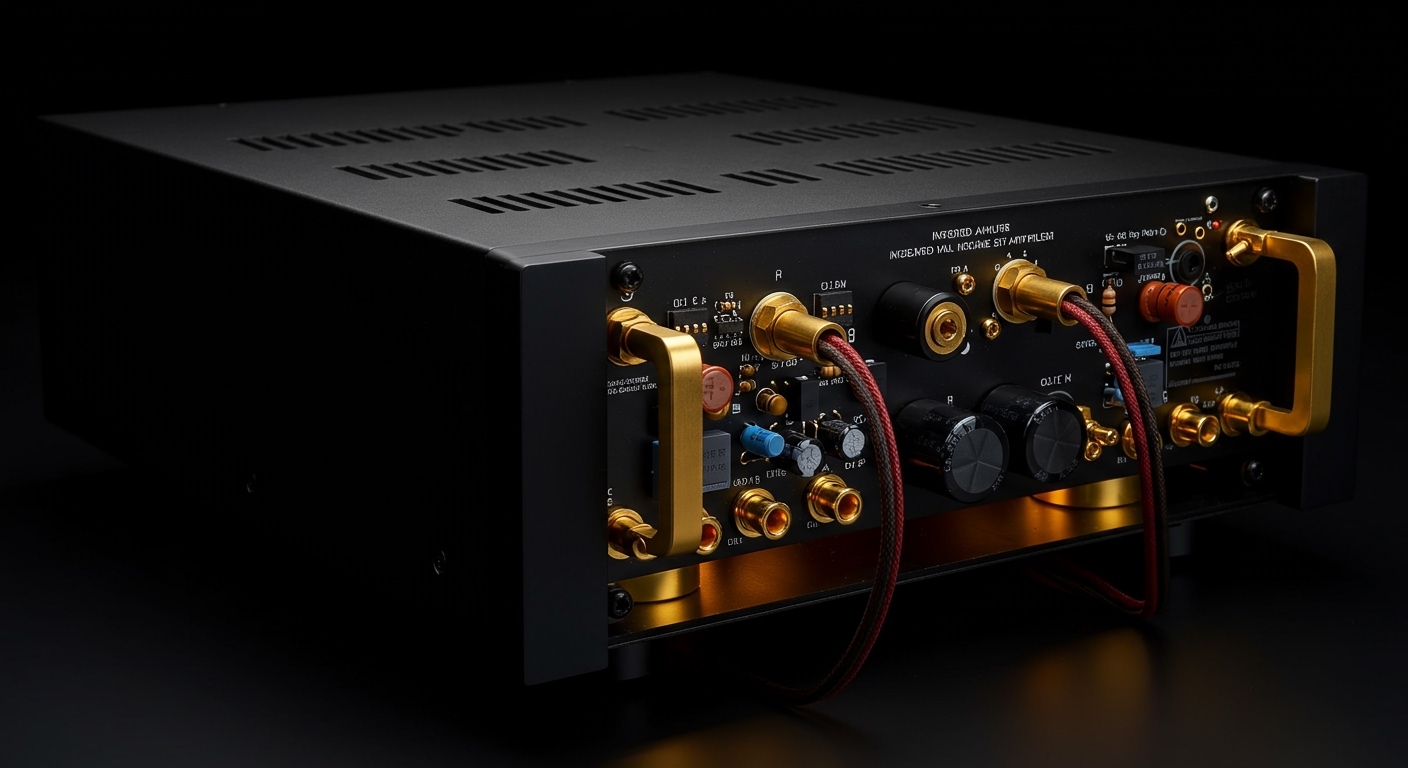
In my years of testing high-fidelity audio systems, I’ve found that the amplifier acts as the “engine” of the sound system. It doesn’t just make the sound louder; it provides the current and headroom necessary to maintain clarity, prevent distortion, and ensure that every subtle detail of a recording is preserved from the source to your ears.
🚀 Key Takeaways: Why You Need an Amplifier
- Signal Magnification: Converts “Line Level” signals (approx. 1 volt) into “Speaker Level” signals powerful enough to move heavy speaker magnets.
- Sound Quality Control: High-quality amps provide clean gain, ensuring the music remains crisp even at high volumes without “clipping.”
- Impedance Matching: Manages the electrical resistance (Ohms) of your speakers to prevent overheating and equipment failure.
- Input Management: Acts as a central hub for multiple devices, allowing you to switch between a TV, CD player, or Bluetooth stream.
How an Amplifier Works: From Signal to Sound
To truly grasp what is the use of amplifier in speakers, we have to look at the physics of sound. Sound is created by moving air. To move air, a speaker’s cone must vibrate back and forth rapidly. These vibrations are driven by an electromagnet (the voice coil) reacting to an electrical current.
The Pre-Amplification Stage
Before the heavy lifting happens, the signal goes through a pre-amplifier. This stage allows you to select your source and adjust the volume. I often tell my clients to think of the preamp as the “brain” that organizes the data before sending it to the “muscles.”
The Power Amplification Stage
This is where the magic happens. The power amplifier takes the organized signal and uses a beefy power supply to add massive amounts of electrical current. This high-energy signal is what travels through your speaker wires to the binding posts on the back of your cabinets.
Controlling the Transducer
The speaker is a transducer—it converts electrical energy into mechanical energy. A high-quality amplifier provides enough control to stop the speaker cone from vibrating the instant the music stops. This control is known as the Damping Factor.
Active vs. Passive Speakers: Where is the Amp?
When people ask about the use of amplifier in speakers, they often get confused by Active (Powered) and Passive setups. Throughout my professional experience, I’ve found that choosing the right type depends entirely on your space and your desire for customization.
Passive Speakers (External Amplification)
These are the traditional “bookshelf” or “tower” speakers. They have no internal power source. You must connect them to an external integrated amplifier or a receiver using speaker wire.
- Pros: Highly customizable; you can upgrade the amp or speakers separately.
- Cons: Requires more cables and physical space for the equipment stack.
Active Speakers (Internal Amplification)
These speakers, like the Sonos Five or Audioengine A5+, have the amplifier built directly into the cabinet.
- Pros: Perfectly matched components; simpler “plug-and-play” setup.
- Cons: If the internal amp fails, the whole speaker is often unusable.
| Feature | Passive Speakers | Active (Powered) Speakers |
|---|---|---|
| Amplifier Location | External (Separate Box) | Internal (Built-in) |
| Power Source | Via Speaker Cable | Wall Outlet (AC Power) |
| Setup Complexity | High (Matching Ohms/Watts) | Low (Plug and Play) |
| Sound Customization | Extreme | Limited |
| Best For | Home Theater / Hi-Fi Enthusiasts | Desktop / Simple Home Audio |
Understanding Power Ratings: Watts, Ohms, and Sensitivity
One of the most common mistakes I see beginners make is mismatched power ratings. To maximize the use of amplifier in speakers, you must understand the relationship between these three technical metrics.
Continuous Power (RMS) vs. Peak Power
Always look for the RMS (Root Mean Square) rating. This tells you how much power the amplifier can output consistently. Peak Power is a marketing gimmick that refers to short bursts of energy that the amp can only sustain for a fraction of a second.
Impedance (The “Ohms” Factor)
Impedance is the electrical resistance your speakers provide. Most home speakers are rated at 8 Ohms or 4 Ohms.
- Rule of Thumb: Your amplifier must be rated to handle the impedance of your speakers. If you plug 4-ohm speakers into an amp only rated for 8 ohms, you risk the amp overheating and “going into protection mode.”
Sensitivity (dB)
Speaker sensitivity measures how loud a speaker gets with one watt of power. If you have “low sensitivity” speakers (below 85dB), the use of a powerful amplifier becomes critical to prevent the sound from feeling thin or lifeless.
The Different Classes of Amplifiers
Not all amplifiers are built the same. Depending on the design of the internal circuitry, they fall into different “Classes.”
- Class A: The “Purist” choice. These amps are always on and provide the highest sound fidelity but generate massive amounts of heat.
- Class AB: The most common in home audio. They combine the efficiency of Class B with the sound quality of Class A.
- Class D: Often called “Digital” amps (though they are actually Pulse Width Modulation). These are incredibly efficient, small, and run cool. You will find these in almost all Active Subwoofers and portable Bluetooth speakers like JBL or Ultimate Ears.
Step-by-Step Guide: How to Properly Set Up an Amplifier
Setting up your system correctly ensures you get the full benefit of your equipment. Follow these steps based on my standard studio calibration routine.
Step 1: Position Your Equipment
Place your amplifier in a well-ventilated area. Amps generate heat, and stacking other components directly on top of them can lead to thermal shutdown or shortened lifespan of the internal capacitors.
Step 2: Prepare Your Speaker Wires
- Strip about 1/2 inch of insulation from the ends of your 14-gauge or 16-gauge oxygen-free copper wires.
- Twist the copper strands tightly to prevent “stray hairs” that could cause a short circuit.
- Pro Tip: Use Banana Plugs for a more secure and professional connection.
Step 3: Connect Speakers to the Amp
Ensure the Positive (+) terminal on the amp (usually red) connects to the Positive (+) terminal on the speaker. Do the same for the Negative (-) terminals (usually black). If you swap these, your speakers will be “out of phase,” resulting in a total loss of bass.
Step 4: Connect Your Sources
Plug your inputs (DAC, Turntable, Streamer) into the RCA or Digital inputs on the back of the amp. If using a turntable, ensure you connect the Ground Wire to the dedicated post to eliminate “60-cycle hum.”
Step 5: The “Zero Volume” Power On
Before hitting the power button, ensure the volume knob is turned all the way down. This prevents a sudden power surge from blowing your tweeters. Gradually increase the volume to your desired listening level.
Expert Tips for Maximizing Amplifier Performance
After decades of tinkering with Denon, Marantz, and Yamaha systems, I’ve gathered a few “insider” tips that make a world of difference:
- Don’t Skimp on the Power Supply: A heavy amplifier is usually a good sign. It indicates a massive transformer that can provide the current needed for deep, punchy bass hits.
- The 50% Rule: Ideally, your amplifier should be able to provide about 150% of the speaker’s recommended RMS power. This provides “headroom,” meaning the amp doesn’t have to work hard to produce loud sounds, keeping distortion at near-zero levels.
- Check Your Cables: You don’t need $1,000 cables, but avoid the “free” thin wires that come in the box. Thicker wire (lower gauge number) reduces resistance over long distances.
- Use Dedicated Circuits: If you have a high-end power amp, try to plug it into its own wall outlet rather than a crowded power strip shared with a computer or refrigerator to avoid electrical noise.
Troubleshooting Common Amplifier Issues
Even with the best gear, issues can arise. Here is a quick reference for common problems I encounter in the field.
- Hissing or Humming: This is often a Ground Loop. Try plugging all your audio gear into the same high-quality power conditioner.
- Distortion at High Volume: This is called Clipping. Your amplifier has run out of “juice” and is cutting off the tops of the sound waves. Turn it down immediately to avoid burning out your speaker’s voice coils.
- No Sound from One Channel: Swap the left and right speaker wires at the back of the amp. If the problem stays on the same side, the speaker is the issue. If the problem moves to the other speaker, the amplifier channel or the input cable is faulty.
Frequently Asked Questions
Can I use a high-powered amp with small speakers?
Yes, you can. In fact, it is often safer to use a powerful amp with small speakers than a weak amp. A powerful amp provides clean signal, whereas a weak amp pushed to its limit produces clipping, which is the #1 killer of small speakers. Just be mindful of the volume knob!
Does an amplifier improve sound quality?
Absolutely. A dedicated amplifier typically uses higher-quality components than the cheap chips found inside computers or TVs. It provides better channel separation, a lower noise floor, and more accurate reproduction of the original recording.
Do I need an amplifier for my headphones?
It depends on the Impedance of the headphones. Standard earbuds don’t need one, but high-end audiophile headphones (like the Sennheiser HD600 series) have high resistance and require a dedicated headphone amplifier to sound their best.
What is the difference between a Receiver and an Amplifier?
An Integrated Amplifier contains a preamp and a power amp. A Receiver is an integrated amplifier that also includes a radio tuner and often video switching capabilities (in the case of AV Receivers).
How long do audio amplifiers last?
A well-built solid-state amplifier can easily last 20 to 30 years. The main components that fail over time are electrolytic capacitors, which can dry out, but these are often replaceable by a qualified technician.









