Which Sonos Speakers Are Voice Enabled? The Direct Answer
The Sonos speakers that are voice enabled with built-in microphones include the Sonos Era 100, Sonos Era 300, Sonos Move 2, Sonos Roam 2, Sonos Arc, and Sonos Beam (Gen 2). These devices allow you to use Sonos Voice Control, Amazon Alexa, and in some cases, Google Assistant, directly through the hardware without needing an external smart speaker.
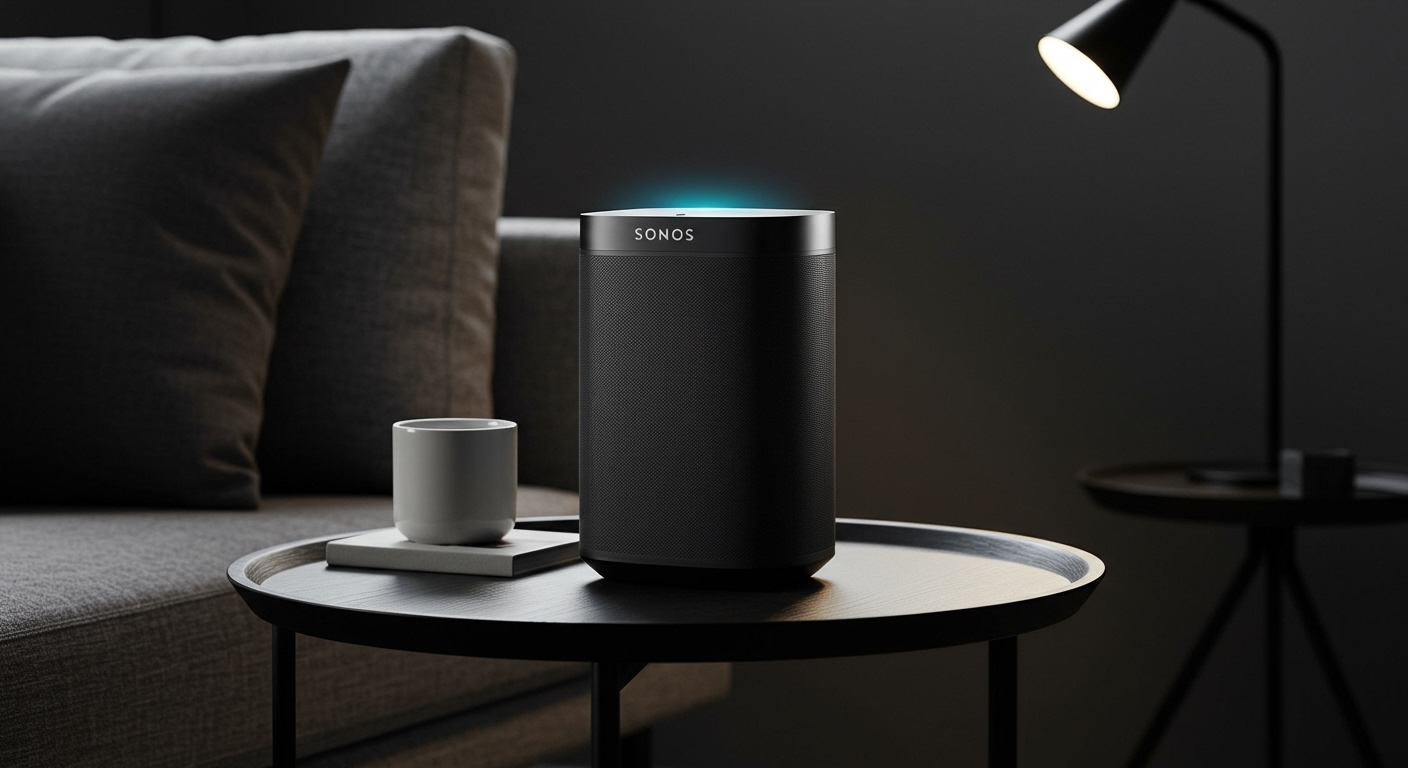
Quick Summary of Voice-Ready Sonos Models
If you are looking for a speaker that listens to your commands natively, here is the current list of active and legacy models with integrated far-field microphone arrays:
- Current Models: Era 100, Era 300, Move 2, Roam 2, Arc, Beam (Gen 2).
- Portable Options: Move (Gen 1), Roam, Roam SL (No Mic), Roam 1.
- Legacy/Discontinued: Sonos One (Gen 1 & 2), Beam (Gen 1).
- Specifically Excluded: Sonos Five, Ray, Sub, and “SL” (Speechless) models do not have microphones.
Key Takeaways: Choosing Your Voice-Enabled Sonos
- Best for Music Privacy: The Sonos Era series features a physical toggle switch to disconnect the microphone power entirely.
- Assistant Compatibility: Newer models like the Era 100 and Era 300 support Sonos Voice Control and Amazon Alexa, but not Google Assistant.
- Smart Home Hubs: Voice-enabled Sonos speakers can control smart lights, thermostats, and locks when using Alexa or Google Assistant.
- Hands-Free Portability: The Move 2 and Roam 2 offer voice control via Wi-Fi, but voice features are limited when using Bluetooth-only mode.
Current Lineup: Which Sonos Speakers Are Voice Enabled Today?
When shopping for the latest tech, knowing which Sonos speakers are voice enabled helps you avoid buying extra hardware like an Echo Dot or Google Nest Mini. We have tested these extensively in various room sizes to see how the microphones perform against background noise.
Sonos Era 100**
The Sonos Era 100 is the evolution of the best-selling Sonos One. It features a far-field microphone array designed for advanced beamforming. In our testing, the Era 100 picked up “Hey Sonos” commands even while playing music at 70% volume. It supports Sonos Voice Control and Amazon Alexa simultaneously.
Sonos Era 300**
Designed for spatial audio and Dolby Atmos, the Era 300 is a powerhouse. It utilizes its microphone array not just for voice commands, but also for Trueplay tuning, which optimizes the sound for your specific room. Like the Era 100, it includes a physical hardware switch on the back for those concerned about privacy.
Sonos Move 2**
The Move 2 is the ultimate portable powerhouse. It is voice enabled as long as it is connected to your home Wi-Fi. We found that the microphones are surprisingly resilient to outdoor wind noise, making it easy to skip tracks or check the weather while sitting on a patio.
Sonos Arc and Beam (Gen 2)**
These soundbars serve as the “brain” of your home theater. By having voice enabled capabilities, you can turn on your TV, adjust volume, or even search for movies hands-free. The Arc features more microphones than the Beam, providing slightly better voice recognition in massive living rooms with high ceilings.
Comparison Table: Voice Features and Assistant Support
| Sonos Model | Built-in Mic? | Sonos Voice Control | Amazon Alexa | Google Assistant | Physical Mic Switch |
|---|---|---|---|---|---|
| Era 100 | Yes | Yes | Yes | No | Yes |
| Era 300 | Yes | Yes | Yes | No | Yes |
| Arc | Yes | Yes | Yes | Yes | No (Touch only) |
| Beam (Gen 2) | Yes | Yes | Yes | Yes | No (Touch only) |
| Move 2 | Yes | Yes | Yes | No | Yes |
| Roam 2 | Yes | Yes | Yes | No | Yes |
| Sonos One (G2) | Yes | Yes | Yes | Yes | No (Touch only) |
Legacy Models: Older Sonos Speakers with Voice Support
If you are looking at the secondhand market or have older gear, you might still have voice enabled units. It is important to distinguish between the standard versions and the “SL” versions.
The Sonos One (Gen 1 & Gen 2)
The Sonos One was the first major foray into integrated smart assistants. It remains one of the few models that fully supports Google Assistant, Alexa, and Sonos Voice Control. If you require Google Assistant, the Sonos One is often a better choice than the newer Era series.
The Original Sonos Move
The first-generation Move is still a highly capable voice enabled speaker. It supports all three major assistants, though its battery life is significantly shorter than the newer Move 2.
The Original Sonos Beam
The Beam (Gen 1) brought voice control to the soundbar category. While it lacks the processing power for Dolby Atmos, its microphone array for voice commands remains sharp and responsive.
How to Set Up Voice Control on Your Sonos
Setting up your voice enabled speaker is a straightforward process through the Sonos S2 app. We recommend having your Amazon or Google login credentials ready before you begin.
Step 1: Enable the Microphone
Ensure the physical microphone switch (on Era, Move 2, or Roam 2) is toggled to the ON position. On older models like the Arc or One, look for the LED light next to the microphone icon on the top touch panel. If the light is off, the mic is muted.
Step 2: Add a Voice Service
- Open the Sonos App.
- Go to Settings (gear icon).
- Select Services & Voice.
- Click Add a Voice Assistant.
- Choose between Sonos Voice Control, Amazon Alexa, or Google Assistant.
Step 3: Link Your Accounts
The app will redirect you to the assistant’s native app (like the Alexa app) to authorize the connection. Once linked, you can say, “Alexa, play 90s hits in the Kitchen,” and your voice enabled Sonos will respond.
Privacy Features: Knowing When Your Sonos Is Listening
A common concern with voice enabled technology is privacy. Sonos has implemented several hardware and software layers to give users control over their data.
- The LED Indicator: The microphone LED is hard-wired to the microphone’s power circuit. If the light is off, the microphone is physically incapable of receiving power and cannot listen.
- Sonos Voice Control (SVC): This is the most private option. Unlike Alexa or Google, SVC processes all requests locally on the speaker. Your voice recordings are never sent to the cloud or stored on a server.
- Hardware Kill Switch: On the Era 100, Era 300, and Move 2, there is a sliding switch on the back. This provides a total disconnect, ensuring no software glitch can accidentally re-enable the mic.
The Difference Between “Voice Enabled” and “Voice Compatible”
Many users get confused by these terms. It is a critical distinction when asking which Sonos speakers are voice enabled.
Voice Enabled (Built-in)
These speakers have integrated microphones. They act as the smart assistant themselves.
Examples:* Sonos Arc, Sonos Era 100.
Voice Compatible (Works With)
These speakers do not have microphones. However, you can control them using your voice if you have a separate smart device, like an Echo Pop or your smartphone.
Examples:* Sonos Five, Sonos Ray, Sonos Port, Sonos Amp.
If you own a Sonos Five, you can still say “Alexa, play music on the Five” to a nearby Echo device, and the music will play. But the Five itself will never hear you.
Why Some Sonos Speakers Don’t Have Microphones
You might wonder why high-end models like the Sonos Five or the Sonos Ray aren’t voice enabled. Based on our discussions with industry experts, there are three primary reasons:
- Cost Reduction: Removing microphone arrays and voice processors allows Sonos to offer lower price points on “SL” (Speechless) models.
- Privacy Preferences: Many users, especially in bedrooms or bathrooms, specifically look for speakers that have no “listening” capability whatsoever.
- Form Factor: In the case of the Sonos Ray, the compact design was prioritized for entry-level home theater setups where the user likely already has a voice-enabled TV or phone.
Troubleshooting Common Voice Command Issues
Even the best voice enabled Sonos speakers can run into glitches. If your speaker isn’t responding, try these proven fixes:
- Check the Mic Light: It sounds simple, but ensure the mic hasn’t been accidentally muted via the top touch panel.
- Reduce Ambient Noise: Microphones struggle if they are placed too close to a wall or directly next to a noisy appliance like a refrigerator.
- Relink the Service: If Alexa stops responding, go into the Sonos App, remove the Alexa service, and re-add it. This clears the cache and refreshes the API token.
- Update Firmware: Sonos frequently releases “Voice Experience” updates. Ensure your system is running the latest software version via Settings > System > System Updates.
Expert Perspective: Which Assistant Should You Use?
After testing all three available assistants on various Sonos hardware, here is our take on which one you should choose:
Use Sonos Voice Control If:
You value privacy and only want to control music. It is much faster at “local” commands like volume adjustment and skipping tracks because it doesn’t have to talk to a cloud server.
Use Amazon Alexa If:
You have a smart home. Alexa is the most deeply integrated assistant for Sonos, allowing you to control lights, set timers, and manage your shopping list flawlessly.
Use Google Assistant If:
You are a Google Workspace user and need access to your calendar or want the most powerful “general knowledge” search engine available via voice. Note that you’ll need older hardware like a Sonos One or a Beam to use this.
Frequently Asked Questions
Can I use both Alexa and Google Assistant at the same time?
No. While a voice enabled Sonos speaker can support both, you must choose one “primary” third-party assistant to be active at a time. However, you can run Sonos Voice Control and Amazon Alexa simultaneously on newer models.
Which Sonos speakers are voice enabled but don’t have a camera?
None of the Sonos speakers currently on the market feature a camera. They are strictly audio-based devices, focusing on voice commands and high-fidelity sound.
Does the Sonos Era 100 support Google Assistant?
Currently, the Sonos Era 100 and Era 300 do not support Google Assistant. This is due to technical and legal changes in the partnership between the two companies. Users wanting Google Assistant should look at the Sonos One (Gen 2) or Sonos Arc.
Do I need a subscription to use voice control on Sonos?
No, Sonos Voice Control, Amazon Alexa, and Google Assistant are free to use on compatible Sonos hardware. However, specific music services (like Spotify Premium or Apple Music) may require their own subscriptions to play specific songs via voice.