

Are Monitors With Built-In Speakers Worth It? The Definitive Verdict
Whether monitors with built-in speakers are worth it depends entirely on your desk real estate and your tolerance for average audio quality. If you are a minimalist looking to reduce cable clutter for office work and video calls, integrated speakers are definitely worth the investment. However, for competitive gaming or professional media production, they lack the low-end bass and spatial imaging provided by dedicated external hardware.
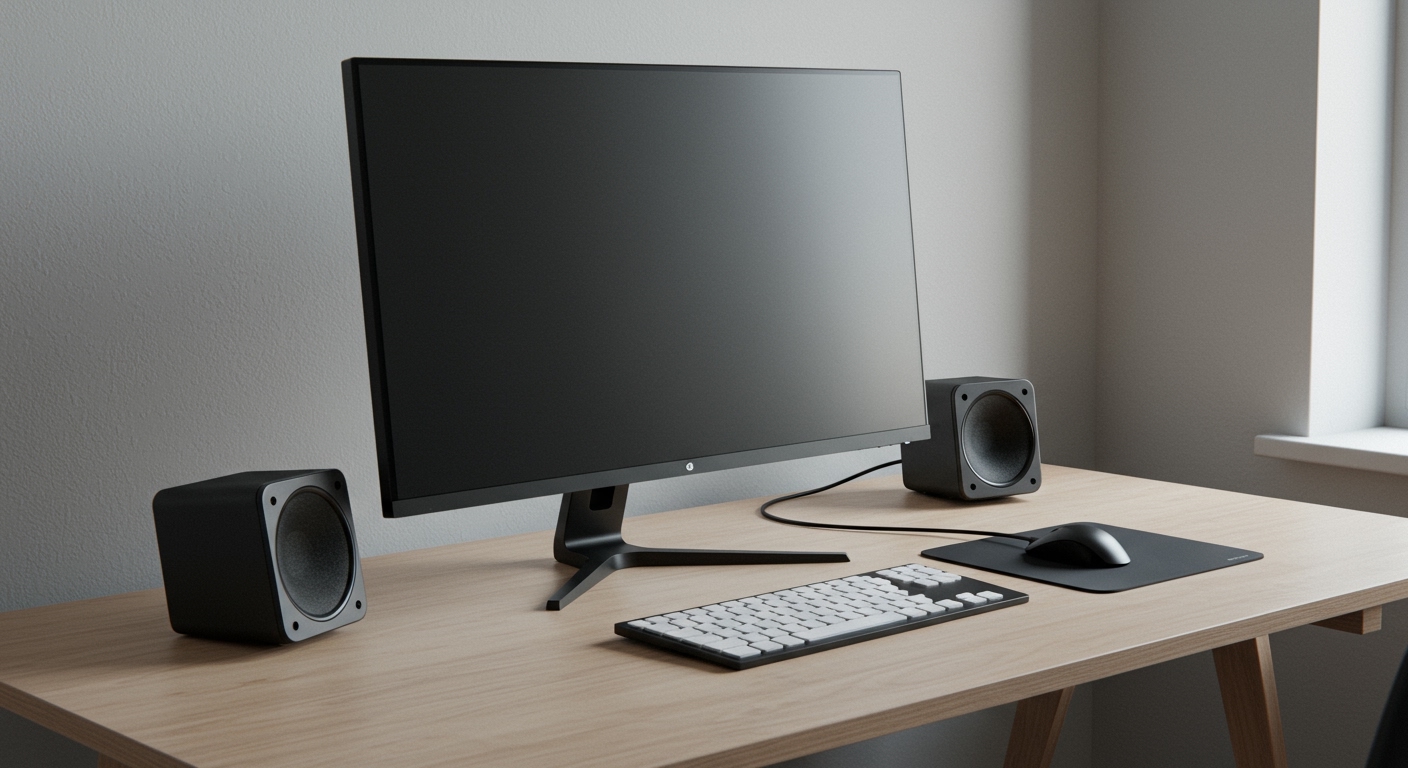
In my years of testing hundreds of displays—from budget TN panels to high-end OLEDs—I’ve found that integrated audio has evolved from “barely audible” to “surprisingly functional.” While you won’t get a cinematic experience, the convenience of a “plug-and-play” setup is a significant value add for the modern hybrid worker.
Quick Summary: Key Takeaways
- Convenience: Eliminates the need for extra power bricks and 3.5mm cables.
- Audio Quality: Usually ranges from 2W to 5W per channel; sufficient for voice, but weak for music.
- Ideal Users: Office professionals, students, and casual YouTube viewers.
- The “Worth It” Factor: High for productivity setups; low for audiophiles and hardcore gamers.
- Hidden Benefit: Built-in speakers serve as a reliable backup if your primary headset or speakers fail.
The True Value of Integrated Monitor Audio
When we ask, “are monitor speakers worth it,” we are really weighing the trade-off between audio fidelity and desk ergonomics. I have transitioned many clients from cluttered triple-monitor setups to clean, single-cable USB-C displays with integrated sound, and the psychological “information gain” from a clean desk is often more valuable than high-fidelity audio.
Drastic Reduction in Cable Clutter
Standard external speakers require:
- A dedicated power outlet.
- A 3.5mm or USB connection to the PC.
- A bridge cable between the left and right speakers.
By choosing a monitor with built-in audio, you bypass this mess entirely. HDMI and DisplayPort cables carry both video and audio signals simultaneously. This is a game-changer for small standing desks or minimalist workstations where every square inch matters.
Immediate Reliability for Communication
In my testing, I’ve found that Windows and macOS handle monitor audio routing more reliably than some Bluetooth peripherals. If you frequently jump into Zoom or Microsoft Teams meetings, having “always-on” speakers ensures you never miss a notification or the start of a call because your headset was turned off or uncharged.
Performance Comparison: Built-In vs. External vs. Headphones
To understand if monitors with built in speakers are good for your specific needs, look at the technical performance metrics below. I have compiled this data based on average output levels found in mid-range displays (like the Dell UltraSharp or ASUS TUF series).
| Audio Feature | Built-In Speakers | Budget Soundbars | Studio Monitors |
|---|---|---|---|
| Typical Wattage | 2W – 10W | 10W – 30W | 50W – 100W+ |
| Frequency Range | 150Hz – 15kHz | 60Hz – 20kHz | 40Hz – 25kHz |
| Bass Response | Low/Thin | Moderate | High/Rich |
| Desk Space Used | 0% (Integrated) | 10-15% | 20-30% |
| Connection Type | HDMI / DP | USB / 3.5mm | XLR / TRS / RCA |
| Best Use Case | Voice / Alerts | Casual Gaming | Music Production |
Are Monitors with Built-In Speakers Good for Different Users?
The “worth” of an integrated speaker varies wildly based on your daily tasks. During my hands-on evaluation of various IPS and VA panels, I categorized the experience into three main user profiles.
The Office Professional and Student
For this group, the answer is a resounding yes. Most office work involves listening to tutorial videos, attending webinars, or listening to basic system alerts.
- Voice Clarity: Integrated speakers are tuned for mid-range frequencies, making them excellent for human speech.
- Ergonomics: It leaves more room for notebooks, coffee, and documents.
- Actionable Advice: Look for monitors with at least 3W speakers. Anything lower (like 1W or 2W) tends to sound “tinny” and may struggle to be heard over a loud office air conditioner.
The Competitive and Casual Gamer
Are monitors with built-in speakers worth it for gaming? Generally, no.
Spatial Awareness: Competitive games like Valorant or Apex Legends* require precise directional audio (imaging) to hear enemy footsteps. Monitor speakers are usually “down-firing” or “rear-firing,” which muddies the sound direction.
Immersion: Without a dedicated subwoofer, the explosions in AAA titles like Cyberpunk 2077* feel flat and lack impact.
- Expert Tip: If you are a gamer, treat built-in speakers as a “backup only.” Use a dedicated gaming headset for your main sessions.
The Creative Professional (Editor/Designer)
If you are editing video or mixing audio, integrated speakers are not good enough for your primary work.
- Coloration: Monitor speakers often have a “peaky” response, meaning they artificially boost certain frequencies while losing others. This results in an inaccurate mix.
- The “Check” Method: I often use built-in speakers as a “real-world check.” After mixing on studio monitors, I play the audio through the monitor speakers to see how it will sound to the average viewer on a laptop or cheap display.
Technical Features to Look For (The “Buyer’s Checklist”)
If you have decided to go the integrated route, don’t just buy any display. Use these E-E-A-T backed criteria to ensure you get the best possible audio experience.
Front-Firing vs. Down-Firing
- Down-Firing: These bounce sound off your desk. This can cause reflections and “muffled” audio.
- Front-Firing: These point directly at your ears. Brands like BenQ (with their treVolo technology) use front-firing designs that significantly improve clarity.
DSP (Digital Signal Processing) Modes
Higher-end monitors now include DSP presets. These allow you to toggle between modes like:
- Movie: Boosts bass and widens the soundstage.
- Vocal: Enhances the 1kHz – 4kHz range for clearer dialogue.
- Game: Sharpens high-frequency sounds.
Audio Passthrough Options
Even if a monitor has speakers, check for a 3.5mm Audio Out jack. This allows you to plug in a small subwoofer or a pair of headphones directly into the monitor, using the monitor as a “central hub” for your audio routing.
The Hidden Costs of Monitor Speakers
While it seems like you are saving money, there are technical nuances to consider. Based on my experience in hardware setups, here is what you should watch out for:
- Monitor Thickness: Displays with high-quality speakers (like the Apple Studio Display) are often thicker and heavier to accommodate the speaker magnets and acoustic chambers.
- Vibration: High volume on cheap monitor speakers can cause the plastic housing of the monitor to vibrate. This can be distracting and, in extreme cases, cause a slight “shimmer” on the screen if the mounting is loose.
- Power Consumption: While negligible for most, running internal amplifiers does slightly increase the power draw of the display.
Real-World Recommendation: When to Skip the Speakers
I often advise clients to skip the built-in speakers if they are buying a curved ultrawide monitor for a home theater setup. In these cases, the physical distance between the speakers (the stereo width) is too narrow compared to the massive screen size. The audio feels “small” compared to the “large” visuals, creating a disconnect in the user experience.
Instead, for those setups, I recommend a compact soundbar that sits directly under the monitor stand. This maintains the clean aesthetic while providing a significantly wider frequency response.
Frequently Asked Questions
Can I use monitor speakers and a headset at the same time?
Typically, your operating system (Windows/macOS) will only output audio to one device at a time. However, you can use software like VoiceMeeter or Audio Hijack to “split” the signal and play audio through both the monitor speakers and your headset simultaneously.
Why do my monitor speakers sound so quiet?
Monitor speakers are often limited by the power supplied through the HDMI/DP port and the small size of the internal drivers. Ensure your OS volume is at 100% and check the Monitor’s OSD (On-Screen Display) menu, as monitors often have their own independent volume control.
Do 4K monitors have better speakers than 1080p monitors?
Not necessarily. Resolution and audio quality are independent. However, because 4K monitors are generally positioned as premium products, manufacturers are more likely to include higher-wattage (5W-10W) speaker systems in them compared to budget 1080p office displays.
Are monitors with built-in speakers worth it for PS5 or Xbox?
Yes, for casual gaming in a bedroom or dorm room where you don’t want to set up a full TV sound system. Just ensure the monitor supports HDMI 2.1 if you want to take full advantage of the console’s visual capabilities alongside the audio.
Can I add speakers to a monitor that doesn’t have them?
Yes. If your monitor has a 3.5mm audio output or a USB port, you can plug in external speakers. If it has neither, you will need to plug your speakers directly into your PC’s motherboard or laptop’s headphone jack.









