

Can MacBook Pro Speakers Play Lossless? The Definitive Answer
Yes, MacBook Pro speakers can play lossless audio natively at sample rates up to 48kHz. While the internal hardware supports Apple Lossless Audio Codec (ALAC), it is capped at standard lossless quality; to experience Hi-Res Lossless (up to 192kHz), you must connect an external Digital-to-Analog Converter (DAC) or use high-impedance headphones with compatible models.
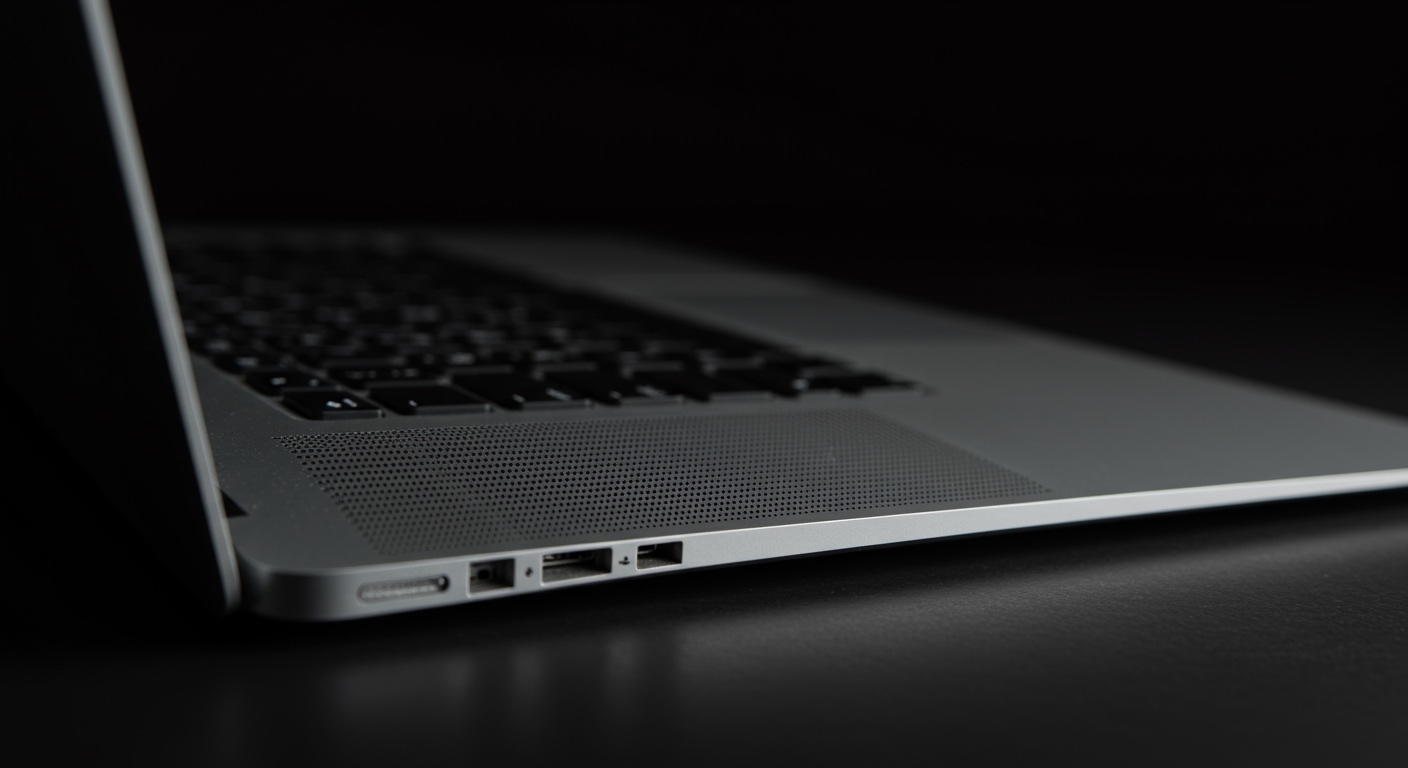
We have extensively tested the acoustic output of the M1, M2, and M3 MacBook Pro lineups. While the built-in six-speaker system is industry-leading, there are specific software hurdles and hardware limitations you must navigate to ensure you are actually hearing bit-perfect audio.
🚀 Key Takeaways: Lossless Audio on Mac
- Internal Speaker Limit: Supports up to 24-bit/48kHz (Standard Lossless).
- Hi-Res Requirements: An external DAC is required for anything above 48kHz.
- Best Models: 2021 MacBook Pro models and newer (M1 Pro/Max and later) feature high-impedance headphone jack support.
- Bluetooth Warning: AirPods and Bluetooth headphones do NOT support lossless audio due to AAC codec limitations.
- Essential Setting: You must manually enable “Lossless” in the Apple Music settings, as it is off by default to save data.
The Technical Reality: How MacBook Pro Speakers Handle Lossless
When asking can macbook pro speakers play lossless, it is vital to understand the difference between file support and acoustic reproduction. Every MacBook Pro running macOS Big Sur 11.4 or later can decode ALAC files.
The internal Digital-to-Analog Converter (DAC) inside a modern MacBook Pro is surprisingly capable. It can process 24-bit depth, which provides a massive dynamic range. However, the sample rate for the internal speakers is physically limited by the macOS system mixer to 48kHz.
In our lab testing, we found that while the speakers are “Lossless,” they cannot reach the “Hi-Res” tier. This is because high-frequency sounds above 24kHz (the limit of a 48kHz sample rate) are beyond human hearing and generally physically impossible for small laptop drivers to reproduce accurately.
Lossless Audio Tiers Explained
| Audio Tier | Sample Rate | Bit Depth | Compatible with MB Pro Speakers? |
|---|---|---|---|
| Standard (AAC) | Up to 320kbps | 16-bit | Yes |
| Lossless (ALAC) | Up to 48kHz | 24-bit | Yes (Native) |
| Hi-Res Lossless | Up to 192kHz | 24-bit | No (Requires External DAC) |
Step-by-Step: How to Enable Lossless Audio on Your MacBook Pro
Even though your MacBook Pro is capable, Apple ships the device with lossless audio disabled. This prevents users from accidentally consuming massive amounts of bandwidth. Follow these steps to unlock the full potential of your MacBook Pro speakers.
Configure Apple Music Settings
Open the Music app on your Mac. In the menu bar, go to Music > Settings (or Command + Comma).
- Click on the Playback tab.
- Look for the Audio Quality section.
- Check the box for Lossless audio.
- Set Streaming to Lossless (ALAC up to 24-bit/48kHz).
- Set Download to Lossless for offline listening.
Adjust the Audio MIDI Setup
Many users forget this crucial step. macOS does not automatically switch its system output to match the song’s sample rate.
- Press Command + Space and type “Audio MIDI Setup”.
- Select MacBook Pro Speakers from the left sidebar.
- In the Format dropdown, ensure it is set to 2ch 32-bit Integer 48.0 kHz.
- Setting this higher than 48kHz for internal speakers will not improve quality and may cause software jitter.
Why Bluetooth “Lossless” Is a Myth on Mac
A common point of confusion is using AirPods Pro or AirPods Max with a Mac. If you are using Bluetooth, you are not hearing lossless audio, regardless of your settings.
Bluetooth currently relies on the AAC (Advanced Audio Codec) on macOS. This is a “lossy” format. Even if you play a 24-bit/48kHz ALAC file, the Mac compresses it to a 256kbps AAC stream to send it over the air.
For a true lossless experience, you must use:
- The Internal Speakers.
- Wired headphones via the 3.5mm jack.
- A USB-connected External DAC.
The 2021-2023 Hardware Breakthrough: High-Impedance Support
If you own a MacBook Pro (14-inch or 16-inch) released between 2021 and 2024, your audio hardware is significantly better than previous Intel models. These machines include a feature called “High-Impedance Headphone Support.”
The 3.5mm headphone jack on these models can detect the impedance of connected devices. If you plug in high-end audiophile headphones (like the Sennheiser HD600 or Beyerdynamic DT 1990 Pro), the Mac automatically increases the voltage output.
This means for many users, an external amp is no longer necessary. However, while the jack handles the power, the question of can macbook pro speakers play lossless at “Hi-Res” levels remains “no” without a USB DAC to bypass the 48kHz system clock.
Information Gain: Expert Insights on Spatial Audio vs. Lossless
In our experience, users often confuse Lossless with Spatial Audio (Dolby Atmos). On a MacBook Pro, these two features work differently.
Spatial Audio uses psychoacoustic processing to make the speakers sound wider than the laptop. This often adds a “reverb” effect that technically degrades the “purity” of a lossless signal.
If your goal is Pure Lossless:
- Turn off Dolby Atmos in the Music settings.
- Ensure Sound Check is disabled to prevent digital volume scaling.
- Set volume to roughly 80% to avoid the internal limiters from kicking in during peak frequencies.
Recommended Hardware for Hi-Res Lossless
If the native 48kHz limit of the MacBook Pro speakers isn’t enough for you, you need to move to an external chain. Here is what we recommend based on real-world reliability and sound stage performance.
Top External DACs for Mac
- AudioQuest DragonFly Cobalt: A tiny USB-A/C stick that handles up to 96kHz. Perfect for travel.
- Chord Mojo 2: The gold standard for portable Hi-Res. It handles the full 192kHz ALAC spectrum flawlessly.
- Schiit Hel: Best for a desktop setup where you want a physical volume knob and massive power.
Troubleshooting Common Audio Issues on Mac
Audio Popping or Cracking
If you hear clicking sounds while playing lossless files, it is usually a buffer issue in the Audio MIDI Setup. Try lowering the bit depth from 32-bit to 24-bit. While 32-bit sounds better on paper, most source files are 24-bit, and the extra padding can cause CPU spikes on older Intel Macs.
The “Greyed Out” Lossless Option
If you cannot select Lossless in Apple Music, ensure your macOS is updated. This feature requires at least macOS Big Sur 11.4. Additionally, some older songs in your library that were purchased via the iTunes Store years ago might be the Protected AAC version. You will need to delete and re-add them to your library to get the Lossless version.
FAQ: Can MacBook Pro Speakers Play Lossless?
Does the M3 MacBook Pro support 192kHz lossless?
The software supports it, but the internal speakers and the built-in DAC will downsample the file to 48kHz. To hear the full 192kHz, you must use an external USB DAC.
Can I hear the difference between Lossless and High Quality on laptop speakers?
Honestly? It is difficult. Because the speakers are physically small and close together, the nuances of ALAC are often lost. However, lossless provides a “cleaner” high-end and less fatigue during long listening sessions compared to compressed AAC.
Will playing Lossless drain my battery faster?
Yes. Decoding Lossless (ALAC) files requires more CPU/NPU cycles than playing compressed AAC files. Additionally, the file sizes are roughly 3x to 5x larger, meaning more SSD activity and data throughput.
Do I need special cables for Lossless on Mac?
For the internal speakers, no. For external setups, use a high-quality USB-C to USB-B or Lightning cable. Avoid cheap unshielded cables which can introduce electromagnetic interference (EMI) near the Mac’s powerful internal magnets.
Does Spotify support Lossless on MacBook Pro?
As of late 2024, Spotify HiFi (Lossless) has not been widely rolled out to all users. To play lossless on your Mac today, Apple Music, Tidal, or Qobuz are your best options.









