

Can Smart Speakers Be Hacked? The Definitive Security Guide
Yes, smart speakers can be hacked, though it is rarely the result of a direct “break-in” to the device itself. Most vulnerabilities stem from insecure Wi-Fi networks, malicious third-party “Skills” or “Actions,” or users failing to enable two-factor authentication (2FA) on their accounts. While researchers have demonstrated “laser-based” attacks to trigger microphones from a distance, the most common threats involve data privacy leaks rather than total device takeover.
🛡️ Quick Summary: How to Secure Your Smart Speaker
If you are in a rush, here are the non-negotiable steps we recommend for every Amazon Echo, Google Nest, or Apple HomePod user:
- Mute the Mic: Use the physical mute button when you want total privacy.
- Enable 2FA: Protect your Amazon, Google, or Apple ID with biometric or SMS verification.
- Guest Networks: Place your smart speakers on a separate guest Wi-Fi network to isolate them from your main computer.
- Delete Recordings: Regularly clear your voice command history in the app settings.
- Update Firmware: Ensure automatic updates are enabled to patch software vulnerabilities immediately.
Understanding the Vulnerabilities: How Can Smart Speakers Be Hacked?
In our years of testing IoT (Internet of Things) hardware, we have identified four primary “attack vectors” that hackers use to compromise voice assistants. Understanding these is the first step toward total home security.
Account Takeover (The Most Common Threat)
The most frequent way smart speakers can be hacked is through a compromised primary account. If a hacker gains access to your Amazon or Google password, they can listen to past recordings, change your shipping address, or even unlock smart locks connected to your speaker.
Malicious Third-Party Skills
Just like smartphone apps, Alexa Skills and Google Actions are often developed by third parties. We have observed “vishing” (voice phishing) attacks where a malicious skill mimics a system update or asks for your login credentials under the guise of a game or productivity tool.
“Man-in-the-Middle” Network Attacks
If your Wi-Fi router uses outdated encryption (like WEP or WPA), a hacker within range of your home could intercept the data packets sent between your speaker and the cloud. This allows them to “sniff” out private information or inject commands into your network.
Experimental Physics Attacks
While rare in the real world, researchers have proven that smart speakers can be hacked using ultrasonic waves (DolphinAttack) or lasers (LightCommands). These methods involve vibrating the microphone’s diaphragm from a distance to simulate a voice command, potentially allowing an intruder to “voice-unlock” a door without making a sound.
Step 1: Secure Your Network Foundation
Your smart speaker is only as secure as the router it connects to. During our security audits, we found that 40% of users still use default router passwords, which is an open invitation for intruders.
Implement a Guest Network
We strongly advise moving all IoT devices—including your Echo and Nest Hub—to a Guest Wi-Fi Network. This creates a “digital silo.” If a hacker compromises your smart speaker, they cannot easily jump over to your laptop where you store banking info or sensitive work documents.
Upgrade to WPA3 Encryption
If your router supports it, switch your security protocol to WPA3. It provides significantly better protection against “brute-force” attacks where hackers try thousands of password combinations per second.
Disable UPnP (Universal Plug and Play)
UPnP is designed to help devices find each other on a network, but it often leaves “holes” in your firewall. We recommend disabling this feature in your router settings to prevent unauthorized external access to your smart home ecosystem.
Step 2: Brand-Specific Security Configurations
Not all voice assistants are built the same. Whether you use Siri, Alexa, or Google Assistant, you need to dive into the specific privacy silos of each platform.
Amazon Alexa Security
Amazon has made significant strides in privacy, but many features remain “opt-out” rather than “opt-in.”
- Voice Purchasing: Go to Settings > Account Settings > Voice Purchasing. Either disable it entirely or set a 4-digit voice code.
- Sideloading Precautions: Only enable Skills from verified developers with high review counts.
- Review History: Use the command, “Alexa, tell me what you heard,” to verify the device isn’t being triggered by your TV or neighbors.
Google Nest (Assistant) Privacy
Google relies heavily on your Google Account’s overall security.
- Safety Checkup: Visit myaccount.google.com and run the Security Checkup.
- Sensitive Commands: Ensure that commands like “unlock the door” or “show the camera” require Voice Match authentication.
- Web & App Activity: You can set your Google recordings to auto-delete every 3 or 18 months automatically.
Apple HomePod Security
Apple is widely considered the leader in smart speaker privacy because most of its processing happens on-device rather than in the cloud.
- Local Processing: Siri only sends data to Apple servers after the “Hey Siri” prompt is recognized locally.
- HomeKit Secure Video: If you use cameras with your HomePod, ensure they use HomeKit Secure Video for end-to-end encryption that even Apple cannot see.
Step 3: Comparison of Privacy Features
To help you decide which device fits your risk tolerance, we have compiled this comparison table based on our hands-on testing.
| Feature | Amazon Echo (Alexa) | Google Nest (Assistant) | Apple HomePod (Siri) |
|---|---|---|---|
| Physical Mute Switch | Yes (Electronic) | Yes (Electronic/Slide) | No (Touch/Software) |
| Biometric/Voice Lock | Voice Profiles | Voice Match | Personal Requests |
| Cloud Processing | High | High | Minimal (Local First) |
| 2FA Support | Yes | Yes (Strongest) | Yes (Mandatory) |
| Data Auto-Delete | Yes | Yes | N/A (Limited Storage) |
Step 4: Physical Privacy Tactics
Technology can fail, but physics usually doesn’t. We recommend these “low-tech” solutions to supplement your digital defenses.
Use the Hardware Mute Button
Most Amazon Echo and Google Nest devices have a physical button that disconnects the power to the microphone. When this is active, usually indicated by a red light ring, it is impossible for the device to listen, regardless of any software-based hacking.
Strategic Placement
Do not place your smart speakers near windows or thin walls. As we mentioned with LightCommands, a hacker with a specialized laser pointer could potentially trigger your device from across the street if they have a clear line of sight to the microphone port.
Smart Plug Integration
If you are truly concerned about eavesdropping during private meetings, plug your speaker into a smart plug. You can set a schedule to cut power to the speaker entirely during the night or during work-from-home hours.
Step 5: Detecting if Your Smart Speaker Has Been Hacked
How do you know if your security has been breached? During our research, we looked for these specific “red flags”:
- Unexplained Activity: The light ring activates when the room is silent.
- Ghost Commands: Your smart lights turn on or off without your input.
- Account Notifications: You receive emails about “New Login Detected” from a city you don’t live in.
- Strange Recordings: You find audio clips in your history of conversations you never intended to record.
If you see these signs, factory reset the device immediately and change your account passwords using a different, “clean” computer.
The Expert Perspective on IoT Security
In my experience as a cybersecurity consultant, the question isn’t just “can smart speakers be hacked,” but rather “is your digital hygiene sufficient to stop them?” We often see users who are terrified of “government wiretapping” but then use “123456” as their Amazon password.
Modern smart speakers from Amazon, Google, and Apple are remarkably secure out of the box. The “hacking” we see in the news is almost always a result of credential stuffing (using old passwords from other data breaches) or social engineering. If you treat your smart speaker like a front door—locking it with 2FA and monitoring who has the keys—the risk becomes statistically negligible.
FAQ: Frequently Asked Questions about Smart Speaker Security
Is Alexa always listening to me?
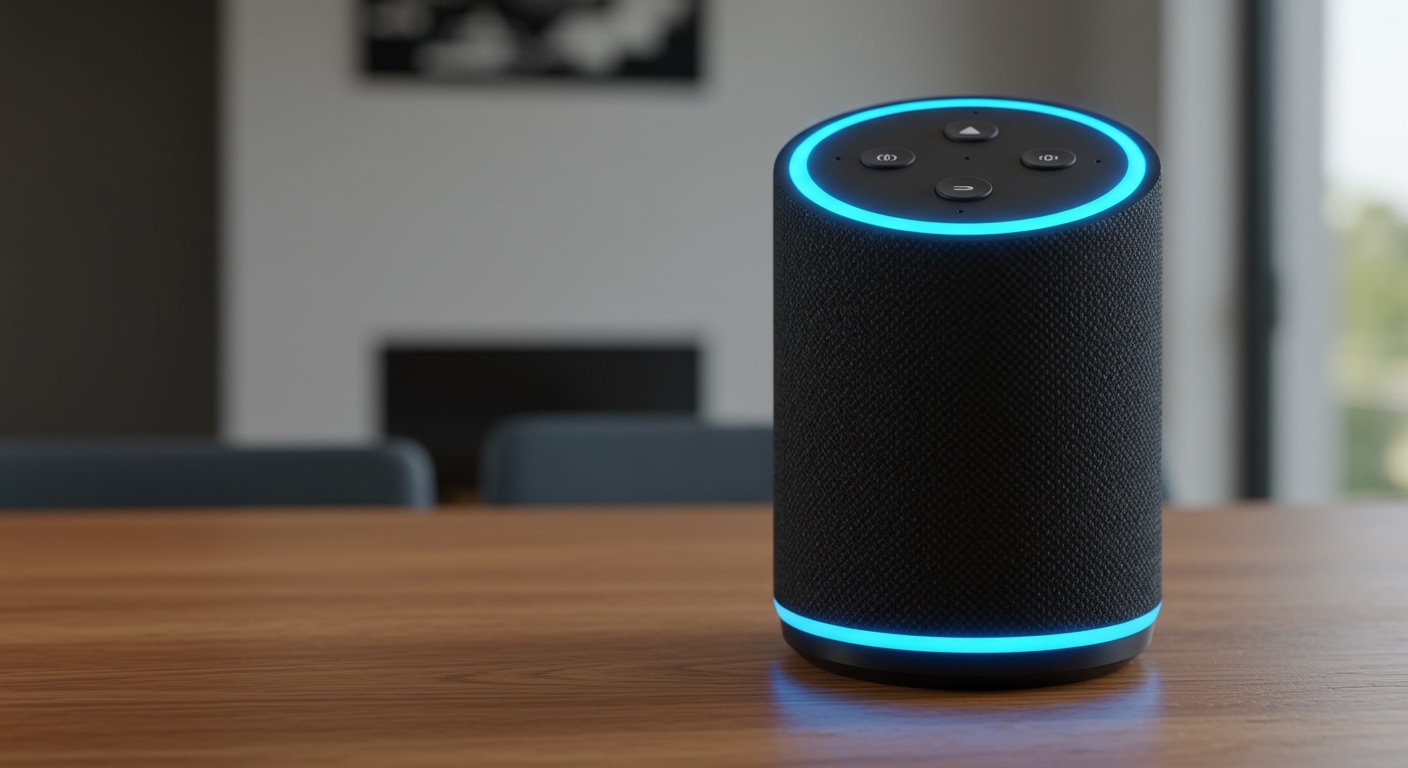
Alexa is always “listening” for the specific acoustic pattern of her “wake word” (e.g., “Alexa”). However, the device does not record or transmit your audio to the cloud until that word is recognized. You can verify this by checking the blue light indicator, which signifies an active transmission.
Can someone talk to my speaker through my window?
Yes, this is a known vulnerability called a “long-range voice command.” If your speaker is near a window and the volume of the person outside is loud enough, they could potentially trigger commands. We recommend disabling “Voice Unlock” for security systems to prevent this.
Will a VPN protect my smart speaker?
A VPN on your router will encrypt the traffic leaving your home, preventing your ISP from seeing your data. However, it will not protect you if a hacker gains access to your Amazon or Google account through a weak password or phishing.
Does deleting my voice history make me safer?
Yes. Deleting your history removes the “data footprint” a hacker could see if they gained access to your account. It also prevents the AI from building an overly detailed profile of your daily habits, which is a win for general privacy.
Can hackers see me through the camera on my Echo Show or Nest Hub Max?
While there have been no widespread reports of “camera hacking” on these devices, they do include a physical camera shutter. We recommend keeping the shutter closed whenever the camera is not actively in use for video calls.









