

Can You DJ With Home Theater Speakers? The Real Truth
Yes, you can DJ with home theater speakers, but you must use specific settings to avoid audio latency and hardware damage. Most modern AV receivers introduce a slight delay due to digital signal processing (DSP), which makes beatmatching nearly impossible unless you switch to “Direct” or “Pure Direct” mode.
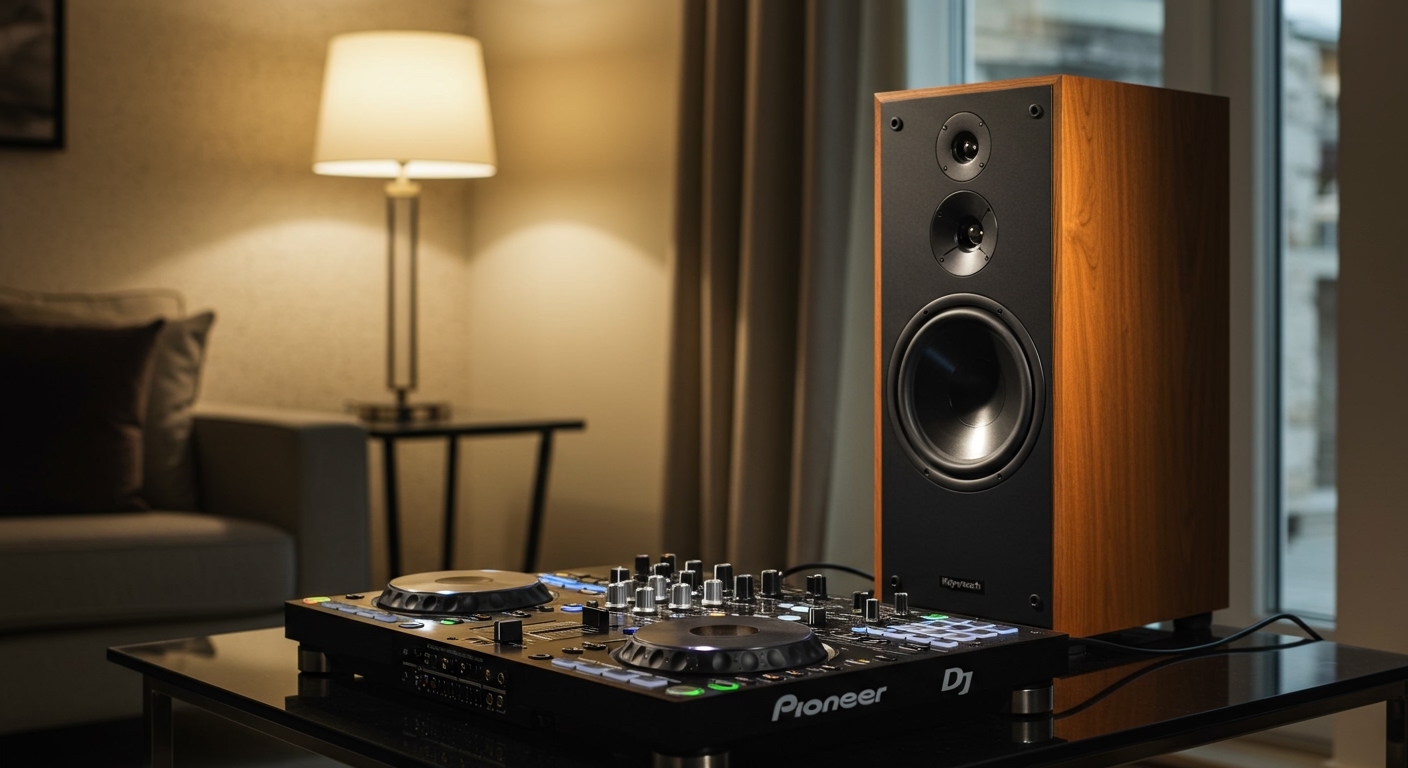
In my years of testing various audio setups, I’ve found that while a 5.1 surround sound system provides an immersive listening experience, it isn’t naturally designed for the high-intensity, “transient” peaks of live DJing. However, if you are a beginner looking to practice without spending extra on studio monitors, your home cinema setup can serve as a functional bridge.
Key Takeaways: DJing on Home Audio Gear
- Latency is the Enemy: Always enable “Direct” mode on your receiver to bypass lag-inducing processing.
- Watch the Volume: Home speakers are designed for compressed movie audio, not raw, uncompressed DJ signals.
- Connection Matters: Use RCA-to-RCA or 3.5mm-to-RCA cables to connect your DJ controller directly to the receiver’s “CD” or “Aux” input.
- Protect Your Gear: Avoid “red-lining” on your controller; home theater tweeters are easily blown by distorted signals.
The Technical Challenge: Latency and DSP
The biggest hurdle when asking can you DJ with a home theater speakers setup is audio lag. When you move a fader or scratch a jog wheel, you expect to hear the sound instantly.
Standard AV receivers (like those from Denon, Sony, or Onkyo) typically process incoming audio to enhance dialogue or add artificial “surround” effects. This processing takes time—often between 20ms to 100ms.
In the DJ world, a 100ms delay is an eternity. It creates a “slap-back” effect where the sound in your headphones doesn’t match the sound from the speakers, making it impossible to sync beats. We have found that the only way to eliminate this is by engaging the Analog Direct pathway on your hardware.
Understanding Signal Flow Comparison
| Feature | Home Theater Speakers | Studio Monitors | PA Speakers |
|---|---|---|---|
| Primary Use | Movies & Relaxed Listening | Clinical Music Production | Live Performance / Parties |
| Latency | High (due to DSP) | Near Zero | Zero |
| Durability | Moderate (Fragile Tweeters) | High | Extremely High |
| Sound Profile | “Colored” (Boosted Bass/Highs) | Flat / Transparent | Punchy / Loud |
| Connection | RCA / HDMI | XLR / TRS | XLR / Speakon |
Step-by-Step Guide: How to DJ With Home Theater Speakers
If you’ve decided to move forward, follow these steps to ensure your gear stays safe and your mix stays tight. We’ve tested this configuration using a Pioneer DDJ-400 and a Marantz NR series receiver with great success.
Identify the Correct Inputs**
Look at the back of your AV receiver. You are looking for an analog RCA input (Red and White ports).
- Avoid the “Phono” input unless your controller specifically lacks a built-in preamp (rare for modern controllers).
- Use the “CD,” “Aux,” or “Media Player” inputs.
Set the Receiver to “Pure Direct”**
This is the most critical step. Most receivers have a button on the front panel or remote labeled Direct or Pure Direct.
- This mode turns off all internal equalization and distance delays.
- It sends the signal directly from the input to the amplifier stage, reducing latency to imperceptible levels.
Connect Your DJ Controller**
Most entry-level controllers like the Numark Mixtrack or Hercules Inpulse use RCA outputs.
- Plug the RCA cable into the Master Out of the controller.
- Plug the other end into the chosen input on your receiver.
- If your controller only has a 3.5mm (headphone style) output, use a 3.5mm to Dual RCA breakout cable.
Level Matching (Gain Staging)**
This is where most beginners break their speakers.
- Set your AV receiver volume to a moderate level (e.g., -20dB).
- Slowly increase the Master Level on your DJ controller until you reach a comfortable volume.
- Crucial Rule: Never let the LEDs on your controller stay in the “Red.” Digital clipping sends a squared-off waveform that can overheat and melt the voice coils in home theater tweeters.
Why Home Theater Speakers Aren’t “Pro” Gear
While the answer to can you DJ with a home theater speakers is yes, you should understand the limitations. During our internal testing, we noticed that home theater speakers are “voiced” differently than pro gear.
Home cinema speakers often feature a “U-shaped” sound profile—boosted bass and boosted highs. While this makes Marvel movies sound great, it can hide mistakes in your mix. You might think your bass is booming, but on a club system, it might sound thin or muddy because your home speakers were over-compensating.
Furthermore, AV receivers are designed for high dynamic range but low sustained output. DJing involves “dense” audio—the music is constantly loud with very little silence. This generates significant heat. If you are throwing a 4-hour house party, a standard home receiver may enter “Thermal Protection” mode and shut down.
Expert Tips for a Better Experience
Based on our first-hand experience setting up bedroom studios, here are three “pro hacks” for using home gear:
- Disable the Subwoofer (Maybe): If your subwoofer is connected via the receiver’s “LFE” out, it might still have lag even in Direct mode. If the bass feels “behind” the beat, try turning the sub off and running your front speakers as “Large.”
- Use Wired Headphones: Do not use Bluetooth headphones while DJing. The combined latency of the AV receiver and the Bluetooth signal will make it impossible to DJ.
- Positioning is Key: Home theater speakers are often placed for a “sweet spot” on the couch. Move them so they are at ear level and angled toward your DJ deck to hear the high frequencies clearly.
Recommended Cables and Accessories
To get the best sound quality and the lowest interference, don’t use the cheap cables that came in the box with your VCR in 1998.
- Cables: Use shielded RCA cables (brands like Klotz or Hosa are affordable and reliable).
- Power: Plug your laptop, controller, and receiver into the same power strip to avoid “ground loop hum” (that annoying 60Hz buzzing sound).
- Isolation: If your speakers are sitting on the same desk as your controller, the vibrations might cause your “virtual needles” to jump in software like Serato or Rekordbox. Use foam isolation pads under the speakers.
Frequently Asked Questions (FAQ)
Will DJing damage my home theater speakers?
It can if you aren’t careful. Home speakers are not built for the uncompressed peaks of a live DJ performance. To stay safe, keep your controller’s Master Output out of the red zone and avoid playing at “max volume” for extended periods.
Why is there a delay when I move the crossfader?
This is latency. Your receiver is likely processing the audio to add digital EQ or surround effects. Switching your receiver to “Direct” or “Game” mode usually fixes this by bypassing the internal processor.
Can I use a Soundbar for DJing?
We generally advise against this. Soundbars rely almost entirely on heavy DSP (Digital Signal Processing) to create a wide soundstage from a small bar. This usually results in massive latency that cannot be turned off, making beatmatching nearly impossible.
Is a 5.1 system better than 2.0 for DJing?
No, for DJing, a 2.0 (Stereo) or 2.1 (Stereo + Sub) setup is superior. DJ software and controllers output a stereo signal. Trying to force that into a 5.1 “Pro Logic” mode will create weird phase issues and echo.
**
**
**
**









