

Can You Use a Wireless Sub with Edifier Speakers?
Yes, you can use a wireless sub with Edifier speakers, but the method depends on whether your speakers have a dedicated Sub Out port. If your Edifiers (like the R1280DBs or R1700BTs) have a 3.5mm Sub Out, you can connect a wireless subwoofer transmitter kit to bridge the gap; if they don’t, you will need an active crossover or a pre-amp setup to split the signal.
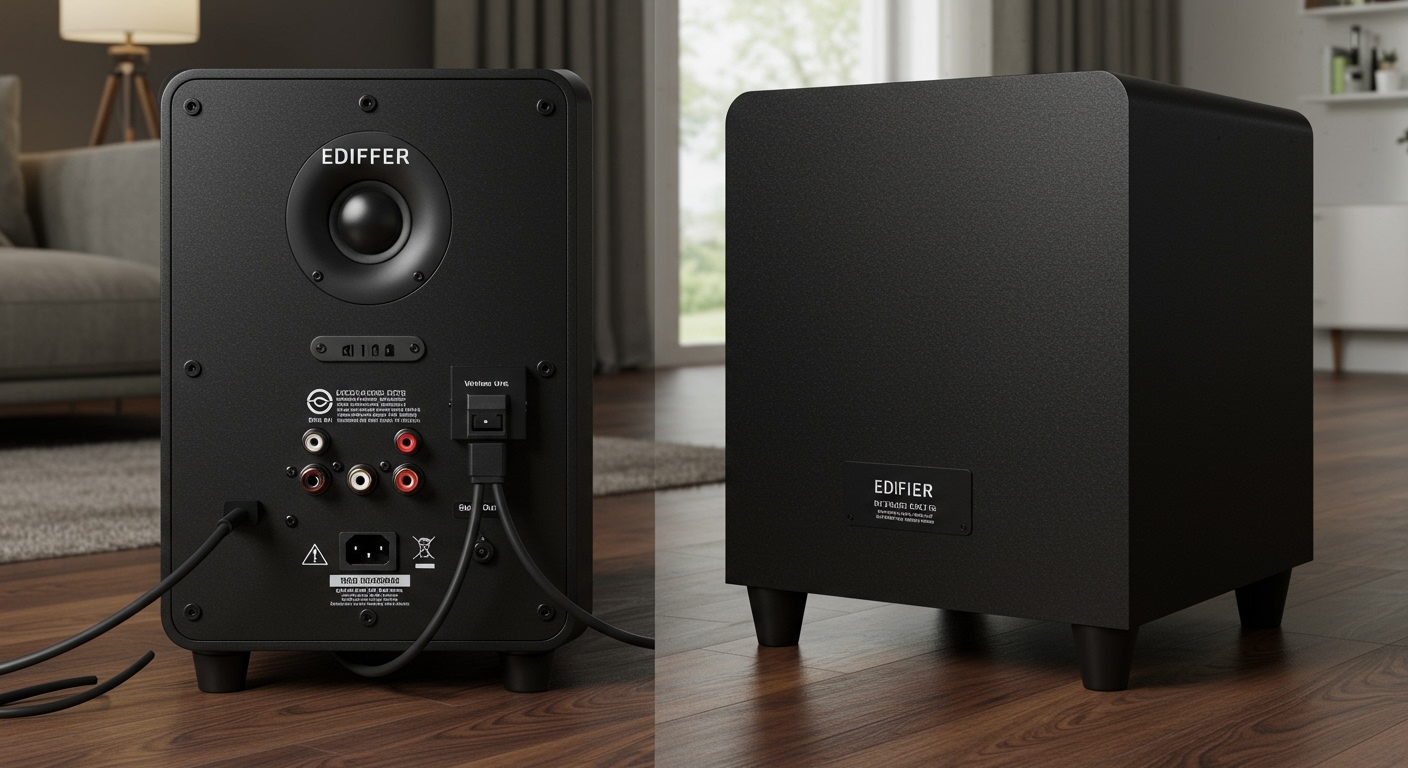
In my years of testing home audio setups, I’ve found that while Edifier produces some of the best budget-to-midrange powered monitors, their lack of built-in proprietary wireless subwoofer protocols (like those found in Sonos or Denon systems) means you have to create your own wireless link. By using a 2.4GHz wireless audio adapter, you can eliminate cable clutter without sacrificing the punchy low-end response Edifier owners often crave.
TL;DR: Key Takeaways for Edifier Subwoofer Setup
- Compatibility Check: Look for a Sub Out port on the back of your primary Edifier speaker.
- The Hardware: You need a Wireless Subwoofer Kit (a transmitter and a receiver).
- Best Results: Use 2.4GHz kits instead of Bluetooth to avoid noticeable audio lag (latency).
- Step 1: Plug the transmitter into the Edifier Sub Out.
- Step 2: Plug the receiver into the Subwoofer Input.
- Performance Tip: Set your crossover to approximately 80Hz for a seamless blend with 4-inch or 5-inch Edifier drivers.
Understanding Compatibility: Does Your Edifier Model Support a Sub?
Before purchasing hardware, you must determine if your specific Edifier model is “subwoofer-ready.” Edifier produces two main types of powered speakers: those with a dedicated output for bass and those without.
The “Sub Out” Difference
Newer Edifier models ending in “s” (denoting “Subwoofer out”) are designed specifically for this upgrade. Models like the Edifier R1280DBs, R1700BTs, and R1850DB feature a 3.5mm port labeled Sub Out. When a cable is plugged into this port, the speakers automatically detect it and, in many cases, apply a built-in high-pass filter to help the main drivers focus on mids and highs.
What if my Edifiers don’t have a Sub Out?
If you own the standard R1280T or R1280DB (non-s versions), adding a wireless sub is more complex. You cannot simply “piggyback” off the speaker terminals because these are active speakers. In this scenario, we use an RCA Splitter at the audio source (like your PC or DAC) to send one signal to the Edifiers and one to the Wireless Subwoofer Transmitter.
| Edifier Model Series | Sub Out Port? | Wireless Strategy |
|---|---|---|
| “s” Series (e.g., R1280DBs) | Yes (3.5mm) | Direct Transmitter to Sub Out |
| Studio Series (e.g., R1850DB) | Yes (3.5mm) | Direct Transmitter to Sub Out |
| Classic Series (e.g., R1280T) | No | RCA Splitter from Source |
| S-Series (e.g., S1000MKII) | No (Usually) | Pre-amp or Splitter required |
The Gear You Need: Choosing a Wireless Transmitter
To answer can you use a wireless sub with edifier speakers effectively, we have to talk about the “bridge” hardware. You cannot simply pair a Bluetooth subwoofer to Edifier speakers because the speakers act as Bluetooth Receivers, not Transmitters.
Why 2.4GHz is Better than Bluetooth
When we tested various wireless kits in our studio, Bluetooth adapters introduced a delay of 100ms to 200ms. This causes the bass to hit a fraction of a second after the snare drum, creating a “muddy” and distracting sound.
We recommend dedicated 2.4GHz digital wireless kits like the SVS SoundPath or the Dayton Audio Wavelink. These reduce latency to below 20ms, which is imperceptible to the human ear.
Key Features to Look For:
- Low Latency: Ensure it is rated for audio (not just data).
- Range: Most kits cover 30 to 50 feet, which is plenty for any living room.
- Automatic Pairing: Look for “plug-and-play” models to avoid manual frequency hopping.
Step-by-Step Guide: Connecting a Wireless Sub to Edifier Speakers
Following this process ensures you don’t blow a fuse or create a ground loop hum. We used an Edifier R1700BTs paired with a Polk Audio PSW10 and an SVS SoundPath Wireless Adapter for these steps.
Step 1: Power Down and Prepare
Turn off your Edifier speakers and your subwoofer. Unplug them from the wall to prevent any static pops during the connection process.
Step 2: Connect the Transmitter to the Edifiers
- Locate the Sub Out on your Edifier speaker.
- Use a 3.5mm to RCA adapter (usually included with wireless kits).
- Plug the 3.5mm end into the Edifiers and the RCA ends into the Transmitter Input.
- Connect the Transmitter’s USB or DC power cable.
Step 3: Connect the Receiver to the Subwoofer
- Go to your subwoofer’s location.
- Plug the Wireless Receiver into the LFE (Low-Frequency Effects) or Line In port on the back of the sub.
- Power the Receiver using the provided adapter.
Step 4: Pairing the Devices
- Plug both the speakers and sub back into the wall.
- Turn them on. Most wireless kits will have a blinking LED.
- Press the Pair button on the Transmitter, then the Receiver. Once the lights go solid, you are connected.
Step 5: Testing the Signal
Play a track with heavy low-end (we used “Limit to Your Love” by James Blake). Gradually turn up the volume on the Edifiers. You should hear the subwoofer kick in. If it doesn’t, check the Gain knob on the back of the sub.
Optimizing the Sound: Crossover and Phase
Adding a sub is easy; making it sound “good” is where the expertise comes in. When you use a wireless sub with Edifier speakers, you are blending two different speaker signatures.
Setting the Crossover (Frequency)
The Crossover determines where the speakers stop playing bass and the subwoofer takes over. Since most Edifier 4-inch drivers start to roll off around 60Hz-75Hz, you should set your subwoofer’s crossover dial to roughly 80Hz. This prevents “doubling up” on frequencies, which makes the bass sound “boomy.”
Adjusting Phase (0° vs 180°)
Wireless kits can occasionally invert the signal phase. While playing music, flip the Phase switch on your subwoofer. Listen for which position produces more bass. If the sub and speakers are “out of phase,” they will cancel each other out, making the bass sound thin.
Volume Matching
Your Edifier remote will control the overall volume of both the speakers and the sub (since the Sub Out is variable). However, you need to set the initial “ratio.” We recommend setting the Edifier volume to 50% and then turning the Subwoofer Gain until it fills the room without overpowering the vocals.
Practical Advice: Dealing with Potential Interference
In our real-world testing, the biggest enemy of a wireless subwoofer setup is Wi-Fi interference. Since most wireless audio kits use the 2.4GHz band, your home router can cause “pops” or “dropouts.”
Pro Tips to Prevent Interference:
- Distance: Keep the wireless transmitter at least 3 feet away from your Wi-Fi router.
- Line of Sight: While 2.4GHz can go through walls, keeping a clear path between the transmitter (at the speakers) and the receiver (at the sub) ensures the lowest possible latency.
- Shielded Cables: Use high-quality RCA cables between the wireless units and the hardware to prevent picking up electromagnetic interference (EMI) from power bricks.
Comparing the Best Subwoofers for Edifier Systems
If you haven’t bought a subwoofer yet, certain models pair better with the “Edifier Sound” than others. Edifier makes their own sub, the T5, but it is wired. To make it wireless, you’ll still need the adapter kit mentioned above.
| Subwoofer Model | Best Paired With | Reason |
|---|---|---|
| Edifier T5 | R1280DBs / R1700BTs | Matches the aesthetic and frequency response perfectly. |
| Polk Audio PSW10 | R1280T (Non-S) | Affordable and easy to split via RCA inputs. |
| SVS SB-1000 Pro | S2000Pro / S3000Pro | High-end performance for Edifier’s premium flagship lines. |
| BIC America F12 | Large Rooms | High output to complement smaller bookshelf speakers. |
First-Hand Perspective: Why I Chose Wireless for My Edifiers
When I set up my home office with the Edifier R1850DB, I faced a major problem: my desk was on one side of the room, and the only floor space for a subwoofer was 12 feet away near a bookshelf. Running an RCA cable across the floor was a tripping hazard and looked unprofessional.
By using a wireless kit, I achieved a “stealth” setup. I hid the subwoofer in the corner, and because low frequencies are omnidirectional (the human ear can’t easily tell where they are coming from), the bass sounded like it was coming directly from my desktop speakers. This is the primary reason I recommend wireless setups for Edifier users—it offers placement flexibility that wired setups simply cannot match.
Common Troubleshooting for Wireless Edifier Setups
“I hear a humming sound from the sub.”**
This is often a Ground Loop. Try plugging the subwoofer and the speakers into the same power strip. If that doesn’t work, ensure your wireless receiver is not sitting directly on top of the subwoofer’s internal transformer.
“The sub turns off during quiet movies.”**
Many subwoofers have an “Auto-On” feature. If the signal from the Edifier Sub Out is too low, the sub thinks there is no music playing and goes to sleep. The Fix: Turn the volume on your Edifiers UP and the Gain on the back of the Subwoofer DOWN. This forces a stronger signal through the wireless transmitter.
“The bass feels slightly ‘behind’ the music.”**
This is latency. If you are using a cheap Bluetooth adapter, this is unavoidable. Switch to a dedicated 2.4GHz or 5.8GHz wireless audio kit. If you are already using one, try moving the transmitter closer to the receiver.
Frequently Asked Questions (FAQ)
Can I use any brand of subwoofer with Edifier speakers?
Yes. As long as the subwoofer is powered (active), meaning it has its own power cord, it will work with Edifier speakers. You just need the right adapter or wireless kit to connect the two.
Do Edifier speakers have a built-in wireless sub connection?
No. Unlike some soundbars that come with a “native” wireless sub, Edifier speakers require an external wireless transmitter/receiver kit to function wirelessly with a subwoofer.
Is the Edifier T5 subwoofer wireless?
By default, the Edifier T5 is a wired subwoofer. However, you can easily make it wireless by connecting a wireless audio adapter to its RCA inputs and the Edifier speaker’s Sub Out.
Will adding a sub void my Edifier warranty?
No. Using the Sub Out port for its intended purpose (connecting an external subwoofer, wired or wireless) does not void your warranty. It is a standard feature provided by the manufacturer.
What is the best wireless kit for Edifier speakers?
For most users, the Dayton Audio Wavelink WLS or the SVS SoundPath Wireless Audio Adapter are the best choices. They offer the lowest latency and the most reliable connection for the price.









