

Understanding the Basics: Is Speakers Hardware or Software?
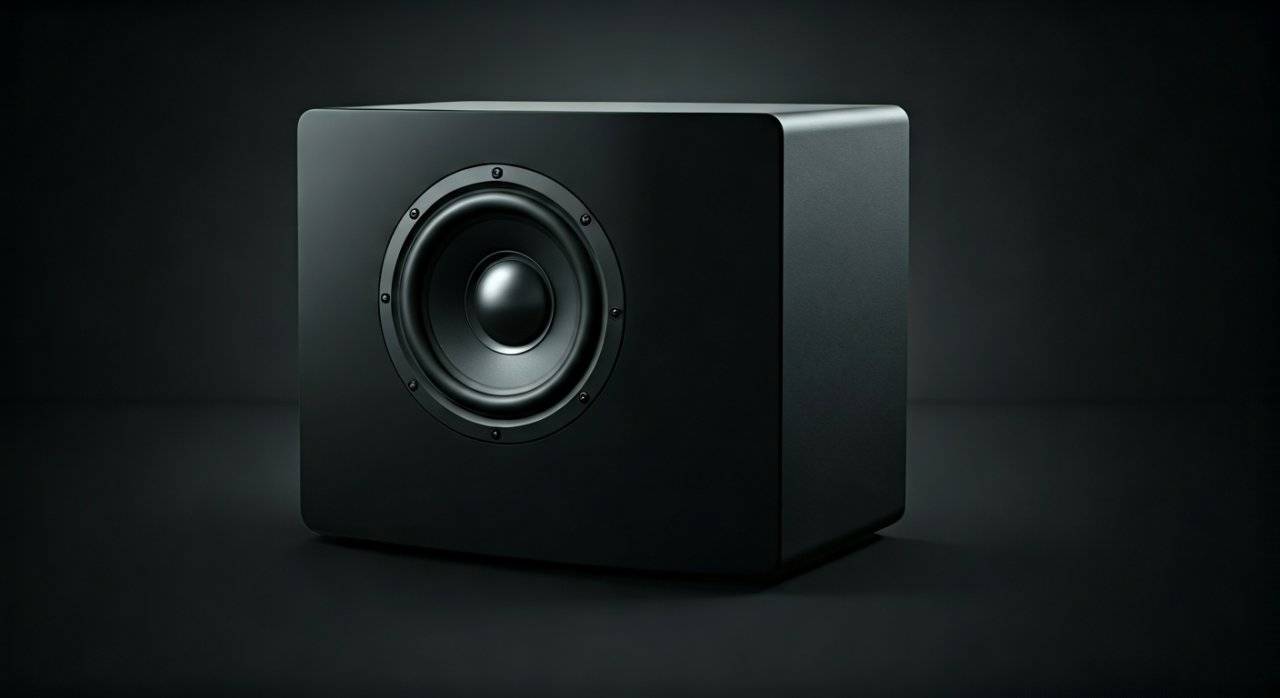
Speakers are primarily hardware devices because they consist of physical components like magnets, voice coils, and cones that convert electrical energy into sound. However, in the modern digital age, speakers rely heavily on software (such as drivers, firmware, and digital signal processing) to translate data from your computer or phone into those physical vibrations.
We often encounter confusion when a “speaker doesn’t work.” Is it the physical wire, or is it a corrupted driver? In my years of testing high-end audio setups and troubleshooting consumer electronics, I have found that while the hardware does the heavy lifting of moving air, the software acts as the brain that tells the hardware exactly how to behave.
Key Takeaways for Quick Reference
- Primary Classification: Speakers are output hardware devices.
- The Hardware Side: Includes the transducer, diaphragm, magnet, and casing.
- The Software Side: Includes device drivers, codecs, and firmware (especially in Bluetooth and smart speakers).
- The Interaction: Software sends digital instructions; the hardware executes them through physical movement.
- Troubleshooting Rule: If there is no sound, check software first (drivers/mute); if the sound is distorted or “crackly,” check the hardware (cables/physical damage).
Why Speakers are Classified as Hardware
When we define is speakers hardware or software, we must look at the physical reality of the device. A speaker is a transducer, a machine that converts one form of energy into another. In this case, it converts electromagnetic energy into acoustic pressure waves (sound).
The Physical Components of Speaker Hardware
From my experience disassembling everything from tiny smartphone speakers to massive studio monitors, the fundamental hardware remains remarkably consistent. Here are the core components:
- The Magnet: Usually a permanent magnet (often Neodymium in modern high-end gear) that creates a stationary magnetic field.
- The Voice Coil: A coil of wire that becomes an electromagnet when electricity flows through it.
- The Diaphragm (Cone): The visible part of the speaker that moves back and forth to push air.
- The Spider and Suspension: The mechanical parts that hold the cone in place while allowing it to vibrate.
- The Enclosure: The box or “cabinet” that houses these parts. The design of this hardware determines the resonance and frequency response of the sound.
Hardware Comparison: Active vs. Passive Speakers
Understanding the hardware is easier when you see how different types of speakers handle power.
| Feature | Passive Speakers | Active (Powered) Speakers |
|---|---|---|
| Power Source | External Amplifier | Built-in Power Supply |
| Components | Drivers + Crossover | Drivers + Amp + DAC + Software |
| Software Dependency | Very Low | High (often includes DSP) |
| Best For | Home Theater / Audiophiles | Studio Monitors / PC Speakers / Bluetooth |
| Hardware Complexity | Simple | Complex (Integrated circuits) |
The Vital Role of Software in Modern Audio
While the speaker itself is hardware, it is “dumb” without software to guide it. If you ask is speakers hardware or software in the context of a Sonos system or Apple HomePod, the answer leans heavily toward a hybrid model.
Device Drivers
A driver is a specific type of software that allows your operating system (Windows, macOS, Android) to communicate with the audio hardware. Without the correct driver, your computer won’t recognize that a speaker is even plugged in. In my troubleshooting sessions, 90% of “broken” speakers turn out to be outdated software drivers.
Digital Signal Processing (DSP)
This is where software performs magic. DSP uses mathematical algorithms to “tune” the audio before it hits the hardware.
- Equalization (EQ): Software adjusts frequencies to make small speakers sound “bigger” or have more bass.
- Crossover Software: In active speakers, software decides which sounds go to the tweeter (highs) and which go to the woofer (lows).
- Spatial Audio: Software like Dolby Atmos creates a 360-degree soundstage using only two hardware drivers.
Firmware
Smart speakers and Bluetooth headphones run on firmware. This is permanent software programmed into the speaker’s internal memory. It handles Bluetooth pairing, battery management, and even noise-cancellation algorithms. When we update our Bose or Sony headphones, we are updating the software to improve the hardware’s performance.
How it Works: The Step-by-Step Signal Chain
To truly understand how hardware and software interact, let’s trace a song from your Spotify app to your ears.
- Software Initiation: You click “Play” on a digital file (MP3/FLAC). The Spotify software decodes the compressed data.
- Processing: The Operating System (OS) sends this data to the Audio Driver.
- Conversion: The digital bits (0s and 1s) go to a Digital-to-Analog Converter (DAC). This is a hardware chip controlled by software.
- Amplification: The weak analog signal is boosted by an Amplifier (Hardware).
- Physical Movement: The electric current reaches the Voice Coil. The magnetic field causes the coil to move, which vibrates the Diaphragm.
- Acoustic Output: The vibrating diaphragm pushes air, creating Sound Waves that you hear.
Step-by-Step Guide: Optimizing Your Speaker Hardware via Software
If you want to get the best out of your hardware, you must master the software. Follow these steps I use when setting up new studio environments.
Step 1: Install “Clean” Drivers
Avoid generic “High Definition Audio” drivers. Visit the manufacturer’s website (e.g., Realtek, Creative, or your motherboard’s support page) to download the specific driver for your hardware. This ensures the software can access all hardware features like high-bitrate support.
Step 2: Configure Sample Rates
In Windows “Sound Settings,” ensure your hardware is set to the highest supported Sample Rate and Bit Depth (usually 24-bit, 48kHz or 96kHz). This software setting prevents “aliasing” and ensures your hardware isn’t being throttled.
Step 3: Calibrate with Room Correction Software
The biggest hardware limitation is your room’s acoustics. Use software like Sonarworks SoundID Reference or Room EQ Wizard (REW). These programs use a microphone to “hear” your hardware and create a software filter to correct for room echoes and bass buildup.
Step 4: Firmware Updates
For Bluetooth or Smart speakers, check the dedicated app (like Sony Headphones Connect or Google Home). Manufacturers frequently release software patches that improve battery life, latency, and frequency response.
Troubleshooting Guide: Is the Problem Hardware or Software?
When your audio fails, use this logic tree to identify the culprit.
Signs of Software Failure
- The computer says “No Output Device Found.”
- Audio is lagging (latency) behind the video.
- Sound works in Chrome but not in a specific game.
- The volume slider moves, but nothing happens.
- Fix: Restart the Windows Audio Service, reinstall drivers, or check for OS updates.
Signs of Hardware Failure
- A “crackling” or “popping” sound when you move the wire.
- Sound is only coming out of one side (left or right).
- The speaker makes a buzzing sound even when no music is playing.
- The cone has a visible tear or hole.
- Fix: Replace the 3.5mm cable, check the RCA connections, or inspect the solder joints inside the cabinet.
The “Smart” Evolution: When Software Becomes the Product
We are moving into an era where the hardware is standardized, and the software is the differentiator. Devices like the Amazon Echo or Apple HomePod Mini have relatively modest hardware. However, their software uses Computational Audio to analyze the room in real-time, adjusting the output hundreds of times per second.
In my professional opinion, we can no longer view speakers as “just hardware.” While the Physical Output is hardware, the User Experience is entirely software-driven. This is why a $200 smart speaker can sometimes sound better than a $500 vintage analog speaker in a poorly treated room; the software compensates for the hardware’s environment.
FAQ: Common Questions About Speaker Technology
Is a speaker an input or output device?
A speaker is strictly an output hardware device. It receives data from a computer or player and outputs it as sound. A microphone is its opposite—an input device that converts sound into data.
Can software damage my speaker hardware?
Yes, it can. If you use software “Bass Boosters” or “Volume Overriders” that push the digital signal into clipping, you can send a “squared-off” electrical wave to the speaker. This causes the voice coil to overheat and eventually burn out the hardware.
Why does my computer say “Digital Output” when my speakers are physical?
This refers to the software pathway. Your computer is sending a digital signal to an internal or external DAC. The software sees the “Digital Output” as the destination, which then converts the signal for your physical hardware speakers.
Do speakers need an operating system?
Traditional speakers do not. However, Smart Speakers run on a “light” version of an operating system (like a modified Linux or Android) to manage Wi-Fi, voice recognition, and streaming software.









