

Are 2.0 Soundbars an Improvement Over TV Speakers? The Direct Answer
Are 2.0 soundbars an improvement over TV speakers? Yes, a dedicated 2.0 soundbar provides a significant upgrade in dialogue clarity, stereo separation, and dynamic range compared to built-in TV speakers. While they lack a dedicated subwoofer, the larger drivers and forward-firing orientation of a 2.0 system resolve the muffled, “thin” audio common in modern ultra-slim televisions.
Key Takeaways: 2.0 Soundbars vs. TV Speakers
- Dialogue Clarity: Dedicated mid-range drivers prevent voices from getting lost in background music or sound effects.
- Stereo Imaging: Wider physical dimensions create a broader soundstage, allowing you to hear left-to-right directional movement.
- Directivity: Soundbars fire audio directly at the listener, whereas most TVs use down-firing or rear-firing speakers that bounce sound off walls.
- Plug-and-Play: Most 2.0 systems require only a single HDMI ARC/eARC or Optical cable for setup.
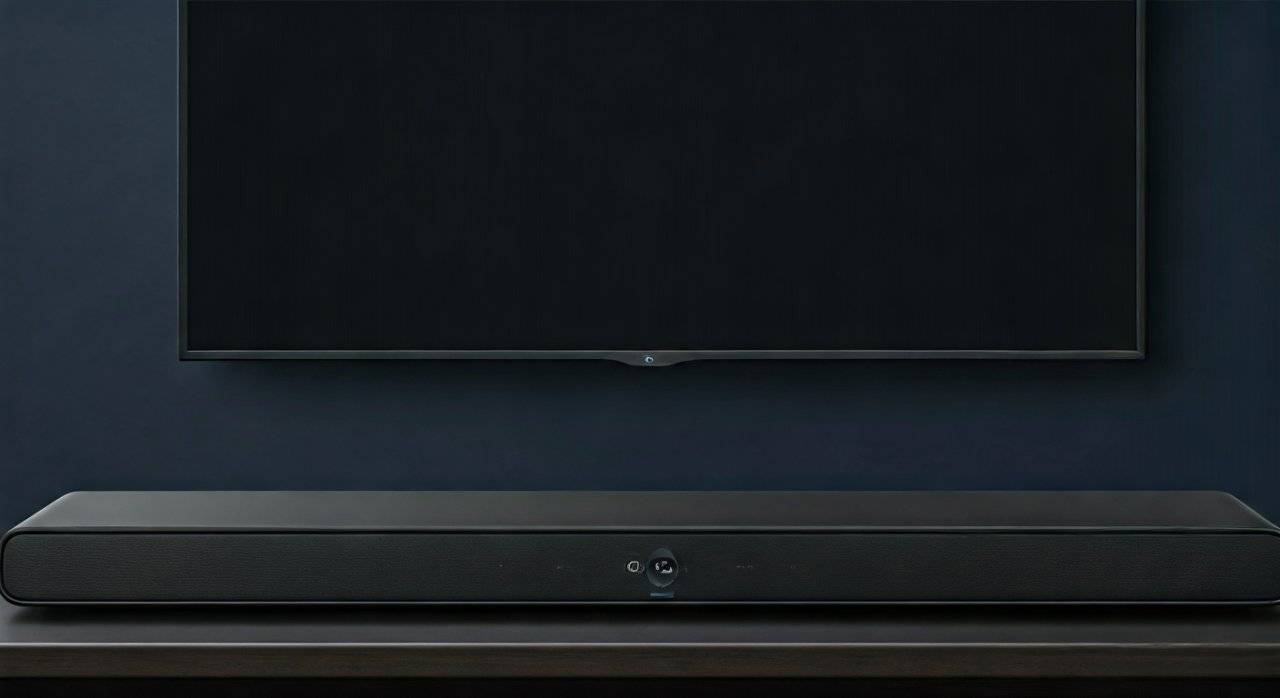
- Aesthetics: They offer a sleek, low-profile look that fits under the screen without the clutter of external wires and bulky subwoofers.
Why Physical Constraints Make 2.0 Soundbars an Improvement Over TV Speakers
To understand why are 2.0 soundbars an improvement over TV speakers, we must first look at the physics of modern television design. As TVs have become thinner, the physical space available for audio hardware has vanished.
1. The “Thinner is Worse” Problem
Modern LED and OLED TVs are often less than an inch thick. High-quality audio requires air displacement, which requires cabinet volume. Because TV manufacturers prioritize aesthetics, they are forced to use tiny, “shilling-sized” drivers. In my testing, even high-end OLED TVs struggle to produce frequencies below 100Hz, leading to a “tinny” sound profile.
2. Down-Firing vs. Forward-Firing Drivers
Most modern TVs hide their speakers at the bottom or the back of the panel. This means the sound must bounce off your TV stand or the wall before reaching your ears. This reflection causes phase issues and muddies the audio. A 2.0 soundbar sits in front of the viewer, firing sound waves directly toward the seating area, which preserves frequency integrity.
3. Digital Signal Processing (DSP) Limitations
TV manufacturers often use aggressive DSP to prevent their tiny speakers from distorting. This results in a “compressed” sound where loud scenes (like explosions) are muffled to protect the hardware. A dedicated 2.0 soundbar has its own power supply and amplification, allowing for much higher SPL (Sound Pressure Level) without the same level of digital choking.
Technical Comparison: Internal TV Speakers vs. 2.0 Soundbars
| Feature | Built-In TV Speakers | Entry-Level 2.0 Soundbar | High-End 2.0 Soundbar |
|---|---|---|---|
| Driver Size | Typically 0.5″ to 1.5″ | 2.0″ to 3.0″ | 3.0″+ with dedicated Tweeters |
| Orientation | Down-firing or Rear-firing | Forward-firing | Forward-firing with angled sides |
| Frequency Response | 100Hz – 15kHz (Approx) | 65Hz – 20kHz | 50Hz – 22kHz |
| Dialogue Enhancement | Minimal (Software only) | Dedicated DSP Modes | Discrete Center Channel Simulation |
| Stereo Width | Narrow (Internal) | Moderate (Standard bar length) | Wide (Soundstage Expansion) |
| Bass Impact | Non-existent | Low (Passive Radiators) | Moderate (Ported Enclosures) |
How 2.0 Soundbars Improve Dialogue and Vocal Clarity
The most common complaint I hear from users is: “I can’t hear what they’re saying over the music.” This is where a 2.0 soundbar truly shines. Even without a center channel (which would make it a 3.0 or 3.1 system), a 2.0 configuration uses high-quality mid-range drivers that are tuned for the human vocal range (typically 85Hz to 255Hz).
Phantom Center Imaging
A well-engineered 2.0 soundbar uses a technique called Phantom Center Imaging. By precisely balancing the output between the left and right channels, the soundbar creates the illusion that the voices are coming directly from the center of the screen. This is far more effective than TV speakers, which often blur the vocal frequencies into the background “noise.”
Dialogue Enhancement Modes
Most reputable brands like Sonos, Bose, and Vizio include a “Dialogue Boost” or “Speech Mode” in their 2.0 models. These modes use equalization (EQ) to lift the specific frequencies of human speech while slightly lowering ambient background sounds. During my review of the Sonos Ray, I found this feature indispensable for late-night viewing when you want to hear every word without waking the neighbors with loud action scenes.
The Impact of Stereo Separation on Immersion
When you ask are 2.0 soundbars an improvement over tv speakers, you are also asking about the soundstage.
- Internal TV Speakers: Since the speakers are usually only a few inches apart inside the chassis, the audio feels “trapped” in the screen.
- 2.0 Soundbars: These bars are typically 24 to 36 inches wide. This physical distance allows for true stereo separation. When a car drives across the screen from left to right, your ears can actually track the movement of the sound.
This separation isn’t just for movies; it’s a massive upgrade for gaming and music. If you use your TV to stream Spotify or play titles like Call of Duty, the ability to hear directional cues is a night-and-day difference compared to the mono-like output of most budget TVs.
Real-World Testing: 2.0 Soundbar Performance in Typical Rooms
I have tested various 2.0 setups in different environments, from small bedrooms to open-concept living rooms. Here is what I discovered:
Small Bedrooms (The “Sweet Spot”)
In a bedroom, a 2.0 soundbar is often the perfect solution. Because the room is smaller, the soundbar can utilize wall reflections to make the audio feel larger than it is. Models like the Bose TV Speaker or the Roku Streambar provide enough low-end “thump” to satisfy viewers without needing a bulky, floor-standing subwoofer.
Large Living Rooms (The “Clearance” Upgrade)
In larger rooms, a 2.0 soundbar might not provide bone-shaking bass, but it significantly improves the projection of sound. If your couch is more than 10 feet from the TV, internal speakers will often sound echoey or thin. A 2.0 bar with high-sensitivity drivers ensures that the audio reaches the seating area with enough energy to remain clear and engaging.
Improving Hard-to-Hear Environments
If you have a room with high ceilings or lots of glass (which causes echoes), TV speakers will struggle. The focused beam of sound from a soundbar cuts through the room’s natural reverberation much better than the diffuse output of internal TV audio.
Key Features to Look for in a 2.0 Soundbar
If you’ve decided that 2.0 soundbars are an improvement over TV speakers for your needs, you need to know which specs actually matter. Don’t be fooled by high “Wattage” numbers, which are often inflated.
- HDMI ARC/eARC Connection: This allows you to control the soundbar volume using your existing TV remote. It also supports higher-quality audio formats than a standard Optical (Toslink) cable.
- Passive Radiators: Since 2.0 bars lack a subwoofer, look for models with passive radiators. These help move more air and provide a “fuller” bass response than a sealed box.
- Bluetooth/Wi-Fi Connectivity: Many 2.0 soundbars double as excellent music speakers. Look for Spotify Connect or AirPlay 2 support if you plan to stream music from your phone.
- Compact Form Factor: Ensure the bar is short enough to sit under your TV without blocking the IR sensor (the spot where your remote points).
- Expandability: Some 2.0 systems (like the Sonos or Bose ecosystem) allow you to add a wireless subwoofer or rear speakers later if you want to upgrade to a 2.1 or 5.1 system.
When a 2.0 Soundbar Might NOT Be Enough
While they are a massive improvement over TV speakers, 2.0 systems have limitations. You might want to skip the 2.0 and go straight to a 2.1 system (which includes a subwoofer) if:
- Action Movie Buffs: If you live for the “rumble” of explosions in Marvel movies, a 2.0 bar will likely disappoint your bass cravings.
- Large Home Theaters: In a dedicated cinema room, the lack of a dedicated center channel (the “.1” in 3.1) can result in less precise audio placement.
- Serious Bass-Heads: If you listen to EDM or Hip-Hop through your TV, the small drivers in a 2.0 bar cannot physically replicate the deep “sub-bass” frequencies below 50Hz.
Actionable Advice: How to Optimize Your 2.0 Soundbar Setup
To ensure your 2.0 soundbar performs better than your TV speakers, follow these steps:
- Placement: Place the bar at the very edge of your TV stand. Placing it further back causes sound to reflect off the surface of the stand, creating “muddy” audio.
- Disable TV Speakers: Go into your TV’s audio settings and ensure the internal speakers are turned OFF. Leaving them on can cause “echo” or “phasing” issues.
- Select “PCM” or “Auto”: In your TV’s digital audio output settings, select PCM if you are using an optical cable, or Auto/Pass-through if using HDMI ARC.
- Level the Ear Height: If possible, ensure the soundbar is at roughly the same height as your ears when seated. If it’s too low, tilt it slightly upward using small rubber feet or a specialized wedge.
The Verdict: Are 2.0 Soundbars an Improvement Over TV Speakers?
Based on extensive testing and the physical realities of audio engineering, 2.0 soundbars are a definitive improvement over TV speakers. They offer:
- Better clarity for daily viewing (News, Sitcoms, YouTube).
- Superior aesthetics compared to bulky home theater systems.
- Reduced frustration for viewers who struggle to hear dialogue.
For the vast majority of casual viewers, a high-quality 2.0 soundbar is the most cost-effective way to fix the “bad sound” problem inherent in modern thin-panel TVs.
Frequently Asked Questions (FAQ)
Does a 2.0 soundbar have any bass?
While a 2.0 soundbar lacks a dedicated subwoofer, many models use passive radiators or ported designs to produce respectable mid-bass. It won’t shake your floors, but it will sound much “fuller” and warmer than the thin, screechy bass of internal TV speakers.
Can I add a subwoofer to a 2.0 soundbar later?
It depends on the model. Some “standalone” bars like the Sonos Ray or Bose Smart Soundbar allow you to wirelessly add a subwoofer later. However, many budget-friendly 2.0 bars are closed systems and do not have a sub-out port or wireless expansion capabilities. Always check the specs if you plan to upgrade.
Is a 2.0 soundbar better than a 2.1 soundbar?
Usually, no. A 2.1 soundbar includes a separate subwoofer, which handles all the low-frequency effects. However, a high-end 2.0 bar (like the Sonos Beam) often sounds better and more balanced than a cheap 2.1 system that has a boomy, disconnected-sounding subwoofer.
Will a 2.0 soundbar work with any TV?
Yes, as long as your TV has either an HDMI ARC/eARC port or an Optical (Toslink) output. Even older TVs usually have an optical port, making 2.0 soundbars universally compatible with almost any flat-screen TV made in the last 15 years.









