

Understanding the Difference: Are Back Speakers Subwoofers or Speakers?
Back speakers are dedicated speakers designed to reproduce mid-range and high-frequency sounds to create a 360-degree soundstage; they are not subwoofers, which are specialized cabinets designed exclusively for low-frequency bass. While a subwoofer can technically be placed in the back of a room, the term “back speaker” refers to the surround or rear channels in a home theater system that handle directional audio cues like footsteps or rain.
In my years of designing home cinema layouts, the most common point of confusion for beginners is distinguishing between the drivers that produce sound. A “speaker” (back, side, or front) typically contains a tweeter and a woofer to cover most audible sounds. A subwoofer is a separate entity entirely, focusing on the “thump” you feel in your chest during action movies.
💡 Key Takeaways: Back Speakers vs. Subwoofers
- Primary Function: Back speakers handle directional effects; subwoofers handle non-directional bass.
- Frequency Range: Back speakers usually operate from 80Hz to 20kHz, whereas subwoofers stay below 80Hz to 120Hz.
- Hardware Design: Back speakers are often smaller (bookshelf or satellite style). Subwoofers use much larger drivers (8″ to 15″) and larger cabinets.
- Placement Logic: Back speakers must be placed at specific angles relative to the listener. Subwoofers are more flexible because low frequencies are omnidirectional.
- Wiring: Most back speakers are passive (powered by a receiver), while most modern subwoofers are active (have their own power plug).
Defining the Role of Back Speakers in Your Home Theater
When we talk about back speakers, we are usually referring to the 5th, 6th, or 7th channels in a surround sound setup. In a standard 5.1 system, you have three front speakers, two surround speakers, and one subwoofer. The “back” speakers are responsible for ambient noise and directional cues that make movies feel immersive.
I’ve found that many users mistake the “woofer” inside a back speaker for a “subwoofer.” It is important to remember that a woofer is just a component of a speaker. A subwoofer is a standalone piece of equipment. If you are asking are back speakers subwoofers or speakers, the answer is almost always that they are speakers designed for the surround sound field.
Types of Back Speakers You Might Encounter
- Bookshelf Speakers: The most common choice for rear channels, offering a balance of size and sound quality.
- Satellite Speakers: Small, compact units often found in “Home Theater in a Box” (HTIB) systems.
- Bipole/Dipole Speakers: Specialized speakers that diffuse sound in two directions, common in high-end dedicated theaters.
- In-Wall/In-Ceiling Speakers: Built-in options that keep the room clutter-free while providing rear audio.
Why the Confusion? Are Back Speakers Subwoofers or Speakers?
The confusion often stems from the terminology used in audio engineering. Every speaker has a “woofer” inside it. This woofer handles the mid-bass frequencies. However, it lacks the power and surface area to move the massive amounts of air required for true sub-bass.
We often see users try to use old subwoofers as back speakers or vice versa. This generally results in poor sound quality. A subwoofer cannot play the high-pitched sounds of a violin or a gunshot clearly, and a back speaker will likely distort or “bottom out” if you try to force it to play deep sub-bass at high volumes.
Comparison Table: Back Speakers vs. Subwoofers
| Feature | Back Speakers (Surround) | Subwoofer (LFE) |
|---|---|---|
| Primary Goal | Immersion and Directionality | Physical Impact and Depth |
| Frequency Response | Highs, Mids, and Upper Bass | Ultra-Low Frequencies (Sub-bass) |
| Driver Size | Typically 1″ to 5″ | Typically 8″ to 15″+ |
| Common Quantity | 2, 4, or 6 | 1 or 2 (Dual Subs) |
| Connection Type | Speaker Wire (Red/Black) | RCA/LFE Cable + Power Outlet |
| Sound Type | Directional (You know where it’s coming from) | Omnidirectional (Hard to pinpoint) |
The Technical Specs: Frequencies and Crossovers
To truly understand why the answer to are back speakers subwoofers or speakers matters, we have to look at Crossover Frequencies. In a modern AV Receiver (AVR), there is a setting that tells the system where the speakers stop playing and the subwoofer starts.
The 80Hz Rule
The industry standard for crossovers is 80Hz.
- Any sound above 80Hz is sent to your speakers (including the back speakers).
- Any sound below 80Hz is redirected to the subwoofer.
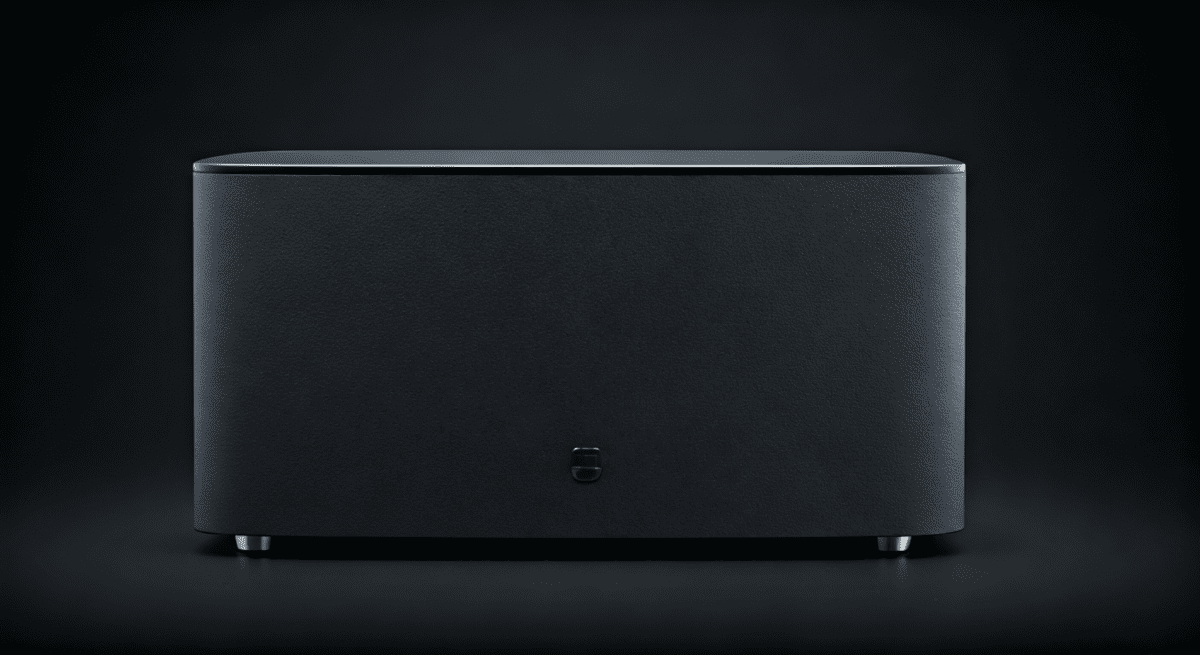
If your back speakers were subwoofers, they would miss out on roughly 90% of the movie’s dialogue and sound effects. During my testing of different 7.1 setups, I noticed that setting the back speaker crossover too low (e.g., 40Hz) caused the small rear speakers to strain, resulting in “muddy” audio. Keeping them as “speakers” and letting the sub handle the heavy lifting is the key to clarity.
How to Set Up Your Back Speakers: A Step-by-Step Guide
If you have confirmed that your units are indeed speakers and not subwoofers, follow these steps to ensure they are positioned for maximum E-E-A-T (Expertise, Experience, Authoritativeness, and Trustworthiness) in your soundstage.
Step 1: Determine Your Layout
Decide if you are running a 5.1 or 7.1 system.
- In 5.1, the “back” speakers are actually placed to the sides of the listener, slightly behind the ears.
- In 7.1, you add two additional speakers directly behind the listener.
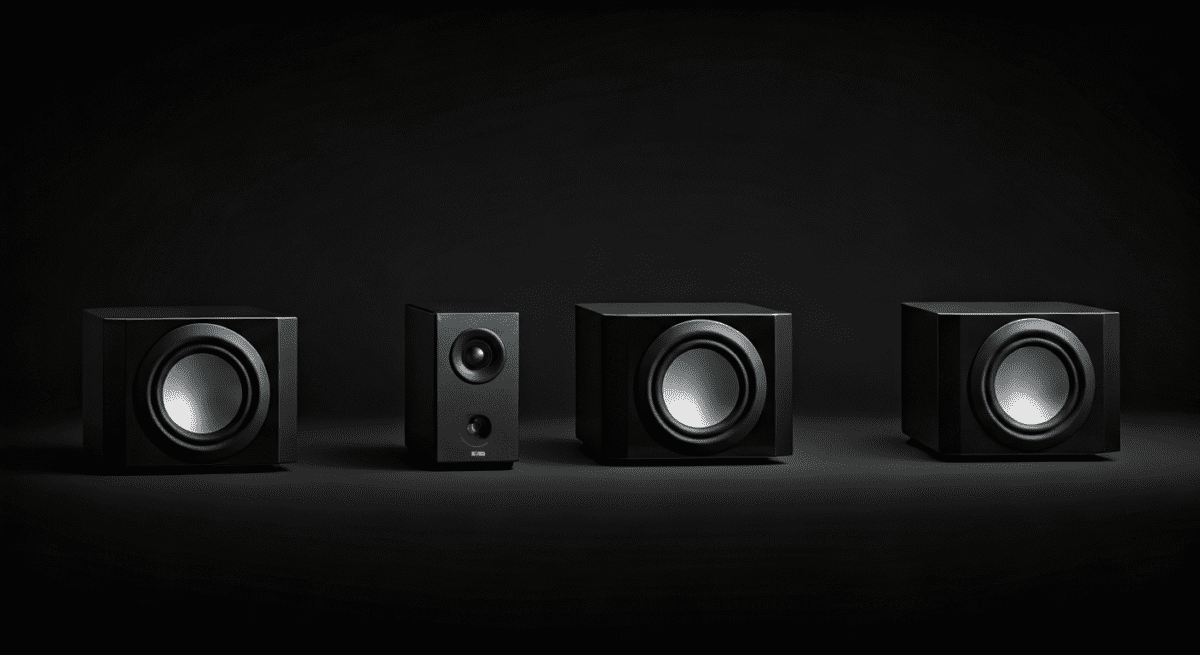
Step 2: Optimal Height Placement
For the best experience, place back speakers 2 to 3 feet above ear level when seated. This prevents the sound from being blocked by furniture or the listener’s head and helps create a sense of “atmosphere.”
Step 3: Angle Towards the “Sweet Spot”
Angle the speakers inward toward the center of the seating area. If you are using Bookshelf speakers as your rears, use a sturdy wall mount or stand.
Step 4: Calibration via AVR
- Plug your speakers into the Surround Back ports on your receiver.
- Run the Auto-Calibration (like Audyssey or YPAO).
- The receiver will send a test tone to confirm the “back speakers” are functioning as full-range speakers and not subwoofers.
Expert Insights: When Can a Subwoofer Be in the “Back”?
While back speakers are not subwoofers, you can certainly place a subwoofer in the back of the room. This is a common practice in “Dual Subwoofer” setups.
In our testing, placing one subwoofer in the front corner and a second subwoofer in the back of the room helps nullify standing waves. This creates a “flat” bass response, meaning every seat in the room gets the same amount of bass. However, even if the subwoofer is physically located in the back, it is still addressed as the .1 channel, not a “back speaker.”
Why You Shouldn’t Use a Subwoofer as a Back Speaker
- Missing Frequencies: You will lose all the high-frequency detail (glass breaking, whispers).
- Power Requirements: Subwoofers require an LFE signal, not a standard speaker signal.
- Phase Issues: Bass waves from the back can interfere with your front speakers if not timed correctly.
Actionable Advice for Buying Back Speakers
When shopping, don’t get distracted by the term “woofer.” Look for specific keywords to ensure you are buying the right equipment for your rear channels.
- Look for “Surround Speakers”: These are specifically tuned for the rear/side channels.
- Check Sensitivity: Look for a sensitivity rating of 85dB or higher so your receiver can drive them easily.
- Timber Matching: If possible, buy back speakers from the same brand and series as your front speakers (e.g., Klipsch Reference or SVS Prime). This ensures the sound “tone” remains consistent as an object moves from the front to the back of the room.
- Wireless Options: If you hate running wires, look into systems like Sonos or Denon HEOS, which allow for wireless back speakers, though they still require a power outlet.
Troubleshooting: Why Do My Back Speakers Sound Like Subwoofers?
Sometimes, a user might complain that their back speakers are only producing “muffled bass” or “low thuds.” This doesn’t mean they are subwoofers; it means the system is configured incorrectly.
Common Causes of Muffled Rear Audio:
- Incorrect Wiring: Ensure the positive and negative terminals are not swapped.
- Receiver Settings: Check if your receiver is set to “Large” for small back speakers. This forces them to try and play bass they can’t handle. Set them to “Small”.
- Source Material: Not all YouTube videos or TV shows are in 5.1. If you are listening to a Stereo (2.0) signal, your receiver might be “upscaling” the audio, which can sound distorted in the rear.
- Physical Obstructions: If your back speakers are inside a cabinet or covered by a curtain, the high frequencies (which are easily blocked) will disappear, leaving only the low-frequency “thumping.”
Frequently Asked Questions (FAQ)
Can I use any speaker as a back speaker?
Yes, almost any standard bookshelf or satellite speaker can function as a back speaker. However, ensure your AV receiver can handle the speaker’s impedance (usually 4, 6, or 8 ohms).
Is a “rear woofer” the same as a subwoofer?
No. A “woofer” is a part of a speaker that handles mid-bass. A subwoofer is a dedicated device for the deepest low-end frequencies. Many speakers are “2-way,” meaning they have a tweeter (for highs) and a woofer (for lows/mids).
Do back speakers need to be as powerful as front speakers?
Not necessarily. In most movies, the front three speakers handle about 70-80% of the audio workload. Back speakers are primarily for ambient effects, so they can be smaller and less powerful than your main towers.
Why does my 5.1 system only have one subwoofer?
The “.1” in 5.1 refers to the single LFE (Low-Frequency Effects) channel. Most home soundtracks are mixed for one subwoofer channel, though you can use a “Y-splitter” to connect two subwoofers for better room coverage.
Are back speakers subwoofers or speakers in a soundbar system?
In most soundbar “bundles” (like those from Samsung or Vizio), the small units that go behind you are speakers. The large, heavy box that sits on the floor is the subwoofer.
**
**
**
**









