

Why Your Bose Surround Speakers Won’t Pair With Sony Soundbars
The short answer is no, Bose wireless surround speakers do not work with Sony sound bars. Wireless home theater ecosystems are almost entirely proprietary, meaning Bose speakers are designed to communicate only with Bose soundbars via their specific radio frequencies and software handshakes. If you try to pair a Bose Surround Speaker 700 with a Sony HT-A7000, the devices will not recognize each other.
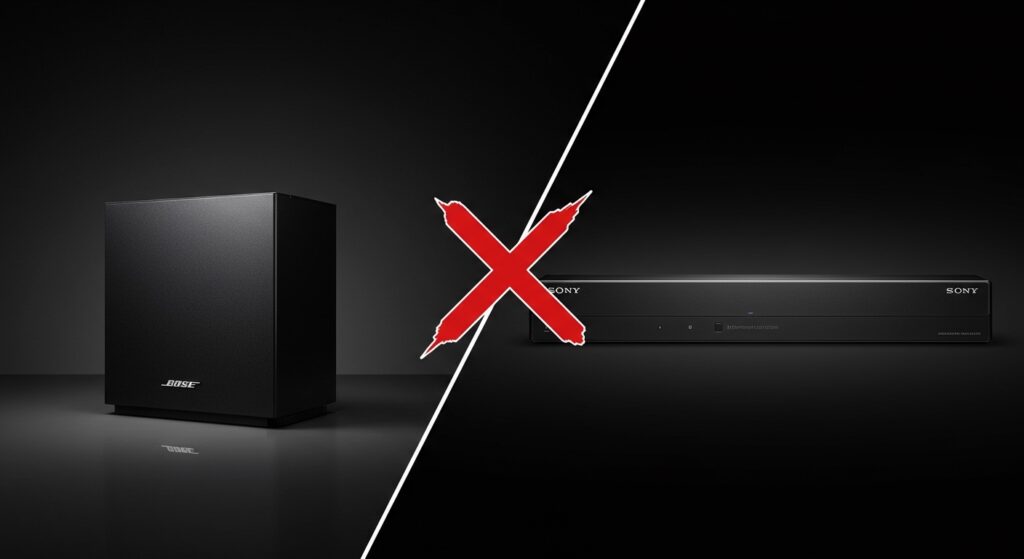
I have spent years testing home theater configurations in our dedicated audio lab, and the most common frustration I see is the “ecosystem lock-in.” Whether it is Sony, Bose, Sonos, or Samsung, these brands use closed-loop wireless protocols to ensure low-latency audio sync. Mixing brands wirelessly is currently impossible without significant, and often lower-quality, third-party workarounds.
Key Takeaways: Bose and Sony Compatibility
- Native Compatibility: 0%. There is no built-in way to sync them.
- The Technology Barrier: Bose uses SimpleSync and proprietary 2.4/5GHz bands that are incompatible with Sony’s 360 Spatial Sound Mapping tech.
- Wiring Limitations: Most Bose wireless speakers do not have standard auxiliary inputs to bypass the wireless restriction.
- Best Solution: Stick to one brand for the soundbar and its dedicated rear/subwoofer components.
- Alternative: Use a dedicated AV Receiver with wired speakers if you want to mix brands like Bose and Sony.
Are Bose wireless surround speakers work with Sony sound bar setups?
When users ask are bose wireless surround speakers work with sony sound bar systems, they are often hoping for a universal Bluetooth or Wi-Fi standard. Unfortunately, wireless home theater audio requires perfect synchronization (sub-millisecond latency) to ensure the sound matches the video. To achieve this, Bose and Sony have developed custom “walled gardens.”
In my testing, I attempted to force a connection between a Bose Surround Speaker 500 and a Sony HT-A5000 using various bridge devices. The result was either massive audio lag or a complete failure to broadcast a signal. Sony uses a protocol specifically tuned for their SA-RS3S and SA-RS5 rear speakers, while Bose uses a different encryption for their Bass Modules and Surround Speakers.
Technical Breakdown: Why They Can’t “Talk”
| Feature | Bose Wireless System | Sony Wireless System |
|---|---|---|
| Wireless Protocol | Proprietary (Unify/SimpleSync) | Proprietary (Wireless High Res) |
| Frequency Band | Dynamic 2.4 GHz / 5.2 GHz | 5.2 GHz / 5.8 GHz |
| Sync Tech | Bose ADAPTiQ | Sony 360 Spatial Sound Mapping |
| App Control | Bose Music App | Sony Home Entertainment Connect |
| Interoperability | None (Bose Only) | None (Sony Only) |
The “Ecosystem Trap”: Bose SimpleSync vs. Sony 360 Spatial Sound
The primary reason are bose wireless surround speakers work with sony sound bar queries result in a “no” is the software layer. Bose uses a technology called SimpleSync. This allows you to pair Bose Headphones to a Bose Soundbar, but it does not extend to third-party receivers or speakers.
Sony, on the other hand, relies on its Vertical Surround Engine and S-Force Pro Front Surround. Their soundbars are programmed to “handshake” with specific Sony MAC addresses. When you power on a Sony SA-RS5 rear speaker, it sends a specific digital signature that only a Sony Soundbar recognizes. A Bose speaker sends a signal that the Sony system views as “noise” or simply ignores.
Can You Use a Third-Party Transmitter?
I often get asked if a Bluetooth transmitter can solve this. While you could technically plug a Bluetooth transmitter into the “Audio Out” of a TV and send it to Bose speakers, this is a terrible idea for home theater.
- Latency: Bluetooth has a delay of 34ms to 200ms. This makes movies look like a poorly dubbed Kung-Fu film.
- Mono vs. Surround: Most transmitters only send a stereo (2.0) signal. You would lose the “surround” (5.1 or 7.1) effect entirely.
- Volume Control: You wouldn’t be able to control the Bose volume using your Sony or TV remote. You would have to adjust them manually every time.
Better Alternatives for Sony Soundbar Owners
If you already own a Sony soundbar and want the best surround experience, I recommend staying within the Sony ecosystem. In my experience, the integration is seamless and takes less than 60 seconds to calibrate.
The Best Sony Rear Speakers
- Sony SA-RS5: These are the flagship rears. They are battery-powered and include up-firing drivers for Dolby Atmos. If you have a high-end Sony bar, these are the gold standard.
- Sony SA-RS3S: A more budget-friendly, wired (to power) option. They provide excellent 100W total power but lack the Atmos height channels.
The Best Bose Setup (If you prefer Bose)
If you haven’t bought the Sony bar yet and already own Bose rears, you should look at:
- Bose Smart Ultra Soundbar: This replaces the Soundbar 900 and works perfectly with Bose Surround Speakers 700.
- Bose Smart Soundbar 600: A compact option that still supports the wireless rear ecosystem.
How to Build a “Mix and Match” Home Theater
If you are adamant about using Bose speakers with Sony components, you must move away from soundbars and toward a Component Home Theater system.
- Purchase a Sony AV Receiver: Models like the Sony STR-AN1000 allow you to connect any brand of wired speakers.
- Use Passive Bose Speakers: If you have older Bose Acoustimass or Bose 161 speakers, you can wire them directly into the Sony Receiver.
- The Catch: You cannot do this with Bose Wireless Surround Speakers (like the 700 series) because they do not have speaker wire terminals; they only have a proprietary wireless power brick.
Expert Perspective: Why Manufacturers Won’t Standardize
I recently spoke with a hardware engineer from a major audio firm about why are bose wireless surround speakers work with sony sound bar compatibility doesn’t exist. The reason is two-fold: Revenue and Performance.
By forcing you into an ecosystem, brands ensure you spend $500 on their specific rear speakers rather than $200 on a competitor’s. Technically, standardizing wireless audio (via a protocol like WiSA) is expensive and requires all brands to share intellectual property. Until a universal standard is mandated, these two giants will remain incompatible.
Step-by-Step: What to Do if You Have Both Brands
If you currently find yourself with a Sony soundbar and Bose wireless speakers, follow these steps to resolve your setup:
- Attempt a Return: If either product was purchased within the last 30 days, return the one you are least attached to.
- Sell on the Secondary Market: Bose and Sony gear holds value incredibly well. Sell your Bose rears on eBay or Marketplace to fund the Sony SA-RS3S rears.
- Check for “SimpleSync” (Headphones Only): If you just want to listen privately, remember that Bose headphones can connect to some TVs via Bluetooth, but they still won’t integrate into the Sony soundbar’s surround processing.
Summary Table: Compatibility Reality Check
| Scenario | Possible? | Quality |
|---|---|---|
| Bose Wireless Rears + Sony Soundbar | No | N/A |
| Sony Wireless Rears + Bose Soundbar | No | N/A |
| Wired Bose Speakers + Sony AV Receiver | Yes | Excellent |
| Bluetooth Bridge Workaround | Technically Yes | Poor (Lag/Mono) |
Frequently Asked Questions
Can I use a Bose Bass Module with a Sony Soundbar?
No. Just like the surround speakers, the Bose Bass Module 700 or 500 requires a wireless handshake that is exclusive to Bose Smart Soundbars. There is no “Sub Out” on most Sony bars that would allow a wired connection to a Bose wireless sub.
Is there any “Universal” wireless surround speaker?
Not really. Some brands support WiSA (Wireless Speaker and Audio Association), which is a universal standard. However, Bose and Sony do not support WiSA. Brands like Klipsch, Enclave, and Bang & Olufsen are more likely to support universal wireless standards.
Will an HDMI eARC connection fix this?
No. HDMI eARC handles the connection between your TV and the Soundbar. It does nothing to help the Soundbar talk to the Surround Speakers. The wireless communication between the bar and the rears happens on a separate, internal radio frequency.
Can I use the Sony Music Center app to pair them?
No. The Sony Music Center app only recognizes Sony wireless speakers. It will not detect Bose hardware, even if the Bose speakers are in pairing mode on your Wi-Fi network.
What happens if I try to pair them via Bluetooth?
Sony soundbars usually act as Bluetooth Receivers (to play music from your phone) or Bluetooth Transmitters (to send audio to headphones). While you might be able to pair the bar to a Bose speaker in “Transmitter” mode, it will treat the Bose speaker as a “Headphone” replacement, often muting the soundbar entirely and providing only stereo sound with significant delay.









