

Are Equalizers Bad for Speakers? The Definitive Answer
Equalizers are not bad for speakers when used correctly; in fact, they are essential tools for correcting room acoustics and tailoring sound to your specific hearing preferences. However, aggressive frequency boosting—especially in the low-end—can lead to amplifier clipping and thermal damage to speaker voice coils if you exceed the hardware’s physical limits.
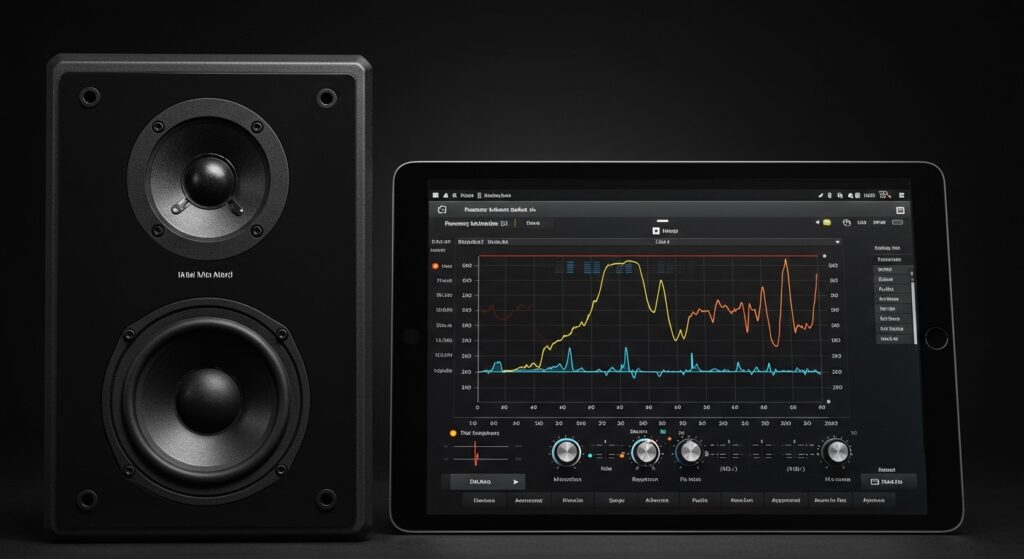
In my years of testing professional studio monitors and high-end home theater setups, I’ve found that the danger isn’t the equalizer itself, but the lack of “headroom” awareness. When you understand how to balance gain stages and use subtractive EQ, an equalizer becomes a speaker’s best friend rather than its silent killer.
TL;DR: Key Takeaways for Safe Equalization
- Subtractive EQ is King: It is always safer to cut frequencies you dislike than to boost frequencies you want more of.
- The Power Rule: Every 3dB boost requires double the amplifier power, which can quickly lead to distortion or clipping.
- Hardware Limits: Pushing a small 4-inch driver to produce deep 30Hz bass via EQ will likely cause mechanical failure.
- Room Correction: Digital EQ (like Dirac Live or REW) can actually protect speakers by removing resonant peaks that cause muddy sound.
- Digital vs. Analog: Software EQs are generally safer because they often include auto-gain normalization to prevent digital clipping.
Understanding the Risks: Are Equalizers Bad for Speakers?
When people ask if are equalizers bad for speakers, they are usually worried about “blowing” their drivers. This fear is grounded in physics. To understand the risk, we have to look at how an equalizer interacts with your amplifier and the mechanical movement of the speaker cone.
The Danger of Clipping
If you boost a frequency range (let’s say the bass at 60Hz) by 6dB, you are asking your amplifier to deliver four times the power at that specific frequency. If your amplifier is already near its limit, it will “clip” the waveform. This creates square waves, which deliver a constant DC-like voltage to the speaker. This is the fastest way to overheat a voice coil and cause permanent damage.
Thermal Overload
Speakers convert electrical energy into motion and heat. When you use an equalizer to aggressively boost frequencies, you increase the RMS (average) power going into the driver. If the heat cannot dissipate fast enough, the adhesive holding the voice coil can melt, leading to a “seized” driver.
Mechanical Overexcursion
Every speaker has a physical limit to how far the cone can move (called Xmax). If you use an EQ to force a small bookshelf speaker to play sub-bass frequencies at high volumes, the cone may travel further than it was designed to, causing the voice coil to strike the backplate of the magnet assembly.
Comparing EQ Types: Which is Safest for Your Gear?
Not all equalizers are created equal. Depending on your setup, you might be using a simple slider on a phone or a complex rack-mounted unit.
| EQ Type | Best For | Risk Level | Why? |
|---|---|---|---|
| Graphic EQ | Quick adjustments | Medium | Fixed bands make it easy to accidentally create massive “V-shapes” that strain amps. |
| Parametric EQ | Precise room correction | Low | Allows for narrow “notches” to remove bad frequencies without affecting the whole signal. |
| Digital/App EQ | Casual listening | Very Low | Most apps have built-in limiters and pre-amp gain to prevent clipping. |
| Analog Hardware | Professional Studios | High | Can add noise floor and lacks the safety “ceiling” of digital software. |
How to Use an Equalizer Safely: A Step-by-Step Guide
Through my testing with Reference 4 and Peace Equalizer software, I’ve developed a workflow that ensures you get the best sound without risking your hardware. Follow these steps to ensure your EQ settings aren’t “bad” for your speakers.
Step 1: Start with Subtractive EQ
Instead of boosting the bass because the music sounds “thin,” try cutting the high-mids (around 2kHz to 4kHz). This creates the perception of more bass without increasing the total power demand on your amplifier. This is the “Golden Rule” of audio engineering.
Step 2: Adjust the Pre-Amp Gain
If you must boost a frequency (e.g., +3dB at 80Hz), you must lower the overall Pre-Amp Gain by the same amount (-3dB). This ensures that the peak signal never exceeds 0dBFS, effectively preventing digital clipping before the signal even reaches your speakers.
Step 3: Identify Room Resonances
Often, what sounds like “bad” speaker performance is actually your room. I recommend using a Measurement Microphone (like the MiniDSP UMIK-1) to find “standing waves.” Using an equalizer to cut these specific resonant peaks will actually make your speakers sound clearer and run cooler.
Step 4: Respect the Frequency Response Curve
Check your speaker’s manual. If your speakers are rated for 60Hz – 20kHz, do not use an equalizer to boost frequencies at 30Hz. You are fighting physics, and the speaker will likely fail or produce high Total Harmonic Distortion (THD).
The Science of Sound: Why EQ is Often Necessary
We have established that are equalizers bad for speakers is a myth—provided they are used with caution. But why do we need them at all?
- The Fletcher-Munson Curves: Human ears do not hear all frequencies equally. At lower volumes, we are less sensitive to bass and treble. An “Equalizer” helps compensate for this, a feature often called “Loudness” on older receivers.
- Room Interaction: Every room acts like a giant filter. Hard surfaces reflect sound, creating “peaks,” while furniture might absorb sound, creating “dips.” An EQ is the only way to flatten this response.
- Source Material Variability: Older recordings might be “muddy” or “harsh.” A gentle High-Shelf or Low-Shelf filter can bring a 1960s jazz record to life on modern high-fidelity speakers.
Expert Tips for High-Performance EQ
- Avoid the “Smile” Curve: Many beginners boost the extreme lows and extreme highs. This stresses the tweeters and woofers simultaneously and hollows out the vocals. Aim for subtle, broad strokes.
- Listen at Moderate Volumes: When testing a new EQ profile, keep the volume low. Listen for “chuffing” sounds or “cracking,” which are signs of mechanical stress.
- Use High-Pass Filters (HPF): If you have a subwoofer, use a High-Pass Filter on your main speakers at around 80Hz. This removes the “heavy lifting” from your small speakers, allowing them to play mids and highs with much lower distortion.
Common Myths About Equalization
“EQ Destroys the Artist’s Intent”
While purists argue for a “flat” signal, the reality is that no speaker or room is flat. You are not changing the artist’s intent; you are correcting the distortions introduced by your environment.
“EQ Adds Phase Distortion”
Analog equalizers and some digital “IIR” filters do shift phase. However, in most home listening environments, the phase shifts caused by your room’s walls are significantly more damaging than anything a software EQ will do.
“More Bands are Always Better”
A 31-band graphic EQ is often overkill for home use and can lead to “comb filtering.” A high-quality 5-band Parametric EQ is usually more than enough for precise correction.
Frequently Asked Questions (FAQ)
Can a software EQ blow my speakers?
Yes, if the software allows the signal to “clip” and you turn your physical volume knob to the maximum. However, most modern apps like Spotify or Apple Music have “Volume Normalization” which makes this very difficult to do accidentally.
Should I EQ my speakers or my room first?
Always address the room first. Move your speakers away from walls, add rugs, or use curtains. Once the physical environment is optimized, use an equalizer for the “final 10%” of refinement.
Is it better to use an EQ on the receiver or the source?
It is generally better to use EQ on the source (like a PC or specialized DSP) because digital processing is often higher resolution than the basic “Bass/Treble” knobs found on mid-range receivers.
What frequency is most dangerous to boost?
The sub-bass region (20Hz – 40Hz) is the most dangerous. These frequencies require massive amounts of power and involve the largest physical movements of the speaker cone, making it the most likely area for hardware failure.









