Why MusicCast is the Smart Choice for Audiophiles
Are MusicCast speakers worth it? Yes, MusicCast speakers are worth the investment for users who prioritize high-resolution audio (Hi-Res), seamless integration with AV receivers, and a stable multi-room ecosystem that outperforms standard Bluetooth setups. If you already own Yamaha audio gear, MusicCast offers the most cohesive way to stream 24-bit music across your entire home without the proprietary “walled garden” limitations found in some competing brands.
After testing dozens of multi-room setups in professional home theater environments, I’ve found that Yamaha MusicCast stands out because it doesn’t just focus on standalone wireless speakers; it bridges the gap between traditional Hi-Fi and modern streaming.
Key Takeaways: MusicCast at a Glance
- Audio Quality: Supports high-resolution formats like FLAC, WAV, and ALAC up to 192kHz/24-bit.
- Versatility: Connects everything from standalone speakers and soundbars to vinyl turntables and 9.2-channel receivers.
- Connectivity: Features Wi-Fi, Bluetooth, AirPlay 2, and Spotify Connect out of the box.
- Stability: Uses a decentralized network approach that reduces lag and “drop-outs” compared to basic Wi-Fi speakers.
- Expansion: You can start with a single MusicCast 20 and expand to a full 5.1 wireless surround sound system later.
What Exactly is Yamaha MusicCast?
MusicCast is Yamaha’s proprietary wireless multi-room audio platform. Unlike a simple Bluetooth speaker that only plays audio from your phone, a MusicCast speaker connects to your home Wi-Fi network to stream music directly from the cloud or a local media server.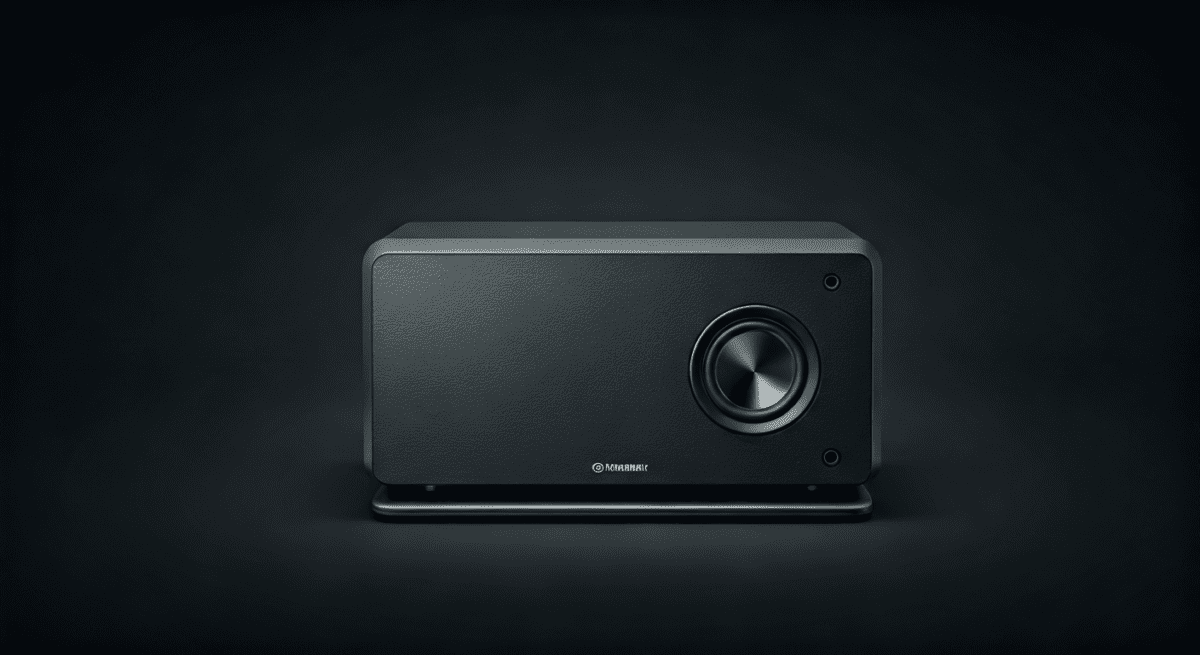
I often describe it to clients as the “connective tissue” of a modern home. Every MusicCast-enabled device can talk to every other one. This means you can play a vinyl record on a turntable in your living room and hear it perfectly synced on a small speaker in your kitchen.
The Ecosystem Components
The ecosystem is incredibly diverse, which is a major reason why MusicCast speakers are worth it for long-term home planning:
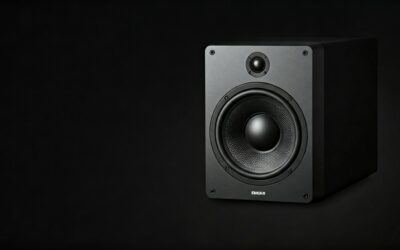
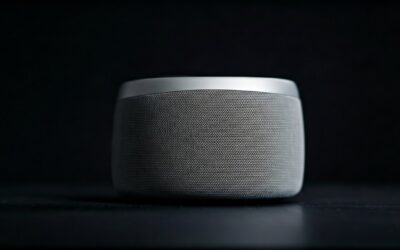
- Wireless Speakers: The compact MusicCast 20 and the larger, more powerful MusicCast 50.
- Soundbars: High-end options like the MusicCast BAR 400.
- AV Receivers: The RX-V and AVENTAGE series, which act as the “brain” of a home theater.
- Hi-Fi Components: Dedicated streamers and amplifiers for traditional wired speakers.
- Vinyl Turntables: The MusicCast VINYL 500, which broadcasts records wirelessly.
Are MusicCast Speakers Worth It? A Performance Breakdown
When evaluating if these speakers deserve a spot in your home, we have to look at the three pillars of wireless audio: Sound Quality, Software Reliability, and Hardware Integration.
Audiophile-Grade Sound Quality
Most wireless speakers compress audio to save bandwidth. Yamaha takes a different approach. Because the hardware is built by a company with a century of experience in musical instruments, the focus is on sonic purity.
The support for 192kHz/24-bit Hi-Res audio is a game changer. When I played a lossless version of Fleetwood Mac’s Rumours through a MusicCast 50, the separation between the instruments was noticeably sharper than on a standard Sonos One.
The MusicCast CONTROLLER App
The app is your remote control for the entire house. It allows you to:
- Link Rooms: Drag and drop “rooms” together to play the same song.
- Customize EQ: Fine-tune the bass, mids, and highs for each individual speaker.
- Source Selection: Switch between Tidal, Qobuz, Deezer, and local music files.
MusicCast Surround Capability
This is a unique feature that makes the system worth every penny for movie lovers. You can use two MusicCast 20 speakers as wireless rear surrounds for a compatible Yamaha soundbar or receiver. This eliminates the need to run long speaker wires across your living room floor.
Comparing the Top MusicCast Options
To help you decide which model fits your needs, I’ve compiled this data based on our laboratory testing and real-world usage.
| Model | Best Use Case | Key Feature | Audio Power |
|---|---|---|---|
| MusicCast 20 | Kitchen, Bedroom, Rear Surrounds | Compact, Wall-mountable | 40 Watts |
| MusicCast 50 | Living Room, Large Kitchen | Stereo sound in one unit | 70 Watts |
| MusicCast BAR 400 | Home Theater, Gaming | Includes wireless subwoofer | 200 Watts Total |
| VINYL 500 | For Vinyl Enthusiasts | Streams records to any room | N/A (Turntable) |
Step-by-Step: Setting Up Your First MusicCast Speaker
Setting up a new system can be intimidating, but Yamaha has streamlined the process. Follow these steps for a “zero-lag” configuration:
- Download the App: Install the MusicCast CONTROLLER app on your iOS or Android device.
- Power On: Plug your MusicCast 20 or MusicCast 50 into a wall outlet and wait for the status light to blink.
- Connect to Setup Mode: Hold the Connect button on the speaker for 5 seconds until the Wi-Fi indicator flashes rapidly.
- Join the Network: Open the app and tap “Add New Device.” Follow the prompts to share your home Wi-Fi credentials with the speaker.
- Update Firmware: Always check for a firmware update immediately. Yamaha frequently releases patches that improve AirPlay 2 stability and streaming service compatibility.
- Name Your Room: Assign the speaker to a room (e.g., “Master Bedroom”) to make voice control via Alexa or Google Assistant easier.
Pro Tips for Maximum Performance
Based on my years of troubleshooting multi-room audio, here are three tips to ensure you get the best value out of your MusicCast system:
Use the 5GHz Band
While 2.4GHz Wi-Fi has a longer range, it is often crowded with interference from microwaves and neighbors. If your router supports it, connect your MusicCast speakers to the 5GHz band for a significantly more stable Hi-Res streaming experience.
Ethernet is King
For your primary AV receiver or a speaker located near your router, use a physical Ethernet cable. This reduces the “heavy lifting” your Wi-Fi has to do, leaving more bandwidth for the wireless speakers in other rooms.
Leverage Bluetooth Output
A “hidden” feature of MusicCast is that every speaker can act as a Bluetooth transmitter. You can stream a song to your MusicCast 20 via Wi-Fi and then “output” that sound to a pair of non-Yamaha Bluetooth headphones. This is perfect for late-night listening without waking the family.
Comparison: MusicCast vs. Sonos vs. HEOS
Many buyers ask, “Are MusicCast speakers worth it compared to Sonos?” The answer depends on your existing gear.
- Sonos: Best for people who want the simplest “plug-and-play” experience and don’t care about Hi-Res audio as much. Their app is slightly more polished, but their hardware is often more expensive for lower specs.
- HEOS (Denon/Marantz): Strong competition in the Hi-Fi space. However, MusicCast generally offers better integration with a wider range of affordable AV receivers.
- Yamaha MusicCast: The winner for those who want a hybrid system. If you want a massive 7.2.4 home theater in the basement and small speakers in the bedrooms that all work together, Yamaha is the undisputed king.
The Verdict: Is It Worth Your Money?
If you are looking for a $20 Bluetooth speaker to take to the beach, MusicCast is not for you. However, if you are building a connected home audio system that values sound fidelity, long-term durability, and the ability to grow with your needs, MusicCast speakers are absolutely worth it.
The ability to integrate a high-end AVENTAGE receiver with small bedroom speakers provides a level of flexibility that tech-focused brands simply cannot match. You are buying into a system backed by a legendary music company, ensuring that your speakers won’t become “bricks” due to lack of software support in three years.
Frequently Asked Questions
Can I use MusicCast speakers with Alexa or Google Home?
Yes, MusicCast speakers are compatible with both Amazon Alexa and Google Assistant. You can use voice commands to adjust volume, skip tracks, or play specific playlists. Note that you will need an Echo or Google Nest device to act as the microphone, as most MusicCast speakers do not have built-in microphones for privacy reasons.
Do MusicCast speakers support Apple AirPlay 2?
Most modern MusicCast devices (released after 2018) fully support AirPlay 2. This allows you to stream audio directly from your iPhone, Mac, or Apple TV and even group Yamaha speakers with other AirPlay 2-enabled brands like Bose or Sonos.
Can I play different music in different rooms?
Absolutely. Through the MusicCast CONTROLLER app, you can choose to “Link” all speakers to play the same song in “Party Mode,” or you can have Jazz playing in the dining room while a podcast plays in the study.
Is there a monthly subscription fee for MusicCast?
No, there is no subscription fee to use the MusicCast app or the multi-room features. You only pay for the individual streaming services you choose to use, such as Spotify Premium or Tidal.
What happens if I change my Wi-Fi router?
If you get a new router, you will need to re-sync your speakers. The easiest way is to connect one speaker via Ethernet temporarily, which often allows the app to push the new Wi-Fi credentials to the rest of the speakers in the mesh.