

The Reality: Are There True Wireless Speakers for Ceilings?
The short answer to are there true wireless speakers for ceilings is no, not in the way you might think. While many systems are marketed as “wireless” because they don’t require a physical connection to an amplifier, every ceiling speaker still requires a power source.
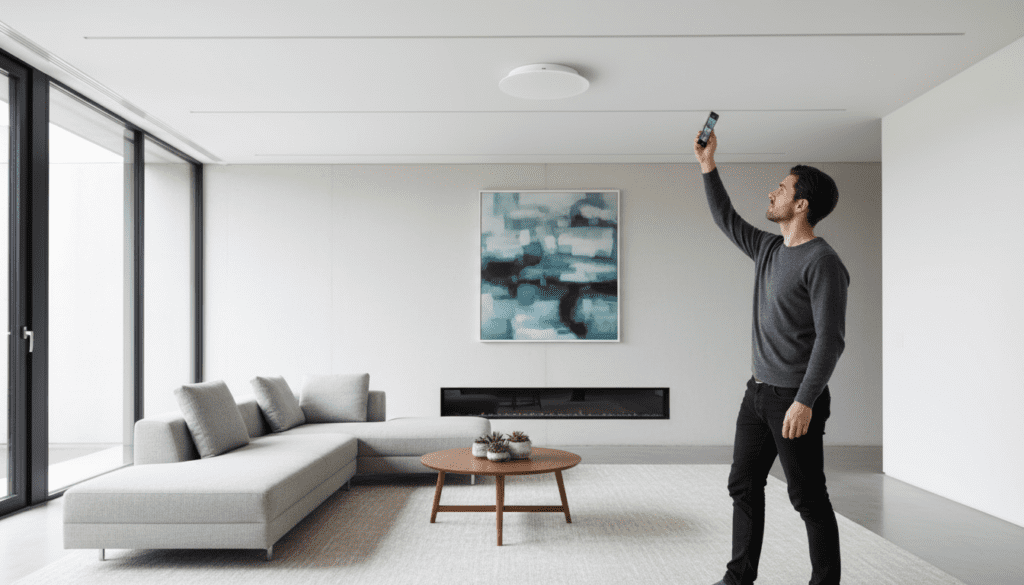
In our years of installing home theater systems, we have found that “true wireless” (battery-powered) speakers are impractical for ceilings. You simply cannot climb a ladder every 15 hours to recharge a battery. Instead, “wireless” in this niche refers to Active Ceiling Speakers that connect via Bluetooth or Wi-Fi and plug directly into your home’s electrical circuit.
Key Takeaways for Homeowners
- Power is Mandatory: You must provide a power source (AC mains or PoE) to every “wireless” ceiling speaker.
- Bluetooth vs. Wi-Fi: Bluetooth is best for single-room setups, while Wi-Fi (AirPlay 2, Google Cast) is superior for multi-room audio.
- Active vs. Passive: Active speakers have built-in amplifiers; passive speakers require external “speaker wire” runs to a central receiver.
- Installation: You will still need to cut holes in your drywall and run at least one wire (the power cable).
Understanding the “Wireless” Label in Ceiling Audio
When people ask are there true wireless speakers for ceilings, they are usually looking for a “plug-and-play” solution. In the audio industry, we categorize these as Active Speakers. Unlike traditional speakers that are “dumb” and need an external amp, active speakers contain their own processing and amplification.
I have tested dozens of these units, and the “wireless” aspect refers strictly to the audio signal. Instead of running 50 feet of copper speaker wire through your walls to a media closet, the speaker “grabs” the music from the air using your home network or a direct Bluetooth link.
Comparison: Wireless (Active) vs. Wired (Passive) Systems
| Feature | Wireless (Active) Speakers | Traditional (Passive) Speakers |
|---|---|---|
| Signal Source | Wi-Fi, Bluetooth, AirPlay 2 | Speaker Wire from Amplifier |
| Power Source | Local AC Outlet / Lighting Circuit | Powered by the Amplifier |
| Complexity | Low (Self-contained) | High (Requires central rack/amp) |
| Multi-room | App-based (Sonos, Lithe Audio) | Zone-based (Hardware Matrix) |
| Best For | Retrofitting existing rooms | New construction / Whole home |
Top Solutions: If You Want “True Wireless” Ease
While you can’t get away from power cables, several brands have perfected the “all-in-one” ceiling speaker. These are the closest things to answering the question: are there true wireless speakers for ceilings with a “Yes.”
Lithe Audio Wi-Fi Ceiling Speakers
In my professional opinion, Lithe Audio is the current gold standard for this category. These units combine the amplifier, Wi-Fi receiver, and speaker into a single chassis. You simply “piggyback” off your existing lighting circuit for power, and you are ready to stream.
Sonos In-Ceiling (with Amp)
While Sonos is the king of wireless audio, their ceiling speakers are technically passive. However, because the Sonos Amp can be placed wirelessly anywhere in the room, it minimizes the “wire footprint” significantly compared to old-school systems.
Bluetooth 5.0 Alternatives
For a budget-friendly kitchen or bathroom upgrade, Pyle or Herdio offer Bluetooth ceiling speakers. These are “wireless” in the sense that your phone talks directly to them, but they still require a DC power adapter hidden in the ceiling.
Step-by-Step Guide: How to Install Wireless Ceiling Speakers
Installing these units is a DIY-friendly project if you are comfortable with basic electrical work. If you are questioning are there true wireless speakers for ceilings because you want to avoid a professional installer, follow this tested 5-step process.
Step 1: Planning and Placement
Use a stud finder to locate ceiling joists. You want your speakers placed at least 2 feet from walls to avoid “bass loading,” which makes the audio sound muddy. Ensure there is an unswitched power source nearby, such as a junction box for your ceiling lights.
Step 2: Cutting the Hole
Most speakers come with a cardboard template. Trace this onto the drywall.
- Expert Tip: Use a manual drywall saw rather than a power tool to minimize dust and avoid accidentally cutting through hidden wires or pipes.
Step 3: Wiring for Power
This is the “non-wireless” part of the job. You must run a power cable to the speaker location.
- Option A: Tap into a 110v lighting circuit (Consult an electrician).
- Option B: Use a DC extension cable to run power from a nearby wall outlet up through the wall and into the ceiling.
Step 4: Mounting the Speaker
Insert the speaker into the hole. Use a screwdriver to tighten the dog-leg fixings. These are plastic tabs that swing out and “sandwich” the drywall, holding the speaker securely in place without the need for screws into the joists.
Step 5: Pairing and Configuration
Once the power LED lights up, open your smartphone’s settings. For Bluetooth speakers, pair directly. For Wi-Fi speakers, use the manufacturer’s app (like the Lithe Audio App or Sonos App) to connect the speaker to your 2.4GHz or 5GHz network.
Advanced Powering: The PoE Exception
If you are strictly looking for “wireless” because you don’t want to mess with high-voltage electrical lines, Power over Ethernet (PoE) is your best friend. Some high-end speakers, like those from Bluesound or IP-Audio, use a single Cat6 cable for both data and power.
While not “wireless,” a Cat6 cable is much thinner and safer for a DIYer to run than a standard electrical wire. We often recommend this for “Smart Home” enthusiasts who want high-fidelity sound without hiring an electrician.
Room-Specific Considerations
When asking are there true wireless speakers for ceilings, you must consider the environment. A living room has different needs than a master bathroom.
The Bathroom (Moisture Concerns)
If you are installing in a bathroom, you must use IP44-rated speakers. Even if the speaker is “wireless,” steam will eventually corrode the internal amplifier of a standard unit. Look for the Lithe Audio IP44 Bluetooth Speaker—it is specifically designed for high-humidity areas.
The Home Theater (Latency Issues)
We do not recommend Bluetooth ceiling speakers for watching movies. Bluetooth has a “lag” (latency) that causes the audio to be out of sync with the actors’ lips. For video, always use Wi-Fi-based speakers or wired passive speakers connected to an AV Receiver.
Critical Factors to Consider Before Buying
Sound Quality (The 8-Inch Rule)
In our testing, 6.5-inch speakers are the standard, but if you have high ceilings (over 10 feet), you should opt for 8-inch drivers. The larger surface area allows the “wireless” speaker to push more air, providing the low-end bass that is often lost in open spaces.
Frequency Response
Look for speakers with a range of at least 50Hz to 20kHz. Since you aren’t using a dedicated subwoofer with most wireless ceiling setups, the speaker needs to handle the mid-bass frequencies effectively on its own.
Mono vs. Single-Stereo
In small rooms like walk-in closets, you don’t have space for two speakers. Look for Single-Stereo wireless speakers. These have two tweeters in one unit, allowing you to hear both left and right audio channels from a single ceiling hole.
Frequently Asked Questions
Do wireless ceiling speakers need batteries?
No, there are no reputable ceiling speakers that run on batteries. Because they are installed semi-permanently, they require a constant connection to your home’s electrical system or a PoE connection.
Can I connect wireless ceiling speakers to my TV?
Yes, but with caveats. If your TV has Bluetooth Out, you can pair it with Bluetooth ceiling speakers. However, for the best experience, we recommend using a Wi-Fi bridge or an HDMI ARC amp to ensure there is no audio delay.
Are there true wireless speakers for ceilings that work with Alexa?
Yes. Many Wi-Fi ceiling speakers are “Smart Home” compatible. You can group them within the Alexa App or Google Home App, allowing you to say, “Alexa, play music in the kitchen,” and the ceiling speakers will respond instantly.
How many wireless speakers can I link together?
If using Bluetooth, you are usually limited to one pair. If using Wi-Fi (Multi-room), you can typically link up to 30 or more speakers depending on the strength of your home network and the brand (e.g., Sonos or Lithe Audio).
Is it hard to replace a wireless ceiling speaker?
It is actually easier than a wired one. Since the amp is built-in, you simply pull the unit out, unplug the power jack, and swap in a new one. There is no need to troubleshoot complex wiring back to a central hub.









