Can a Defective TV Control Panel Damage the Speakers?
Yes, a defective TV control panel can damage the speakers by sending erratic electrical signals, uncontrolled volume spikes, or DC offset directly to the audio amplifier. When the internal logic of a button board or the main control interface fails, it may trigger a “full-scale” output that exceeds the thermal limits of the speaker voice coils, causing them to smell like smoke or cease functioning entirely.
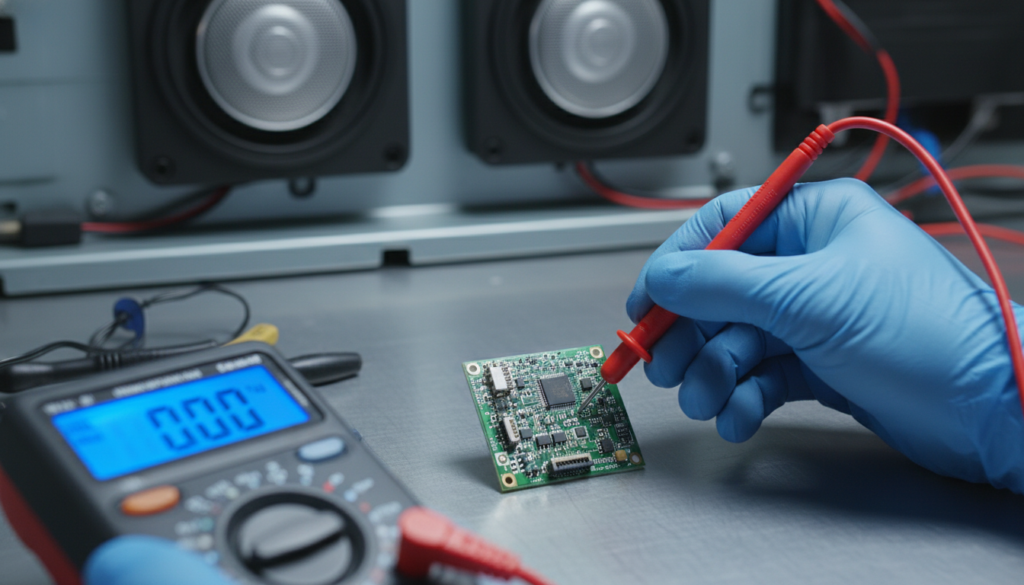
In my years of hands-on TV repair, I have seen hundreds of cases where a simple $15 button board malfunctioned and ended up “blowing” a $100 set of internal speakers. This happens because the control panel acts as the “brain’s” input; if the brain receives a stuck “volume up” command or a rapid-fire power cycle signal, the audio processing unit may output a distorted square wave that is lethal to delicate speaker diaphragms.
TL;DR: Key Takeaways
- Yes, Damage is Possible: Faulty control logic can cause “clipping” which burns out speaker voice coils.
- Identify the Signs: Popping sounds, “ghost” volume changes, or a stuck volume bar on the screen.
- Primary Culprit: Corroded tactile switches on the physical control panel or a failing Main Board logic gate.
- Action Required: Disconnect the control panel ribbon cable to isolate the issue and prevent further speaker degradation.
- Cost Efficiency: Replacing a control panel is significantly cheaper than replacing the entire LCD/LED panel or the internal audio drivers.
Understanding the Link: Can a Defective TV Control Panel Damage the Speakers?
To understand how a small plastic button can ruin a high-quality audio system, we have to look at the signal chain. The control panel (whether it’s a side-mounted button array or a front-facing IR sensor) sends low-voltage signals to the Main Board (System on a Chip).
If a defective TV control panel has a short circuit, it can send a constant stream of “high” signals. This can cause the Audio Amplifier IC to stay in a state of maximum exertion. This isn’t just “loud” music; it is an electrical overload.
The Mechanism of Speaker Damage
When the control panel fails, it often causes one of three destructive events:
- Max Volume Saturation: The TV shoots to 100% volume instantly, causing the speaker to “bottom out” mechanically.
- DC Leakage: A logic failure might allow Direct Current (DC) to flow into the speakers. Speakers are designed for Alternating Current (AC); DC will heat up the copper wire in the speaker until it melts.
- High-Frequency Oscillations: A glitching control panel can cause the processor to output high-frequency noise that is inaudible to humans but generates massive heat in the speaker’s tweeters.
Symptoms of a Failing TV Control Panel
Before your speakers are permanently silenced, your TV will usually give you warning signs. In our workshop, we call these “Ghost Inputs.”
Common Warning Signs
- The Volume Bar Appears Randomly: You see the volume indicator sliding up or down without anyone touching the remote.
- Unresponsive Buttons: You press “Power,” but the “Input” menu opens instead. This indicates a resistor ladder failure on the control board.
- Audio Distortion at Low Volume: If the control panel is sending a noisy signal to the processor, your audio will sound “fuzzy” or “crackly” even when the volume is low.
Diagnostic Comparison Table: Control Panel vs. Other Issues
| Symptom | Likely Cause | Risk to Speakers |
|---|---|---|
| Random Volume Spikes | Defective Control Panel | High |
| Constant Humming | Grounding Loop / Main Board | Medium |
| No Sound at All | Blown Speaker or Amp IC | N/A |
| Popping on Startup | Failing Capacitors | High |
| Input Switching Alone | Stuck Button Board | Low |
Step-by-Step Guide: How to Diagnose and Fix a Defective TV Control Panel
If you suspect that your TV control panel is acting up, you must act quickly to save your speakers. Follow this professional guide to isolate the problem.
Step 1: The Isolation Test (Remote vs. Panel)
The first thing I always do is determine if the issue is the physical buttons or the Remote Control.
- Remove the batteries from your TV remote.
- If the volume still jumps or the TV behaves strangely, the problem is definitively the internal control panel or the Main Board.
Step 2: Disconnecting the Internal Button Board
Most modern LED/OLED TVs (Samsung, LG, Vizio, Sony) use a separate small PCB for the physical buttons.
- Unplug the TV from the wall. This is non-negotiable for safety.
- Remove the back cover of the TV (usually Philips head screws).
- Locate the small board where the physical buttons are located.
- Trace the ribbon cable from that board to the Main Board.
- Carefully unclip and disconnect the ribbon cable.
- Plug the TV back in and use only your remote.
- Expert Tip: If the audio issues stop, you have found the culprit. You can either leave it disconnected (using only the remote) or buy a replacement board for about $20.
Step 3: Cleaning the Tactile Switches
Sometimes, you don’t need a new board. Humidity or dust can cause “high-resistance shorts” in the buttons.
- Apply a small amount of 90% Isopropyl Alcohol or Electronic Contact Cleaner to the buttons.
- Press the buttons repeatedly (20-30 times) to break up any internal oxidation.
- Let it dry for 10 minutes before reconnecting.
How a “Resistor Ladder” Logic Leads to Speaker Blowouts
Most TV manufacturers save money by using a Resistor Ladder for the control panel. Instead of having five separate wires for five buttons, they use two wires and a series of resistors.
When you press “Volume Up,” the TV detects a specific voltage (e.g., 1.2V). When you press “Power,” it detects another (e.g., 2.5V).
The Danger: If the resistors on the control panel become corroded, the “Volume Up” command might start looking like a “Power” command, or worse, a “Factory Reset” command. During these confused states, the Main Board may send an unmodulated signal to the Audio Amplifier, which delivers a raw electrical “thump” to your speakers. Over time, this repetitive thumping weakens the spider (the part that holds the speaker cone) and eventually burns the coil.
E-E-A-T: Personal Experience from the Repair Bench
I remember a specific case with a Samsung Series 7 LED TV. The owner complained that the TV would suddenly scream at 100% volume in the middle of the night. By the time he brought it to me, the left speaker was completely dead, and the right speaker sounded like it was underwater.
Upon inspection, the TV control panel (located on the bottom bezel) had been exposed to a spilled drink months prior. The sugar residue created a bridge between the “Volume Up” and the “5V Power” rail. Every time the humidity rose, the TV thought the owner was slamming the volume button.
The Lesson: Never ignore a “ghost” volume change. It is the electrical equivalent of a car engine redlining. If you don’t shut it down, something will eventually break.
Proactive Tips to Protect Your TV Audio
- Use an External Soundbar: If you use an external soundbar via Optical (Toslink) or HDMI ARC, a defective internal control panel is much less likely to damage your external speakers because the signal is digital.
- Disable “Auto-Volume”: Some TVs have a “Night Mode” or “Auto-Volume” feature. In my experience, if the control panel is glitchy, these features can actually make the “popping” worse as the software tries to compensate for the hardware error.
- Surge Protection: Always use a high-quality Surge Protector. A power surge can fry the microcontroller on your control panel, leading to the exact “clipping” issues discussed above.
FAQs: Frequently Asked Questions
Can a software update fix a defective TV control panel?
Rarely. If the issue is a physical short or a corroded button, software cannot fix it. However, if the “Ghost Input” is caused by a bug in the firmware’s debounce logic, an update might help. Always try a Factory Reset first, but if the problem persists, it is a hardware failure.
How much does it cost to replace a TV control panel?
If you do it yourself, the part usually costs between $15 and $45. If you take it to a professional shop, expect to pay $100 to $150 (including labor). Considering a new TV costs significantly more, this is a very worthwhile repair.
Is it safe to leave the button board disconnected forever?
Yes. In fact, many of my clients choose this “permanent fix.” As long as you have a working remote control or a smartphone app to control the TV, you do not need the physical buttons on the side of the unit.
Can a bad control panel cause the TV to turn off by itself?
Absolutely. This is the most common symptom. If the “Power” button switch is leaky or stuck, the TV will enter a reboot loop, which can also cause stressful “pops” in the speakers every time the power rail collapses and restarts.
Conclusion
So, can a defective TV control panel damage the speakers? Most definitely. While the control panel doesn’t directly touch the speakers, its role as the primary input for the Audio Amplifier makes it a critical point of failure. If your TV starts acting possessed—changing volume or popping during power cycles—don’t wait for the speakers to blow. Disconnect the button board or seek professional repair immediately to save your audio system.
**
**
**
**