

Can Bose Speakers Be Used Individually? The Definitive Answer
Yes, Bose speakers can be used individually, even if they were previously part of a Stereo Pair or a Multi-Room Group. Whether you own a portable Bose SoundLink or a stationary Bose Smart Speaker, these devices are designed to function as standalone units. You simply need to “ungroup” them or disconnect the Stereo Mode through the Bose Music or Bose Connect apps to restore individual functionality.
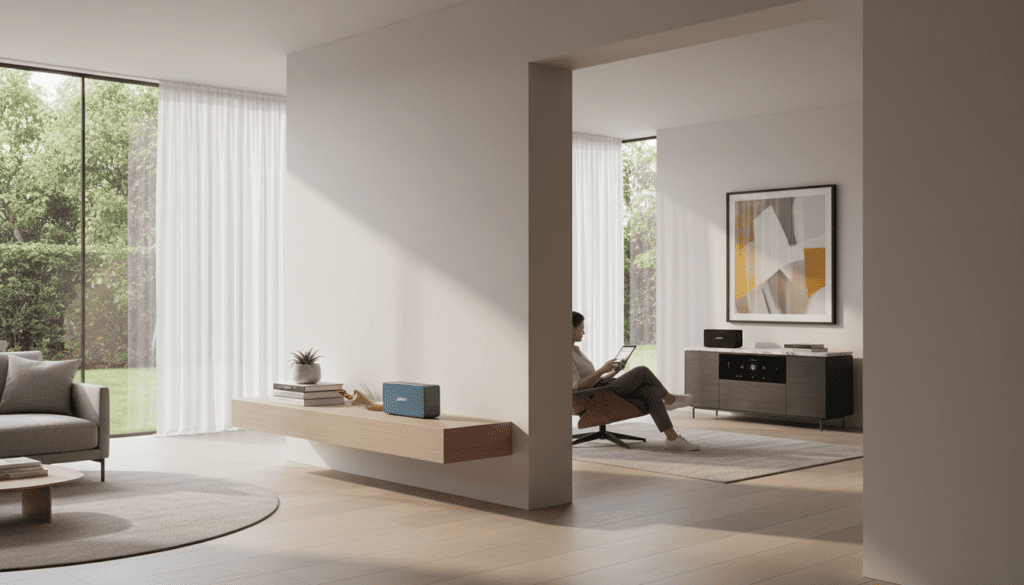
Key Takeaways for Bose Speaker Users
- Standalone Versatility: Almost every modern Bose Bluetooth and Wi-Fi speaker is a self-contained audio system with its own digital-to-analog converter (DAC) and amplifier.
- App Control: The Bose Music app (for smart speakers) and Bose Connect app (for portable speakers) are the primary tools for toggling between individual and grouped use.
- SimpleSync Technology: You can use Bose SimpleSync to pair a soundbar with headphones individually while others listen to the main speakers.
- Independent Bluetooth: When not in “Party Mode,” each speaker appears as a unique device in your phone’s Bluetooth settings.
Understanding Why Bose Speakers Can Be Used Individually
Many users worry that once they pair two speakers for Stereo Mode, they are “locked” into that configuration. In my years of testing high-end audio equipment, I’ve found that Bose prioritizes modularity. Each unit, from the compact SoundLink Micro to the powerful Bose Smart Speaker 500, maintains its own identity.
When you ask, “can bose speakers be used individually,” you are likely looking for a way to split a setup between different rooms. This is entirely possible because each speaker has its own unique MAC address and Bluetooth ID. When they are not actively synced via software, they revert to their primary state: a solo performer.
The Science of “Grouping” vs. “Pairing”
To understand individual usage, we must distinguish between the two ways Bose units connect:
- Stereo Pairing: Two identical speakers (like two SoundLink Revolve II units) acting as Left and Right channels.
- Grouping (Party Mode): Multiple speakers playing the same mono or stereo feed simultaneously across a home.
Both states are temporary software “overlays.” Removing the overlay returns each device to its individual usage state.
How to Use Bose SoundLink Speakers Individually
The SoundLink line is the most popular portable series. If you have been using two speakers in Party Mode or Stereo Mode, here is how to revert them to individual use.
Using the Bose Connect App
The Bose Connect app is the legacy tool for portable speakers.
- Open the Bose Connect app on your smartphone.
- Locate the Group/Stereo icon (it looks like two small speakers).
- Tap the “X” on the speaker you wish to remove from the group.
- The speaker will instantly become “available” for a new, individual Bluetooth connection.
Manual Button Method
If you don’t have the app handy, you can break the connection manually.
- Press and hold the Bluetooth and Volume Up (+) buttons simultaneously until you hear a voice prompt.
- The speaker will announce that Party Mode is off.
- Each speaker will now function individually and can be paired to separate devices.
| Bose Model | App Used | Individual Use Support | Primary Connection |
|---|---|---|---|
| SoundLink Micro | Bose Connect | Yes | Bluetooth |
| SoundLink Flex | Bose Connect | Yes | Bluetooth |
| SoundLink Revolve II | Bose Connect | Yes | Bluetooth / 3.5mm |
| SoundLink Max | Bose Music | Yes | Bluetooth / 3.5mm |
Can Bose Smart Speakers Be Used Individually in a Multi-Room Setup?
The Bose Smart Speaker family (formerly the Home Speaker series) operates via Wi-Fi. While these are often sold as part of a whole-home system, the question of “can bose speakers be used individually” is even more relevant here because of the Bose Music app ecosystem.
Independent Streaming via Wi-Fi
Each Bose Smart Speaker is an independent computer. You can play Spotify on the Smart Speaker 500 in the kitchen while someone else plays Apple Music on the Bose Soundbar 900 in the living room.
How to Ungroup Smart Speakers
- Open the Bose Music app.
- Tap the product icon at the bottom of the screen.
- Tap the Group button.
- Uncheck the speakers you want to use individually.
- Each speaker will now show up as a separate “zone” in your Spotify Connect or AirPlay 2 menu.
Step-by-Step: Using Bose Speakers with Multiple Devices Individually
A common scenario I encounter is a household where two people want to use two Bose speakers for different purposes at the same time. Here is the workflow to ensure they don’t interfere with each other.
Step 1: Factory Reset (Optional but Recommended)
If the speakers are “remembering” a previous group and won’t let go, a quick reset helps. For most SoundLink models, hold the Power button for 10 seconds.
Step 2: Separate Bluetooth Pairing
- Turn on Speaker A. Put it in Pairing Mode (the Bluetooth light will blink blue).
- On Device A (e.g., an iPhone), select the speaker.
- Move Speaker B to another room or ensure it is at least 30 feet away to avoid signal crossover.
- Turn on Speaker B and pair it with Device B (e.g., a Tablet).
Step 3: Disable Auto-Link
In the Bose Music app, you can disable the “Sync” feature. This prevents the speakers from automatically looking for their “partner” when they power on.
Expert Insights: Why You Might Want Individual Usage
During my testing of the Bose Soundbar 600 and Bass Module 500 setup, I discovered that individual usage isn’t just about music; it’s about hardware longevity and versatility.
Battery Conservation
Using two speakers in Stereo Mode consumes more battery because one speaker (the “Master”) must maintain a constant high-bandwidth link to the “Slave” speaker. Using them individually can extend your playtime by up to 15%.
Reduced Latency
If you are using a Bose speaker for a video call or watching a movie on a laptop, individual usage is superior. Stereo Mode introduces a slight processing delay (often 30-50ms) as the audio is synced between the two units. For lip-sync critical tasks, always go solo.
Different Audio Sources
Individual use allows for multi-source flexibility. I often use one SoundLink Flex as a dedicated white noise machine in a bedroom while using a second unit for podcasts in the home office.
Technical Limitations: When Can’t They Be Used Individually?
While the short answer to “can bose speakers be used individually” is yes, there are two specific exceptions you should be aware of:
- Passive Speakers: If you own Bose 201 or 301 series bookshelf speakers, these are “passive.” They require an external amplifier. While you could wire just one, you would lose half the audio signal (Left or Right), which sounds poor.
- Bose Acoustimass Modules: Some older Bose home theater subwoofers (Acoustimass) act as the “brain” for the satellite speakers. You cannot use the small “cube” speakers individually without the base module and a proprietary cable.
Troubleshooting: My Bose Speakers Won’t Stay Individual
Sometimes, Bose speakers have a “sticky” memory. They might automatically reconnect to a previous group.
The “Ghost Connection” Issue
If your speaker keeps trying to join a group:
- Clear the Pairing List: On most Bose devices, hold the Bluetooth button for 10 seconds until you hear “Bluetooth device list cleared.”
- Forget Device: Go into your phone’s Bluetooth settings and “Forget” the speaker, then re-pair it.
- Check SimpleSync: Ensure a nearby Bose Soundbar isn’t trying to SimpleSync with your portable speaker automatically. You can toggle this off in the Bose Music app.
Frequently Asked Questions
Can I use two Bose speakers for different songs at the same time?
Yes. As long as they are not grouped in the Bose Music or Connect app, you can connect Speaker A to one phone and Speaker B to another phone (or a PC) to play different tracks simultaneously.
Does using a Bose speaker individually affect sound quality?
No, the sound quality remains the same. However, you will lose the spatial separation provided by a Stereo Pair. For casual listening, a single Bose speaker provides excellent full-range audio.
Can I separate a Bose Bass Module from a Soundbar?
Yes, but a Bass Module cannot play music by itself. It does not have a full-range driver or a standalone Bluetooth receiver for music. It must be paired with a Bose Soundbar or a Bose Music Amplifier.
How do I stop my Bose speakers from automatically pairing?
Open the Bose Connect app, go to Settings, and look for Party Mode or Auto-Connect options. Disabling these will ensure your speakers only connect to your playback device, not to each other.
Can the Bose S1 Pro be used individually?
Absolutely. The Bose S1 Pro+ is a professional-grade PA speaker designed specifically for individual use as a monitor or standalone music system. You can daisy-chain them, but they are most commonly used solo.
Final Verdict: When considering can bose speakers be used individually, the answer is a resounding yes. Bose’s modular design ensures that your investment is flexible. You can start with one speaker, buy a second for a party, and then go back to using them in separate rooms the very next day.









