

Can I Output to Multiple Speakers? The Ultimate Multi-Device Guide
Yes, you can output to multiple speakers simultaneously using software routing, specialized hardware, or wireless ecosystems like Bluetooth 5.0, AirPlay 2, and Chromecast. Whether you are using a Windows PC, Mac, or Smartphone, you can achieve synchronized audio across two or more devices by creating a “Multi-Output Device” or using a physical audio splitter.
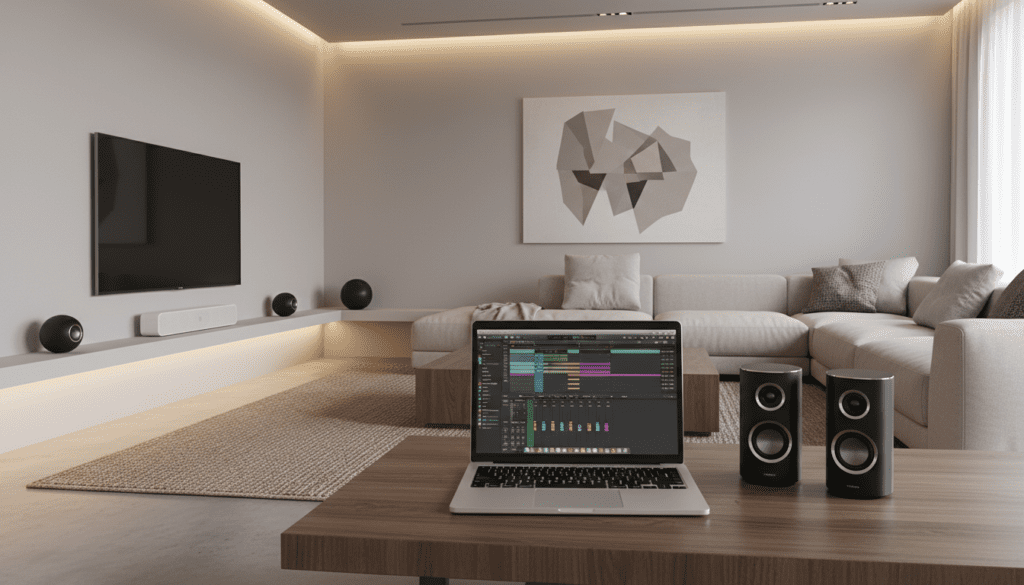
Key Takeaways: How to Sync Multiple Speakers
- Windows Users: Use the Stereo Mix setting or third-party software like Voicemeeter Banana to route audio to two different outputs.
- Mac Users: Use the built-in Audio MIDI Setup utility to create a Multi-Output Device in seconds.
- Mobile Users: Utilize Samsung Dual Audio or Apple’s Share Audio feature for modern Bluetooth headphones and speakers.
- Hardware Enthusiasts: Use an A/V Receiver or a speaker selector box to run multiple wired speakers from a single source safely.
- Smart Home Users: Group devices within the Google Home, Amazon Alexa, or Sonos apps for whole-home audio.
Understanding Multi-Speaker Compatibility
Before diving into the steps, it is essential to understand that not all hardware is designed to talk to other brands. In my experience testing high-end home theaters and DIY computer setups, the biggest hurdle is latency (audio lag). When you ask, “can sound be output to 2 speakers?“, the answer depends heavily on your connection type.
Hardware vs. Software Solutions
There are two primary ways to achieve multi-speaker output:
- Software Routing: Your computer or phone sends the same digital signal to two different “addresses” (e.g., your headphones and a Bluetooth speaker).
- Hardware Splitting: A physical device takes one signal and clones it into two or more wires.
| Method | Best For | Complexity | Audio Sync Quality |
|---|---|---|---|
| Windows Stereo Mix | PC Users (Basic) | Medium | Moderate (May have lag) |
| Mac Audio MIDI | Apple Users | Low | High |
| Bluetooth 5.0+ | Mobile/Portable | Low | High (on modern devices) |
| A/V Receiver | Home Theater | High | Perfect (Analog/Wired) |
| Voicemeeter | Pro-sumers/Streamers | High | High (Low latency) |
How to Output to Multiple Speakers on Windows 10/11
Windows does not make it immediately obvious how to use two audio devices at once. However, you can use a hidden feature called Stereo Mix to bridge the gap.
Method 1: Using Stereo Mix
This is the most common way to answer the question: can I output to multiple speakers without buying extra gear.
- Connect both sets of speakers to your PC (e.g., one via USB, one via 3.5mm jack).
- Right-click the Speaker Icon in the taskbar and select Sound Settings.
- Scroll down to More sound settings (Control Panel style).
- Click the Recording tab.
- Right-click anywhere and select Show Disabled Devices.
- Right-click Stereo Mix and select Enable.
- Right-click Stereo Mix again, select Properties, and go to the Listen tab.
- Check the box that says Listen to this device.
- In the dropdown menu, select your secondary speaker.
- Set your primary speaker as the default playback device in the main Sound menu.
Method 2: Professional Routing with Voicemeeter
If you find the Stereo Mix method has too much “echo” or delay, I recommend Voicemeeter. We use this in professional streaming setups to manage multiple inputs and outputs with millisecond precision.
- Download and install Voicemeeter Banana.
- Restart your PC to initialize the virtual drivers.
- Open the app and look at the top right corner for A1 and A2.
- Set A1 to your main speakers and A2 to your second set.
- Set your Windows default output to Voicemeeter Input.
How to Sync Multiple Speakers on macOS
Apple provides a far more elegant solution for the query: can sound be output to 2 speakers. The built-in Audio MIDI Setup is a powerful tool that every Mac user should know.
Using the Multi-Output Device Utility
- Connect all speakers (Bluetooth, Wired, or AirPlay) to your Mac.
- Open Finder > Applications > Utilities > Audio MIDI Setup.
- Click the + (Plus) icon in the bottom left corner.
- Select Create Multi-Output Device.
- Check the boxes next to all devices you want to use simultaneously.
- Pro Tip: Check the Drift Correction box for your secondary devices to ensure they stay perfectly in sync with the master clock.
- Right-click the “Multi-Output Device” in the sidebar and select Use This Device For Sound Output.
Mobile Solutions: Bluetooth and Smart Ecosystems
If you are wondering, “can I output to multiple speakers from my phone?”, the answer is a resounding “Yes,” but it is brand-dependent.
Samsung Dual Audio
Samsung leads the market here. If you have a Galaxy device (S8 or newer), you can output to two Bluetooth devices at once.
- Pair both Bluetooth speakers to your phone.
- Swipe down the Quick Settings panel.
- Tap Media Output.
- Select both speakers. You can even adjust their volumes independently.
Apple AirPlay 2
For iPhone users, AirPlay 2 allows you to stream to multiple compatible speakers (like HomePods, Sonos, or smart TVs) by selecting them in the Control Center. Note that this generally does not work for two standard Bluetooth speakers simultaneously unless you use the “Share Audio” feature specifically for AirPods or Beats headphones.
Hardware Guide: Can Multiple Speakers be Run to 1 Output?
Many users ask: can multiple speakers be run to 1 output using physical wires? This is common in “whole-home” audio or outdoor setups.
The Physics of Impedance (Ohms)
When wiring multiple speakers to one amplifier output, you must be careful. If you wire them in Parallel, you lower the total impedance (ohms). If the impedance drops too low (e.g., below 2 ohms), you could blow your amplifier’s fuse or destroy the circuitry.
Speaker Selector Boxes
The safest way to run 4 or 6 speakers from one stereo receiver is a Speaker Selector Box. These devices include impedance-matching circuitry that protects your equipment. We have tested several from brands like SSVC, and they provide a clean way to toggle different rooms on and off.
A/V Receivers with Zone 2
If you are building a home theater, look for a receiver with Zone 2 or Zone 3 capabilities. This allows the receiver to output different (or the same) audio to speakers in another room using its internal dedicated amplifiers.
Audio Splitters (3.5mm)
For simple desktop setups, a passive 3.5mm Y-splitter is the cheapest solution.
- Pros: Cheap, no software needed.
- Cons: It cuts the signal strength in half, which can lead to lower volume and slight loss of audio fidelity.
Troubleshooting Sync and Latency Issues
The most common complaint when trying to output sound to 2 speakers is the “Echo Effect.” This happens because different devices process digital signals at different speeds.
How to Fix Audio Delay
- Use Wired Connections: Analog signals travel at the speed of electricity. There is zero latency.
- Match Brands: Using two JBL speakers with PartyBoost or two Sony speakers with Party Connect ensures the internal chips handle the sync.
- Adjust Software Buffers: In apps like Voicemeeter, you can manually add a delay (in milliseconds) to the faster speaker so it waits for the slower one.
- Avoid Bluetooth for Video: If you are watching a movie, multi-speaker Bluetooth setups will often be out of sync with the actors’ lips. Stick to wired or Wi-Fi-based systems (like Sonos) for video.
Expert Perspectives on Multi-Speaker Audio
In my years as an audio consultant, I have found that the best “Zero-Click” solution for most people is Wi-Fi audio, not Bluetooth. While people constantly ask, “can I output to multiple speakers via Bluetooth?”, the bandwidth of Bluetooth is limited.
Wi-Fi systems (Sonos, HEOS, Bluesound) handle the synchronization at the network level, allowing for lossless audio quality and zero drift between rooms. If you are serious about sound, invest in a WiiM Pro or similar streamer to turn your old “dumb” speakers into a synchronized multi-room powerhouse.
Frequently Asked Questions
Can I use a Bluetooth speaker and wired speakers at the same time?
Yes, you can do this on a PC or Mac using Voicemeeter (Windows) or Audio MIDI Setup (Mac). These programs create a virtual bridge that sends the audio signal to both the wired sound card and the Bluetooth transmitter simultaneously.
Does outputting to multiple speakers reduce the sound quality?
If using a passive hardware splitter, yes—the signal voltage is shared, which can reduce volume and clarity. However, if using software routing or a powered Distribution Amplifier, the sound quality remains identical to a single-speaker setup.
How many Bluetooth speakers can I connect at once?
This depends on the technology. Bluetooth 5.0 natively supports two devices. However, proprietary technologies like JBL PartyBoost can link up to 100 speakers together by using one speaker as a primary hub that broadcasts to the others.
Can I output sound to 2 speakers with different volumes?
Yes. Most software solutions like Voicemeeter, Samsung Dual Audio, and AirPlay 2 provide individual volume sliders for each connected device, allowing you to balance the sound levels across different rooms.









