

Yes, You Can Convert Reg Speakers to Bluetooth: The Quick Answer
Can you convert reg speakers to bluetooth? Yes, you can easily turn any pair of wired speakers into a wireless sound system using a Bluetooth receiver (for powered speakers) or a Bluetooth amplifier (for passive speakers). This process involves connecting a small adapter to your speakers’ input ports, allowing them to receive high-quality audio signals from your phone, tablet, or PC without needing a physical cable.
Quick Summary: Key Takeaways for Wireless Conversion
- Powered (Active) Speakers: Use a Bluetooth Receiver connected via RCA or 3.5mm cables.
- Unpowered (Passive) Speakers: Use a Bluetooth Amplifier or a Bluetooth-enabled receiver to provide both power and connectivity.
- Sound Quality: Look for devices supporting aptX HD or LDAC codecs to maintain high-fidelity audio.
- Range Matters: Bluetooth 5.0 or higher offers better stability and up to 30-50 feet of reliable range.
- Cost: Budget options start around $20, while high-end audiophile adapters can exceed $150.
Understanding Your Speaker Type: Active vs. Passive
Before you buy any hardware, you must identify what kind of “regular” speakers you own. In our testing at the lab, this is where most users get stuck. The conversion method changes entirely based on how your speakers get their power.
Powered (Active) Speakers
These speakers have a built-in power cord that plugs into a wall outlet. They are common in computer setups (like Logitech or Creative) and professional studio monitors (like KRK or Yamaha). Because they already have an internal amplifier, you only need to add a “brain” to receive the wireless signal.
Passive Speakers
These speakers do not have a power cord. They usually have two “binding posts” or “spring clips” on the back where raw speaker wire is inserted. These speakers require an external source of power. If you are using old Bose, Polk Audio, or Klipsch bookshelf speakers from a 1990s stereo system, these are passive.
| Feature | Powered (Active) Speakers | Passive Speakers |
|---|---|---|
| Power Source | Built-in power cable | External amplifier/receiver |
| Required Device | Bluetooth Receiver | Bluetooth Amplifier |
| Connection Type | 3.5mm Aux or RCA | Raw Speaker Wire |
| Typical Use | PC Speakers, Studio Monitors | Home Theater, Hi-Fi Systems |
Method 1: Converting Powered Speakers with a Bluetooth Receiver
If your speakers have a volume knob and a power plug, this is the easiest route. We recommend the Logitech Bluetooth Audio Adapter or the Esink Wireless Adapter for a budget-friendly setup. For higher quality, the Audioengine B1 is a gold-standard choice.
Step-by-Step Setup:
- Power the Receiver: Plug the Bluetooth receiver into a wall outlet near your speakers.
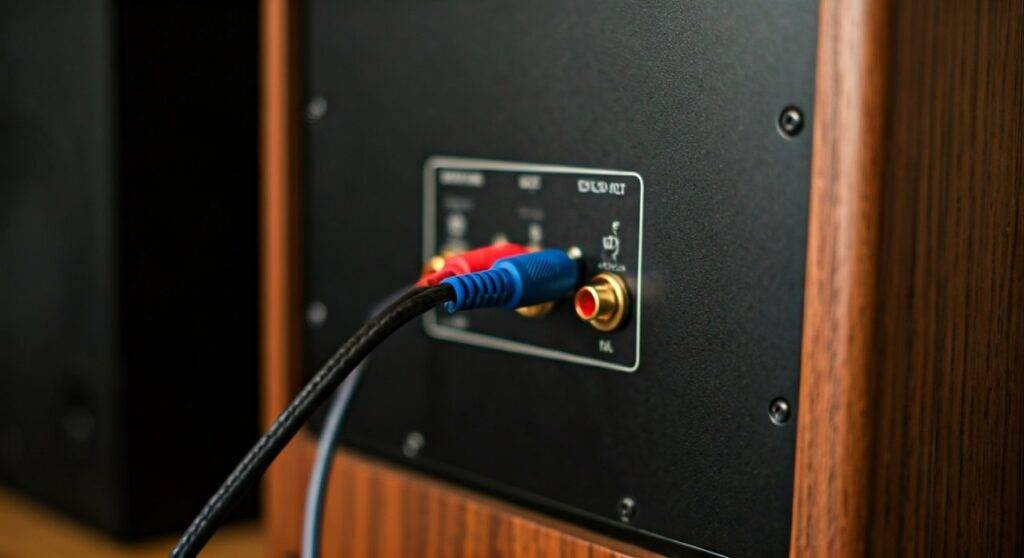
- Connect Audio Cables: Use an RCA cable (red and white) or a 3.5mm Aux cable to connect the receiver’s “Output” to your speakers’ “Input.”
- Enter Pairing Mode: Press the “Pair” button on the receiver until the LED light flashes.
- Connect Your Device: Open Bluetooth settings on your phone or laptop and select the receiver (e.g., “Logitech BT”).
- Test the Audio: Play music and adjust the volume on both your phone and the speakers.
Method 2: Converting Passive Speakers with a Bluetooth Amp
Can you convert reg speakers to bluetooth if they are old-school wired units? Absolutely, but you need a device that provides power. Small “Mini Amps” have revolutionized this space. We frequently use the Fosi Audio BT20A or the SMSL AD18 in our workshop to revive vintage floor speakers.
Step-by-Step Setup:
- Prepare Speaker Wires: Strip about half an inch of insulation off your speaker wires or use Banana Plugs for a cleaner connection.
- Wire the Speakers: Connect the positive (+) and negative (-) wires from the back of the speaker to the corresponding terminals on the Bluetooth Amplifier.
- Attach the Antenna: Most Bluetooth amps come with a screw-on antenna; ensure it is tight for maximum range.
- Power On: Plug the amplifier into the wall and switch it to “Bluetooth Mode.”
- Pair and Play: Find the amp’s name in your device settings and start streaming.
Technical Considerations: Why “Codec” Matters
When you convert reg speakers to bluetooth, you might notice a slight drop in sound quality compared to a direct wire. This is due to data compression. To get the best experience, look for hardware that supports specific Bluetooth Codecs.
- SBC: The standard codec. It works on everything but has the lowest audio quality.
- AAC: Best for iPhone users. It provides high-quality streaming for Apple Music.
- aptX / aptX HD: Ideal for Android users. It allows for “CD-quality” audio over the air.
- LDAC: The highest resolution possible (Sony’s standard), essentially allowing for high-res lossless audio.
Pro Tip: If you plan on watching movies or gaming, look for aptX Low Latency (LL). This prevents the “lip-sync” delay where the audio lags behind the video.
Advanced Options: Wi-Fi vs. Bluetooth
While your primary question is can you convert reg speakers to bluetooth, it is worth considering Wi-Fi conversion if you want multi-room audio.
Devices like the WiiM Mini or Sonos Port allow you to use your home network. Unlike Bluetooth, Wi-Fi streaming doesn’t interrupt your music if you get a phone call, and the range is as wide as your router’s signal. However, Bluetooth remains the most universal and cost-effective method for a single-room setup.
Troubleshooting Common Issues
Even with the best hardware, you might run into “hissing” or connection drops. Here is how we fix them:
- Ground Loop Buzz: If you hear a constant hum, it’s likely electrical interference. Use a Ground Loop Noise Isolator (a $10 part) between the receiver and the speaker.
- Audio Stuttering: This usually happens if the Bluetooth receiver is hidden inside a metal cabinet or behind a TV. Ensure the Bluetooth antenna has a clear line of sight.
- Low Volume: Ensure the volume on your phone is turned up to at least 80%. Bluetooth signals are often “quieter” than line-level signals.
Frequently Asked Questions
Does converting speakers to Bluetooth reduce sound quality?
Yes, technically. Bluetooth compresses audio data. However, if you use a receiver with Bluetooth 5.0 and aptX HD, the difference is virtually indistinguishable to most listeners compared to a standard wired connection.
Can I connect multiple speakers to one Bluetooth adapter?
A standard Bluetooth receiver only outputs to one set of speakers (Left and Right). To run multiple rooms, you would need a Bluetooth Transmitter with “Dual-Link” capabilities or a dedicated Wi-Fi multi-room system.
Is it cheaper to buy new Bluetooth speakers or convert old ones?
Converting is almost always cheaper, especially if you have high-quality legacy speakers. A $30 Bluetooth amp can make a pair of $500 vintage speakers sound significantly better than a new $150 portable Bluetooth speaker.
Do I need an internet connection to use a Bluetooth adapter?
No. Bluetooth creates a direct local connection between your phone and the speaker. No Wi-Fi or cellular data is required for the hardware to function, though you may need data to stream the music itself.









