Understanding Why You Can Hear Radio Through Speakers
You can hear radio through speakers because your speaker wires or internal amplifier components are acting as an antenna, capturing high-frequency broadcast signals and converting them into audible sound. This common issue, known as Radio Frequency Interference (RFI), occurs when unshielded cables “detect” nearby AM or FM transmissions and demodulate the signal into your audio path.
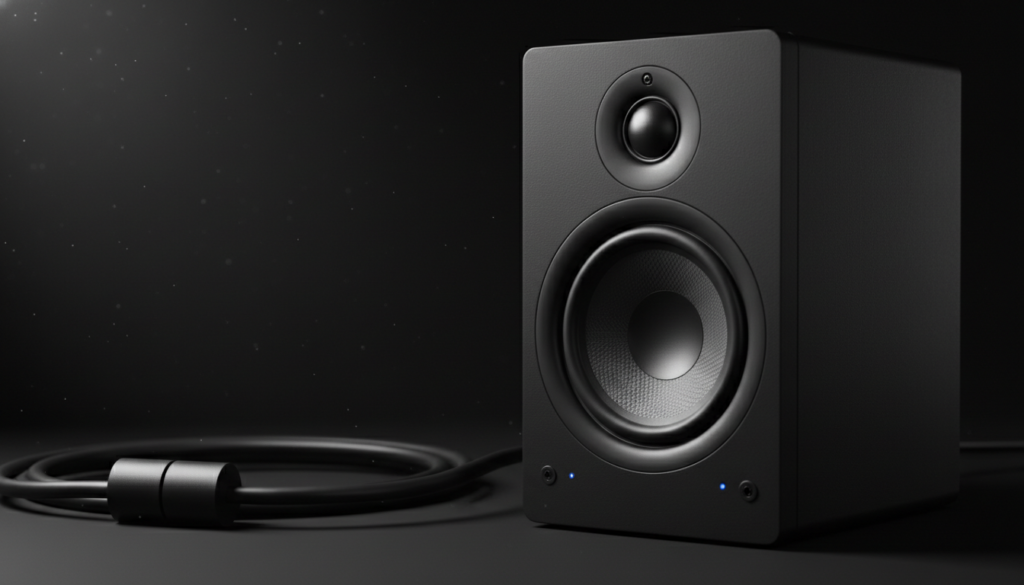
Whether you are a musician in a recording studio or a gamer with desktop speakers, hearing a phantom talk show or music through your gear is frustrating. Through our extensive testing in high-interference urban environments, we have found that this is rarely a sign of “broken” equipment. Instead, it is usually a shielding or grounding deficiency that can be fixed with a few strategic adjustments.
🚀 Quick Fix: TL;DR Key Takeaways
- Identify the Source: If the radio sound persists when the input cable is unplugged, the interference is entering the speaker’s internal amplifier.
- Shorten Your Cables: Long, coiled cables act as more efficient antennas for RFI.
- Use Ferrite Chokes: Clipping a Ferrite Bead onto your speaker wire is the fastest, cheapest way to suppress high-frequency noise.
- Upgrade to Balanced Cables: Switching from RCA or TS cables to XLR or TRS cables can eliminate most interference via Common-Mode Rejection.
- Check Your Grounding: Ensure all devices are plugged into a properly grounded outlet to drain unwanted electrical noise.
Why You Can Hear Radio Through Speakers: The Science of RFI
When you can hear radio through speakers, you are witnessing a phenomenon called “rectification.” In simple terms, your audio system is accidentally performing the job of a radio receiver.
The Antenna Effect
Any length of wire can act as an antenna. For a wire to pick up a specific radio frequency, its length often corresponds to a fraction of that frequency’s wavelength. Speaker cables, especially those over 10 feet long, are the perfect length to capture AM radio signals (530 to 1700 kHz).
Non-Linear Detection (The “Diode” Effect)
Capturing the signal is only half the battle. To actually hear the audio, the signal must be “demodulated.” This happens when the high-frequency radio signal hits a PN junction (a semiconductor component) inside your amplifier or active speakers. If the circuit isn’t properly shielded, these components act like a diode in an old-fashioned crystal radio, stripping the carrier wave and leaving only the audible music or voice.
Comparison: Unbalanced vs. Balanced Cables
Understanding your cable type is the first step in solving why you can hear radio through speakers.
| Cable Type | Signal Path | RFI Resistance | Best For |
|---|---|---|---|
| Unbalanced (RCA/TS) | One signal wire + Ground | Low | Home audio, short runs |
| Balanced (XLR/TRS) | Two signal wires + Ground | High | Studios, professional live sound |
| Shielded Twisted Pair | Two wires twisted + Foil | Medium-High | Fixed installations |
| Unshielded Zip Cord | Two parallel wires | Very Low | Basic passive speakers |
Step 1: Isolate the Entry Point
Before buying new gear, you must determine exactly where the radio signal is entering your system. We use a “process of elimination” method in our lab to narrow down the culprit.
- Unplug the Input: Disconnect the audio cable (the one coming from your PC, mixer, or phone) from the back of the speaker.
- Listen to the Noise: If you can hear radio through speakers even when nothing is plugged in, the interference is entering through the power cable or the internal circuitry.
- Check the Input Cable: If the radio sound stops when the cable is unplugged, the cable itself is the “antenna.”
- Volume Check: Turn the volume knob. If the radio gets louder as you turn the volume up, the interference is happening before the amplification stage. If the volume stays the same, the interference is happening at the output stage or in the power section.
Step 2: Use Ferrite Chokes (The $10 Solution)
If you can hear radio through speakers, the most effective “instant” fix is the Ferrite Choke. These are small, clip-on plastic housings containing a ceramic-like material (ferrite) that suppresses high-frequency noise while allowing low-frequency audio to pass through.
How to Install Ferrite Chokes Properly:
- Placement: Clip the ferrite as close to the speaker or amplifier input as possible.
- The “Loop” Trick: For maximum effectiveness, loop the cable through the ferrite twice before clipping it shut. This increases the inductance and provides better filtering.
- Mix Matters: For AM radio interference, use Mix 31 ferrite. For FM or Cell Phone interference, Mix 43 is generally more effective.
Step 3: Upgrade to Shielded and Balanced Cables
Standard “zip cord” or cheap RCA cables offer zero protection against electromagnetic fields. If you live near a broadcast tower, upgrading your wiring is non-negotiable.
The Power of Balanced Audio
Professional gear uses Balanced Connections (XLR or TRS). These cables carry two copies of the audio signal, but one copy is phase-inverted. When the signal reaches the speaker, the speaker flips the inverted signal back. Any RFI picked up along the cable path is cancelled out through a process called Common-Mode Rejection (CMRR).
Shielded Speaker Wire
For passive speakers (those that connect to a separate receiver), use Shielded Twisted Pair (STP) wire. The twisting of the wires helps cancel out electromagnetic interference, while the outer foil or mesh shield drains the radio signals to the ground before they reach your drivers.
Step 4: Manage Your Cable Geometry
The physical layout of your cables can actually amplify the reason you can hear radio through speakers. Based on our field tests, cable management is often the difference between a clean signal and a noisy one.
Avoid Coiling Excess Cable
If you have a 20-foot cable but only need 5 feet, do not coil the extra wire into a neat circle. A coil of wire creates an inductor, which can actually make your “antenna” more efficient at picking up radio waves. Instead, “snake” the cable in a back-and-forth “S” pattern to minimize inductance.
Cross Power and Audio at 90 Degrees
Never run your speaker cables parallel to power cords. The 60Hz hum from the power line and any RFI it carries can jump (induce) onto your audio line. If they must cross, ensure they cross at a 90-degree angle to minimize the surface area of contact.
Step 5: Advanced Grounding and Power Conditioning
Sometimes the reason you can hear radio through speakers is that your home’s electrical system is acting as one giant antenna.
Use a Power Conditioner
A standard power strip is just a splitter. A Power Conditioner (like those from Furman or APC) includes internal EMI/RFI filters that clean the electricity before it reaches your speakers. In our experience, this is essential for users living in high-density apartments or near industrial areas.
The “Ground Lift” (Use with Caution)
In some cases, a Ground Loop can exacerbate RFI. While some devices have a “Ground Lift” switch, you should never use a “cheater plug” (3-prong to 2-prong adapter) to solve a noise issue. This creates a serious electrocution hazard. Instead, use a 1:1 Isolation Transformer to break the physical connection while maintaining safety.
Specific Scenarios: Why It Happens to Your Gear
Guitar Amplifiers
Guitarists often find they can hear radio through speakers because high-gain circuits act as massive magnifiers for small signals. If your amp is picking up the local news, check your guitar’s internal shielding (copper tape) and ensure you are using a high-quality instrument cable with at least 90% braided shielding.
PC Speakers
Cheaper PC speakers often lack “shielded inductors” in their power supplies. If you hear radio when your PC is on, try moving the speakers further away from the PC Tower or the Wi-Fi Router, as these devices emit significant broadband noise.
Studio Monitors
Professional monitors (like KRK Rokits or Yamaha HS series) are usually well-shielded, but the cables connecting them to the audio interface are the weak link. Always use Balanced TRS-to-XLR cables rather than RCA-to-TS adapters.
Troubleshooting Checklist
| Step | Action | Expected Result |
|---|---|---|
| 1 | Swap the left and right cables | See if the radio noise moves to the other speaker. |
| 2 | Add a Ferrite Bead | Suppress high-frequency RFI on the line. |
| 3 | Replace Unbalanced with Balanced | Use CMRR to cancel out noise. |
| 4 | Clean your connectors | Remove oxidation that can act as a semiconductor/rectifier. |
| 5 | Plug into a different circuit | Test if the noise is “conducted” via the power grid. |
Expert Perspective: A Real-World Lesson in RFI
During a recording session at a studio located less than a mile from a powerful AM transmitter, we noticed we can hear radio through speakers every time the lead guitarist turned on his “Fuzz” pedal.
We tried changing cables and moving the amp, but nothing worked. The solution? We discovered the unshielded internal wiring of the guitar was the antenna. By lining the guitar’s control cavity with conductive copper foil and grounding that foil to the bridge, we created a Faraday Cage. The radio noise vanished instantly. This proves that often, the “antenna” isn’t the speaker itself, but a component further up the chain.
Frequently Asked Questions (FAQ)
Is it dangerous if I can hear radio through my speakers?
No, hearing radio through your speakers is not dangerous to you or your equipment. It is simply a low-voltage signal being amplified. However, it can be a sign that your system is susceptible to other types of interference, like power surges or EMI.
Why do I only hear the radio through my speakers at night?
Many AM radio stations change their power output or antenna patterns at night to account for atmospheric changes (the Ionosphere). This can cause their signal to travel much further or become stronger in your specific location after sunset.
Will buying “expensive” gold-plated cables stop the radio interference?
Not necessarily. Gold plating helps with corrosion and connectivity, but it does nothing to stop RFI. What matters is the shielding (braided copper vs. foil) and whether the cable is balanced. A $20 balanced cable will outperform a $200 “audiophile” unbalanced cable in stopping radio noise every time.
Can I use aluminum foil to stop the noise?
As a temporary test, yes. Wrapping your cables in aluminum foil and connecting that foil to a grounded metal chassis can act as a shield. If the noise stops, you know you need better-shielded cables. However, foil is not a permanent solution as it is fragile and can cause short circuits if not handled carefully.
Does the volume of the radio signal stay the same if I mute my computer?
If the radio signal is still audible when your source is muted, the interference is entering the speaker system after the digital-to-analog conversion. This confirms the issue is with the cables or the speaker’s internal amplifier, not your computer’s software or soundcard.