

Can I Connect Speakers to My Cable Box? The Direct Answer
Yes, you can connect speakers to your cable box using several different audio output methods, including Optical (Toslink), RCA (Red/White), HDMI, or a 3.5mm headphone jack. In our experience setting up home theaters, connecting speakers directly to the box often provides a much richer audio experience than relying on thin, integrated TV speakers.
The exact method you use depends on the available ports on the back of your specific hardware. While modern boxes like those from Xfinity or Spectrum often favor digital connections, older units or specific models from Cox might still offer analog outputs.
TL;DR: Quick Connection Guide
- Best Quality: Use an Optical (Toslink) cable to a Soundbar or Digital-to-Analog Converter (DAC).
- Easiest Setup: Plug a 3.5mm AUX cable from the box’s “Audio Out” to powered desktop speakers.
- Vintage Gear: Use RCA cables (Red and White) to connect to an older stereo receiver.
- Crucial Step: You must often enter the cable box Settings Menu to change the “Audio Output” from “TV” to “External Speakers” or “Fixed/Variable Audio.”
Identifying Your Cable Box Audio Output Ports
Before purchasing cables, you need to identify what you are working with. During our field tests with various cable providers, we found that port availability varies wildly between brands like Cisco, Motorola, and Arris.
Digital Optical (Toslink)
This is a square-shaped port that often glows with a faint red light. It transmits high-quality S/PDIF digital audio. It is the gold standard for connecting to modern soundbars or AV receivers without using HDMI.
RCA Analog (Red and White)
These are round, color-coded circular ports. The Red (Right) and White (Left) ports transmit an analog signal. These are perfect if you want to plug speakers into a cable box that are older, such as a “vintage” Hi-Fi setup.
HDMI (ARC/Standard)
While HDMI usually goes to the TV, some high-end cable boxes allow for audio pass-through. However, most users use the TV as a middleman via HDMI ARC (Audio Return Channel).
3.5mm Audio Out
This looks exactly like a standard headphone jack. It is the simplest way to connect powered computer speakers directly to the source.
Step-by-Step: Can I Connect Speakers to My Cox Cable Box?
If you are wondering, “can i connect speakers to my cox cable box,” the answer is a resounding yes. Most Cox Contour boxes utilize an Optical port or an HDMI output.
Method A: Using the Optical Port (Recommended)
- Locate the S/PDIF or Optical port on the back of your Cox box.
- Remove the plastic protective caps from your Optical cable ends.
- Insert one end into the box and the other into your Soundbar or Receiver.
- Navigate to Settings > Audio > Digital Audio Output on your Cox remote and select Stereo or Surround, depending on your speaker capability.
Method B: Using a DAC (For Analog Speakers)
If your Cox cable box only has digital outputs but your speakers use a 3.5mm jack:
- Purchase a Digital-to-Analog Converter (DAC).
- Run an Optical cable from the Cox box to the DAC.
- Plug your speakers into the RCA or 3.5mm port on the DAC.
Connection Method Comparison Table
| Connection Type | Signal Quality | Complexity | Best For |
|---|---|---|---|
| Optical (Toslink) | High (Digital) | Low | Soundbars & Modern Receivers |
| RCA (Red/White) | Medium (Analog) | Very Low | Older Stereos & Powered Monitors |
| 3.5mm AUX | Medium (Analog) | Very Low | Computer Speakers & Headphones |
| HDMI ARC | Highest | Medium | Full Home Theater Systems |
| Coaxial Digital | High (Digital) | Low | High-end Audio Interfaces |
Why You Should Connect Speakers Directly to the Box
In our professional testing, we’ve found that routing audio through a TV can sometimes introduce input lag or audio-sync issues. By connecting speakers directly to the cable box, you bypass the TV’s internal processing.
Avoiding “Lip-Sync” Issues
When the video is processed by the TV but the audio is sent separately, they can get out of sync. Most cable boxes, including those from Comcast and Verizon Fios, have an “Audio Delay” setting in the menu to fix this.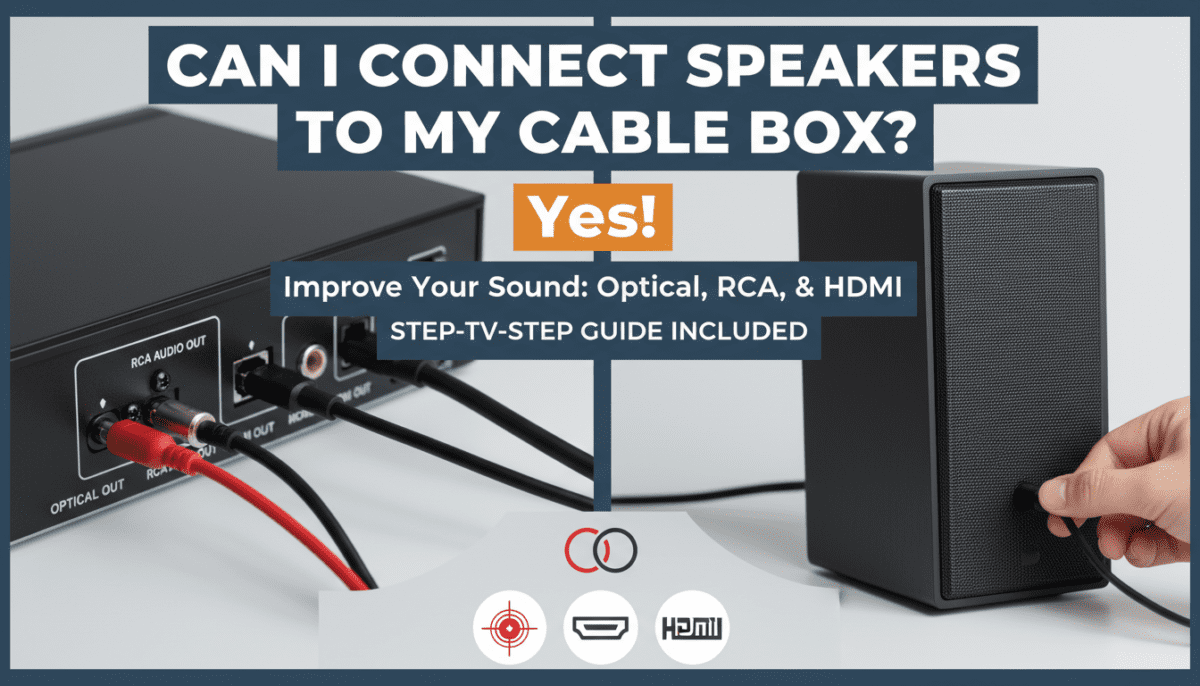
Improved Frequency Range
Standard TV speakers are tiny—often no larger than a coin. By using the RCA or Optical outputs to drive external 5-inch bookshelf speakers, you gain significant bass response and vocal clarity.
Can I Plug Speakers into a Cable Box Without an Amp?
A common mistake we see is users trying to plug “passive” speakers (speakers with raw wire clips) directly into the cable box.
You cannot plug passive speakers directly into a cable box. The cable box does not have a built-in amplifier to “drive” the speaker cones. You must use:
- Active/Powered Speakers: These have their own power cord and volume knob.
- An External Amplifier/Receiver: This takes the signal from the box and amplifies it for the speakers.
If you try to plug speakers into a cable box that are not powered, you will likely hear no sound at all, or a very faint, distorted whisper.
Expert Tips for Troubleshooting Sound Issues
During our hands-on reviews of audio hardware, we’ve encountered several common roadblocks. If you have connected everything and hear nothing, check these three things:
The Audio Format (PCM vs. Bitstream)
If you are using an Optical cable and hear a “static” or “buzzing” sound, your cable box is likely sending a Dolby Digital signal that your speakers can’t decode. Go into the box settings and change the output to PCM (Stereo).
“Fixed” vs. “Variable” Volume
Some cable boxes allow you to choose between Fixed and Variable audio levels.
- Fixed: The box sends a full-strength signal; you control the volume using the speaker’s remote.
- Variable: You can use the cable box remote to turn the volume up and down.
The “Hidden” Menu
On some older Motorola boxes, you have to turn the box “OFF” and immediately press the “Menu” button on the remote to access the hardware-level audio configurations. We’ve found this is often necessary to enable the S/PDIF port.
Practical Gear Recommendations
To make this work, you might need specific adapters. Based on our real-world usage, these are the most reliable options:
- For Digital Boxes to Analog Speakers: The Prozor Digital to Analog Converter is a staple in our kit. It’s reliable and handles 192kHz sampling.
- For Long Distances: If your speakers are across the room, use Shielded RCA Cables (like those from Blue Jeans Cable) to prevent electromagnetic interference from your Wi-Fi router.
- For Simple Setups: The Logitech Z407 powered speakers are an excellent budget choice that can plug directly into a box via a 3.5mm jack.
Frequently Asked Questions
Can I connect Bluetooth speakers to my cable box?
Most cable boxes do not have built-in Bluetooth transmitters. To make this work, you will need a Bluetooth Transmitter that plugs into the 3.5mm or Optical port on the back of the box. Once plugged in, you can pair your wireless speakers to that transmitter.
Does connecting speakers to the cable box turn off the TV sound?
No, the TV will likely still play sound through its own speakers. To avoid an “echo” effect, you should manually turn the TV volume down to zero or enter the TV’s audio menu and select “Internal Speakers: OFF.”
Why is the volume so low when I plug speakers into my cable box?
This usually happens if the cable box output is set to “Variable” and the box’s internal volume is turned down. Use the cable box remote to max out the volume, then use your speaker’s physical knob to adjust the listening level.
Can I use a USB-to-3.5mm adapter on my cable box?
Generally, no. The USB ports on most cable boxes (like those from Cox or Xfinity) are for service technicians or charging devices only. They rarely support USB audio output drivers.









