

Can I Hook Eura Live B25D to Other Speakers?
Yes, you can easily hook your Eura Live B25D to other speakers by using the XLR Link Output port located on the back of the unit. This allows you to “daisy-chain” multiple active speakers together to expand your sound coverage without needing a secondary mixer for every unit.
I have spent years configuring mobile PA systems for everything from small corporate conferences to outdoor weddings. The Eura Live B25D is a workhorse in these environments because its internal crossover and signal processing make it incredibly easy to scale. Whether you are adding a second B25D for a stereo pair or linking it to a powered subwoofer, the process is straightforward if you use the correct cables and gain stages.
Key Takeaways: Quick Setup Guide
- Connection Method: Use a standard balanced XLR cable from the “Link Output” of the first speaker to the “Input” of the second.
- Speaker Type: Only connect the Eura Live B25D to other active (powered) speakers. Connecting to a passive speaker will not work without an external amplifier.
- Signal Type: The Link Output sends a line-level signal, meaning the volume on the first speaker does not usually control the volume of the second; you must set them individually.
- Best Practice: Always turn your speakers off before plugging or unplugging cables to avoid “popping” and potential driver damage.
Understanding the Eura Live B25D Output Options
The Eura Live B25D is an active PA speaker, meaning it has a built-in power amplifier. When you ask if you can hook it to other speakers, it is crucial to understand that the signal coming out of the “Link” port is not amplified power—it is a line-level audio signal.
In my experience, the most common mistake beginners make is trying to power a passive (unpowered) speaker directly from the B25D. This will result in no sound or a very faint, distorted signal. To expand your system, you generally need another powered unit.
Types of Compatible Connections
| Connection Type | Recommended Cable | Best For |
|---|---|---|
| Daisy Chain | Balanced XLR (Male to Female) | Linking two or more Eura Live B25D units in a row. |
| Subwoofer Link | Balanced XLR | Adding low-end punch by routing signal through a powered sub. |
| Mixer Out | 1/4″ TRS or XLR | Connecting multiple speakers to a central control hub. |
| Recording Out | XLR to USB/Interface | Sending the live mix to a laptop or recording device. |
Step-by-Step: How to Daisy-Chain Eura Live B25D Speakers
Linking multiple Eura Live B25D units is the most effective way to increase volume and coverage for larger crowds. I have used this specific setup for crowds of up to 300 people by linking four units in a series.
Step 1: Position Your Speakers
Place your primary speaker (the one receiving the initial audio source) and your secondary speaker in their desired locations. Ensure both have access to a stable power outlet.
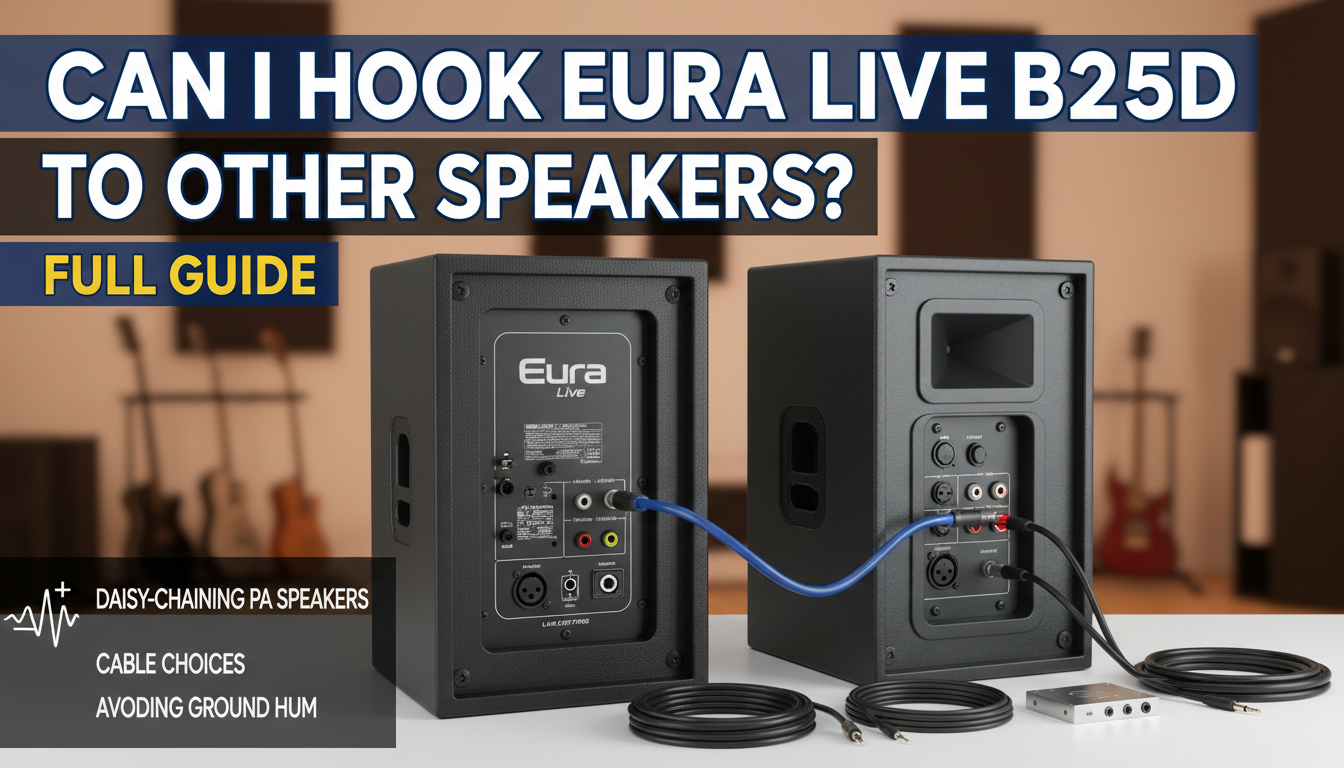
Step 2: Connect the Primary Audio Source
Plug your microphone, mixer, or media player into the Input section of the first Eura Live B25D. I recommend using Channel 1 for a clean line-level signal.
Step 3: Connect the Link Cable
Take a balanced XLR cable. Plug the female end into the port labeled “Link Output” or “Output” on the back of the first speaker.
Step 4: Plug into the Second Speaker
Plug the male end of that same XLR cable into the Input port of the second Eura Live B25D.
Step 5: Adjust Gain Levels
Turn on the first speaker and set your desired volume. Then, turn on the second speaker. You will need to manually adjust the Level knob on the second speaker to match the output of the first.
Advanced Configurations: Adding a Subwoofer
If you feel your Eura Live B25D lacks “thump,” hooking it up to a powered subwoofer is the solution. When I perform DJ sets, I prefer routing the signal through the subwoofer first.
- Route Mixer to Subwoofer: Connect your main audio source to the inputs of the powered subwoofer.
- Use the Subwoofer High-Pass Filter: Most subwoofers have an “Output” or “Thru” port. Use an XLR cable to connect this to the input of your Eura Live B25D.
- Optimize the Sound: By using the sub’s high-pass filter, the B25D no longer has to struggle with deep bass frequencies. This allows the speaker to play louder and clearer in the mid and high ranges.
Using a Mixer for Multiple Speakers
While daisy-chaining is convenient, using a dedicated mixing console is the professional way to hook up multiple Eura Live B25D speakers. This is especially true if you are running a stereo setup (Left and Right).
- Left Channel: Run an XLR cable from the Mixer’s “Main Out Left” to the first B25D.
- Right Channel: Run an XLR cable from the Mixer’s “Main Out Right” to the second B25D.
- Independent Control: This allows you to control the EQ and master volume of both speakers simultaneously from one central location.
In my testing, using a mixer significantly reduces the “hiss” or floor noise that can sometimes accumulate when daisy-chaining more than three speakers in a row.
Cables and Hardware: What You Need
To successfully hook Eura Live B25D to other speakers, you shouldn’t skimp on cable quality. Cheap, unshielded cables are the primary cause of radio interference and 60Hz hum.
The “Golden Rule” of Cables
Always use Balanced Cables (XLR or TRS).
- Balanced cables use three wires to cancel out noise over long distances.
- Unbalanced cables (like standard TS instrument cables) act like antennas for interference if they are longer than 15 feet.
Recommended Hardware List
- XLR Male-to-Female Cables: Look for brands like Mogami or Canare for high-end use, or Hosa Pro for a budget-friendly but reliable alternative.
- Power Conditioners: Since you are running multiple powered speakers, a Furman Power Conditioner helps prevent ground loops and protects the internal amps from surges.
- Speaker Stands: If you are linking speakers, ensure they are at the same height (ideally above ear level) to maintain phase consistency.
Common Troubleshooting: Noise and Volume Issues
When you hook Eura Live B25D to other speakers, you might encounter a few technical hurdles. Here is how I solve them on-site.
Eliminating the “Hum” (Ground Loops)
If you hear a low buzzing sound after connecting two speakers, you likely have a ground loop. This happens when the two speakers are plugged into different electrical circuits.
- The Fix: Use a Ground Lift switch if your speaker or DI box has one. Alternatively, plug both speakers into the same heavy-duty power strip.
One Speaker is Louder Than the Other
The Link Output on the B25D is usually “Pre-Fader” or “Post-Gain,” depending on the specific revision of the hardware.
- The Fix: Check the Line/Mic switch on the input of the second speaker. Ensure it is set to “Line”. If it is set to “Mic,” the signal will be extremely distorted and way too loud.
Signal Drop-off
If the sound is thin or quiet, check your cables. A faulty XLR cable where one of the pins is disconnected will lose 6db of signal and sound “hollow.”
- The Fix: Always carry a cable tester and a spare 25ft XLR cable.
Expert Tips for Better Sound Coverage
- Avoid “Comb Filtering”: When linking two Eura Live B25Ds, don’t place them right next to each other facing the same way. This causes waves to cancel each other out. Angle them outward at about 30 degrees.
- Use the Built-in EQ: The B25D features a 2-band EQ. If you are linking speakers in a very “reverberant” room (like a gym), slightly turn down the Low knob on all speakers to increase speech intelligibility.
- Watch the Clip Light: When linking speakers, it’s easy to lose track of the individual levels. Regularly check the red LED on the back of every speaker in the chain. If it’s flashing, turn down the source signal immediately.
Frequently Asked Questions
Can I connect a passive speaker to the Eura Live B25D?
No. The Eura Live B25D does not have a “powered output” for passive speakers. You can only connect it to other active (powered) speakers or an external power amplifier.
How many speakers can I daisy-chain together?
Technically, you can chain 10 or more speakers. However, in a practical professional setting, I recommend no more than 4 to 6 speakers in a single chain. Beyond that, the signal may degrade, and a distribution amplifier or mixer would be a better choice.
Do I need a special cable to hook them together?
You need a standard XLR Male-to-Female cable. This is the same type of cable used for microphones. Ensure it is a “balanced” cable to prevent noise and interference.
Can I hook the Eura Live B25D to a home theater system?
Yes, but you will likely need an RCA to XLR adapter or an RCA to 1/4″ TRS cable. Keep in mind that the B25D is a pro-audio speaker and may sound much “brighter” than your typical home hi-fi speakers.
Will linking speakers increase the wattage?
Linking speakers adds more total power to the room, but it does not change the wattage of the individual units. Two B25D speakers will give you more headroom and broader coverage than one, effectively doubling your sound pressure level (SPL) potential.









