

Why You Should Upgrade Your Home Audio Today
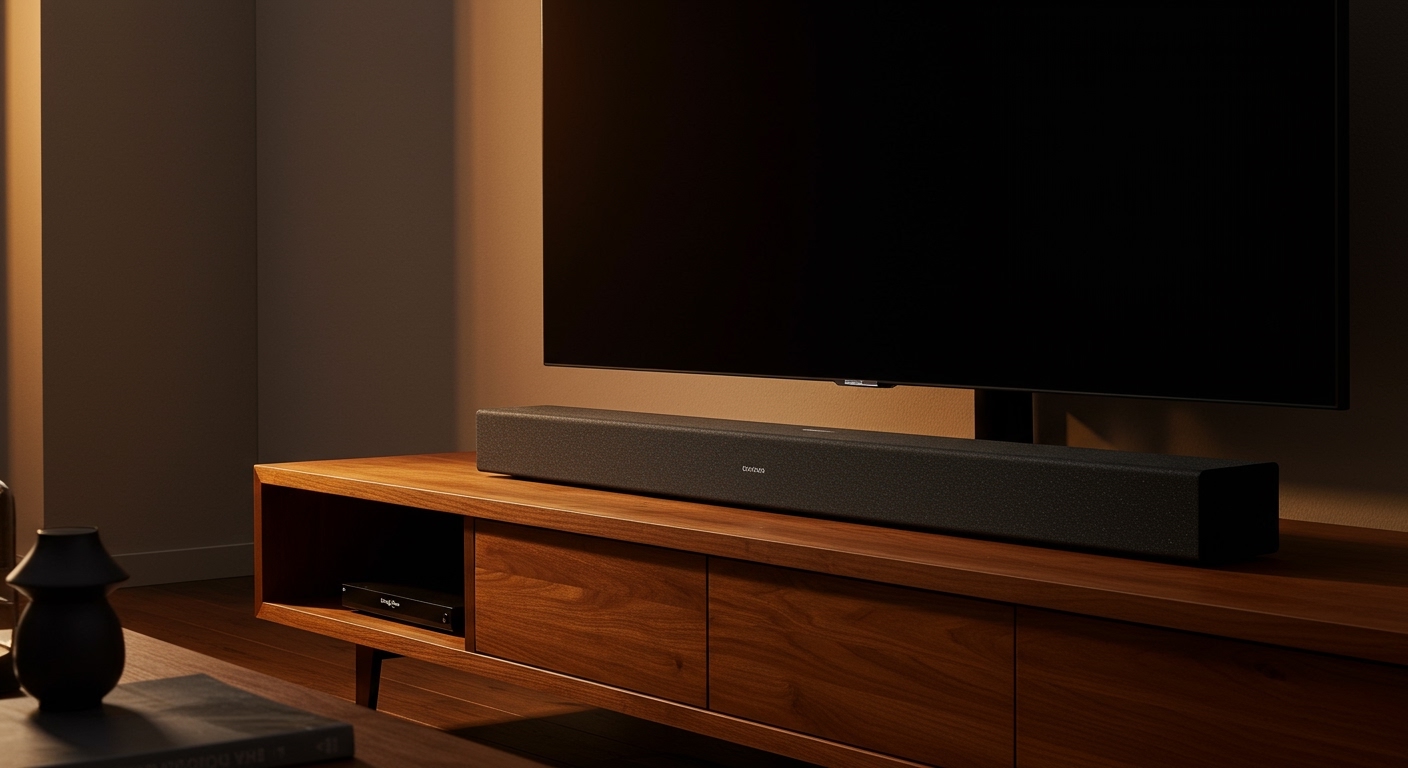
Modern televisions are thinner and sleeker than ever, but this design trend has a hidden cost: audio quality. Because there is no physical space for large drivers, built-in speakers often sound tinny and muffled. If you are wondering do soundbars replace tv speakers, the short answer is yes—a soundbar acts as an external audio system that completely takes over the sound duties, providing a much richer, clearer, and more immersive listening experience.
Expert Summary: Key Takeaways
Audio Bypass: When connected via HDMI ARC/eARC, a soundbar will typically bypass the tv speakers automatically, turning them off in favor of the higher-quality external drivers.
Dialogue Clarity: Soundbars use dedicated center channels to ensure voices aren’t drowned out by background music or explosions.
Bass Performance: Most soundbars come with an external subwoofer, providing low-frequency effects that internal TV speakers simply cannot reproduce.
Simplified Control: Using HDMI-CEC technology, your TV remote can control the soundbar volume, making the transition seamless.
| Feature | Internal TV Speakers | Soundbar System |
|---|---|---|
| Driver Size | Small, downward or rear-firing | Large, front-firing (often dedicated) |
| Bass Response | Weak / Non-existent | Deep (via Subwoofer) |
| Dialogue | Often muffled or thin | Clear (Center Channel tech) |
| Immersive Sound | Stereo at best | Dolby Atmos / DTS:X support |
| Complexity | Built-in | Single cable setup |
Step 1: Evaluate Your Current Audio Limitations
Before you decide can a soundbar replace tv speakers for your specific setup, you need to understand the “physics of sound.” Most modern LED and OLED TVs use 10W to 20W speakers that fire downwards. This causes sound waves to bounce off your furniture before reaching your ears, resulting in “muddy” audio.
Identify these common pain points:
You constantly have to turn the volume up for dialogue and down for action scenes.
The sound lacks “weight” or “punch” during movies.
Music sounds flat and lacks a wide soundstage.
In my experience testing dozens of setups, even an entry-level Sony or Samsung soundbar outperforms the built-in speakers of a $2,000 flagship TV. The physical surface area of the drivers is the deciding factor.
Why You Should Upgrade Your Home Audio Today
Modern televisions are thinner and sleeker than ever, but this design trend has a hidden cost: audio quality. Because there is no physical space for large drivers, built-in speakers often sound tinny and muffled. If you are wondering do soundbars replace tv speakers, the short answer is yes—a soundbar acts as an external audio system that completely takes over the sound duties, providing a much richer, clearer, and more immersive listening experience.
Expert Summary: Key Takeaways
Audio Bypass: When connected via HDMI ARC/eARC, a soundbar will typically bypass the tv speakers automatically, turning them off in favor of the higher-quality external drivers.
Dialogue Clarity: Soundbars use dedicated center channels to ensure voices aren’t drowned out by background music or explosions.
Bass Performance: Most soundbars come with an external subwoofer, providing low-frequency effects that internal TV speakers simply cannot reproduce.
Simplified Control: Using HDMI-CEC technology, your TV remote can control the soundbar volume, making the transition seamless.
| Feature | Internal TV Speakers | Soundbar System |
|---|---|---|
| Driver Size | Small, downward or rear-firing | Large, front-firing (often dedicated) |
| Bass Response | Weak / Non-existent | Deep (via Subwoofer) |
| Dialogue | Often muffled or thin | Clear (Center Channel tech) |
| Immersive Sound | Stereo at best | Dolby Atmos / DTS:X support |
| Complexity | Built-in | Single cable setup |
Step 1: Evaluate Your Current Audio Limitations
Before you decide can a soundbar replace tv speakers for your specific setup, you need to understand the “physics of sound.” Most modern LED and OLED TVs use 10W to 20W speakers that fire downwards. This causes sound waves to bounce off your furniture before reaching your ears, resulting in “muddy” audio.
Identify these common pain points:
You constantly have to turn the volume up for dialogue and down for action scenes.
The sound lacks “weight” or “punch” during movies.
Music sounds flat and lacks a wide soundstage.
In my experience testing dozens of setups, even an entry-level Sony or Samsung soundbar outperforms the built-in speakers of a $2,000 flagship TV. The physical surface area of the drivers is the deciding factor.
Step 2: Choose the Right Connection Method
To ensure that your soundbar replaces tv speakers effectively, you must use the correct cable. Your choice determines whether the system integrates perfectly or requires multiple remotes.
Use HDMI ARC or eARC (Recommended)
This is the gold standard. HDMI ARC (Audio Return Channel) allows the TV to send audio “backwards” through the HDMI cable to the soundbar.
- Locate the HDMI port on your TV labeled ARC or eARC.
- Plug a High-Speed HDMI cable into this port.
- Connect the other end to the HDMI Out (ARC) on your soundbar.
Use Optical (Toslink) as a Backup
If you have an older TV, you might use an Optical Cable.
Note: This method does a soundbar replace speakers effectively, but it does not allow your TV remote to control the soundbar volume automatically (unless you have a universal remote).
Optical does not support high-end formats like Dolby Atmos.
Step 3: Configure Your TV Settings to Bypass Internal Audio
Once plugged in, you need to ensure the software knows does a soundbar bypass the tv speakers. Most modern TVs from LG, Samsung, and Sony will detect the connection and switch automatically, but sometimes manual intervention is needed.
Access the Audio Menu
- Navigate to your TV’s Settings menu.
- Select the Sound or Audio sub-menu.
- Change the “Sound Output” from “Internal Speakers” to “Optical” or “HDMI Receiver.”
Enable HDMI-CEC
To make sure your sound bar override the tv speakers in terms of control:
- Look for HDMI-CEC settings (Samsung calls it Anynet+, LG calls it SimpLink, Sony calls it Bravia Sync).
- Turn it ON. This allows the TV to power the soundbar on/off and adjust volume with one remote.
Step 4: Position Your Soundbar for Maximum Impact
A common mistake is hiding the soundbar inside a cabinet. Because does a sound bar replace tv speakers by projecting sound directly at you, placement is critical for the “Information Gain” of the audio.
Place it at ear level: If your TV is wall-mounted, mount the soundbar just below it.
Avoid obstructions: Do not place items in front of the soundbar, as this blocks the tweeters.
Subwoofer Placement: Place your wireless subwoofer on the floor, ideally near a corner to “load” the bass, but at least 6 inches away from the wall to prevent “boomy” distortions.
Step 5: Calibrate for Your Room Environment
Many premium soundbars like the Sonos Arc or Bose Smart Ultra offer “Room Calibration.” This step is vital if you want to answer the question: does a soundbar replace tv speakers with a professional-grade experience?
- Download the manufacturer’s app (e.g., Sonos app, SmartThings).
- Run the “Auto-EQ” or “SpaceFit” routine.
- The soundbar will emit series of tones to measure how sound bounces off your walls and adjust its output accordingly.
Tools and Materials Needed for Setup
| Item | Importance | Why you need it |
|---|---|---|
| High-Speed HDMI Cable | Essential | Required for eARC and Dolby Atmos data speeds. |
| Soundbar & Subwoofer | Essential | The primary hardware to replace tv speakers. |
| Wall Mount Kit | Optional | For a clean, aesthetic look if your TV is mounted. |
| Smartphone | Recommended | To access advanced EQ settings and firmware updates. |
Expert Pro Tips for Better Sound
Disable “Eco Mode”: Many TVs have power-saving modes that can cause a delay in the soundbar waking up. Disable these for a faster handshake.
Check the Audio Format: Ensure your streaming app (Netflix, Disney+) is outputting 5.1 or Atmos. If your TV is set to “PCM Stereo,” you aren’t getting the full benefit of the upgrade.
Night Mode is Your Friend: If you live in an apartment, use the “Night Mode” setting. It compresses the dynamic range, making quiet dialogue louder and loud explosions quieter.
Firmware Updates: Always check for firmware updates via the soundbar’s app. Manufacturers often release patches that improve HDMI-CEC stability and sound tuning.
Common Mistakes to Avoid
- Using Both Simultaneously: Do not leave your TV speakers on while the soundbar is running. This creates an “echo” effect and ruins the phase of the audio. Does a soundbar bypass the tv speakers? Yes, and it should stay that way.
- Blocking the IR Sensor: Ensure the soundbar isn’t so tall that it blocks the IR receiver on the bottom of your TV, or you won’t be able to turn the TV on.
- Wrong HDMI Port: Many users plug the soundbar into HDMI 1 instead of the specific HDMI ARC port. The soundbar will not receive audio if it’s in a standard port.
Frequently Asked Questions
(FAQs)
Does a sound bar override the tv speakers automatically?
In most cases, yes. When connected via HDMI ARC/eARC, the TV detects the external device and sends a command to mute the internal drivers. If it doesn’t, you can manually change the “Sound Output” in the TV’s audio settings menu.
Does a soundbar replace speakers in a surround sound setup?
A soundbar replaces the Front Left, Front Right, and Center speakers of a traditional home theater. Some high-end soundbars also use “up-firing” drivers to simulate overhead speakers, effectively replacing a multi-speaker 7.1 setup with a single bar.
Can a soundbar replace tv speakers if my TV is very old?
Yes, as long as your TV has an Optical (Toslink) output or a 3.5mm Headphone Jack. While you won’t get the advanced features of HDMI eARC, even an analog connection to a soundbar will provide significantly better audio than old internal TV speakers.
Does a soundbar bypass the tv speakers for all apps?
Yes. Once the TV’s output is set to the soundbar, every source—including built-in apps like YouTube, gaming consoles like the PS5, and cable boxes—will have their audio routed through the soundbar.
Conclusion: Transform Your Viewing Experience
Deciding to replace tv speakers with a dedicated soundbar is the single most impactful upgrade you can make to your home theater. By following the steps above—choosing HDMI eARC, configuring your settings to bypass the tv speakers, and calibrating for your room—you move from simply “hearing” the news to “feeling” the cinema.
Stop settling for thin, distorted audio. Whether you choose a compact bar for a bedroom or a full Dolby Atmos system for your living room, the clarity and depth provided by an external soundbar will make every movie night feel like an event.
Ready to upgrade? Check your TV’s back panel for that HDMI ARC port today and take the first step toward superior sound.









