

Understanding Rock Speaker Pairing: The Magic of TWS
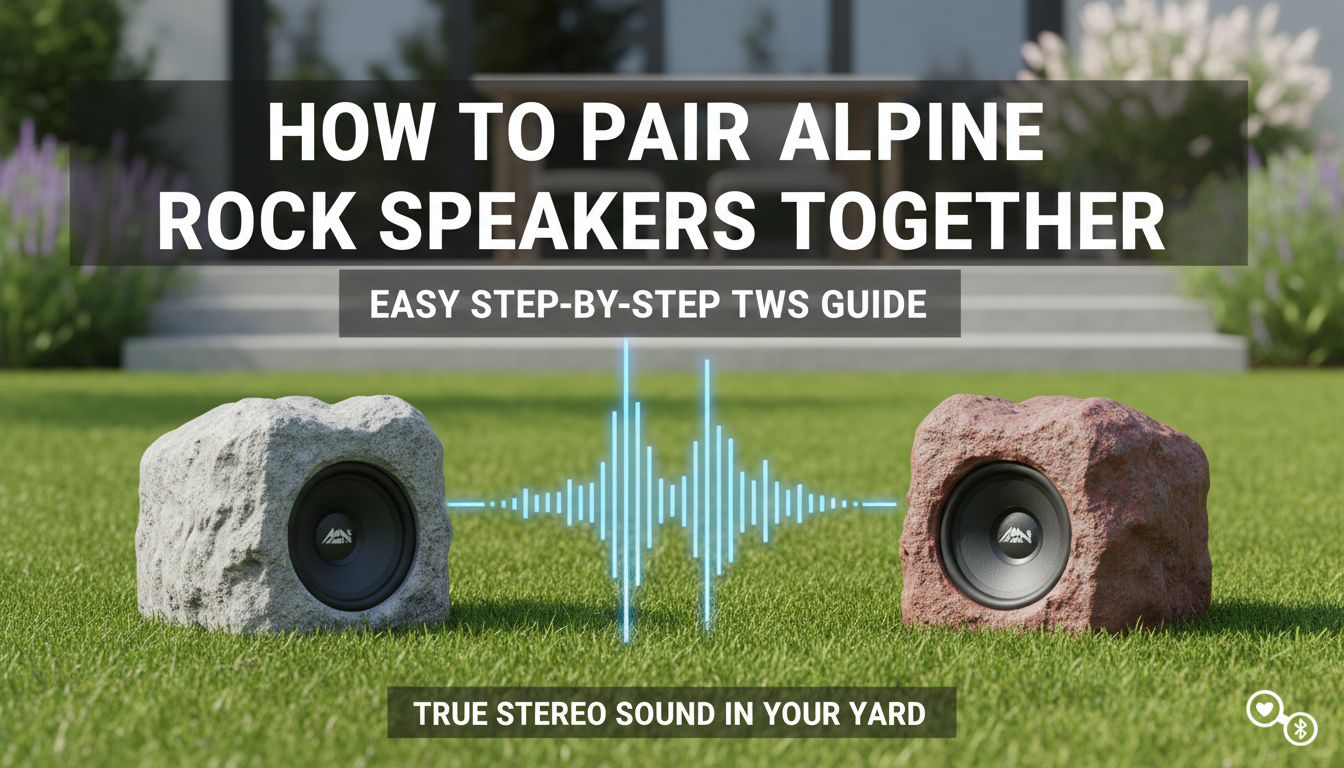
Before we dive into the steps, it’s crucial to understand the technology that makes this possible: True Wireless Stereo (TWS). TWS is a feature built into most modern Bluetooth speakers, including models from Alpine, Sylvania, and more.
In a TWS setup, you don’t connect your phone to both speakers. Instead, the speakers first connect to each other.
- One speaker becomes the Primary (or “Master”) speaker. It receives the Bluetooth signal from your phone.
- The Primary speaker then splits the audio, keeping one channel (e.g., Left) for itself and sending the other channel (e.g., Right) to the Secondary (or “Slave”) speaker.
This creates a genuine stereo soundscape in your backyard, patio, or garden. Once you pair them via TWS, your phone only needs to connect to the single Primary speaker.
How to Pair Alpine Rock Speakers Together: A Step-by-Step Guide
From my experience setting up countless outdoor audio systems, the Alpine Corporation Solar Bluetooth Rock Speakers are a popular choice. While the process is straightforward, following these steps precisely will save you a lot of headaches.
Step 1: Preparation is Key
Getting the prep work right is 90% of the battle. A clean slate ensures a successful pairing on the first try.
- Fully Charge Both Speakers: Before you begin, make sure both Alpine rock speakers have a full charge. Low battery is the number one cause of pairing failures. If you have solar rock speakers, leave them in direct sunlight for at least 8 hours.
- Bring Them Close: Place the two speakers within 5-10 feet of each other for the initial pairing process. You can move them farther apart later.
- Start Fresh: Go to your phone or tablet’s Bluetooth settings. If you’ve previously connected to either speaker individually, find them in your device list and select “Forget this Device.” This is a critical step.
- Turn Off Other Bluetooth Devices: Temporarily disable Bluetooth on any other nearby phones, tablets, or smartwatches to prevent interference.
Step 2: Power On and Enter Pairing Mode
Now, let’s wake the speakers up.
- Press and hold the power button on both rock speakers until you hear an audible tone or see the LED indicator light up.
- Typically, the LED light on both speakers will begin to flash blue, indicating they are in standard Bluetooth pairing mode and are searching for a device. Do not connect your phone yet!
Step 3: Initiate TWS Pairing (Linking the Speakers)
This is the most important step in the process of how to pair alpine rock speakers together.
- Choose one speaker to be your Primary speaker. It doesn’t matter which one.
- On this chosen Primary speaker, quickly double-press the power button. Some models may have a dedicated “Pair,” “Link,” or “TWS” button. For most Alpine models, a quick double-press of the power button is the command.
- You should hear a distinct chime or a voice prompt like “Pairing” or “Connected.” The speakers are now communicating with each other.
- Observe the LED lights. The Primary speaker’s LED will likely continue flashing blue, while the Secondary speaker’s LED will turn a solid blue. This is your visual confirmation that the TWS link is successful.
Step 4: Connect Your Phone to the Primary Speaker
With the speakers now linked as a stereo pair, it’s time to connect your music source.
- Open the Bluetooth settings on your smartphone or tablet.
- Scan for available devices. You should now see only one speaker name listed (e.g., “Alpine Rock”). This is the Primary speaker broadcasting its signal.
- Select that device name to connect. You’ll hear a final confirmation tone from the speakers. The LED on the Primary speaker will now also turn solid blue.
Step 5: Test and Place Your Speakers
You’re all set! Play some music to confirm that sound is coming from both speakers.
- Test Stereo: Play a “Left/Right Stereo Test” video from YouTube to confirm which speaker is which channel.
- Optimal Placement: For the best stereo effect, place the speakers 10-20 feet apart, creating a triangle with your main listening area.
Troubleshooting Common Rock Speaker Pairing Issues
Even with a perfect process, you can run into snags. I’ve seen them all. Here’s a quick-reference table to solve the most common problems I encounter when customers ask how to pair rock speakers together.
| Problem | Likely Cause | Solution |
|---|---|---|
| Speakers won’t link to each other (TWS fails) | Low battery, too far apart, or one is already connected to a phone. | Charge both fully. Bring them within 5 feet. “Forget” the speakers from your phone’s Bluetooth list and start the entire process over from Step 1. |
| Only one speaker plays music after connecting | You connected your phone before the TWS pairing was complete. | Disconnect and “Forget” the speaker on your phone. Turn both speakers off and on again. Re-do the TWS pairing (Step 3) before connecting your phone. |
| Sound is choppy, cutting in and out | Distance or interference from Wi-Fi routers, walls, or other devices. | Move your phone closer to the Primary speaker. Try moving the speakers to a different location away from walls or Wi-Fi equipment. Ensure both speakers are well-charged. |
| I see two speaker names on my Bluetooth list | The TWS pairing was not successful. The speakers are acting as individuals. | Turn both speakers off. Start again from Step 2, ensuring you hear the TWS confirmation tone and see the LED lights change (one flashing, one solid) in Step 3. |
| My speakers won’t turn on | The battery is completely drained. For solar models, they haven’t had enough sun. | Charge them for several hours using the included USB cable. For solar rock speakers, ensure the solar panel is clean and in direct, unobstructed sunlight. |
Pairing Guide for Other Popular Rock Speaker Brands
While this guide focuses on Alpine, the TWS principles are nearly universal. Here are quick tips for other common brands.
How to Pair Sylvania Rock Speakers Together
The process for how to pair Sylvania rock speakers is very similar.
- Power on both speakers.
- Ensure they are not connected to any device.
- On one speaker, press and hold the “Mode” or “Pair” button for a few seconds until you hear a tone. This initiates the TWS link.
- Once linked, connect your phone to the single Sylvania speaker name that appears in your Bluetooth list.
How to Pair IT Rock Speakers (Innovative Technology)
Learning how to pair it rock speakers is also straightforward.
- Turn on both speakers.
- Quickly double-press the Power/Play button on one of the speakers.
- Listen for the confirmation chime that they are linked.
- Connect your phone to the “ITSBO” device name in your Bluetooth settings.
Expert Tips for the Best Outdoor Stereo Experience
Pairing the speakers is just the beginning. To get the most out of your setup, consider these pro tips I’ve gathered over the years.
- Create a Soundstage: Don’t just place speakers randomly. Position them to the left and right of your main seating area, angled slightly inward. This creates an immersive stereo “sweet spot.”
- Mind Your Surfaces: Sound reflects off hard surfaces like concrete patios and stone walls, making it sound brighter. It gets absorbed by soft surfaces like grass and bushes. Adjust your speaker placement and EQ settings on your phone accordingly.
- Future-Proofing: Once successfully paired, your speakers should remember each other. The next time you turn them on, they should automatically establish their TWS link before you even connect your phone.
Frequently Asked Questions (FAQ)
Q1: Can I pair more than two Alpine rock speakers together?
Generally, no. Standard TWS technology is designed for a two-speaker (stereo) connection. Some specific brands offer proprietary multi-speaker linking technology, but for most rock speakers, including Alpine and Sylvania, the limit is two.
Q2: How far apart can I place my paired rock speakers?
The maximum distance between the two speakers is typically 30 to 50 feet. The maximum distance from your phone to the Primary speaker is also around 30 to 50 feet. Walls, trees, and other obstructions will reduce this range.
Q3: Do I have to re-pair my rock speakers every time I use them?
No, you shouldn’t have to. Once you successfully complete the TWS pairing, the speakers will remember their partner. The next time you power them on, they should automatically find each other and connect within a few seconds. You’ll only need to connect your phone.
Q4: Why does only one speaker name show up in my Bluetooth list after pairing?
This is the correct behavior! Once the speakers are linked via TWS, the Primary speaker takes control and is the only one that broadcasts a Bluetooth signal for your phone to find. This simplifies the connection process.









