

What Are the Speakers on AirPods Pro 2? A Detailed Breakdown
The speakers on the AirPods Pro 2 are a set of small, integrated audio emitters built directly into the bottom of the MagSafe Charging Case. These are not designed for playing music or podcasts; their purpose is entirely functional. They provide crucial auditory feedback for pairing, charging status, low battery warnings, and, most importantly, for locating a misplaced case using the Find My network.
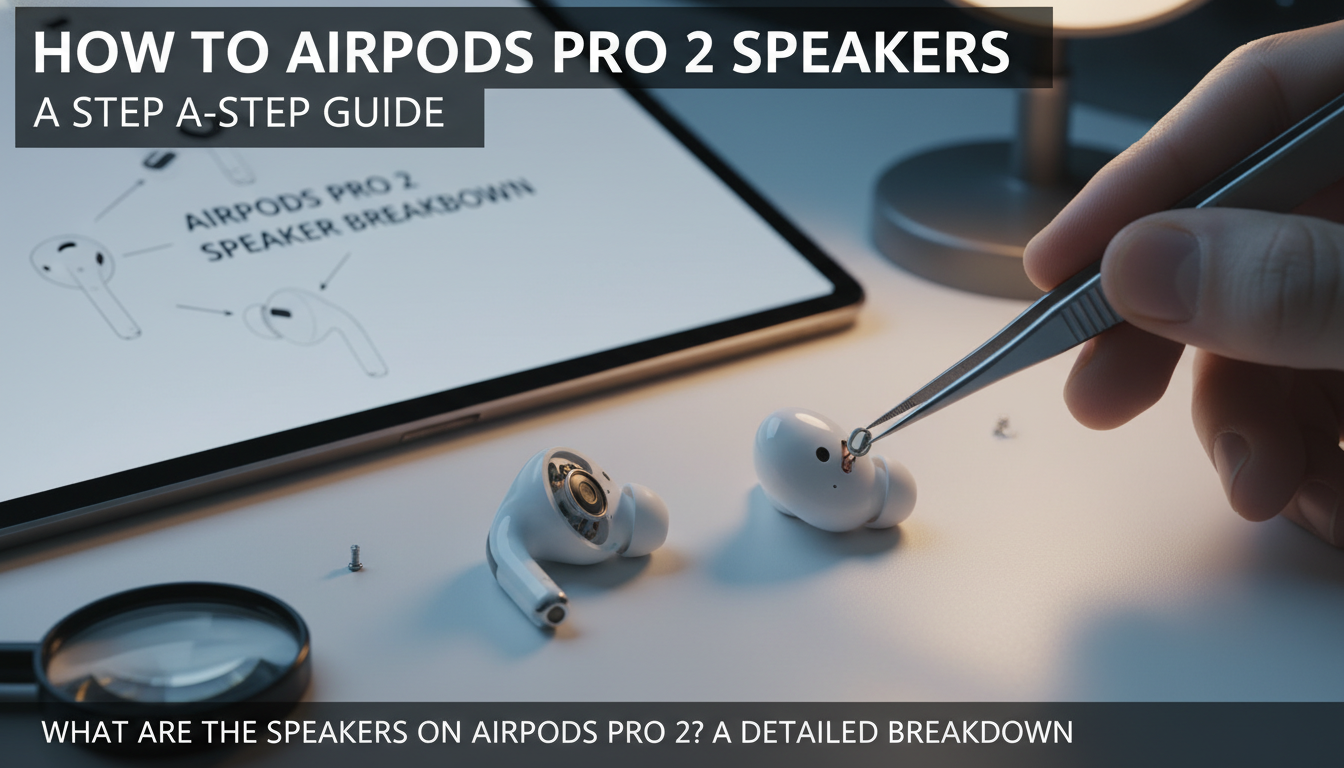
Have you ever noticed the three small grilles next to the charging port on your case and wondered what they do? You’re not alone. Unlike previous generations, Apple added this speaker to enhance the user experience, making the case more than just a battery pack. In this guide, we’ll dive deep into exactly what are the speakers on AirPods Pro 2, why they exist, and how you can master their features.
Key Takeaways
- Case Has a Speaker: The AirPods Pro (2nd generation) case features a built-in speaker for system alerts and sounds. The earbuds themselves contain the primary audio drivers for listening.
- Main Functions: The case speaker is used for Find My location pings, charging confirmation chimes, low battery alerts, and pairing sounds.
- No Music Playback: It is critical to understand that the case speaker cannot play music, podcasts, or any other media. Its function is limited to system-level auditory feedback.
- Powered by U1 Chip: This speaker works in tandem with Apple’s U1 chip inside the case, enabling Precision Finding for more accurate location tracking.
Why Does the AirPods Pro 2 Case Have Speakers? The 4 Key Functions
The addition of a speaker to the charging case was a deliberate design choice by Apple to solve common user pain points and add a layer of convenience. After using the AirPods Pro 2 since their launch, I’ve found these audible cues to be incredibly useful in daily life. Here are the four primary reasons why the AirPods Pro 2 case has speakers.
Precision Finding with the Find My App
This is arguably the most important function. The original AirPods case was notoriously difficult to find if misplaced on its own. The new speaker completely changes that.
The case is equipped with Apple’s U1 chip, which allows for Precision Finding—the same technology used in AirTags. When you trigger the “Play Sound” feature in the Find My app, the case emits a series of loud, high-pitched chirps.
- Real-World Example: Just last week, my AirPods case slipped between the cushions of my couch. Instead of a frantic search, I simply opened the Find My app on my iPhone. Tapping “Play Sound” produced a clear chirp that led me directly to it in seconds. The sound is directional and loud enough to be heard from across a moderately noisy room.
This feature transforms the case from a passive object into a smart device you can actively locate, saving time and reducing stress.
Charging Status and Low Battery Alerts
The speaker provides helpful auditory confirmation related to power management. You no longer have to guess if your case is actually charging.
- Charging Chime: When you connect the case to a Lightning or USB-C cable or place it on a MagSafe or Qi-compatible charger, it will emit a short, satisfying chime to confirm that charging has begun.
- Low Battery Warning: The case will also play a distinct sound when its battery level becomes critically low, prompting you to recharge it before both the case and the AirPods run out of power.
This simple feedback loop means you can plug it in and walk away, confident that it’s working without needing to check your iPhone’s battery widget.
Pairing Confirmation Sounds
When you pair your AirPods Pro 2 with a new device or reconnect them, the case plays a confirmation sound. This is a small but welcome quality-of-life improvement. It provides immediate, unambiguous feedback that the connection was successful.
This sound eliminates the guesswork, letting you know the Bluetooth handshake is complete so you can start listening right away.
Lanyard Loop Integration
While not a direct function of the speaker, the physical design offers a clue to its purpose. The speaker grille is located directly next to the new lanyard loop on the side of the case.
This suggests Apple envisioned users carrying the case externally on a backpack or belt loop. In such a scenario, visual notifications are useless, making audible alerts from the speaker essential for finding a lost case or hearing a low-battery warning.
How to Use and Customize the Speakers on Your AirPods Pro 2 Case
Now that you know why the AirPods Pro 2 case has speakers, you can take full control of them. You can trigger the sounds when you need them or disable them if you prefer a silent experience.
How to Locate Your Case with “Play Sound”
If you’ve misplaced your case (with or without the earbuds inside), follow these simple steps to make it chirp.
- Open the Find My app on your iPhone, iPad, or Mac.
- Tap on the “Devices” tab at the bottom of the screen.
- Find and select your AirPods Pro 2 from the list of devices.
- You will see separate icons for the earbuds and the case. Tap “Play Sound” on the case’s information card.
- The case will begin emitting a repeating sound until you locate it and tap “Stop.”
How to Enable or Disable Charging Case Sounds
If you find the charging and low-battery chimes distracting, especially in a quiet office or at night, you can easily turn them off.
- Make sure your AirPods Pro 2 are connected to your iPhone.
- Open the Settings app.
- Tap on the name of your AirPods, which will appear in a banner near the top of the main Settings menu.
- Scroll down until you see the section for the charging case.
- Toggle the switch for “Enable Charging Case Sounds” to the off position.
I personally keep this feature enabled because the feedback is so useful, but the option for silent operation is a thoughtful addition from Apple.
AirPods Pro Case Comparison: 1st Gen vs. 2nd Gen
To truly appreciate the upgrade, it’s helpful to see a direct comparison. The differences in the case technology are significant and highlight the value of the new features.
| Feature | AirPods Pro (1st Gen) Case | AirPods Pro (2nd Gen) Case |
|---|---|---|
| Built-in Speaker | No | Yes |
| Find My Functionality | Basic location (no sound) | Precision Finding with Sound |
| U1 Chip | No | Yes |
| Lanyard Loop | No | Yes |
| Charging Feedback | Visual only (LED light) | Auditory (chime) & Visual |
| Charging Options | Lightning, Qi, MagSafe | Lightning/USB-C, Qi, MagSafe, Apple Watch Charger |
As the table shows, the second-generation case is a massive leap forward in terms of utility and “findability.”
What Are the Speakers on AirPods Pro 2? A Detailed Breakdown
The speakers on the AirPods Pro 2 are a set of small, integrated audio emitters built directly into the bottom of the MagSafe Charging Case. These are not designed for playing music or podcasts; their purpose is entirely functional. They provide crucial auditory feedback for pairing, charging status, low battery warnings, and, most importantly, for locating a misplaced case using the Find My network.
Have you ever noticed the three small grilles next to the charging port on your case and wondered what they do? You’re not alone. Unlike previous generations, Apple added this speaker to enhance the user experience, making the case more than just a battery pack. In this guide, we’ll dive deep into exactly what are the speakers on AirPods Pro 2, why they exist, and how you can master their features.
Key Takeaways
- Case Has a Speaker: The AirPods Pro (2nd generation) case features a built-in speaker for system alerts and sounds. The earbuds themselves contain the primary audio drivers for listening.
- Main Functions: The case speaker is used for Find My location pings, charging confirmation chimes, low battery alerts, and pairing sounds.
- No Music Playback: It is critical to understand that the case speaker cannot play music, podcasts, or any other media. Its function is limited to system-level auditory feedback.
- Powered by U1 Chip: This speaker works in tandem with Apple’s U1 chip inside the case, enabling Precision Finding for more accurate location tracking.
Why Does the AirPods Pro 2 Case Have Speakers? The 4 Key Functions
The addition of a speaker to the charging case was a deliberate design choice by Apple to solve common user pain points and add a layer of convenience. After using the AirPods Pro 2 since their launch, I’ve found these audible cues to be incredibly useful in daily life. Here are the four primary reasons why the AirPods Pro 2 case has speakers.
Precision Finding with the Find My App
This is arguably the most important function. The original AirPods case was notoriously difficult to find if misplaced on its own. The new speaker completely changes that.
The case is equipped with Apple’s U1 chip, which allows for Precision Finding—the same technology used in AirTags. When you trigger the “Play Sound” feature in the Find My app, the case emits a series of loud, high-pitched chirps.
- Real-World Example: Just last week, my AirPods case slipped between the cushions of my couch. Instead of a frantic search, I simply opened the Find My app on my iPhone. Tapping “Play Sound” produced a clear chirp that led me directly to it in seconds. The sound is directional and loud enough to be heard from across a moderately noisy room.
This feature transforms the case from a passive object into a smart device you can actively locate, saving time and reducing stress.
Charging Status and Low Battery Alerts
The speaker provides helpful auditory confirmation related to power management. You no longer have to guess if your case is actually charging.
- Charging Chime: When you connect the case to a Lightning or USB-C cable or place it on a MagSafe or Qi-compatible charger, it will emit a short, satisfying chime to confirm that charging has begun.
- Low Battery Warning: The case will also play a distinct sound when its battery level becomes critically low, prompting you to recharge it before both the case and the AirPods run out of power.
This simple feedback loop means you can plug it in and walk away, confident that it’s working without needing to check your iPhone’s battery widget.
Pairing Confirmation Sounds
When you pair your AirPods Pro 2 with a new device or reconnect them, the case plays a confirmation sound. This is a small but welcome quality-of-life improvement. It provides immediate, unambiguous feedback that the connection was successful.
This sound eliminates the guesswork, letting you know the Bluetooth handshake is complete so you can start listening right away.
Lanyard Loop Integration
While not a direct function of the speaker, the physical design offers a clue to its purpose. The speaker grille is located directly next to the new lanyard loop on the side of the case.
This suggests Apple envisioned users carrying the case externally on a backpack or belt loop. In such a scenario, visual notifications are useless, making audible alerts from the speaker essential for finding a lost case or hearing a low-battery warning.
How to Use and Customize the Speakers on Your AirPods Pro 2 Case
Now that you know why the AirPods Pro 2 case has speakers, you can take full control of them. You can trigger the sounds when you need them or disable them if you prefer a silent experience.
How to Locate Your Case with “Play Sound”
If you’ve misplaced your case (with or without the earbuds inside), follow these simple steps to make it chirp.
- Open the Find My app on your iPhone, iPad, or Mac.
- Tap on the “Devices” tab at the bottom of the screen.
- Find and select your AirPods Pro 2 from the list of devices.
- You will see separate icons for the earbuds and the case. Tap “Play Sound” on the case’s information card.
- The case will begin emitting a repeating sound until you locate it and tap “Stop.”
How to Enable or Disable Charging Case Sounds
If you find the charging and low-battery chimes distracting, especially in a quiet office or at night, you can easily turn them off.
- Make sure your AirPods Pro 2 are connected to your iPhone.
- Open the Settings app.
- Tap on the name of your AirPods, which will appear in a banner near the top of the main Settings menu.
- Scroll down until you see the section for the charging case.
- Toggle the switch for “Enable Charging Case Sounds” to the off position.
I personally keep this feature enabled because the feedback is so useful, but the option for silent operation is a thoughtful addition from Apple.
AirPods Pro Case Comparison: 1st Gen vs. 2nd Gen
To truly appreciate the upgrade, it’s helpful to see a direct comparison. The differences in the case technology are significant and highlight the value of the new features.
| Feature | AirPods Pro (1st Gen) Case | AirPods Pro (2nd Gen) Case |
|---|---|---|
| Built-in Speaker | No | Yes |
| Find My Functionality | Basic location (no sound) | Precision Finding with Sound |
| U1 Chip | No | Yes |
| Lanyard Loop | No | Yes |
| Charging Feedback | Visual only (LED light) | Auditory (chime) & Visual |
| Charging Options | Lightning, Qi, MagSafe | Lightning/USB-C, Qi, MagSafe, Apple Watch Charger |
As the table shows, the second-generation case is a massive leap forward in terms of utility and “findability.”
What Are the Speakers on the AirPod Pro Case Made Of?
For those curious about the technology inside, the speaker in the AirPods Pro 2 case is not a traditional dynamic driver like you’d find in the earbuds themselves.
It is a custom-designed piezoelectric speaker. Here’s why that matters:
- Extremely Compact: Piezo speakers are incredibly thin and small, allowing them to fit into the case’s packed design without adding bulk.
- Power Efficient: They require very little power to operate, which









