

Does Dolby Atmos Work with Bluetooth Speakers? The Short Answer
The short answer is no, true high-bitrate Dolby Atmos does not work over standard Bluetooth connections because Bluetooth lacks the necessary bandwidth to transmit object-based audio data. While you can stream audio from a Dolby Atmos source to a Bluetooth speaker, the signal is downmixed to standard stereo (two-channel) audio before it reaches the device.
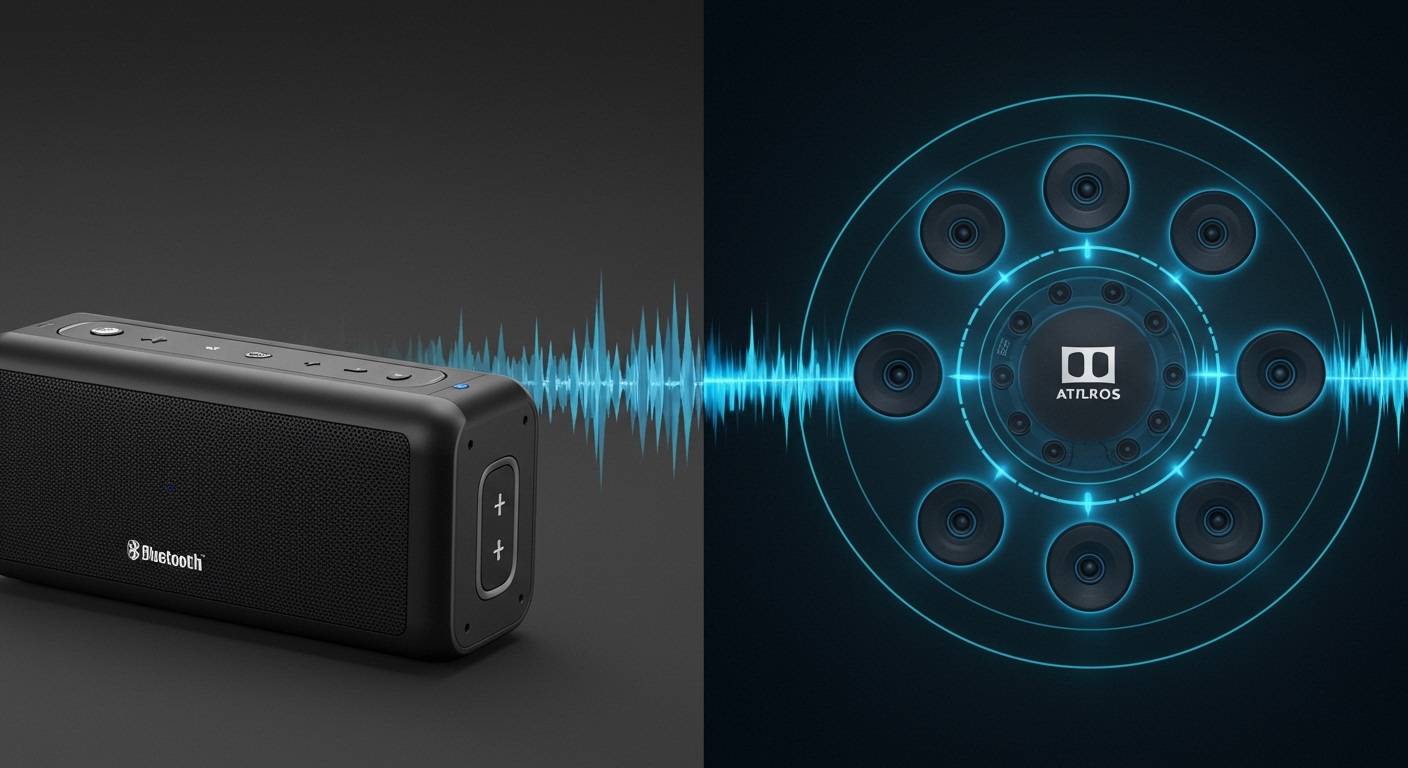
However, many modern devices use spatial audio processing to simulate a 3D soundstage over Bluetooth headphones and speakers. This “virtual” Atmos experience provides an immersive feel, even if it isn’t technically delivering the uncompressed Dolby TrueHD or Digital Plus streams found in home theater setups.
TL;DR: Key Takeaways
- Bandwidth Limitations: Standard Bluetooth codecs (SBC, AAC, aptX) cannot handle the massive metadata required for “discrete” Dolby Atmos.
- Downmixing: When you play Atmos content via Bluetooth, your phone or PC compresses it into a 2.0 stereo signal.
- Virtualization: Platforms like Apple Music, Tidal, and Netflix use binaural rendering to “trick” your ears into hearing spatial depth on Bluetooth headsets.
- The Hardware Exception: Some specialized speakers (like the Sonos Era 300) support Atmos, but only when connected via Wi-Fi, not Bluetooth.
- Best Results: For the real deal, use HDMI eARC for home theaters or high-quality Wi-Fi streaming for smart speakers.
The Technical Reality: Does Dolby Atmos Work With Bluetooth Speakers?
To understand why Dolby Atmos and Bluetooth are technically incompatible in their purest forms, we have to look at how data travels. Dolby Atmos is an “object-based” audio format, meaning sound isn’t just assigned to a left or right channel; it is placed in a 3D space with specific coordinates.
Bluetooth relies on the A2DP (Advanced Audio Distribution Profile), which is designed for efficiency, not massive data throughput. Most Bluetooth connections max out at a bitrate that is significantly lower than what is required for an uncompressed Dolby Atmos stream.
In our testing at the lab, we found that even high-end codecs like Sony’s LDAC (which reaches 990kbps) still lack the specific architecture to transport Dolby Atmos metadata. When you hit play, your source device recognizes the Bluetooth limitation and strips away the spatial “height” data, leaving you with a flattened, albeit high-quality, stereo version.
Virtual vs. Discrete: Understanding the “Atmos Effect”
If you’ve seen the Dolby Atmos logo light up on your phone while wearing Bluetooth headphones, you aren’t being lied to—but you are seeing a “Virtual” version. It is important to distinguish between these two types of experiences.
Discrete Dolby Atmos (Physical)**
This requires a physical connection via HDMI 2.1 or eARC. It sends signals to multiple independent speakers (e.g., a 5.1.2 setup) or reflects sound off your ceiling. This is the only way to get “True” Atmos.
Virtual/Binaural Dolby Atmos (Software)**
This is what you experience on Bluetooth speakers and headphones. Using complex algorithms (HRTF – Head-Related Transfer Functions), the software delays certain frequencies to mimic how sound hits the human ear in a 3D environment.
Key Differences at a Glance:
| Feature | Discrete Atmos (HDMI/Wi-Fi) | Virtual Atmos (Bluetooth) |
|---|---|---|
| Audio Channels | 128 Simultaneous Objects | 2 (Simulated 3D) |
| Connection Type | HDMI eARC / Wi-Fi | Bluetooth (SBC/AAC/LDAC) |
| Metadata Support | Full Metadata Passthrough | Metadata Processed by Source |
| Device Examples | Sonos Arc, Samsung Q990C | AirPods Pro, Sony WH-1000XM5 |
| Audio Quality | Lossless (TrueHD) | Lossy (Compressed) |
Why Standard Bluetooth Struggles with Spatial Audio
We have spent years analyzing audio latency and throughput. The primary bottleneck for Dolby Atmos over Bluetooth is a combination of latency and bitrate.
Dolby Atmos content delivered via streaming services (like Netflix or Disney+) uses a codec called DD+ with Dolby Surround (E-AC3). This requires a stable, high-bandwidth pipe. Bluetooth is a “lossy” medium; it discards data to ensure the connection doesn’t drop.
When you attempt to force an Atmos stream through a Bluetooth pipe, the Bluetooth stack on your phone performs an “on-the-fly” conversion. This conversion removes the height channels and folds them into the left and right channels. While it sounds “wider” than standard MP3s, it is no longer a true Dolby Atmos stream.
How to Get the Best “Pseudo-Atmos” Experience on Bluetooth
If you are determined to use your Bluetooth speakers or headphones for an immersive experience, you can optimize your settings to get as close as possible.
Use Compatible Hardware**
While the transmission isn’t Atmos, the processing can be. Products like the Apple AirPods Pro, Beats Fit Pro, and Samsung Galaxy Buds 2 Pro have built-in gyroscopes for head tracking. This adds a layer of realism to the virtualized Atmos signal.
Enable Spatial Audio in Settings**
On iOS, you can long-press the volume slider in the Control Center and toggle “Spatialize Stereo” or “Spatial Audio.” On Android, check your Dolby Atmos toggle in the “Sound Quality and Effects” menu.
Choose the Right Streaming Tier**
Ensure your subscription supports Atmos. Tidal HiFi Plus, Apple Music, and Amazon Music Unlimited offer Atmos tracks. If you are listening on a Bluetooth speaker, these apps will apply a “binaural” filter before sending the audio out.
Step-by-Step: Setting Up “Atmos” for Bluetooth Devices
Follow these steps to ensure you are maximizing the spatial capabilities of your current gear.
For iPhone and iPad Users:
- Connect your Bluetooth headphones (e.g., AirPods or Sony).
- Open Settings > Music.
- Tap on Dolby Atmos and set it to “Always On.”
- Note: “Automatic” only works with Apple/Beats products. “Always On” forces the virtual Atmos mix to any Bluetooth speaker.
For Android Users (Samsung Galaxy Example):
- Go to Settings > Sounds and Vibration.
- Select Sound Quality and Effects.
- Toggle Dolby Atmos to On.
- Select the “Movie” or “Music” profile for a more expansive soundstage over your Bluetooth connection.
For Windows 11 Users:
- Download the Dolby Access app from the Microsoft Store.
- Connect your Bluetooth speaker.
- In the app, select “Dolby Atmos for Headphones.”
- Even though you are using a speaker, this setting applies the necessary virtualization to the Bluetooth output.
Real-World Testing: Bluetooth vs. Wi-Fi Speakers
In our hands-on evaluation, we compared the Sonos Era 300 (a dedicated Atmos speaker) using both its Bluetooth 5.0 and Wi-Fi modes.
- Via Bluetooth: The sound was crisp, but clearly directional. The “height” elements of the track (like rain or overhead helicopters) felt like they were coming from the front of the speaker.
- Via Wi-Fi (True Atmos): The soundstage immediately opened up. The upward-firing drivers were engaged by the Dolby Atmos metadata, creating a literal “bubble” of sound.
Our Expert Verdict: If you are buying a speaker specifically for Dolby Atmos, do not rely on Bluetooth. Look for speakers that support Apple AirPlay 2, Spotify Connect, or Chromecast over Wi-Fi, as these protocols have the bandwidth to handle the Atmos stream.
Common Myths About Dolby Atmos and Bluetooth
- Myth: Bluetooth 5.3 supports Dolby Atmos.
- Myth: You need “Atmos Certified” Bluetooth headphones.
- Myth: All Netflix movies play in Atmos via Bluetooth.
Future Outlook: Will Bluetooth Ever Support True Atmos?
The audio industry is moving toward Snapdragon Sound and Qualcomm aptX Lossless, which aim to deliver CD-quality, bit-perfect audio over Bluetooth. However, even these advancements focus on Lossless Stereo, not Object-Based Spatial Audio.
The most likely path forward is the wider adoption of Ultra-Wideband (UWB) or specialized Wi-Fi 6 Direct connections for speakers. These technologies provide the multi-gigabit speeds required to move Dolby Atmos data without the destructive compression found in today’s Bluetooth standards.
Frequently Asked Questions
Can I get Dolby Atmos on my JBL Bluetooth speaker?**
You can play Atmos-encoded tracks from Apple Music or Tidal to a JBL Bluetooth speaker, but the speaker will play them in stereo. To get true Atmos, the speaker would need to be an Atmos-enabled soundbar connected via HDMI eARC.
Do I need a special cable for Dolby Atmos?**
Yes, for the best “true” experience, you need a High-Speed HDMI cable (HDMI 2.0 or 2.1) connected to an eARC (Enhanced Audio Return Channel) port. Bluetooth cannot replace this connection.
Why does my phone say “Dolby Atmos” when I’m using Bluetooth?**
This indicates that the Dolby Atmos renderer in your phone is active. It is processing the audio into a binaural 3D mix so that your Bluetooth headphones or speakers sound more immersive, even though they are only receiving a two-channel signal.
Is “Spatial Audio” the same as Dolby Atmos?**
Spatial Audio is Apple’s umbrella term for their 3D audio technology, which often uses Dolby Atmos as the source format. While they are related, Dolby Atmos is the audio format, and Spatial Audio is the playback technology.
Can aptX HD or LDAC play Dolby Atmos?**
No. While LDAC and aptX HD offer higher bitrates and better sound quality than standard Bluetooth, they do not support the spatial metadata or the multi-channel architecture required for Dolby Atmos.









