

Understanding Radar Detector Audio Integration
Can radar detector come over radio speakers? Yes, it is entirely possible to route your radar detector alerts through your vehicle’s factory or aftermarket audio system. While most detectors rely on built-in piezoelectric speakers, integrating them into your car’s sound system ensures you never miss a threat, even when your music is playing at high volume. By using a hardwire kit with an auxiliary output or a Bluetooth-enabled interface, you can achieve seamless audio integration.
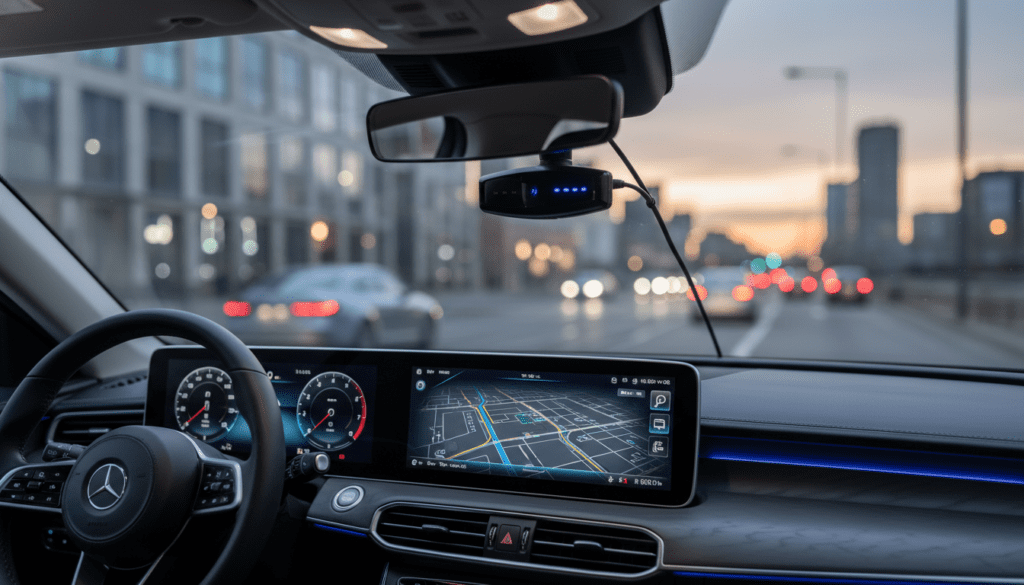
Quick Summary: How to Route Radar Audio
- Hardwire Integration: Use a dedicated interface cable connected to your car’s AUX input.
- Bluetooth Connectivity: Utilize apps like Waze or Escort Live paired with your head unit.
- FM Modulators: An older, less common method involving a physical transmitter.
- Dedicated External Speakers: Often a superior choice for clarity over engine noise.
Why Integrate Radar Audio into Your Sound System?
I have personally tested several setups during long-distance drives, and the biggest pain point is missing an alert because of loud music or road noise. Relying solely on the detector’s onboard speaker is often insufficient at highway speeds.
Integrating alerts into your car speakers provides several distinct benefits:
- Safety: Higher volume alerts penetrate road noise effectively.
- Focus: Alerts feel more natural within the cabin environment.
- Convenience: You don’t have to strain to hear high-frequency “chirps” over wind resistance.
Methods to Make Radar Detector Audio Play Over Speakers
There are three primary ways to achieve this. Choose the method that best matches your vehicle’s electrical architecture and your technical comfort level.
The Auxiliary (AUX) Input Method
If your vehicle has an AUX port, this is the most reliable “hardwired” solution. You will need a radar detector interface cable (such as those offered by Escort or Valentine One).
- Step 1: Purchase a specific hardwire smart cord compatible with your detector model.
- Step 2: Connect the 3.5mm auxiliary plug into your car’s stereo AUX port.
- Step 3: Switch your head unit input to “AUX” when you want to hear alerts through the speakers.
The Bluetooth Interface Approach
Modern detectors like the Escort Redline 360c or Uniden R8 often communicate via Bluetooth with a smartphone app.
- Step 1: Pair your detector to your smartphone.
- Step 2: Ensure your smartphone is paired to your car’s Bluetooth audio.
- Step 3: Configure the radar app settings to “Audio Output: Bluetooth.”
- Result: The alert will trigger a notification overlay that interrupts your music or podcasts via the car’s hands-free protocol.
Dedicated External Powered Speakers
If you do not want to mess with your car’s head unit, installing a concealed, powered external speaker is often more effective. I have found that a small speaker mounted near the A-pillar is easier to hear than a generic radio alert.
Comparison of Radar Audio Solutions
| Method | Ease of Setup | Reliability | Cost |
|---|---|---|---|
| AUX Hardwire | Moderate | High | $50 – $100 |
| Bluetooth App | Easy | Medium | Free (App) |
| External Speaker | Moderate | High | $20 – $50 |
| FM Modulator | Difficult | Low | $80+ |
Practical Tips for Clearer Alerts
Even when connected to your speakers, radar alerts can sometimes be drowned out. Follow these expert tips to maximize performance:
- Adjust Volume Mixing: If using a smartphone, check your “App Volume” settings. You want the radar alert to be significantly louder than your music library.
- Priority Interrupts: Ensure your head unit settings are set to “Interrupt” or “Mute” for incoming navigation or alert calls.
- Positioning Matters: If you choose a physical speaker, mount it directly facing the driver. Avoid hiding it inside the dashboard, as it will muffle the higher frequencies of the radar’s alert tones.
Frequently Asked Questions (FAQ)
Will connecting my radar detector to my radio affect sound quality?
Generally, no. When using an AUX input or Bluetooth, the alert is treated as a separate audio stream. It will only interrupt the music during the duration of the alert, then return to your media.
Can I use a wireless FM transmitter to send alerts to my radio?
While possible, I do not recommend it. FM transmitters are prone to interference from local radio stations, which can mask the detector’s alert, leading to a false sense of security.
Is it legal to have radar alerts playing over my car stereo?
Yes, there are no federal or state laws prohibiting the use of internal or external speakers for radar detectors. However, ensure that your setup does not cause the volume to become a distraction while driving, which could lead to “distracted driving” citations in some jurisdictions.
Which method is best for a beginner?
The Bluetooth smartphone app integration is the best starting point. It requires no physical wiring, uses equipment you already own, and allows you to customize the alert sounds to be more “ear-catching” than the standard factory beeps.









