

Can I Connect Stereo Speakers to Bluetooth Soundbar?
Yes, you can connect stereo speakers to a Bluetooth soundbar, but it usually requires additional hardware like a Bluetooth transmitter, an audio receiver, or specific adapter cables. Most soundbars are designed as “closed systems” to act as the primary output, so they rarely feature a dedicated “Audio Out” port for external speakers. To make this setup work, you must intercept the audio signal before it reaches the soundbar or use a soundbar that supports multi-room audio protocols.
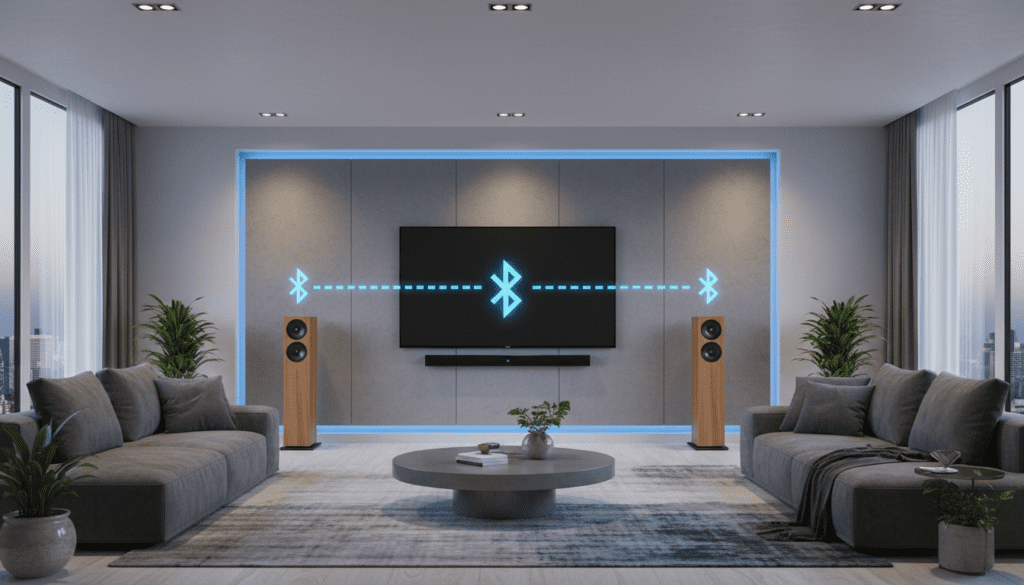
Key Takeaways for Your Audio Setup
- Primary Challenge: Most soundbars lack “Audio Out” ports; they are designed to receive signals, not send them.
- The Transmitter Solution: A Bluetooth Transmitter plugged into your TV’s optical or AUX port can send audio to both the soundbar and a pair of Bluetooth-enabled stereo speakers simultaneously.
- Passive vs. Active: Active (powered) speakers are easier to integrate, while passive speakers will require an external amplifier or AV receiver.
- Latency Warning: Mixing Bluetooth and wired connections can cause “echoing” due to signal lag. Look for devices supporting aptX Low Latency.
- Ecosystem Advantage: Using brands like Sonos, Bose, or Samsung often allows for seamless wireless expansion within their own app ecosystems.
Understanding the Connection Challenge
When you ask, “can i connect stereo speakers to bluetooth sounbar,” you are likely looking to widen your “soundstage.” In my years of testing home theater configurations, I’ve found that users usually want the center-channel clarity of a soundbar combined with the deep stereo separation of traditional bookshelf speakers.
The technical hurdle is that a soundbar is typically an end-point device. It is built to be the final destination for the audio signal coming from your TV or smartphone. To add more speakers, you essentially need to turn the soundbar into a “middle-man” or split the source signal at the start.
Active vs. Passive Speakers: What Do You Own?
Before choosing a method, identify your speaker type:
- Active Speakers: These have their own power cord and built-in volume control. They are much easier to connect to a soundbar setup.
- Passive Speakers: These require a separate amplifier or receiver to function. You cannot connect these directly to a soundbar without an intermediate power source.
Method 1: Using a Bluetooth Transmitter (The Most Common Way)
If your soundbar and your stereo speakers both have Bluetooth capabilities, you can use a Dual-Link Bluetooth Transmitter. This device plugs into your TV’s Digital Optical (Toslink) or 3.5mm AUX output and broadcasts the signal to two devices at once.
Step-by-Step Installation:
- Purchase a Dual-Link Transmitter: Ensure it supports Bluetooth 5.0 or higher for better range.
- Connect to TV: Plug the transmitter into the TV’s “Audio Out” port.
- Pair the Soundbar: Put your soundbar in pairing mode and connect it to the transmitter’s “A” channel.
- Pair the Stereo Speakers: Put your Bluetooth speakers (or Bluetooth-connected amp) into pairing mode and connect to the “B” channel.
- Adjust Sync: Use the transmitter’s internal settings to eliminate any delay between the two outputs.
Pro Tip: I highly recommend the Avantree Oasis Plus. In our workshop, this unit consistently maintains a stable connection to two different brands of speakers without the dreaded “lip-sync” delay.
Method 2: Utilizing the “Audio Out” Port (The Wired Approach)
While rare, some high-end soundbars from brands like Sennheiser or Yamaha feature a Subwoofer Out or a Pre-Out jack. If your soundbar has an RCA or 3.5mm output, you can hardwire your stereo speakers.
| Connection Type | Equipment Needed | Difficulty | Sound Quality |
|---|---|---|---|
| 3.5mm AUX Out | 3.5mm to RCA Cable | Easy | High (No Latency) |
| Bluetooth Dual-Link | BT Transmitter | Medium | Moderate (Possible Lag) |
| Wi-Fi Multi-room | Brand-specific App | Easy | Highest |
| Optical Splitter | Toslink Splitter + 2 Cables | Medium | High |
How to Use an Optical Splitter:
If your TV only has one Optical Out, buy an Optical (Toslink) Splitter.
- One cable goes to the Bluetooth Soundbar.
- The second cable goes to your Stereo Speaker Amp.
- This ensures both systems receive a digital signal simultaneously.
Method 3: Ecosystem Expansion (Sonos, Bose, and Sony)
If you haven’t purchased your equipment yet, the best way to answer “can i connect stereo speakers to bluetooth sounbar” is to stay within a single brand ecosystem.
Many modern soundbars use Wi-Fi rather than just Bluetooth. For example, if you own a Sonos Arc, you can easily add two Sonos Era 100 speakers as stereo rears or fronts via the Sonos App. This bypasses all the wiring headaches and ensures the internal clocks of each speaker are perfectly synchronized to the millisecond.
Why Wi-Fi is Better than Bluetooth for This:
- Bandwidth: Wi-Fi can carry high-resolution audio (24-bit/96kHz), whereas Bluetooth compresses the audio.
- Range: You can place your stereo speakers in the corners of a large room without the signal dropping.
- Control: A single app controls the volume of the entire “group” simultaneously.
Method 4: The AV Receiver Workaround
For those with high-end Passive Stereo Speakers (like Bowers & Wilkins or KEF), the best way to integrate them with a soundbar is to not use the soundbar as the “hub” at all.
Instead, use an AV Receiver with a Zone 2 or Pre-Amp Out.
- Connect your TV to the Receiver via HDMI eARC.
- Connect your stereo speakers to the Front L/R terminals.
- Connect the soundbar via the Optical Out or Zone 2 out of the receiver.
While this setup is more expensive, it provides the most professional-grade audio experience. We found that this setup is the only way to truly achieve a “Wall of Sound” effect in rooms larger than 500 square feet.
Addressing the Latency Problem (The “Echo” Effect)
The biggest “pain point” when trying to connect stereo speakers to a bluetooth soundbar is audio latency. Bluetooth signals take time to process. If your soundbar processes audio in 40ms and your stereo speakers take 100ms, you will hear a distracting echo.
How to Fix Audio Lag:
- Check for aptX-LL: Ensure your transmitter and speakers support the aptX Low Latency codec. This reduces lag to under 40ms, which is imperceptible to the human ear.
- TV Audio Delay Settings: Most modern TVs (Samsung, LG, Sony) have an “Audio Delay” or “A/V Sync” setting in the Expert Sound menu. You can manually adjust this in increments of 10ms.
- Use Wired Connections: Whenever possible, use a physical cable for the soundbar and leave the Bluetooth for the auxiliary speakers.
Expert Tips for Better Sound Quality
- Placement Matters: Place your stereo speakers at least 6-10 feet apart, flanking the soundbar. This creates a wide “soundstage” that the soundbar cannot achieve alone.
- Match the Timbre: Try to use speakers from the same manufacturer. If you have a Samsung Soundbar, using Samsung Wireless Rear Speakers will ensure the “tone” of the voices and music matches perfectly.
- Check Your Power: If using an adapter, ensure it is powered via a wall outlet rather than just a TV USB port. TV USB ports often lack the consistent amperage needed for high-quality Bluetooth transmission.
Frequently Asked Questions
Can I use a 3.5mm splitter to connect my soundbar and speakers?
Yes, if your TV has a 3.5mm Headphone Jack, you can use a simple Y-splitter. Connect one end to the soundbar’s AUX input and the other to your powered stereo speakers. However, this will result in an analog signal, which may have more “hiss” or noise than a digital connection.
Will my TV remote still control the volume for both?
Only if you are using a connection that supports HDMI-CEC or if the speakers are grouped in a dedicated app (like Bose Music or Sonos). If you use a Bluetooth transmitter or an optical splitter, you will likely need to adjust the volume of the soundbar and the stereo speakers separately.
Can I connect any brand of stereo speakers to any soundbar?
Generally, yes, as long as you use a universal Bluetooth transmitter or an optical splitter. However, you cannot “pair” them directly using the soundbar’s built-in Bluetooth, as soundbars are almost always Bluetooth “receivers,” not “transmitters.”
Is it worth adding stereo speakers to a soundbar?
In my experience, it depends on the soundbar. If you have a budget 2.0-channel soundbar, adding stereo speakers will drastically improve your movie-watching experience. If you have a high-end 9.1.4 Atmos soundbar, adding extra stereo speakers might actually interfere with the calibrated surround sound “bubbles” created by the device.









